Why Is My Nanoleaf Essentials Bulb Not Pairing With Thread
- Thread border router offline
- Bulb not reset
- Firmware outdated
Problem Description
Thread pairing can fail if the border router is offline or the bulb needs a reset. This guide restores pairing and connectivity.
Why This Happens in Real Homes
Thread pairing can fail if the border router is offline or the bulb needs a reset. This guide restores pairing and connectivity. In day-to-day use, this usually looks like Matter pairing fails; Home app cannot find bulb; Bulb flashes during setup.
Most cases trace back to Thread border router offline; Bulb not reset; Firmware outdated. The fix works best when you go step by step instead of changing multiple settings at once.
A practical order for this issue is: Check Border Router -> Reset the Bulb -> Update Firmware -> Pair Nearby. After each step, test the exact behavior that was failing so you can confirm what actually solved it.
Symptoms
- Matter pairing fails
- Home app cannot find bulb
- Bulb flashes during setup
- Thread border router online
- Bluetooth enabled
- Bulb previously paired
Recognize these? Here's what usually causes it.
Common Causes
- Thread border router offline
- Bulb not reset
- Firmware outdated
- Bluetooth permissions blocked
- Phone too far from bulb
- Home hub not updated
Most fixes happen in the first 3 steps.
Avoid pairing while the border router is rebooting or updating.
Tools & Requirements
Step-by-Step Solution
Verify Your Thread Border Router
Nanoleaf Essentials bulbs connect via Thread, not WiFi. You need a Thread border router on your network — Apple HomePod mini, HomePod 2nd gen, Apple TV 4K (2nd gen or later), or a compatible Matter/Thread hub. Open the Home app on your iPhone and go to Home Settings > Home Hubs & Bridges — confirm your border router shows as Connected. Without an active border router, Thread devices cannot be discovered.
Factory Reset the Bulb
Turn the Nanoleaf Essentials bulb off and on using the wall switch 5 times in quick succession (1 second on, 1 second off). After the 5th cycle, the bulb will flash rapidly to confirm the reset. This clears any previous Thread network credentials, making the bulb discoverable again. If the bulb does not flash after 5 cycles, try 6 or 7 — the exact count varies slightly between hardware revisions.
Update the Nanoleaf App
Open the App Store or Google Play and install the latest Nanoleaf app update. If pairing through Apple Home, also make sure your iPhone is running the latest iOS version. Thread/Matter pairing protocols are actively updated, and older software versions may fail during the commissioning handshake.
Pair with Phone Close to the Bulb
During Thread pairing, hold your phone within 3 feet of the bulb. Thread uses Bluetooth for initial commissioning before switching to the Thread mesh network. If your phone is too far from the bulb, the Bluetooth handshake fails and pairing times out. Make sure Bluetooth is enabled on your phone and no other Bluetooth pairing dialogs are open.
Retry Pairing via Apple Home or Nanoleaf App
In the Apple Home app, tap the plus icon > Add Accessory and scan the HomeKit/Matter code on the bulb or its packaging. Alternatively, in the Nanoleaf app, tap Devices > Add Device and follow the prompts. If the code scan fails, try entering the 8-digit setup code manually. If pairing still fails, check if another Apple Home member already added the bulb to a different home — it must be removed from the previous home first.
Quick Solutions
Still having issues? This is usually the deeper cause below.
If pairing fails after multiple attempts, the device may still be registered to a previous account — factory-reset it before trying to add it to a new one.
Keep the bulb powered on during pairing to avoid resets.
Pairing failures almost always come down to distance during the initial handshake — manufacturers seriously understate how close you actually need to be.
- Thread border router offline
- Bulb not reset
- Firmware outdated
- Bluetooth permissions blocked
- Phone too far from bulb
Before you go — try one of these (they fix most cases).
Most popular upgrades chosen by Nanoleaf Essentials Bulb owners.

Nanoleaf Lines LED Wall Lights, RGBW Smart Geometry Wall ...

Nanoleaf Essentials LED Rope Light, Smart Neon Rope Light...
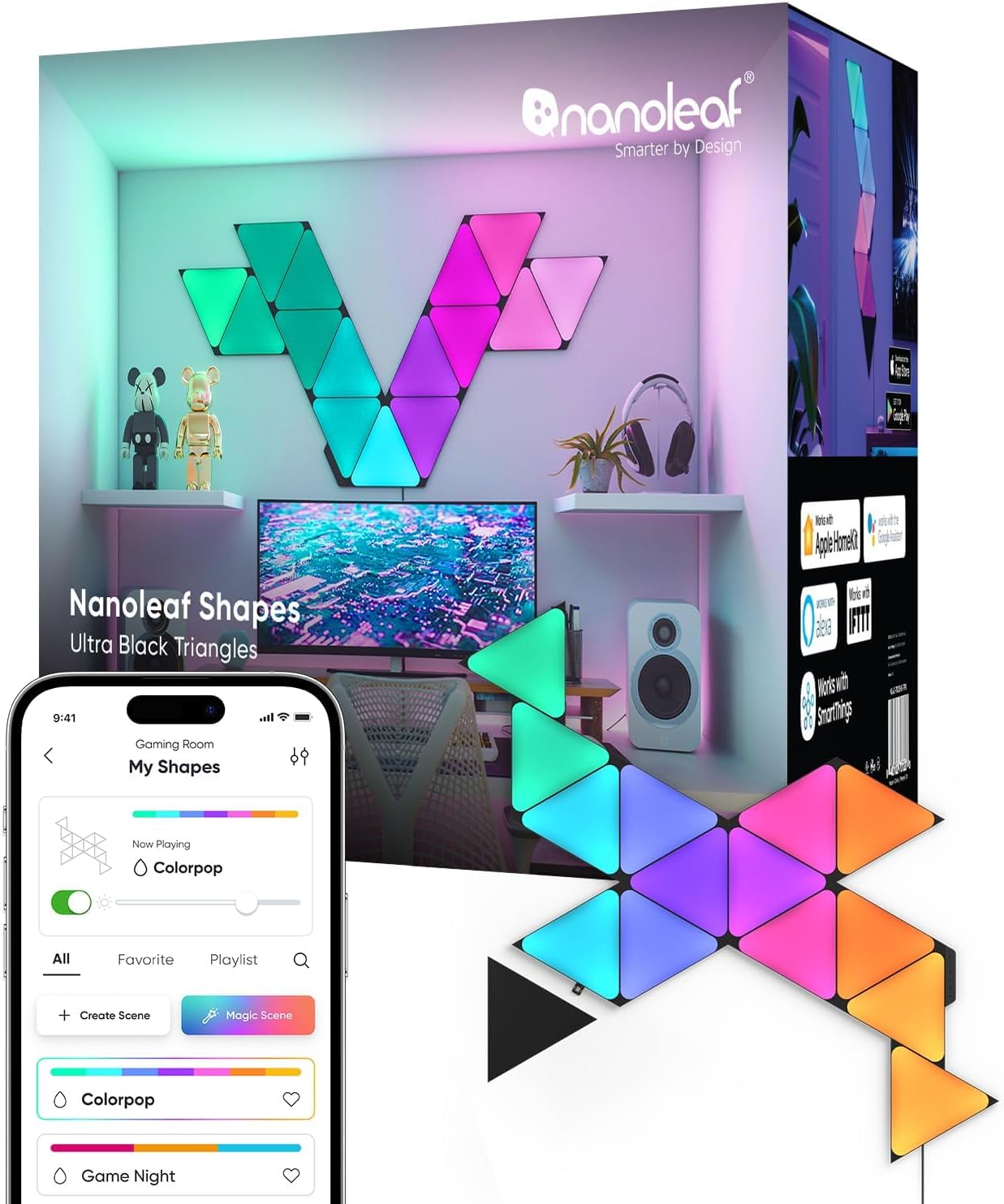
Nanoleaf Shapes WiFi and Thread Smart RGBW 16M+ Color LED...
As an Amazon Associate we earn from qualifying purchases.
Official Manufacturer Manual
Nanoleaf provides official product documentation through their online manual rather than downloadable PDF. Access setup guides, troubleshooting steps, and product specifications for your Nanoleaf Essentials Bulb.
Source: nanoleaf.me
Need More Help? Nanoleaf Support
Note: The contact information below connects you directly to Nanoleaf's official customer support team, not Trunetto. They can help with warranty claims, device replacements, and advanced technical issues.
How Does Nanoleaf Compare?
Before replacing your Nanoleaf device, see how it stacks up against alternatives in our full comparison guides.