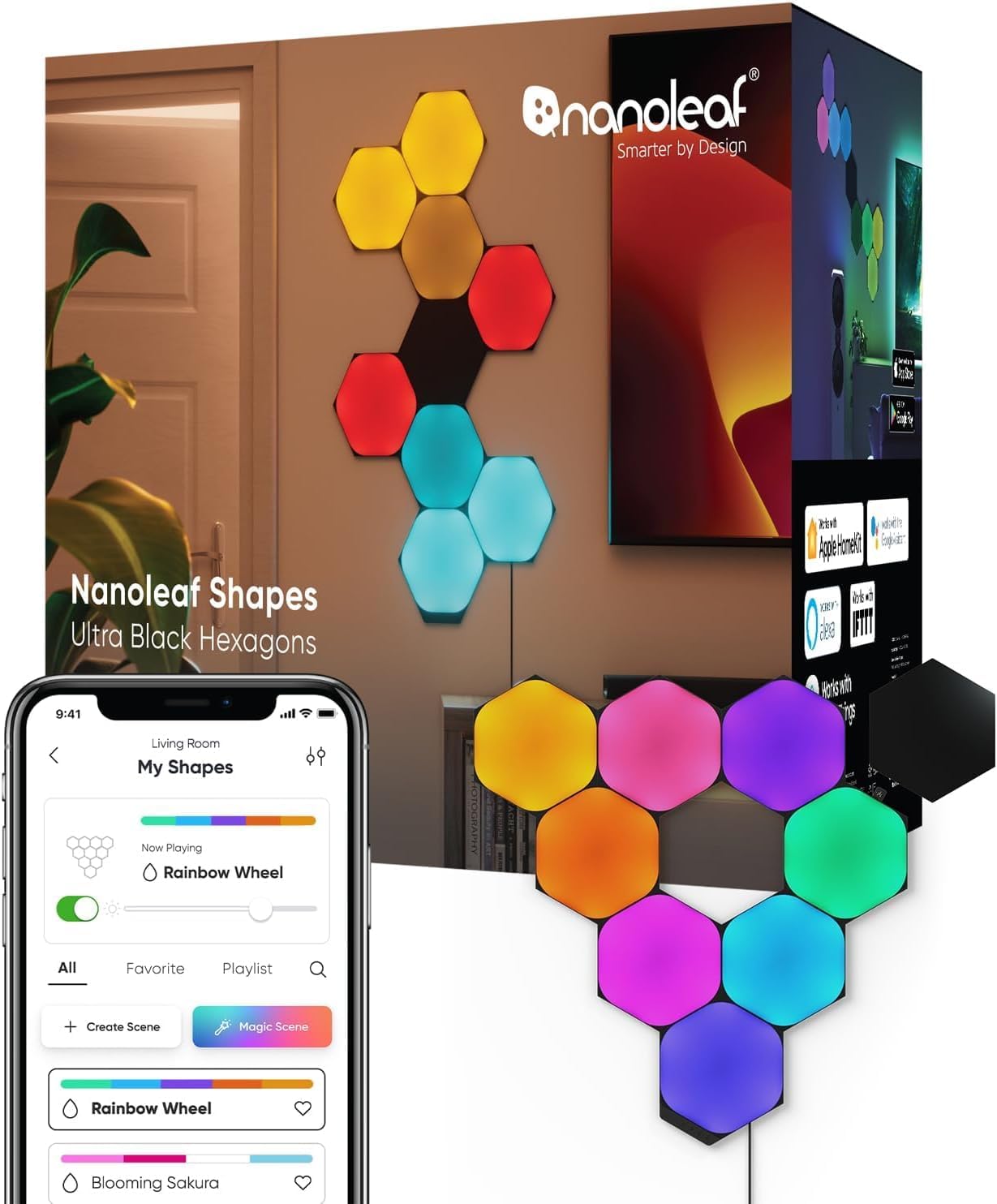
Why Does My Nanoleaf Shapes Hexagon Power Connector Keep Burning Out or Failing
- Too many panels for single power supply
- Loose connector creating resistance heat
- Power supply voltage incorrect
Problem Description
Your Nanoleaf Shapes Hexagon power connector or controller fails repeatedly, showing burn marks, melting, or simply stopping to work. You may have already replaced the controller once and it happened again. The panels themselves seem fine but the power connection point fails.
Why This Happens in Real Homes
Your Nanoleaf Shapes Hexagon power connector or controller fails repeatedly, showing burn marks, melting, or simply stopping to work. You may have already replaced the controller once and it happened again. The panels themselves seem fine but the power connect.. In real usage this appears as Power connector shows burn marks or melting, Controller stopped working suddenly, and Replaced controller and same thing happened
The pattern in this case points to Too many panels for single power supply, Loose connector creating resistance heat, and Power supply voltage incorrect. The repair usually holds when done in order: Verify Panel Count vs Power Capacity, then Inspect All Connections, then Add Secondary Power Input. After applying the fix, validate behavior with repeated command tests and at least one full automation cycle to confirm stability.
Symptoms
- Power connector shows burn marks or melting
- Controller stopped working suddenly
- Replaced controller and same thing happened
- Smell of burning plastic from controller
- Panels flickered before connector failed
- Only some panels power on after failure
Recognize these? Here's what usually causes it.
Common Causes
- Too many panels for single power supply
- Loose connector creating resistance heat
- Power supply voltage incorrect
- Damaged linker creating hot spot
- Layout creating uneven power distribution
- Using non-Nanoleaf power supply
Most fixes happen in the first 3 steps.
If you see any burn marks, discoloration, or smell burning plastic, immediately unplug the system. Do not continue using a damaged controller or linker as this is a fire hazard. Contact Nanoleaf support.
Tools & Requirements
These tools will help you complete this fix.
As an Amazon Associate we earn from qualifying purchases.
Step-by-Step Solution
Verify Panel Count vs Power Capacity
Each Nanoleaf controller and power supply supports a maximum panel count. For Shapes Hexagons, standard PSU supports up to 21 panels. If you exceed this, the power connection overheats. Count your panels and check against the rated capacity on your power supply. Remove panels if over limit.

Needed for this step
Klein Tools 80196 Digital Multimeter Kit with C...
This helps complete the fix you are currently reading.
$46.15Inspect All Connections
Remove and reseat every linker connection in your layout. A loose connection creates electrical resistance which generates heat. Connections should click firmly into place. Inspect each linker for burn marks, discoloration, or melted plastic and replace any damaged ones.
Add Secondary Power Input
Large layouts should have power supplied from multiple points. Nanoleaf sells flex linkers and extension cables to add a second power supply to the other end of your layout. This distributes the electrical load and prevents any single connection from carrying too much current.
Use Only Official Power Supplies
Third-party power supplies may have incorrect voltage or insufficient current capacity. Always use the power supply included with your Nanoleaf set or official Nanoleaf replacement parts. Using a power supply with slightly wrong specs can cause overheating over time.
Redesign Layout for Even Distribution
Long chain layouts concentrate power flow through early connections. Redesign your layout so power reaches all panels through shorter paths. A more compact or branching layout distributes current more evenly than a single long chain.
Quick Solutions
Still having issues? This is usually the deeper cause below.
If drain continues after replacing batteries, check the event history — a stuck-open sensor or rapid polling loop burns through batteries in days.
If you frequently max out panel counts, consider getting the higher-capacity 75W power supply designed for larger Shapes installations.
Battery-related failures are almost always flagged too late — the device degrades silently for days before the app catches up to what's actually happening.
- Too many panels for single power supply
- Loose connector creating resistance heat
- Power supply voltage incorrect
- Damaged linker creating hot spot
- Layout creating uneven power distribution
Before you go — try one of these (they fix most cases).
Most popular upgrades chosen by Nanoleaf Shapes Hexagons owners.

Nanoleaf Lines LED Wall Lights, RGBW Smart Geometry Wall ...

Nanoleaf Essentials LED Rope Light, Smart Neon Rope Light...
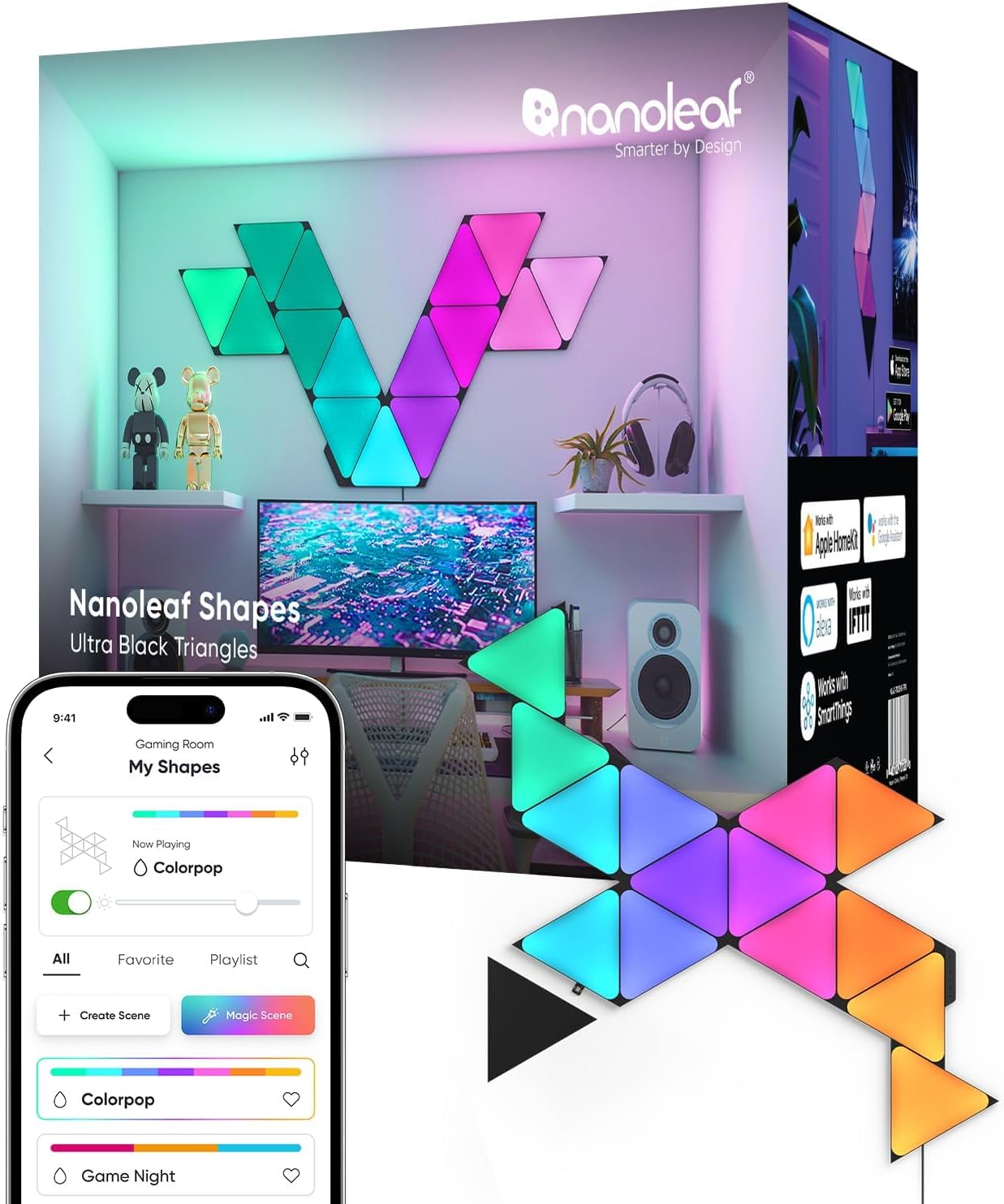
Nanoleaf Shapes WiFi and Thread Smart RGBW 16M+ Color LED...
As an Amazon Associate we earn from qualifying purchases.
Official Manufacturer Manual
Nanoleaf provides official product documentation through their online manual rather than downloadable PDF. Access setup guides, troubleshooting steps, and product specifications for your Nanoleaf Shapes Hexagons.
Source: nanoleaf.me
Need More Help? Nanoleaf Support
Note: The contact information below connects you directly to Nanoleaf's official customer support team, not Trunetto. They can help with warranty claims, device replacements, and advanced technical issues.
How Does Nanoleaf Compare?
Before replacing your Nanoleaf device, see how it stacks up against alternatives in our full comparison guides.