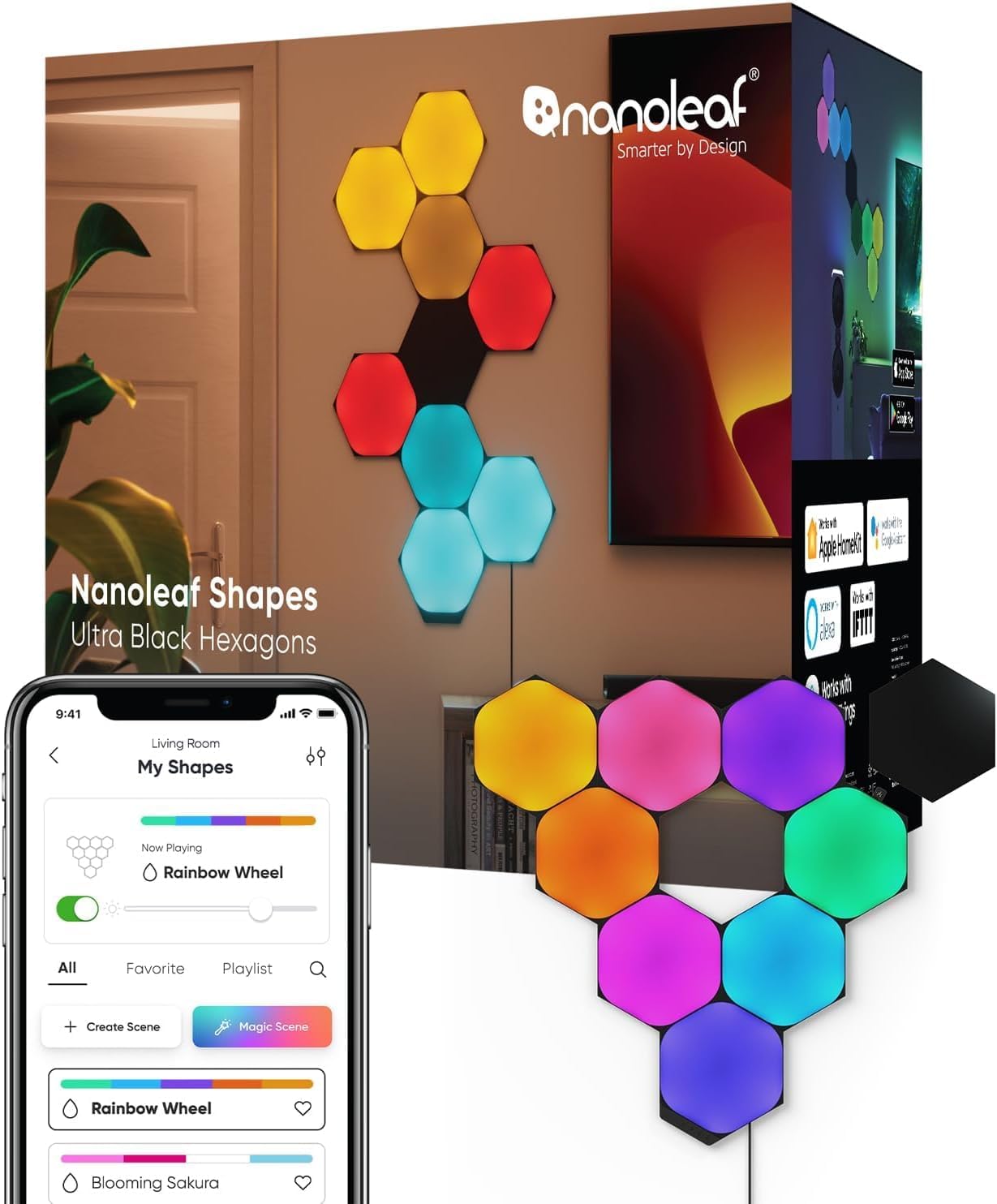
Nanoleaf Shapes Not Responding After Matter Upgrade
- Matter commissioning incomplete/dropped
- Firmware update disrupted control
- No/offline Thread border router
Problem Description
Your Nanoleaf Shapes panels stop responding to controls after enabling Matter support in the Nanoleaf app. Panels may show solid colors or become completely unresponsive to app commands and automations.
Why This Happens in Real Homes
When Nanoleaf Shapes stop responding after a Matter upgrade, the transition usually didn't complete cleanly — Matter commissioning dropped, the firmware update disrupted the control path, or a Thread border router the panels now rely on is offline. The panels are fine; their connection to your smart-home platform broke.
Make sure a Thread border router and your Matter controller are online, then re-commission the panels to Matter and confirm the controller is reconnected to WiFi/Thread. Install the latest firmware, since Nanoleaf follows a problematic Matter build with fixes, and restart both the controller and the border router. Enable multicast/mDNS on the router so the panels are discoverable again.
Symptoms
- Shapes unresponsive after a Matter upgrade
- Lost control post-Matter
- Won't respond in the app/ecosystem
- Panels stuck after enabling Matter
- Missing from the Matter controller
- Worked before the upgrade
- Intermittent since Matter
- Needs re-commissioning
Recognize these? Here's what usually causes it.
Common Causes
- Matter commissioning incomplete/dropped
- Firmware update disrupted control
- No/offline Thread border router
- Controller lost its network link
- Ecosystem/controller offline
- Multiple fabrics conflict
- Firmware needs a follow-up update
- Router blocking multicast
Most fixes happen in the first 3 steps.
Do not factory reset Nanoleaf panels during Matter troubleshooting as this removes all scenes and custom configurations without solving Matter issues.
Step-by-Step Solution
Power Cycle Nanoleaf Panels
Unplug the Nanoleaf controller from power for 30 seconds then plug back in. Wait 2-3 minutes for panels to fully boot and reconnect to your network. This often resolves post-Matter update issues.
Complete Matter Setup Process
Open Nanoleaf app and go to Settings > Matter. If setup shows incomplete follow all prompts to finish Matter enablement. Generate pairing code and add to your preferred Matter platform within 10 minutes.
Update Nanoleaf Firmware
In Nanoleaf app check Device Settings > Firmware and install any available updates. Matter support requires latest firmware versions and updates often fix compatibility issues with Thread networking.
Reset Thread Network Connection
Go to Nanoleaf app > Settings > Network and toggle Thread off then on. Wait 30 seconds between changes. This rebuilds the Thread mesh connection which can become corrupted during Matter enablement.
Test Basic Controls and Scenes
Try turning panels on/off changing colors and running a scene in the Nanoleaf app first. Then test control from Matter platforms. If Nanoleaf app doesn't work the issue is local not Matter-related.
Quick Solutions
Still having issues? This is usually the deeper cause below.
If this comes back after following these steps, check whether a recent app or firmware update reset a default setting — the fix works, but the setting gets reverted silently.
Nanoleaf Matter support requires Thread networking which can conflict with existing WiFi connections during the transition period.
This issue almost always looks more complex than it is — the majority of cases trace back to a single setting, a stale credential, or a default that shipped wrong.
- Matter commissioning incomplete/dropped
- Firmware update disrupted control
- No/offline Thread border router
- Controller lost its network link
- Ecosystem/controller offline
Before you go — try one of these (they fix most cases).
Most popular upgrades chosen by Nanoleaf Shapes owners.
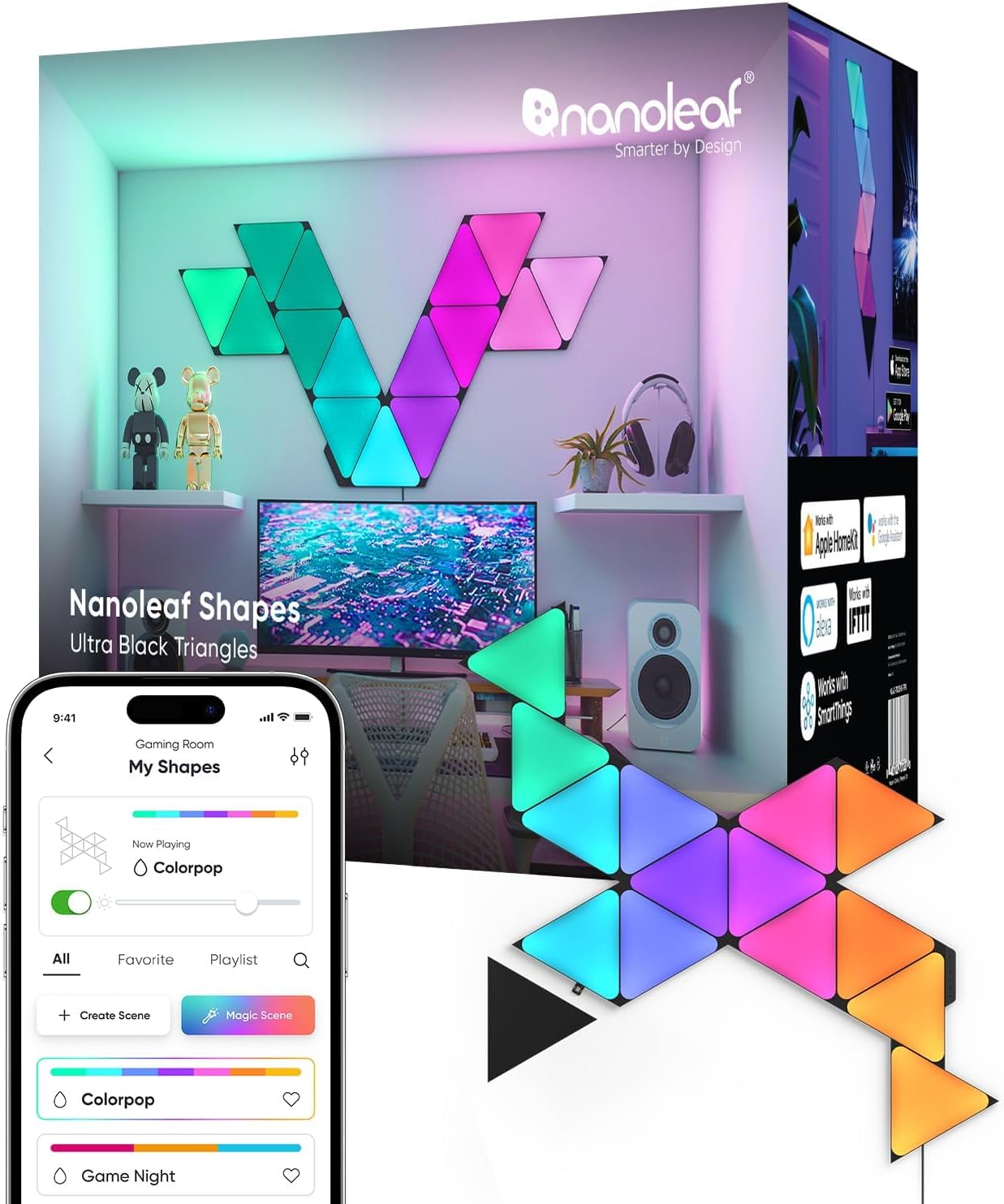
Nanoleaf Shapes WiFi and Thread Smart RGBW 16M+ Color LED...
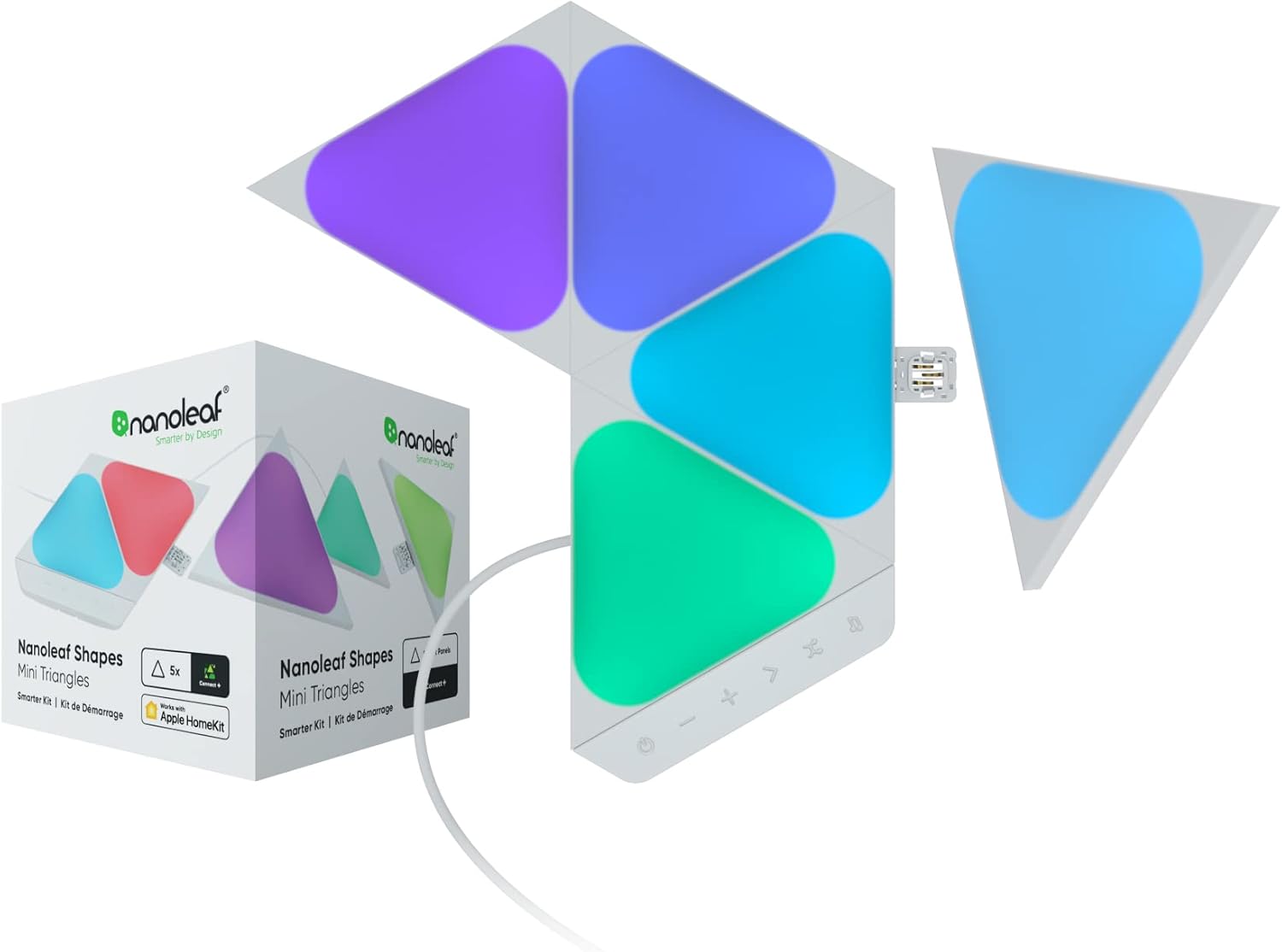
Nanoleaf Shapes WiFi and Thread Smart RGBW 16M+ Color LED...
As an Amazon Associate we earn from qualifying purchases.
Official Manufacturer Manual
Nanoleaf provides official product documentation through their online manual rather than downloadable PDF. Access setup guides, troubleshooting steps, and product specifications for your Nanoleaf Shapes.
Source: nanoleaf.me
Need More Help? Nanoleaf Support
Note: The contact information below connects you directly to Nanoleaf's official customer support team, not Trunetto. They can help with warranty claims, device replacements, and advanced technical issues.
How Does Nanoleaf Compare?
Before replacing your Nanoleaf device, see how it stacks up against alternatives in our full comparison guides.
Accessories owners commonly pair with Nanoleaf Shapes.

Amazon Smart Plug, Works with Alexa, Simple Setup, Endles...

Ring Rechargeable Quick Release Battery Pack

Kasa Smart Plug HS103P2, Smart Home Wi-Fi Outlet Works wi...
As an Amazon Associate we earn from qualifying purchases.