

What Do Kwikset Smart Lock Error Beeps Mean and How Do I Fix Them?
- Deadbolt jammed preventing full extension or retraction
- User code limit reached and no more codes can be added
- Invalid master code entered during programming
Problem Description
Your Kwikset smart lock is making error beeps or showing LED patterns that indicate a problem. Kwikset locks use different numbers of beeps and LED colors to communicate status such as successful lock and unlock, low battery, jammed bolt, invalid code, and programming confirmations. Understanding these error codes is critical because a malfunctioning lock compromises your home security. The lock may appear to lock but the bolt may not be fully extended or the lock may be draining batteries rapidly due to repeated jam attempts.
Why This Happens in Real Homes
The 10-beep low battery warning catches many users off guard because the lock still physically works — it locks and unlocks normally, then beeps 10 times afterward. People assume the beeps mean a programming error or malfunction because the guide originally only documented 10 beeps in the programming context. In reality, 10 beeps after a successful lock or unlock operation is Kwikset''s low battery alert, triggered approximately 4 to 6 weeks before the batteries die completely. Replacing the batteries immediately stops the beeping. If the batteries drain again within a few weeks, the underlying cause is almost always bolt-to-strike-plate friction — the motor strains to overcome the resistance, drawing excess current and killing fresh batteries in weeks instead of months. Adjusting the strike plate so the bolt slides in freely fixes the root cause.
Symptoms
- Kwikset lock making 5 rapid beeps indicating an error
- Lock motor running then beeping without completing
- Red LED on keypad after entering a code
- Lock beeping periodically without user interaction
- 10 rapid beeps when trying to program a new code
- Lock making a grinding noise followed by error beeps
- 10 beeps after every lock or unlock cycle during normal use, not in programming mode
- Lock successfully locks or unlocks but then beeps 10 times with red LED flashes
Recognize these? Here's what usually causes it.
Common Causes
- Deadbolt jammed preventing full extension or retraction
- User code limit reached and no more codes can be added
- Invalid master code entered during programming
- Battery too low to operate the lock motor reliably
- Lock handedness not set correctly for the door orientation
- Door hinge or frame shifted causing bolt misalignment
- Low battery triggering 10-beep warning after each lock or unlock cycle even though the motor still functions
- Bolt binding under load from misaligned strike plate draining batteries faster and triggering low battery beeps
Most fixes happen in the first 3 steps.
After 5 incorrect code entries Kwikset locks enter a 60-second lockout. The keypad will not respond during this time. This is a security feature to prevent brute force code guessing. Wait for the full 60 seconds before trying again. Repeated lockouts may indicate someone is trying to guess your code.
Tools & Requirements
These tools will help you complete this fix.

4 AA alkaline batteries
Duracell Coppertop Double AA Batteries with Power Bo...

Graphite lock lubricant
Hillman 703185 Graphite Tube 3G, White Key Lock Lubr...

Screwdriver for strike plate adjustment
STREBITO 155 in 1 Electric Screwdriver Set, Small El...
As an Amazon Associate we earn from qualifying purchases.
Step-by-Step Solution
One Beep — Successful Operation
A single beep confirms the lock accepted your command. One beep with a green LED means unlocked. One beep with an amber LED means locked. This is normal operation. No action needed.
Needed for this step
Hillman 703185 Graphite Tube 3G, White Key Lock...
This helps complete the fix you are currently reading.
$5.97Three Beeps — Invalid Code
Three beeps with a red LED flash means the code you entered is not valid. Check that you are entering the correct code. On Kwikset locks with a touchscreen enter the code then press the lock button. On keypads press the code then press the checkmark. If your code was working before and now fails the code may have been deleted or the lock may have been reset. Try the master code. If the master code also fails a factory reset may be needed.
Five Beeps — System Error or Jam
Five rapid beeps indicate a system error. The most common cause is a bolt jam where the motor tried to extend or retract the bolt but encountered resistance. Open the door and test the bolt by turning the thumbturn manually. If it is stiff lubricate with graphite spray. If it moves freely the issue is strike plate alignment. With the door closed the bolt must slide into the strike plate opening without resistance. Adjust the plate if needed.
Needed for this step
STREBITO 155 in 1 Electric Screwdriver Set, Sma...
This helps complete the fix you are currently reading.
$45.99Ten Beeps During Programming — Programming Error
Ten rapid beeps while you are actively programming the lock means the operation failed. Common causes include entering an invalid master code, trying to add more user codes than the lock supports (typically 16 to 30 depending on model), or not completing the programming sequence within the timeout window. Start the programming process over. Enter the master code first then follow the specific steps for your model. Complete all steps within 10 seconds of each other.
Ten Beeps After Locking or Unlocking — Low Battery Warning
If the lock successfully locks or unlocks but then beeps 10 times with red LED flashes, this is the low battery warning — not a programming error. The motor still has enough power to cycle the bolt but the batteries are critically low. Replace all 4 AA batteries with fresh Duracell or Energizer alkaline batteries immediately. Do not use rechargeable or lithium batteries unless your model specifically supports them. After replacement test 5 lock and unlock cycles to confirm the beeps are gone. If 10 beeps return within a few weeks of fresh batteries the motor is working harder than it should — check that the bolt extends smoothly into the strike plate with no resistance when the door is closed. A bolt that binds under load drains batteries fast because the motor draws more current to force the bolt through.
Needed for this step
Duracell Coppertop Double AA Batteries with Pow...
This helps complete the fix you are currently reading.
$6.96Continuous Beeping — Critical Low Battery
If the lock beeps continuously or every few seconds the battery is critically low and may not have enough power to operate the motor. Replace all 4 AA batteries immediately with fresh alkaline batteries. Do not use rechargeable batteries as they provide lower voltage that can cause erratic lock behavior. After replacement test the lock 5 times to confirm normal operation. If the lock does not respond to the new batteries hold the program button for 30 seconds to reset the electronics.
Quick Solutions
Still having issues? This is usually the deeper cause below.
If the keypad rejects valid codes, a lockout timer may be running — five failed entries locks most keypads silently for 5–10 minutes.
Kwikset locks with the SmartKey feature can be re-keyed to match your existing house key without a locksmith. Insert the current key, turn 90 degrees, insert the SmartKey tool into the small hole next to the cylinder, remove the current key, insert your new key, and turn back. This lets you use one key for all your Kwikset locks.
Most smart lock failures people label as hardware issues turn out to be a code wiped during a sync, or a setting reset nobody remembers triggering.
- Deadbolt jammed preventing full extension or retraction
- User code limit reached and no more codes can
- Invalid master code entered during programming
- Battery too low to operate the lock motor reliably
- Lock handedness not set correctly for the door orientation
Before you go — try one of these (they fix most cases).
Most popular upgrades chosen by Kwikset Smart Lock owners.
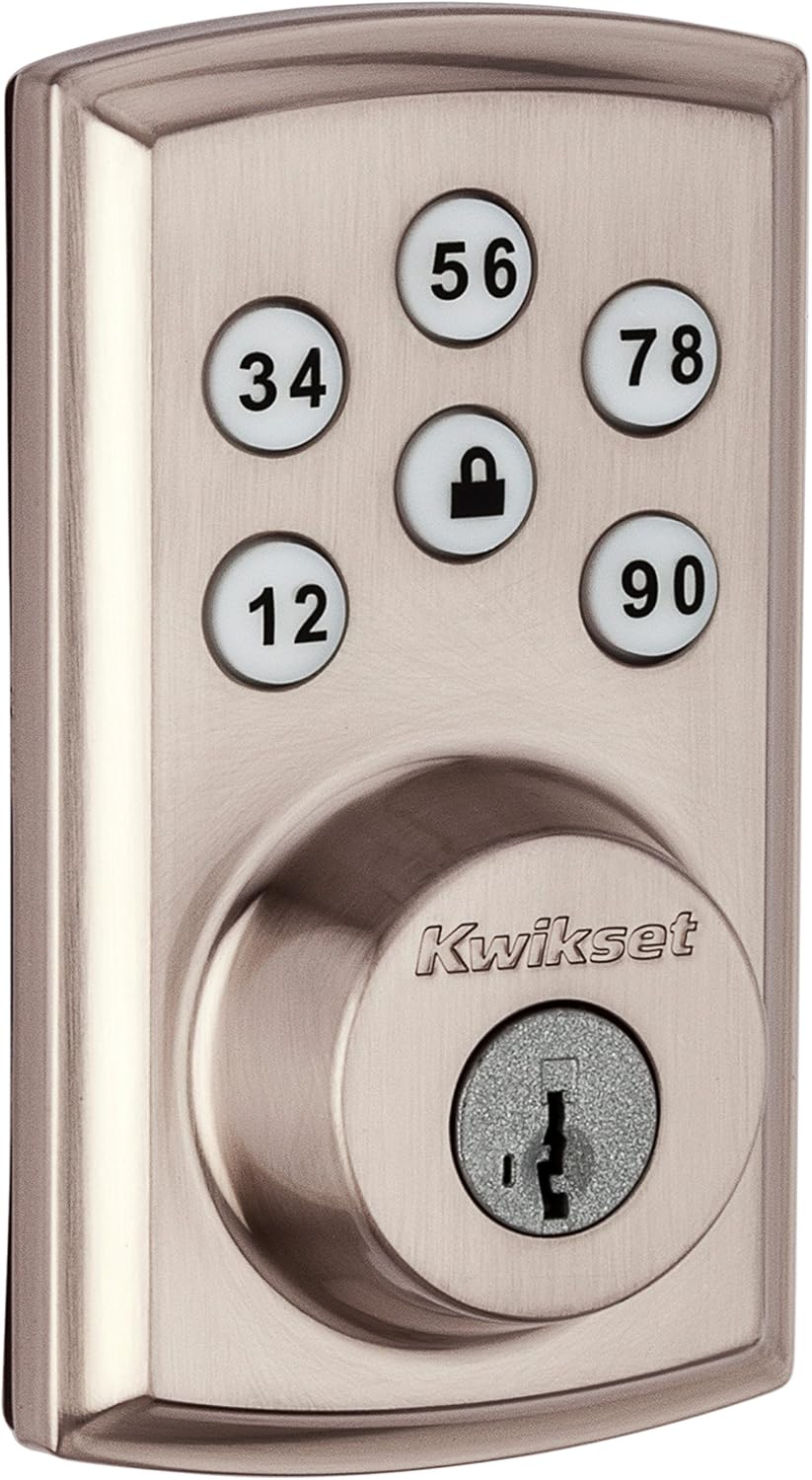
Kwikset 98880-004 SmartCode 888 Smart Lock Touchpad Elect...
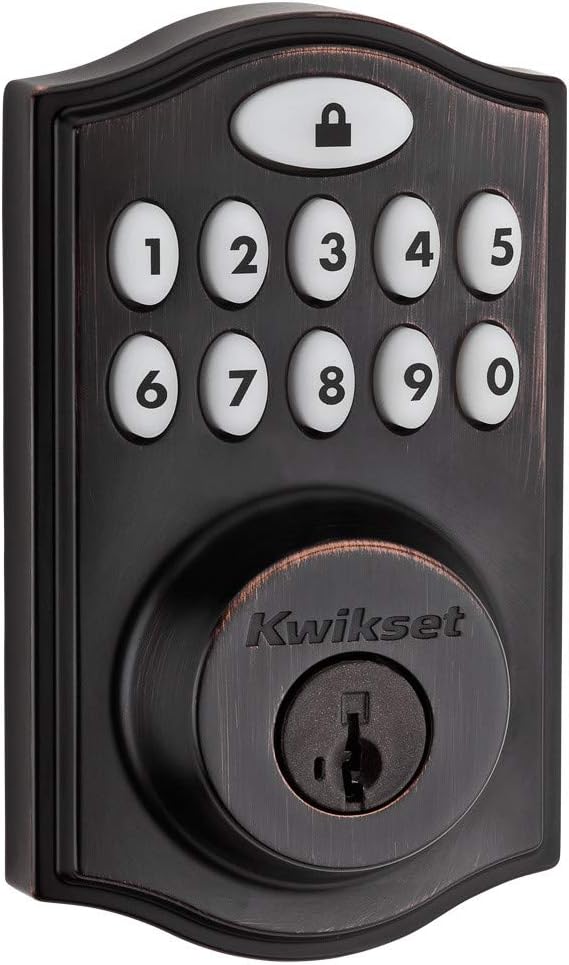
Kwikset 99140-024 SmartCode 914 Traditional Smart Lock Ke...

Kwikset 99140-023 SmartCode 914 Traditional Smart Lock Ke...
As an Amazon Associate we earn from qualifying purchases.
Official Manufacturer Manual
Kwikset provides official product documentation through their online manual rather than downloadable PDF. Access setup guides, troubleshooting steps, and product specifications for your Kwikset Smart Lock.
Source: kwikset.com
Need More Help? Kwikset Support
Note: The contact information below connects you directly to Kwikset's official customer support team, not Trunetto. They can help with warranty claims, device replacements, and advanced technical issues.
Guide Improvements
- Updated June 18, 2026
Added dedicated step for 10 beeps after locking/unlocking (low battery warning) — previously only covered 10 beeps during programming mode.
What changed:- Added new step: Ten Beeps After Locking or Unlocking — Low Battery Warning
- Split original 10-beep step into programming vs normal-use scenarios
- Added symptoms: 10 beeps after every lock/unlock cycle outside programming mode
- Added cause: low battery triggering post-operation warning even when motor still functions
- Added solution: immediate battery replacement plus strike plate alignment check for recurring drain
- Updated real_world_context with explanation that 10-beep warning appears 4-6 weeks before battery death
Source: Community feedback


