

Why Is My Kwikset Smart Lock Keypad Not Lighting Up or Responding
- Batteries dead or critically low
- Battery contacts corroded from moisture
- Batteries installed in the wrong orientation
Problem Description
Your Kwikset smart lock keypad does not light up when you touch it and entering codes does nothing. The lock appears completely dead. This is almost always a battery issue but not always dead batteries. Corroded battery contacts poor battery quality and cold weather all cause this symptom even with batteries that test fine on a meter.
Why This Happens in Real Homes
A completely dead Kwikset keypad - no lights, no beeps, no response - looks alarming but is almost always a power problem, and not always simply 'dead batteries.' The lock's electronics need a solid voltage to wake the touchpad, and several things starve them even when a meter says the batteries are fine: corroded contacts from door-side moisture, a battery pack that isn't fully seated, cheap or lithium/rechargeable cells that sag or misreport their charge, and cold weather that temporarily drops a marginal set below the threshold. Start with a full set of fresh name-brand AA alkaline batteries, correctly oriented.
If fresh batteries don't revive it, look at the contacts and the connection: clean any greenish corrosion off the terminals with fine sandpaper or contact cleaner, and reseat the battery pack and its connector firmly. A lock that lights briefly then dies is a classic weak-power or bad-contact signature. Cold-weather cases often come back on their own once the door warms, but a set that keeps dying in winter should be replaced with fresh alkaline before each cold season. If power is definitely good and it's still unresponsive, the firmware may have hung - pull the batteries for a minute and hold the reset to hard-reset it back to life. Throughout, the physical key still works, so you're not locked out.
Symptoms
- Keypad doesn't light up when touched
- Buttons produce no beep or response
- Lock worked yesterday, dead today
- Battery icon showed fine recently
- Physical key works but the keypad doesn't
- Keypad lights briefly then goes dark
- Problem appears or worsens in cold weather
- Lock unresponsive to codes and app
Recognize these? Here's what usually causes it.
Common Causes
- Batteries dead or critically low
- Battery contacts corroded from moisture
- Batteries installed in the wrong orientation
- Cheap or lithium/rechargeable batteries giving insufficient/misreported voltage
- Cold weather reducing battery output
- Battery pack/connector not fully seated
- Firmware crashed, needing a hard reset
- Water intrusion in the interior assembly
Most fixes happen in the first 3 steps.
If you hard reset and the lock still does not respond the circuit board may be damaged by moisture intrusion. Check for water inside the battery compartment. Moisture damage requires lock replacement.
Tools & Requirements
These tools will help you complete this fix.

As an Amazon Associate we earn from qualifying purchases.
Step-by-Step Solution
Replace batteries with tested fresh cells
Install a full new battery set and verify correct polarity inside the lock pack. Low voltage is the most common reason keypad lights fail to wake.
Check exterior cable and interior connector seating
Open the interior assembly and confirm the keypad ribbon/cable is fully seated. Loose connector contact can disable keypad lighting and button response.
Test lock behavior with door open
Run lock and unlock cycles while door is open to remove alignment load from the test. This separates keypad electronics issues from bolt binding issues.
Inspect keypad surface for moisture or contamination
Clean keypad surface and check for water ingress around the exterior unit. Moisture damage can cause partial key matrix failures or no-light symptoms.
Factory reset and re-enroll codes
Perform a full lock reset, add one test user code, and validate response at different times. Persistent non-response after reset usually indicates failed keypad hardware.
Quick Solutions
Still having issues? This is usually the deeper cause below.
If the keypad rejects valid codes, a lockout timer may be running — five failed entries locks most keypads silently for 5–10 minutes.
Set a calendar reminder to replace lock batteries every 6 months regardless of battery level indicator. Proactive replacement prevents lockouts.
Most smart lock failures people label as hardware issues turn out to be a code wiped during a sync, or a setting reset nobody remembers triggering.
- Batteries dead or critically low
- Battery contacts corroded from moisture
- Batteries installed in the wrong orientation
- Cheap or lithium/rechargeable batteries giving insufficient/misreported voltage
- Cold weather reducing battery output
Before you go — try one of these (they fix most cases).
Most popular upgrades chosen by Kwikset Smart Lock owners.
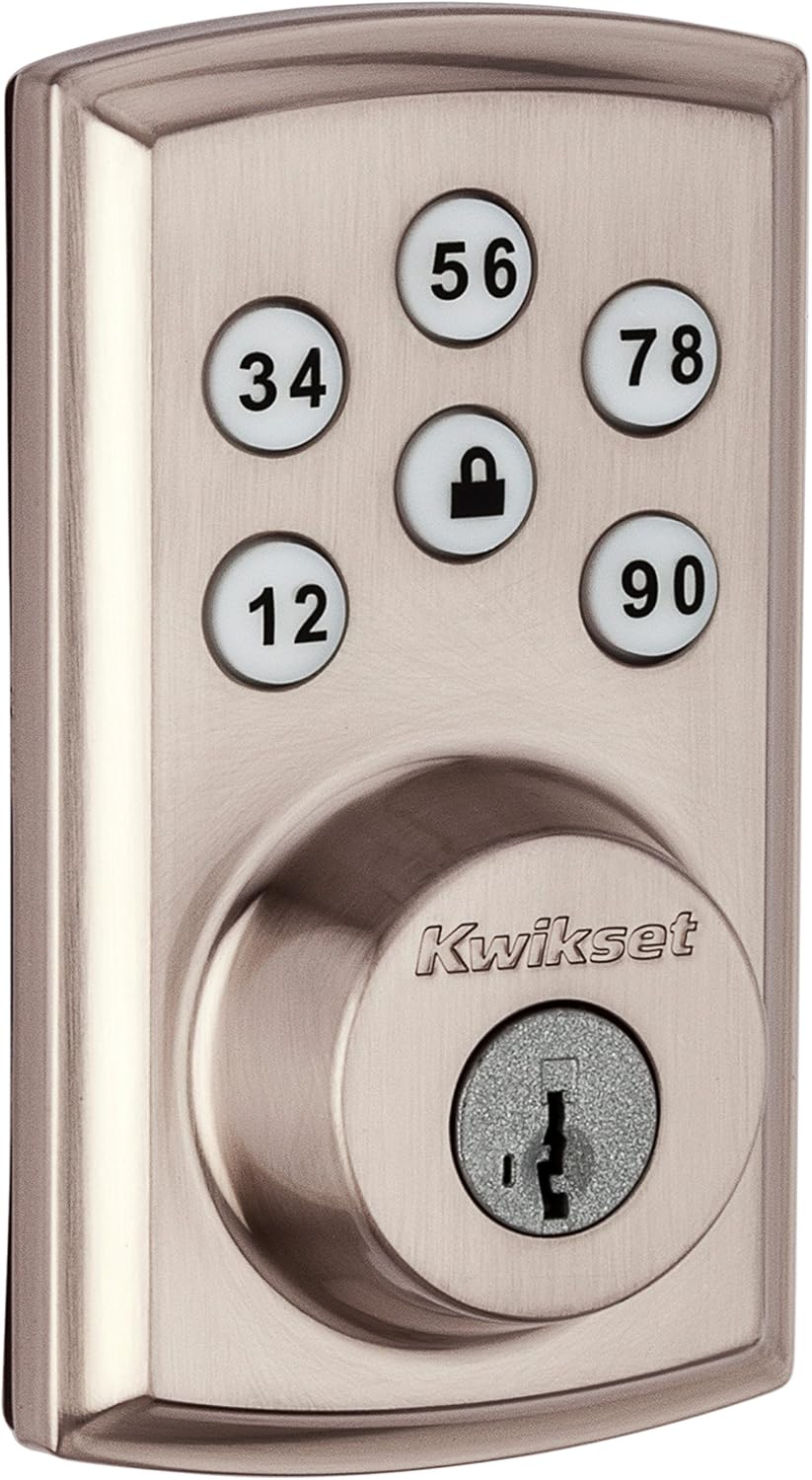
Kwikset 98880-004 SmartCode 888 Smart Lock Touchpad Elect...
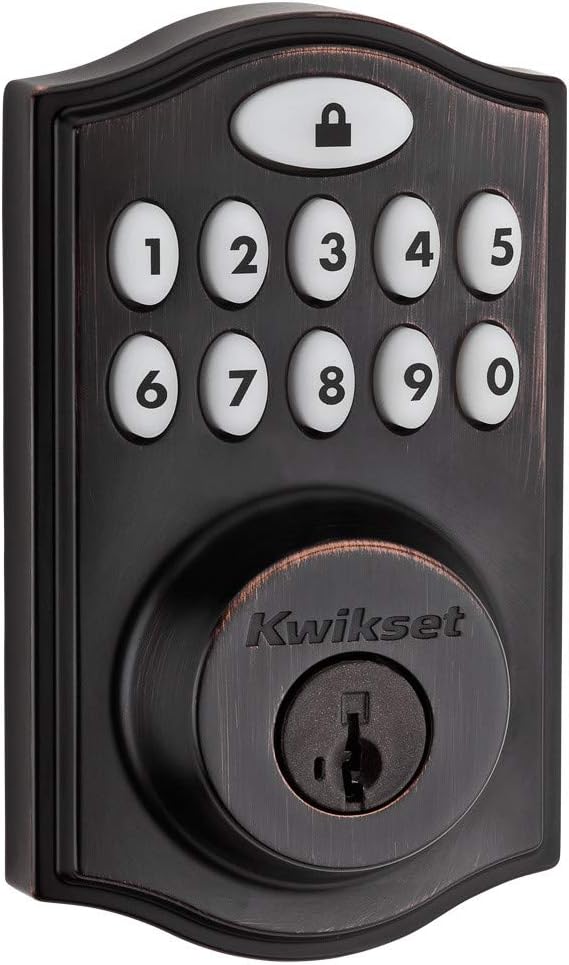
Kwikset 99140-024 SmartCode 914 Traditional Smart Lock Ke...

Kwikset 99140-023 SmartCode 914 Traditional Smart Lock Ke...
As an Amazon Associate we earn from qualifying purchases.
Official Manufacturer Manual
Kwikset provides official product documentation through their online manual rather than downloadable PDF. Access setup guides, troubleshooting steps, and product specifications for your Kwikset Smart Lock.
Source: kwikset.com
Need More Help? Kwikset Support
Note: The contact information below connects you directly to Kwikset's official customer support team, not Trunetto. They can help with warranty claims, device replacements, and advanced technical issues.


