

How to Install Level Bolt for an Invisible Smart Lock Upgrade
- Remove Old Deadbolt
- Insert Level Bolt Body
- Reinstall Trim
- Install Battery
- Pair and Test
Most users complete this in under 35 minutes
Overview
Level Bolt hides the smarts inside the deadbolt, keeping your existing handles and trim. This guide disassembles the old deadbolt, installs the Bolt, and pairs it with your preferred ecosystem.
Why This Happens in Real Homes
Level Bolt hides the smarts inside the deadbolt, keeping your existing handles and trim. This guide disassembles the old deadbolt, installs the Bolt, and pairs it with your preferred ecosystem. In day-to-day use, this usually looks like Existing compatible deadbolt; Standard 2-1/8 inch bore; Level app installed.
Most cases trace back to Non-standard backset; Tailpiece too short; Reusing worn trim. The fix works best when you go step by step instead of changing multiple settings at once.
A practical order for this issue is: Remove Old Deadbolt -> Insert Level Bolt Body -> Reinstall Trim -> Install Battery. After each step, test the exact behavior that was failing so you can confirm what actually solved it.
What's Included
- Existing compatible single-cylinder deadbolt
- Standard 2-1/8 inch bore
- Level app installed
- HomeKit or Matter ecosystem ready
- CR2 battery in box
- Bluetooth on the phone
- Keeping existing handles/trim
- Ready to calibrate after install
Got your materials ready? Here's what to check first.
Before You Start
- Non-standard backset
- Tailpiece too short / wrong adapter
- Reusing worn trim/screws
- Bluetooth off during pairing
- CR2 battery not seated
- Strike plate misaligned
- Incompatible deadbolt (multi-point/mortise)
- Bolt inserted at the wrong angle
Don't skip this step — it breaks everything if you do
Do not reuse old stripped trim screws. Loose trim causes inconsistent rotation that the Level motor cannot overcome.
Tools & Requirements
These tools will help you complete this fix.
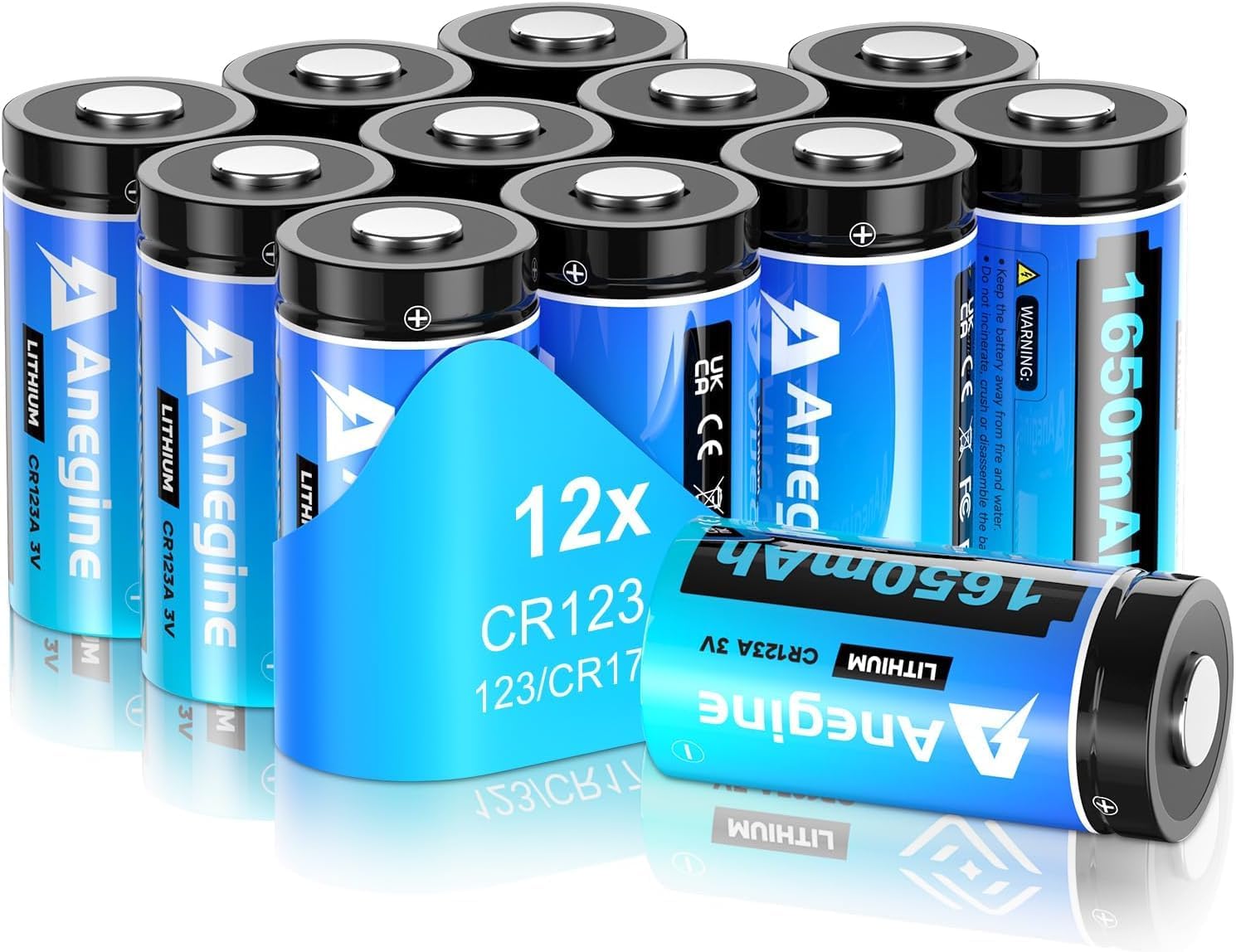
CR2 battery
anegine CR123A 3V Lithium Battery 1650mAh, 123A Lith...

Phillips screwdriver
Klein Tools 85076 Screwdriver Set, Made in USA, Slot...

Tape measure
10 Pack Bulk Tape Measure 25 FT with Fractions 1/8, ...
As an Amazon Associate we earn from qualifying purchases.
Installation Steps
Remove Old Deadbolt
Unscrew the interior and exterior trim. Pull out the old deadbolt cylinder. Keep the keyed cylinder if you will reuse your keys with the Bolt retrofit.
Insert Level Bolt Body
Slide the Level Bolt into the door edge. The body contains the motor and battery. Secure with the supplied screws through the faceplate.
Needed for this step
anegine CR123A 3V Lithium Battery 1650mAh, 123A...
This helps complete the fix you are currently reading.
$18.99Reinstall Trim
Reattach exterior keyed cylinder and interior thumb turn using the supplied hardware. Do not over-torque screws that could bind the Level mechanism.
Install Battery
Insert the CR2 battery per the diagram. The Bolt beeps to indicate a successful boot. If silent, remove and re-seat the battery firmly.
Pair and Test
Open the Level app and add the device via Bluetooth. Scan the HomeKit or Matter code if applicable. Lock and unlock three times to confirm operation.
Installation Tips
Still stuck? This is usually the deeper cause below.
Test the deadbolt by hand first. A sticking bolt strains the Level motor and shortens battery life quickly.
Before you go — these Level Lock guides fix most remaining issues.
Most popular upgrades chosen by Level Bolt owners.

As an Amazon Associate we earn from qualifying purchases.
Official Manufacturer Manual
Level Lock provides official product documentation through their online manual rather than downloadable PDF. Access setup guides, troubleshooting steps, and product specifications for your Level Bolt.
Source: level.co
Need More Help? Level Lock Support
Note: The contact information below connects you directly to Level Lock's official customer support team, not Trunetto. They can help with warranty claims, device replacements, and advanced technical issues.
How Does Level Lock Compare?
Before replacing your Level Lock device, see how it stacks up against alternatives in our full comparison guides.


