

Why Is My Level Bolt Calibration Failing
- Deadbolt binding in the strike
- Weak CR2 battery
- Tailpiece not fully seated
Problem Description
Level Bolt calibration failures usually come from physical binding, weak battery, or incomplete trim install. This guide identifies the cause and restores successful calibration.
Why This Happens in Real Homes
Level Bolt calibration failures usually come from physical binding, weak battery, or incomplete trim install. This guide identifies the cause and restores successful calibration. In day-to-day use, this usually looks like Calibration fails in app; Lock tries but stops; App reports error.
Most cases trace back to Deadbolt binding in strike; Weak CR2 battery; Tailpiece not fully seated. The fix works best when you go step by step instead of changing multiple settings at once.
A practical order for this issue is: Test by Hand -> Replace Battery -> Reseat Tailpiece -> Loosen Trim Screws. After each step, test the exact behavior that was failing so you can confirm what actually solved it.
Symptoms
- Calibration fails in the app
- Lock tries to move then stops
- App reports a calibration error
- Deadbolt is tight by hand
- Trim screws feel over-tight
- Door recently painted
- Bolt won't reach full lock/unlock
- Motor strains during calibration
Recognize these? Here's what usually causes it.
Common Causes
- Deadbolt binding in the strike
- Weak CR2 battery
- Tailpiece not fully seated
- Trim screws over-tightened
- Paint added thickness, binding the bolt
- Door alignment shifted
- Bolt hitting the strike edge
- Incorrect adapter for the deadbolt
Most fixes happen in the first 3 steps.
Do not force the Level motor to turn during calibration. Manual force can damage the gear train inside the bolt.
Tools & Requirements
These tools will help you complete this fix.
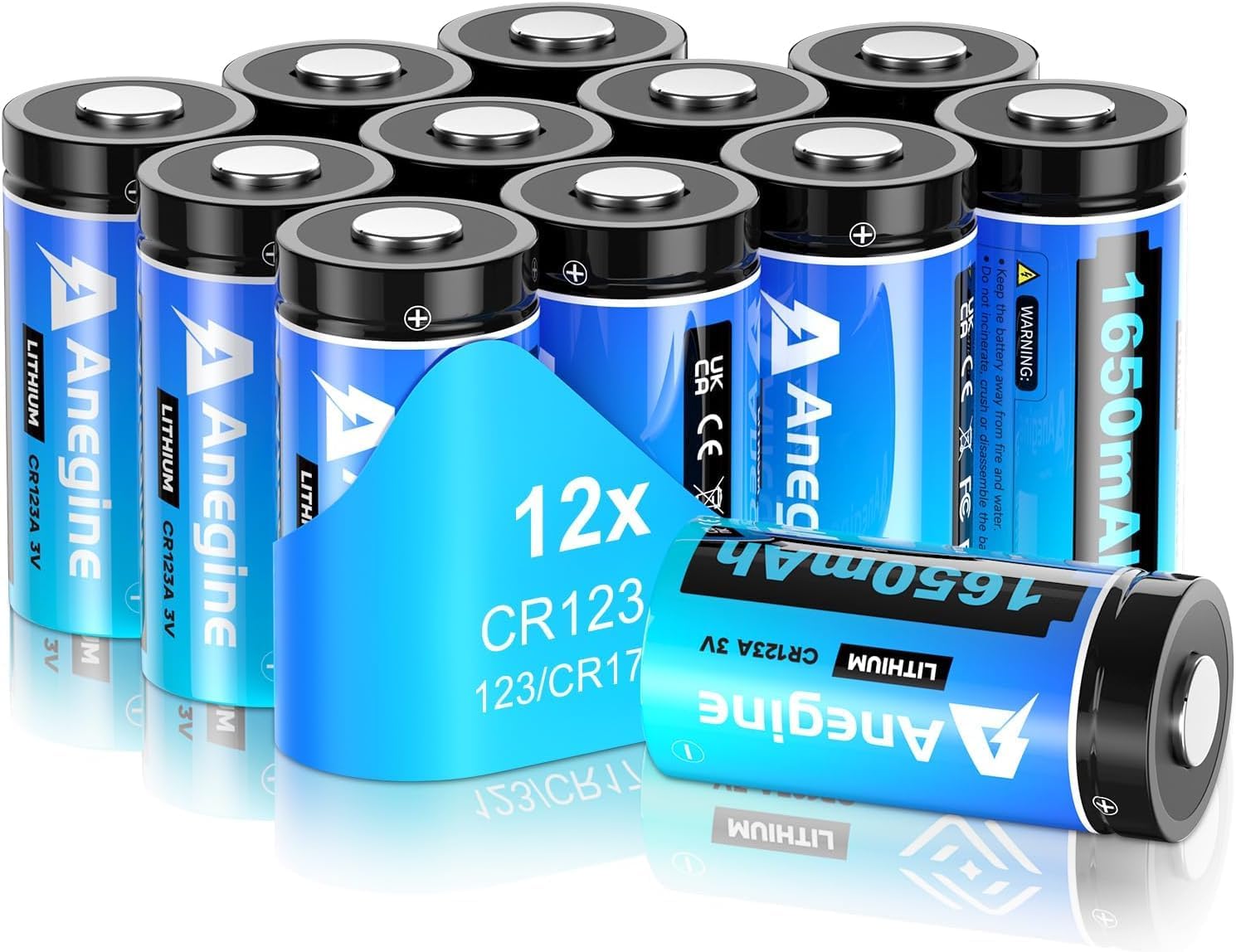
CR2 battery
anegine CR123A 3V Lithium Battery 1650mAh, 123A Lith...

Phillips screwdriver
Klein Tools 85076 Screwdriver Set, Made in USA, Slot...
As an Amazon Associate we earn from qualifying purchases.
Step-by-Step Solution
Test by Hand
Remove the Level Bolt temporarily and throw the bolt by hand. If the bolt binds, the mechanical path is the problem, not the motor. Fix binding first.
Replace Battery
Install a fresh CR2 battery. A weak battery causes calibration to stall midway. Level uses the motor during calibration and expects stable voltage.
Needed for this step
anegine CR123A 3V Lithium Battery 1650mAh, 123A...
This helps complete the fix you are currently reading.
$18.99Reseat Tailpiece
Remove the Level Bolt, confirm the tailpiece is correctly oriented, and reinstall. Misaligned tailpiece is a common calibration failure cause on retrofits.
Loosen Trim Screws
Back off exterior trim screws slightly. Over-tightened trim binds the inner mechanism. Test again. Slight play is fine and improves calibration.
Retry in App
Open the Level app and rerun calibration. Watch for the success tone. If calibration still fails after all steps, contact Level support with a short video.
Quick Solutions
Still having issues? This is usually the deeper cause below.
If the keypad rejects valid codes, a lockout timer may be running — five failed entries locks most keypads silently for 5–10 minutes.
Keep a spare CR2 battery in the kitchen drawer. Fast swaps prevent guessing during calibration troubleshooting.
Most smart lock failures people label as hardware issues turn out to be a code wiped during a sync, or a setting reset nobody remembers triggering.
- Deadbolt binding in the strike
- Weak CR2 battery
- Tailpiece not fully seated
- Trim screws over-tightened
- Paint added thickness, binding the bolt
Before you go — try one of these (they fix most cases).
Most popular upgrades chosen by Level Bolt owners.

As an Amazon Associate we earn from qualifying purchases.
Official Manufacturer Manual
Level Lock provides official product documentation through their online manual rather than downloadable PDF. Access setup guides, troubleshooting steps, and product specifications for your Level Bolt.
Source: level.co
Need More Help? Level Lock Support
Note: The contact information below connects you directly to Level Lock's official customer support team, not Trunetto. They can help with warranty claims, device replacements, and advanced technical issues.
How Does Level Lock Compare?
Before replacing your Level Lock device, see how it stacks up against alternatives in our full comparison guides.


