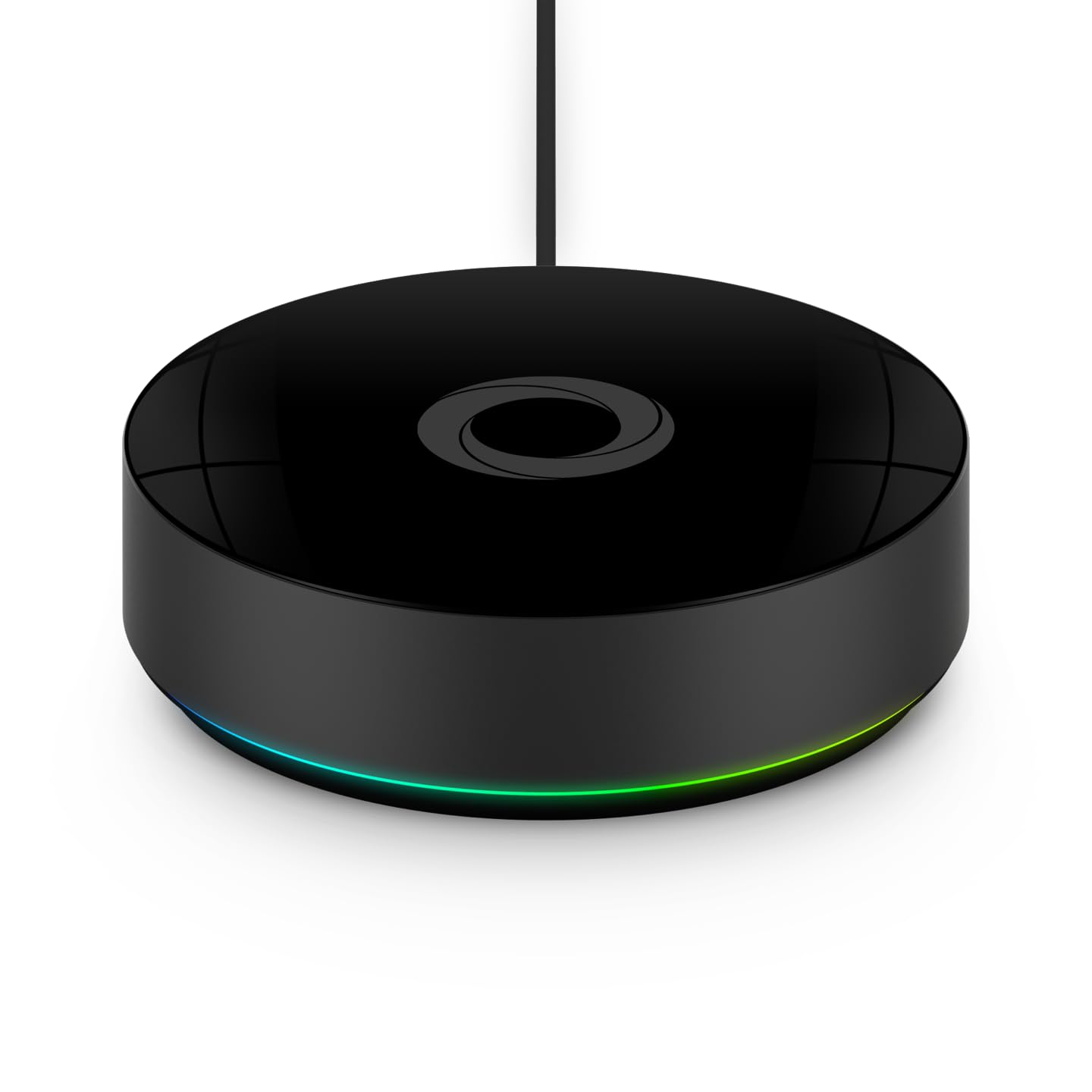
How to Reset and Re-Pair U-tec Bridge Correctly
- Old cloud association not removed
- Reset performed without full default state
- Phone on wrong WiFi band during setup
Problem Description
Bridge reset and re-pair procedures often fail when old cloud associations are not cleared first. Users may see repeated setup loops, incorrect bridge status, or lock actions that never sync remotely. Proper reset sequencing prevents stale linkage problems.
Symptoms
- Bridge setup loops at final step
- Bridge appears in app but no control
- Old bridge name still appears
- Remote code updates do not sync
- Bridge LED state does not match app
- Re-pair works briefly then fails
Recognize these? Here's what usually causes it.
Common Causes
- Old cloud association not removed
- Reset performed without full default state
- Phone on wrong WiFi band during setup
- Router policy blocks onboarding handshake
- Lock still linked to stale bridge instance
- Bridge firmware corruption from interrupted setup
Most fixes happen in the first 3 steps.
Never remove all lock users before confirming remote sync is restored. Keep one known-good local unlock credential during recovery.
Tools & Requirements
These tools will help you complete this fix.
As an Amazon Associate we earn from qualifying purchases.
Step-by-Step Solution
Remove stale bridge instance
Before any reset, delete the existing bridge entry from the account so cloud records are clean. If stale associations remain, new onboarding can complete visually while command routing stays bound to old session objects. This is the most common hidden failure pattern.
Perform full factory reset
Reset the bridge according to support procedure and verify LED enters expected default mode before continuing. Do not continue setup if LED state is ambiguous. A partial reset leaves residual config that causes repeated pairing loops and unstable remote behavior.
Use controlled onboarding setup
Pair from owner phone connected to target 2.4GHz network with Bluetooth and location permissions enabled. Keep phone near bridge during full setup flow. Avoid background app switching until process completes to prevent token or handshake interruption.

Needed for this step
TP-Link WiFi Extender with Ethernet Port, Dual ...
This helps complete the fix you are currently reading.
$14.49Relink lock to new bridge path
After bridge setup, open lock settings and confirm remote pathway is bound to the new bridge instance. Trigger one remote lock action and one user-code sync test. If these fail, remove bridge-lock association and relink immediately before adding additional users.
Validate with sustained monitoring
Monitor bridge and lock status over several hours with periodic remote checks. Make sure status and command responses stay stable through routine network activity. If instability persists, review router filtering, DHCP behavior, and bridge placement before further resets.
Quick Solutions
Still having issues? This is usually the deeper cause below.
If pairing fails after multiple attempts, the device may still be registered to a previous account — factory-reset it before trying to add it to a new one.
Document bridge LED behavior at each stage so you can quickly identify where setup fails instead of restarting from scratch each time.
Pairing failures almost always come down to distance during the initial handshake — manufacturers seriously understate how close you actually need to be.
- Old cloud association not removed
- Reset performed without full default state
- Phone on wrong WiFi band during setup
- Router policy blocks onboarding handshake
- Lock still linked to stale bridge instance
Before you go — try one of these (they fix most cases).
Official Manufacturer Manual
U-tec provides official product documentation through their online manual rather than downloadable PDF. Access setup guides, troubleshooting steps, and product specifications for your U-tec Bridge Recovery.
Source: support.u-tec.com
Need More Help? U-tec Support
Note: The contact information below connects you directly to U-tec's official customer support team, not Trunetto. They can help with warranty claims, device replacements, and advanced technical issues.