

Why Won't My Eve Door Sensor Update?
- Magnet gap too large (over ~15mm) to detect
- Magnet and sensor misaligned
- Sensor battery dead or low
Problem Description
Your Eve door/window sensor is not updating its status in the Apple Home app. The sensor uses a magnet (mounted on the door/window) and a sensor body (mounted on the frame). If the gap between them is too large (over 15mm), the sensor can't detect open/closed changes. This guide covers checking the magnet gap, battery, and Bluetooth/Thread connectivity.
Why This Happens in Real Homes
An Eve Door & Window sensor that won't update is either not detecting the door's movement or not reporting it. Detection is mechanical: the sensor body mounts on the frame and the magnet on the moving door or window, and if the gap between them when closed is too large - Eve specifies under about 15mm - the sensor can't reliably tell open from closed. Aligning the magnet directly opposite the sensor with a small gap fixes wrong or missing status in many cases, and a dead battery is the other simple cause, so replace it if it's low.
Reporting is the HomeKit side. Eve sensors have no WiFi - they communicate over Bluetooth or Thread and rely on an Apple home hub (HomePod, HomePod mini, or Apple TV) to relay their state to Home and trigger automations. So a sensor that's mechanically fine but shows No Response or lags has a connectivity gap: if it's Bluetooth-only it needs to be within range of a hub, and if it's a Thread device it needs a healthy Thread mesh with the border router online. Confirming the home hub is online, restarting the Thread border router, and adding Thread coverage near a distant sensor resolve the reporting side. Re-pairing the sensor clears a stale HomeKit state if it still won't update.
Symptoms
- Sensor status doesn't update open/closed in Home
- Shows open when closed (or vice versa)
- Status lags behind the actual door/window
- Automations don't fire on open/close
- Sensor shows No Response
- Stopped updating after moving it
- Intermittent updates
- Never updates since install
Recognize these? Here's what usually causes it.
Common Causes
- Magnet gap too large (over ~15mm) to detect
- Magnet and sensor misaligned
- Sensor battery dead or low
- Bluetooth out of range of the home hub
- Thread mesh gap / border router offline
- No Apple home hub to relay updates
- Sensor lost HomeKit pairing
- Sensor firmware out of date
Most fixes happen in the first 3 steps.
Do not rely solely on smart sensors for life-safety alerts like smoke or carbon monoxide detection. Always maintain dedicated code-compliant smoke and CO detectors. Smart water leak sensors can alert you but cannot stop a leak so know where your water shut-off valve is located.
Tools & Requirements
These tools will help you complete this fix.

As an Amazon Associate we earn from qualifying purchases.
Step-by-Step Solution
Check the sensor magnet gap
The Eve Door & Window sensor has two pieces: the sensor body and a magnet. When the magnet is close (door closed), the status reads Closed. When the magnet moves away (door open), it reads Open. If the status is not updating, check the gap between the sensor and magnet — they must be within 15mm (about half an inch) when the door is closed. If the gap is too large, the sensor cannot detect the magnet and stays stuck on Open.
Check Bluetooth range to your Apple home hub
The Eve Door & Window sensor communicates via Bluetooth. For real-time status updates in the app, you need to be within Bluetooth range (about 30 feet indoors) or have a HomePod/Apple TV acting as a home hub. If your home hub is on a different floor or far from the sensor, status updates may be delayed or missed. Move the home hub closer or add a HomePod mini near the sensor location.
Replace the battery
The Eve Door & Window uses a CR2450 coin cell battery (some older models use CR2032). Battery life is approximately 1 year. When the battery runs low, the sensor stops sending status updates even though it appears online in the app. In the Eve app, check battery level under the sensor settings. If below 10%, replace the battery. Pop off the sensor cover, swap the coin cell, and reassemble. The sensor reconnects automatically.
Remove and re-add the sensor
If the sensor remains stuck on one status: remove it from the Home app (long press > Remove Accessory). Then re-add it: open the Eve app > Add Accessory > scan the HomeKit code on the sensor or its box. Pair the sensor. Test by opening and closing the door — the status should update within 1-2 seconds. Re-add any automations that referenced this sensor.
Reset the sensor to factory defaults
Press and hold the small reset button on the Eve Door & Window sensor for 10 seconds. The LED flashes to confirm the reset. The sensor clears all stored data and pairing information. After reset, re-add it to your Home setup through the Eve app. This resolves firmware glitches where the sensor stops communicating with the home hub even though the battery and placement are fine.
Quick Solutions
Still having issues? This is usually the deeper cause below.
If the device became unresponsive after a firmware update, a factory reset usually clears the corrupted state — the update itself is rarely the root cause.
Pair motion sensors with smart lights to create automatic lighting that turns on when you enter a room and off after a few minutes of no motion. This is one of the simplest and most useful smart home automations you can set up.
Battery-related failures are almost always flagged too late — the device degrades silently for days before the app catches up to what's actually happening.
- Magnet gap too large (over ~15mm) to detect
- Magnet and sensor misaligned
- Sensor battery dead or low
- Bluetooth out of range of the home hub
- Thread mesh gap / border router offline
Before you go — try one of these (they fix most cases).
Most popular upgrades chosen by Eve Door & Window owners.
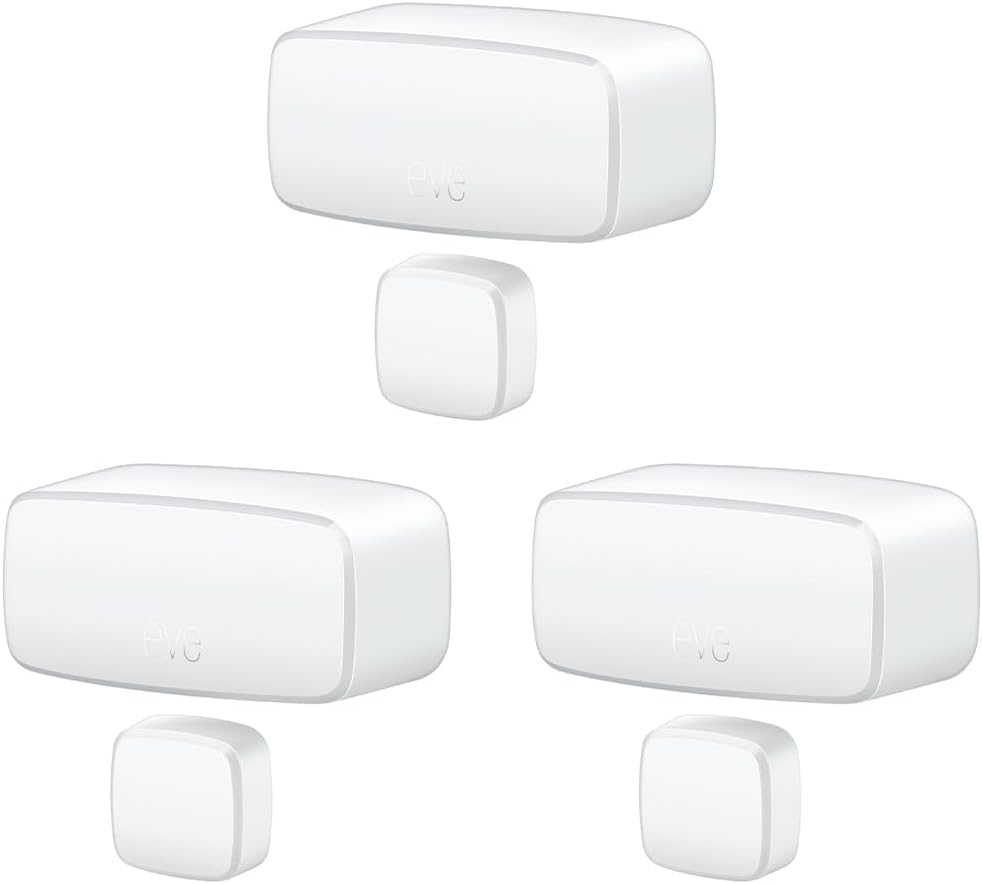
Eve Door & Window (Matter) 3 Pack – Smart Contact Sensor ...

Eve Door & Window (Matter) – Smart Contact Sensor for Doo...
As an Amazon Associate we earn from qualifying purchases.
Official Manufacturer Manual
Eve provides official product documentation through their online manual rather than downloadable PDF. Access setup guides, troubleshooting steps, and product specifications for your Eve Door & Window.
Source: evehome.com
Need More Help? Eve Support
Note: The contact information below connects you directly to Eve's official customer support team, not Trunetto. They can help with warranty claims, device replacements, and advanced technical issues.
Accessories owners commonly pair with Eve Door & Window.

As an Amazon Associate we earn from qualifying purchases.


