

Why Does My Eve HomeKit Sensor Show No Response?
- Bluetooth out of range of the home hub
- Thread network issue / border router offline
- No Apple home hub to relay data
Problem Description
Your Eve HomeKit sensor shows "No Response" in the Apple Home app. This means the Home Hub (HomePod, HomePod mini, or Apple TV) can't communicate with the sensor. Check that your Home hub is online and on the same network. Eve devices use Bluetooth or Thread — both require the Home Hub to relay data to the cloud.
Why This Happens in Real Homes
'No Response' on an Eve sensor in the Apple Home app means your Apple home hub can't currently reach it - the sensor is usually fine, the path to it is broken. This matters because Eve devices have no WiFi: they communicate over Bluetooth or Thread and depend on an Apple home hub (HomePod, HomePod mini, or Apple TV) to relay their readings into Home and the cloud. So the first checks are whether you actually have a home hub, whether it's online, and whether it's on the same network as the sensor. Without a home hub there's no remote access at all, and a hub that's offline takes every Eve device with it.
From there it's about the sensor's link and power. If the sensor is Bluetooth-only, it has to be within range of a hub, so a sensor at the far end of the house can show No Response simply from distance - moving it closer or adding a hub nearby helps. If it's a Thread device, it needs a healthy Thread mesh with the border router online, so restarting the border router and checking Thread status in Home resolves mesh gaps. A dead battery is the other common cause of a sensor dropping off entirely, so replace it if it's low. When the connection and battery are both good but it still won't respond, removing and re-adding the sensor clears a corrupted HomeKit pairing state.
Symptoms
- No Response in the Home app
- Readings not updating
- Automations don't trigger
- Sensor disappeared from HomeKit
- Can't add the sensor back
- Works intermittently
- Only fails when away from home
- Multiple Eve devices No Response at once
Recognize these? Here's what usually causes it.
Common Causes
- Bluetooth out of range of the home hub
- Thread network issue / border router offline
- No Apple home hub to relay data
- Sensor battery dead or low
- HomeKit database/pairing state corrupted
- Home hub offline or on another network
- iOS/hub software out of date
- Sensor too far from any Thread router
Most fixes happen in the first 3 steps.
Thread-enabled Eve devices get better range and reliability when you have multiple Thread devices forming a mesh.
Tools & Requirements
These tools will help you complete this fix.

As an Amazon Associate we earn from qualifying purchases.
Step-by-Step Solution
Check Home hub and local network first
Verify Apple TV or HomePod hub is online and on the same network segment as Eve devices. HomeKit no-response states usually start with hub or LAN reachability problems.
Confirm Eve sensor battery and signal
Replace battery if low and place the sensor within stable Thread/Bluetooth range while testing. Weak power or signal commonly causes intermittent no-response behavior.
Restart Home hub and refresh Home app
Reboot the active Home hub, then reopen Home app and wait for accessory sync. This clears stale session state that can keep Eve devices marked unavailable.
Verify Thread border router health
If using Thread, confirm border router devices are updated and functioning correctly. Thread path instability can make specific Eve sensors disappear from control.
Re-pair only failing Eve sensors
Remove and re-add only the affected accessories if no-response persists. Targeted re-pairing restores secure keys without disrupting the whole Home setup.
Quick Solutions
Still having issues? This is usually the deeper cause below.
If this comes back after following these steps, check whether a recent app or firmware update reset a default setting — the fix works, but the setting gets reverted silently.
Eve devices work exclusively with Apple HomeKit - they won't work with Alexa or Google Home directly.
This issue almost always looks more complex than it is — the majority of cases trace back to a single setting, a stale credential, or a default that shipped wrong.
- Bluetooth out of range of the home hub
- Thread network issue / border router offline
- No Apple home hub to relay data
- Sensor battery dead or low
- HomeKit database/pairing state corrupted
Before you go — try one of these (they fix most cases).
Most popular upgrades chosen by Eve Smart Sensor owners.
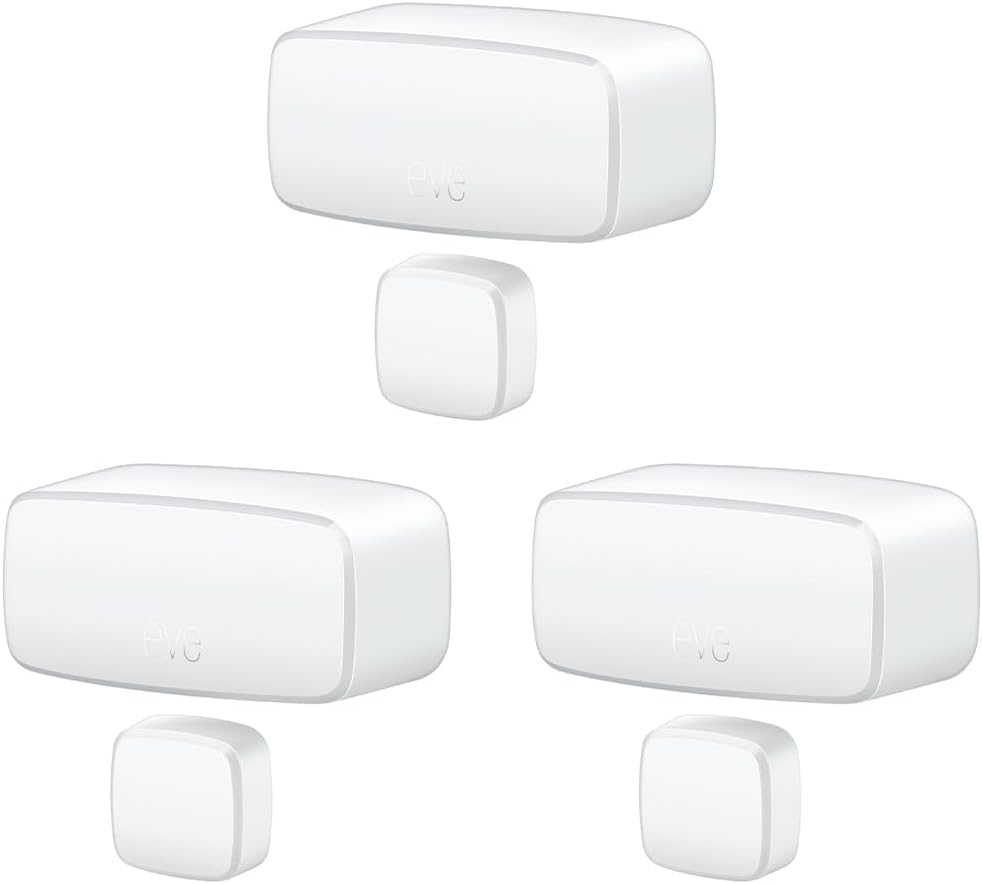
Eve Door & Window (Matter) 3 Pack – Smart Contact Sensor ...

Eve Door & Window (Matter) – Smart Contact Sensor for Doo...
As an Amazon Associate we earn from qualifying purchases.
Official Manufacturer Manual
Eve provides official product documentation through their online manual rather than downloadable PDF. Access setup guides, troubleshooting steps, and product specifications for your Eve Smart Sensor.
Source: evehome.com
Need More Help? Eve Support
Note: The contact information below connects you directly to Eve's official customer support team, not Trunetto. They can help with warranty claims, device replacements, and advanced technical issues.
Accessories owners commonly pair with Eve Smart Sensor.

As an Amazon Associate we earn from qualifying purchases.


