

Why Does My SimpliSafe Smoke Detector Keep Chirping?
- Low battery (single chirp every 30-60s)
- Battery not fully seated after a change
- End-of-life chirp near the 10-year mark
Problem Description
Your SimpliSafe smoke detector keeps chirping intermittently. Identify the chirp pattern — a single chirp every 30-60 seconds means low battery. Continuous chirping means the detector has reached end of life (after 10 years). The smoke detector uses a CR123A battery accessed by twisting the detector off its mounting plate. This guide covers chirp patterns, battery replacement, and end-of-life replacement.
Why This Happens in Real Homes
A smoke detector chirping every 30-60 seconds is almost always the low-battery warning — the detector will keep chirping until you replace the cell (a CR123A). The other common chirp is end-of-life, which shows up as the unit nears its roughly 10-year service limit.
Start by replacing the CR123A and seating it fully, which stops the vast majority of chirps. Vacuum the vents to clear dust, and check the date — if it's approaching a decade old and keeps chirping after a fresh battery, the detector has reached end-of-life and should be replaced.
Symptoms
- Chirps every 30-60 seconds
- Periodic chirp with no smoke
- Will not stop chirping
- Chirp after battery change
- Chirps at night
- Low-battery chirp
- End-of-life chirp
- Intermittent chirp
Recognize these? Here's what usually causes it.
Common Causes
- Low battery (single chirp every 30-60s)
- Battery not fully seated after a change
- End-of-life chirp near the 10-year mark
- Dust in the sensor chamber
- Temperature swings affecting the battery
- Wrong battery type
- Sensor fault
- Trouble condition
Most fixes happen in the first 3 steps.
Do not rely solely on smart sensors for life-safety alerts like smoke or carbon monoxide detection. Always maintain dedicated code-compliant smoke and CO detectors. Smart water leak sensors can alert you but cannot stop a leak so know where your water shut-off valve is located.
Tools & Requirements
These tools will help you complete this fix.
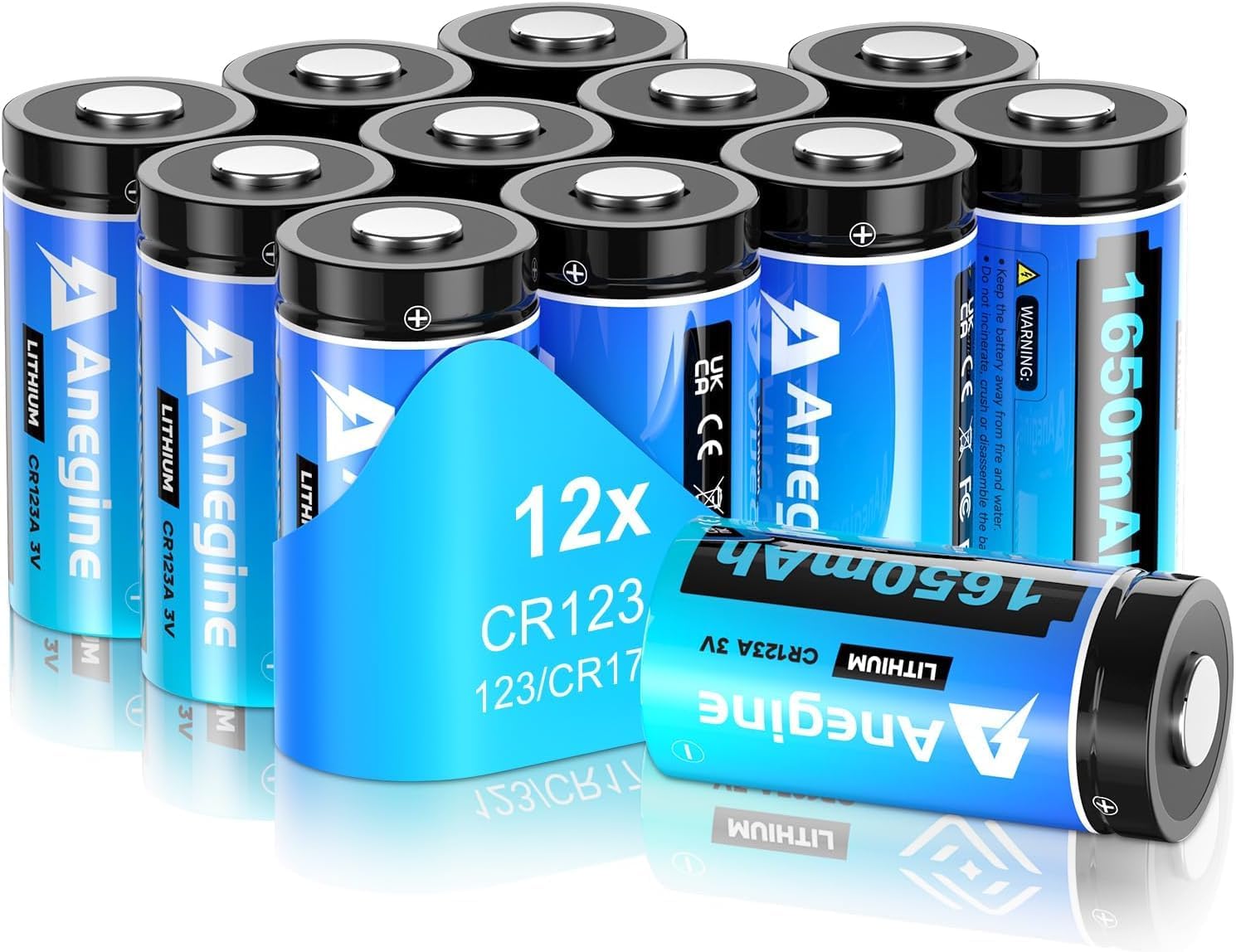
CR123A batteries
anegine CR123A 3V Lithium Battery 1650mAh, 123A Lith...
Vacuum
Bagotte Robot Vacuum and Mop, Robot Vacuum Self Empt...
As an Amazon Associate we earn from qualifying purchases.
Step-by-Step Solution
Identify the chirp pattern
A single chirp every 30-60 seconds is a low battery warning — the detector will keep chirping for up to 30 days until the battery is replaced. A series of 3 loud beeps in a repeating pattern means smoke is detected. A single beep followed by silence for several minutes may indicate a sensor malfunction. Listen carefully and count the chirps to determine the cause.
Replace the battery
The SimpliSafe Smoke Detector uses one CR-123A lithium 3V battery. Open the detector by twisting the body counterclockwise from the mounting plate. Remove the old battery and insert a new Panasonic or Duracell CR-123A with the correct polarity. Avoid cheap off-brand batteries — they can have inconsistent voltage that causes premature low-battery chirps. After replacement, the chirping should stop immediately.
Needed for this step
anegine CR123A 3V Lithium Battery 1650mAh, 123A...
This helps complete the fix you are currently reading.
$18.99Fix chirping caused by incorrect battery insertion
A known quirk: if you insert the battery while accidentally holding down the Test button, the detector enters a continuous chirp cycle. Remove the battery, make sure the Test button is not being pressed, and reinsert the battery. The chirping should stop. This catches many people during battery replacement because the Test button is easy to press accidentally while handling the detector.
Clean the detector to prevent false chirps
Dust and insects inside the smoke detector chamber cause false readings that trigger chirps. Remove the detector and gently blow compressed air into the sensor vents. Do not use canned air directly against the sensor element. Reinstall and test. Regular cleaning every 6 months prevents dust-related false chirps, especially in dusty environments or near kitchens.
Silence a false alarm
If the detector sounds a full alarm from cooking smoke, steam, or dust, press the Test/Silence button on the detector. This silences the alarm for approximately 10 minutes while the air clears. The detector resumes normal monitoring after the silence period. If the alarm keeps triggering from cooking, move the detector further from the kitchen — at least 10 feet from cooking appliances. Do not remove the battery to silence it, as this leaves you unprotected.
Quick Solutions
Still having issues? This is usually the deeper cause below.
If the sensor still misses events after repositioning, check whether a scheduled 'home' or 'away' mode is overriding the sensitivity setting silently.
Pair motion sensors with smart lights to create automatic lighting that turns on when you enter a room and off after a few minutes of no motion. This is one of the simplest and most useful smart home automations you can set up.
Battery-related failures are almost always flagged too late — the device degrades silently for days before the app catches up to what's actually happening.
- Low battery (single chirp every 30-60s)
- Battery not fully seated after a change
- End-of-life chirp near the 10-year mark
- Dust in the sensor chamber
- Temperature swings affecting the battery
Before you go — try one of these (they fix most cases).
Most popular upgrades chosen by SimpliSafe Smoke Detector owners.

As an Amazon Associate we earn from qualifying purchases.
Official Manufacturer Manual
SimpliSafe provides official product documentation through their online manual rather than downloadable PDF. Access setup guides, troubleshooting steps, and product specifications for your SimpliSafe Smoke Detector.
Source: support.simplisafe.com
Need More Help? SimpliSafe Support
Note: The contact information below connects you directly to SimpliSafe's official customer support team, not Trunetto. They can help with warranty claims, device replacements, and advanced technical issues.
How Does SimpliSafe Compare?
Before replacing your SimpliSafe device, see how it stacks up against alternatives in our full comparison guides.
Accessories owners commonly pair with SimpliSafe Smoke Detector.

SimpliSafe 8 Piece Wireless Home Security System

SimpliSafe 9 Piece Wireless Home Security System

SimpliSafe 12 Piece Wireless Home Security System w/HD Ca...
As an Amazon Associate we earn from qualifying purchases.




