
Why Won't My Kasa Smart Switch Work in a 3-Way Circuit?
- Two smart switches used instead of master + add-on
- Traveler wire not connected
- Master in the wrong box
Problem Description
Your Kasa smart switch does not work correctly in a 3-way setup where two switches control one light. The light stays on constantly or the switches conflict with each other. You installed the smart switch but now neither switch works correctly. 3-way circuits require specific wiring that differs from single switch installations.
Why This Happens in Real Homes
A Kasa switch failing in a 3-way is often a fundamental setup mistake: you need a master smart switch plus a matching add-on companion, not two smart switches — the add-on signals the master over the traveler wire. Using two smart switches, or a missing traveler connection, leaves only one location working.
Turn off the breaker and confirm you have the correct master-plus-add-on pair, with the master in the box where the line comes in and neutral present. Connect the traveler wire between them and wire the add-on to the correct terminals per the kit's diagram, connecting grounds. Because existing 3-way wiring varies, re-map it to the diagram rather than assuming — the master placement and traveler are what make both switches work.
Symptoms
- Smart switch doesn't work in a 3-way
- Only one location controls the light
- Add-on not responding
- Master works, companion doesn't
- Lights won't respond from both
- 3-way wiring confusion
- Wrong box for the master
- Traveler questions
Recognize these? Here's what usually causes it.
Common Causes
- Two smart switches used instead of master + add-on
- Traveler wire not connected
- Master in the wrong box
- Neutral missing
- Line/load misidentified
- Add-on wired incorrectly
- Existing 3-way wiring differs
- Ground not connected
Most fixes happen in the first 3 steps.
Always turn off breaker before working on electrical. Verify power is off with a tester. Electrical work can be fatal.
Tools & Requirements
These tools will help you complete this fix.

Multimeter
Klein Tools 80196 Digital Multimeter Kit with Case, ...

Screwdriver
STREBITO 155 in 1 Electric Screwdriver Set, Small El...
Voltage tester
Klein Tools 80196 Digital Multimeter Kit with Case, ...
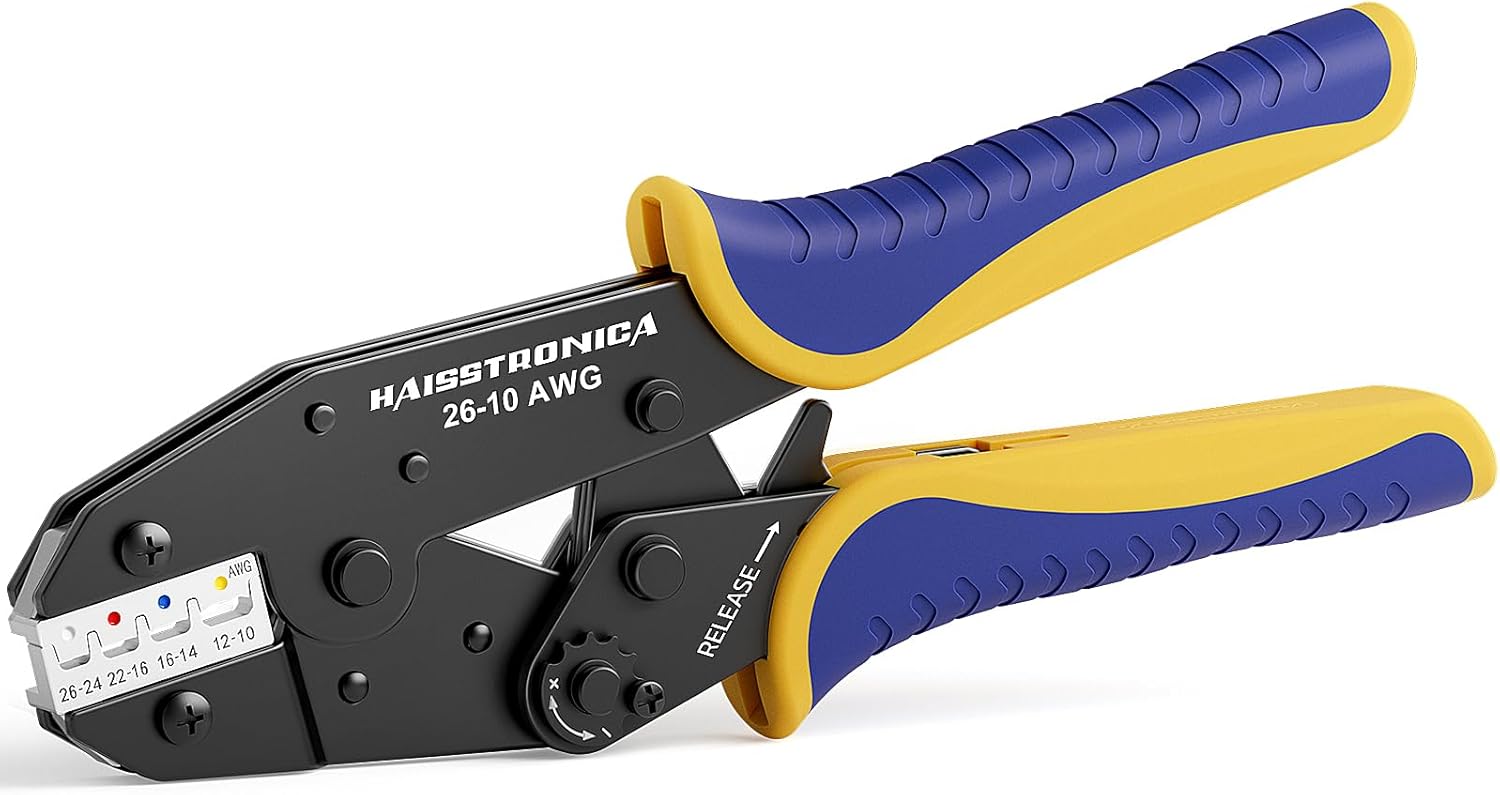
Wire connectors
haisstronica Crimping Tool For Heat Shrink Connector...
As an Amazon Associate we earn from qualifying purchases.
Step-by-Step Solution
Verify You Have 3-Way Kit
Kasa 3-way installations require two switches the smart switch and a companion or add-on switch. A single smart switch will not work in a 3-way circuit. Purchase the HS210 3-way kit or use HS200 with a compatible add-on switch.
Identify Wire Types
3-way circuits have line wire bringing power from breaker, load wire going to the light, traveler wires connecting the two switches, neutral wires, and ground. Turn off power and use a voltage tester and multimeter to identify each wire. Document before disconnecting.
Needed for this step
Klein Tools 80196 Digital Multimeter Kit with C...
This helps complete the fix you are currently reading.
$46.15Find the Line Wire Box
The smart switch must be installed in the box that has the line wire directly from the breaker. Test with power on carefully using a non-contact voltage tester. The box where wires are always hot is your line box. Install smart switch here.
Needed for this step
haisstronica Crimping Tool For Heat Shrink Conn...
This helps complete the fix you are currently reading.
$24.99Connect Per Kasa Diagram
Follow the exact wiring diagram in Kasa instructions. Common mistakes are swapping traveler and load wires or connecting neutral to wrong terminal. The smart switch connects to line, load, traveler, neutral, and ground. The companion only needs traveler, neutral, and ground.
Verify Neutral Wire Exists
Kasa smart switches require a neutral wire. Older homes may not have neutral in the switch box. Look for a bundle of white wires connected together in the box. If no neutral is present you need a no-neutral switch from a different brand or an electrician to run neutral wire.
Quick Solutions
Still having issues? This is usually the deeper cause below.
If this comes back after following these steps, check whether a recent app or firmware update reset a default setting — the fix works, but the setting gets reverted silently.
Take photos of existing wiring before disconnecting anything. This helps if you need to restore original configuration.
This issue almost always looks more complex than it is — the majority of cases trace back to a single setting, a stale credential, or a default that shipped wrong.
- Two smart switches used instead of master + add-on
- Traveler wire not connected
- Master in the wrong box
- Neutral missing
- Line/load misidentified
Before you go — try one of these (they fix most cases).
Official Manufacturer Manual
Kasa Smart provides official product documentation through their online manual rather than downloadable PDF. Access setup guides, troubleshooting steps, and product specifications for your Kasa Smart Switch.
Source: kasasmart.com
Need More Help? Kasa Smart Support
Note: The contact information below connects you directly to Kasa Smart's official customer support team, not Trunetto. They can help with warranty claims, device replacements, and advanced technical issues.
How Does Kasa Smart Compare?
Before replacing your Kasa Smart device, see how it stacks up against alternatives in our full comparison guides.
Accessories owners commonly pair with Kasa Smart Switch.

Kasa Smart Plug Mini 15A, Apple HomeKit Supported, Smart ...

Kasa Smart Plug Mini 15A, Apple HomeKit Supported, Smart ...

Kasa Smart WiFi Plug w/ Energy Monitoring by TP-Link – No...
As an Amazon Associate we earn from qualifying purchases.

