

Why Did My Nest Learning Thermostat 3rd Gen Stop Working After Software Version 6.3-5?
- Firmware 6.3-5 corrupted the HVAC relay logic on certain 3rd gen hardware revisions manufactured before 2017
- The OTA update wrote a partial image to flash because the C-wire voltage sagged during the overnight install
- WiFi radio firmware got overwritten with incompatible parameters — the radio powers on but cannot negotiate with any access point
Problem Description
One morning your Nest thermostat screen is black. Or worse — it is flickering on and off, and your furnace is short-cycling with it. Google pushed software version 6.3-5 overnight and your 3rd gen Learning Thermostat is now a paperweight. It will not connect to WiFi, it will not respond to the ring dial, and the Google Home app just says "offline." Owners on the Google Nest Community have confirmed this exact scenario: 6.3-5 rolls out silently, and the next day the thermostat is dead or actively damaging the HVAC system with rapid on-off relay signals. Google support has been telling affected users the unit needs to be replaced.
Why This Happens in Real Homes
This usually shows up the morning after Google pushes a silent overnight OTA. You go to adjust the temperature and the screen is dead, or your furnace sounds like a machine gun firing in the basement. The 3rd gen hardware is old enough now that flash memory wear makes firmware writes riskier than they used to be — one bad sector during the write and the whole boot partition is toast.
Start by checking whether your HVAC is short-cycling before you troubleshoot the thermostat itself. A bricked screen is annoying. A seized compressor is expensive. Pull the unit off the wall if anything sounds wrong with your heating or cooling, then work the recovery steps with the thermostat disconnected.
Symptoms
- Screen went completely black overnight and will not come back on no matter what you do
- Thermostat keeps rebooting every 30 to 60 seconds — you can see the Nest logo flash then die
- Furnace or boiler is short-cycling with rapid on-off bursts since the update hit
- Cooling stopped working entirely but heating still runs which makes no sense
- WiFi dropped and the thermostat refuses to reconnect even after router reboot
- Google Home shows the thermostat offline and nothing you try from the app changes that
Recognize these? Here's what usually causes it.
Common Causes
- Firmware 6.3-5 corrupted the HVAC relay logic on certain 3rd gen hardware revisions manufactured before 2017
- The OTA update wrote a partial image to flash because the C-wire voltage sagged during the overnight install
- WiFi radio firmware got overwritten with incompatible parameters — the radio powers on but cannot negotiate with any access point
- Boot partition checksum fails after incomplete flash write so the thermostat loops between logo screen and shutdown
- Cooling relay driver was broken in 6.3-5 specifically — heating relay uses a different code path which is why heat still works
- Internal flash memory on older 3rd gen units has enough wear cycles that firmware writes occasionally corrupt random sectors
Most fixes happen in the first 3 steps.
If your HVAC is short-cycling — rapid on-off every few seconds — pull the thermostat off the wall immediately. Letting it run like that can crack a heat exchanger or seize a compressor. Those repairs cost thousands and your homeowner insurance will not cover it.
Tools & Requirements
Step-by-Step Solution
Figure Out If It Is Dead or Just Stuck
Pull the Nest straight off the wall base — grab the outer ring and pull firmly toward you. Wait a full 30 seconds. Push it back on until it clicks. Watch the screen for two minutes. If you see the Nest logo and it boots to the home screen, you got lucky — the update actually finished and something just glitched on first boot. If the screen stays black, or if it shows the logo then immediately dies and repeats, the firmware write corrupted the boot partition. That loop means user-accessible resets will not save it.
Stop Your HVAC From Destroying Itself
This is the part most people skip and it costs them. If your furnace is firing in short bursts — running for 10 seconds, stopping, running again — pull the thermostat off the wall right now. Short-cycling kills compressors and cracks heat exchangers. That is a $2,000 to $5,000 repair. With the thermostat removed, nothing runs, which is safer than letting it hammer your equipment. If you need heat tonight, twist the R and W wires together on the wall plate with a wire nut. That runs heat continuously so set a phone timer to untwist them before you overheat the house. For cooling, twist R and Y instead.
Try a Factory Reset If the Screen Responds to Anything
If the screen shows anything at all — even briefly — try to get into the menu. Press the ring in, turn it to Settings, then Reset, then All Settings. This wipes everything and forces the thermostat to re-download firmware from Google during fresh setup. The key here is that Google may have pulled 6.3-5 and replaced it with a patched version on their servers, so a fresh download might get you a working build. After reset, the screen goes blue for setup. Open Google Home, add it as a new device, and let it pull whatever firmware Google is currently shipping.
Call Google and Reference the Community Thread
Google has been replacing bricked 3rd gens. Call Nest support or open a chat through Google Home — tap your profile, then Help and Feedback. Tell them your Nest Learning Thermostat 3rd gen was bricked by software version 6.3-5. Mention the Google Nest Community thread by name: Nest Software version 6.3-5 Bricked 3rd Gen Thermostat. That thread has enough confirmed reports that support agents recognize it. Have your serial number ready — it is on the back of the wall base plate or on the original box. Some owners have been getting 4th gen replacements instead of 3rd gen, which is a decent upgrade.
Decide Whether to Replace Like-for-Like or Upgrade
The 3rd gen Learning Thermostat came out in 2015. Google has been slowly dropping support for older Nest hardware — they already killed remote access for 1st and 2nd gen units in 2025. If your 3rd gen just got bricked, it might be a sign to move on. The 4th gen Learning Thermostat has a bigger display, uses the Google Home app natively instead of the legacy Nest app, and has a better temperature sensor. Ecobee Smart Thermostat Premium is the main alternative — built-in air quality sensor, Siri and Alexa support, and no dependency on Google Cloud. Either way, confirm your wall plate has a C-wire before you buy anything.
Quick Solutions
Still having issues? This is usually the deeper cause below.
Schedules that skip randomly are usually a daylight-saving holdover — delete and recreate the schedule to clear the corrupted entry.
Before you let any thermostat update install, check the Google Nest Community for your model and the version number. Firmware 6.3-5 bricked units that had been working fine for years. Waiting two weeks after any release lets other people find the landmines first.
Thermostat issues that keep returning are often caused by stale backup-battery memory holding old settings across power cycles without the user realising.
- Firmware 6.3-5 corrupted the HVAC relay logic on certain
- The OTA update wrote a partial image to flash
- WiFi radio firmware got overwritten with incompatible parameters —
- Boot partition checksum fails
- Cooling relay driver was broken in 6.3-5 specifically —
Before you go — try one of these (they fix most cases).
Most popular upgrades chosen by Google Nest Learning Thermostat owners.

Google Nest Learning Thermostat (4th Gen, 2024) with 2 Te...

Google Nest Temperature Sensor 3 Count Pack - Nest Thermo...
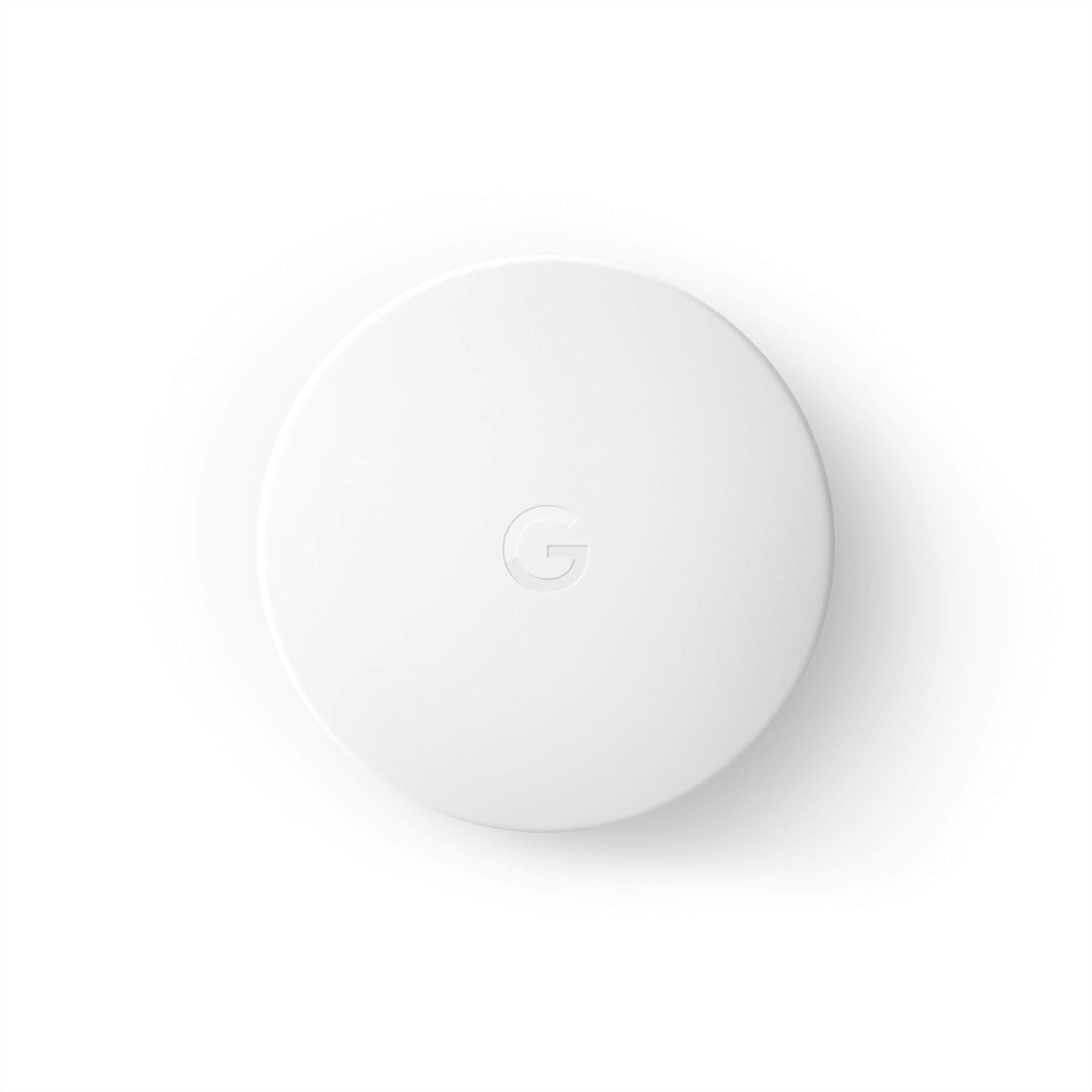
Google Nest Temperature Sensor- That Works with Nest Lear...
As an Amazon Associate we earn from qualifying purchases.
Official Manufacturer Manual
Google Nest provides official product documentation through their online manual rather than downloadable PDF. Access setup guides, troubleshooting steps, and product specifications for your Google Nest Learning Thermostat.
Source: support.google.com
Need More Help? Google Nest Support
Note: The contact information below connects you directly to Google Nest's official customer support team, not Trunetto. They can help with warranty claims, device replacements, and advanced technical issues.
How Does Google Nest Compare?
Before replacing your Google Nest device, see how it stacks up against alternatives in our full comparison guides.
Accessories owners commonly pair with Google Nest Learning Thermostat.

Google Nest Wifi - AC2200 - Mesh WiFi System - Wifi Route...

Google Nest WiFi Pro - Wi-Fi 6E - Reliable Home Wi-Fi Sys...

Google Nest WiFi Pro - 6E - Reliable Home Wi-Fi System wi...
As an Amazon Associate we earn from qualifying purchases.


