

What Does the Nest Thermostat E73 No Power to Compressor Mean and How to Fix It
- Tripped air handler fuse
- Loose Y wire at terminal
- Float switch tripped
Problem Description
Nest error E73 indicates the thermostat is not seeing power on the compressor wire. This guide covers wire checks, air handler fuses, and C-wire fixes to resolve E73 quickly.
Why This Happens in Real Homes
Nest error E73 indicates the thermostat is not seeing power on the compressor wire. This guide covers wire checks, air handler fuses, and C-wire fixes to resolve E73 quickly. In day-to-day use, this usually looks like E73 shown on Nest display; AC does not start; Thermostat otherwise responsive.
Most cases trace back to Tripped air handler fuse; Loose Y wire at terminal; Float switch tripped. The fix works best when you go step by step instead of changing multiple settings at once.
A practical order for this issue is: Check Fuse -> Inspect Y Wire -> Reset Float Switch -> Verify C-Wire. After each step, test the exact behavior that was failing so you can confirm what actually solved it.
Symptoms
- E73 shown on Nest display
- AC does not start
- Thermostat otherwise responsive
- Issue started suddenly
- Recent storm or brownout
- Air handler fan works sometimes
Recognize these? Here's what usually causes it.
Common Causes
- Tripped air handler fuse
- Loose Y wire at terminal
- Float switch tripped
- No C-wire on marginal power
- Outdoor disconnect off
- Compressor capacitor failing
Most fixes happen in the first 3 steps.
Do not jumper float switch bypass. Water damage from a blocked drain is far more expensive than a quick drain line cleanout.
Tools & Requirements
These tools will help you complete this fix.

Multimeter
Klein Tools 80196 Digital Multimeter Kit with Case, ...

Phillips screwdriver
Klein Tools 85076 Screwdriver Set, Made in USA, Slot...
As an Amazon Associate we earn from qualifying purchases.
Step-by-Step Solution
Check Fuse
Power off the air handler and inspect the 3A blade fuse on the control board. Replace if blown. A blown fuse is the most common cause of E73.
Inspect Y Wire
Reseat the Y wire at both the Nest base and the air handler board. Loose Y is a frequent cause of intermittent compressor signal loss.
Reset Float Switch
Locate the condensate float switch on the drain pan. Clear the condensate line. Reset the switch. A tripped float cuts compressor power and triggers E73.
Verify C-Wire
If running without a C-wire, power stealing can cause E73 under certain HVAC setups. Add a real C-wire or a Power Extender Kit as a permanent fix.
Check Outdoor Unit
Confirm the outdoor disconnect is engaged. If fuse, wire, float, and disconnect are all good, schedule HVAC service. Failing capacitors are a common next cause.
Quick Solutions
Still having issues? This is usually the deeper cause below.
If drain continues after replacing batteries, check the event history — a stuck-open sensor or rapid polling loop burns through batteries in days.
Keep a spare 3A blade fuse taped inside the air handler cover. Fast swaps save tripping the breaker repeatedly.
Thermostat issues that keep returning are often caused by stale backup-battery memory holding old settings across power cycles without the user realising.
- Tripped air handler fuse
- Loose Y wire at terminal
- Float switch tripped
- No C-wire on marginal power
- Outdoor disconnect off
Before you go — try one of these (they fix most cases).
Most popular upgrades chosen by Google Nest Learning Thermostat owners.

Google Nest Learning Thermostat (4th Gen, 2024) with 2 Te...

Google Nest Temperature Sensor 3 Count Pack - Nest Thermo...
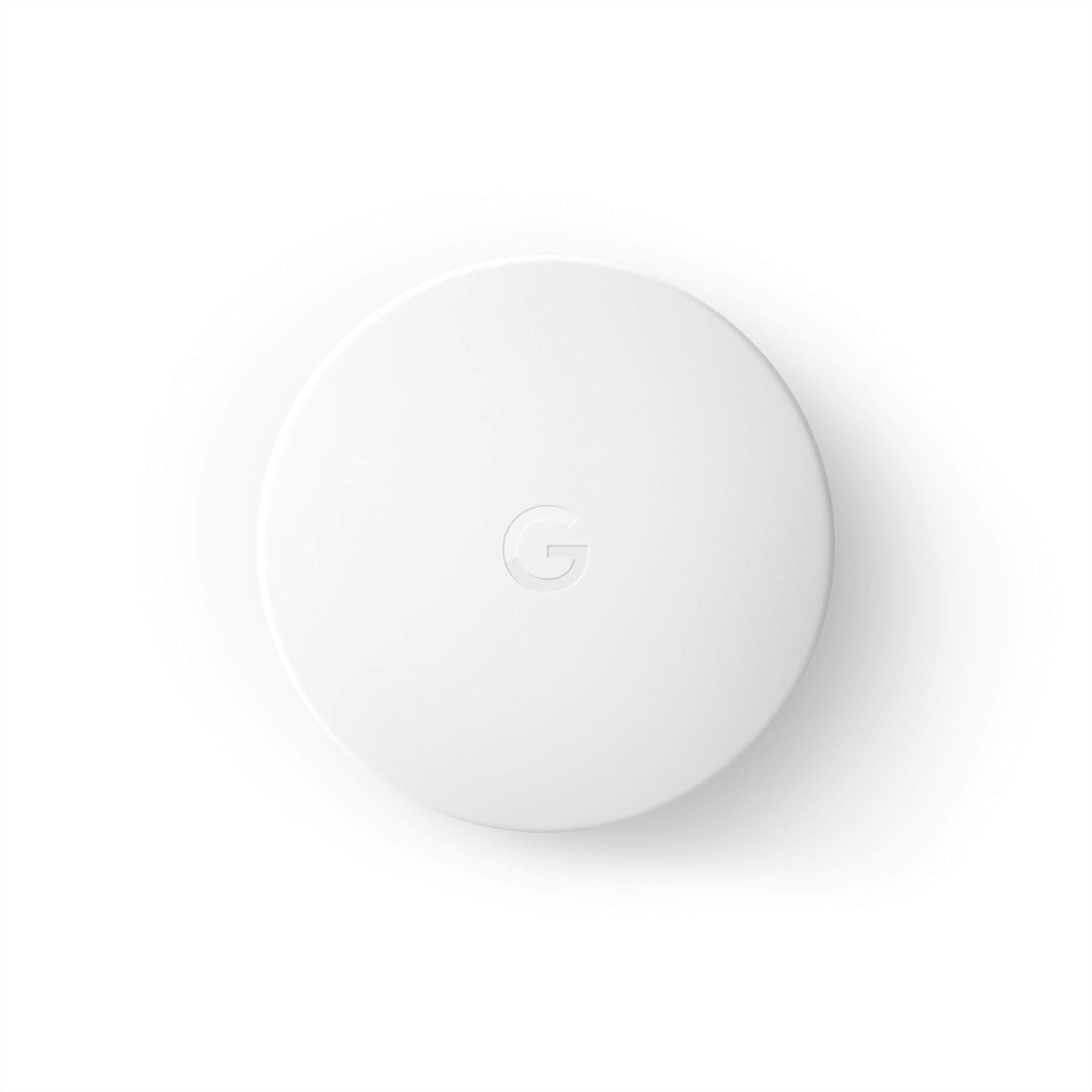
Google Nest Temperature Sensor- That Works with Nest Lear...
As an Amazon Associate we earn from qualifying purchases.
Official Manufacturer Manual
Google Nest provides official product documentation through their online manual rather than downloadable PDF. Access setup guides, troubleshooting steps, and product specifications for your Google Nest Learning Thermostat.
Source: support.google.com
Need More Help? Google Nest Support
Note: The contact information below connects you directly to Google Nest's official customer support team, not Trunetto. They can help with warranty claims, device replacements, and advanced technical issues.
How Does Google Nest Compare?
Before replacing your Google Nest device, see how it stacks up against alternatives in our full comparison guides.
Accessories owners commonly pair with Google Nest Learning Thermostat.

Google Nest Wifi - AC2200 - Mesh WiFi System - Wifi Route...

Google Nest WiFi Pro - Wi-Fi 6E - Reliable Home Wi-Fi Sys...

Google Nest WiFi Pro - 6E - Reliable Home Wi-Fi System wi...
As an Amazon Associate we earn from qualifying purchases.


