

Why Won't My Nest Thermostat Learn My Schedule?
- Not enough manual adjustments made
- Auto-schedule disabled
- Home/Away assist confused
Problem Description
Your Nest Learning Thermostat is not learning your schedule after several days of use. Check whether Auto-Schedule is enabled in the thermostat settings (Settings > Auto-Schedule). If it's off, the thermostat won't learn from your manual temperature adjustments. The Nest also needs consistent daily patterns to build a schedule — irregular usage confuses the learning algorithm.
Why This Happens in Real Homes
The Learning Thermostat only builds a schedule if two things are true: Auto-Schedule is on, and your day-to-day adjustments are consistent enough to spot a pattern. In real homes learning "fails" because Auto-Schedule was switched off, the house runs on manual holds, or several people nudge the dial at random times so no clear pattern emerges.
Start by confirming Auto-Schedule is enabled, then make deliberate, consistent adjustments for a full week and avoid long manual holds. If a bad pattern already formed, clear the schedule and retrain from scratch rather than editing individual points.
Symptoms
- Schedule doesn't match your routine
- Keeps going to wrong temperatures
- Learning seems stuck
- Home/Away sensing incorrect
- Energy savings disappeared
Recognize these? Here's what usually causes it.
Common Causes
- Not enough manual adjustments made
- Auto-schedule disabled
- Home/Away assist confused
- Multiple residents with different patterns
- Schedule history corrupted
Most fixes happen in the first 3 steps.
The leaf icon appears when Nest is saving energy - it learns what temperatures are comfortable and efficient.
Tools & Requirements
These tools will help you complete this fix.

As an Amazon Associate we earn from qualifying purchases.
Step-by-Step Solution
Check whether Auto-Schedule is enabled intentionally
Confirm learning mode is on and that manual holds are not overriding behavior, because hold-heavy usage can prevent Nest from building useful patterns.
Review occupancy and setpoint change consistency
Keep your manual adjustments consistent for several days, since irregular changes reduce Nest's ability to infer stable schedule preferences.
Clear conflicting routines and third-party overrides
Audit Home app routines and integrations that may change setpoints automatically, because external overrides can appear as failed learning behavior.
Reset schedule history only if pattern is corrupted
If learned schedule is clearly wrong, clear schedule and retrain with deliberate adjustments, because partial edits sometimes preserve bad historical bias.
Evaluate learning results after one full week
Allow a full weekly cycle before judging learning quality, so weekday/weekend behavior has enough data to converge.
Quick Solutions
Still having issues? This is usually the deeper cause below.
Schedules that skip randomly are usually a daylight-saving holdover — delete and recreate the schedule to clear the corrupted entry.
Nest Thermostat needs consistent patterns to learn. If your schedule is highly variable, manual scheduling works better. **Product Intelligence:** - C-wire required for most models - 2.4GHz WiFi only - Nest Aware subscription for history
Thermostat issues that keep returning are often caused by stale backup-battery memory holding old settings across power cycles without the user realising.
- Not enough manual adjustments made
- Auto-schedule disabled
- Home/Away assist confused
- Multiple residents with different patterns
- Schedule history corrupted
Before you go — try one of these (they fix most cases).
Most popular upgrades chosen by Google Nest Learning Thermostat owners.

Google Nest Learning Thermostat (4th Gen, 2024) with 2 Te...

Google Nest Temperature Sensor 3 Count Pack - Nest Thermo...
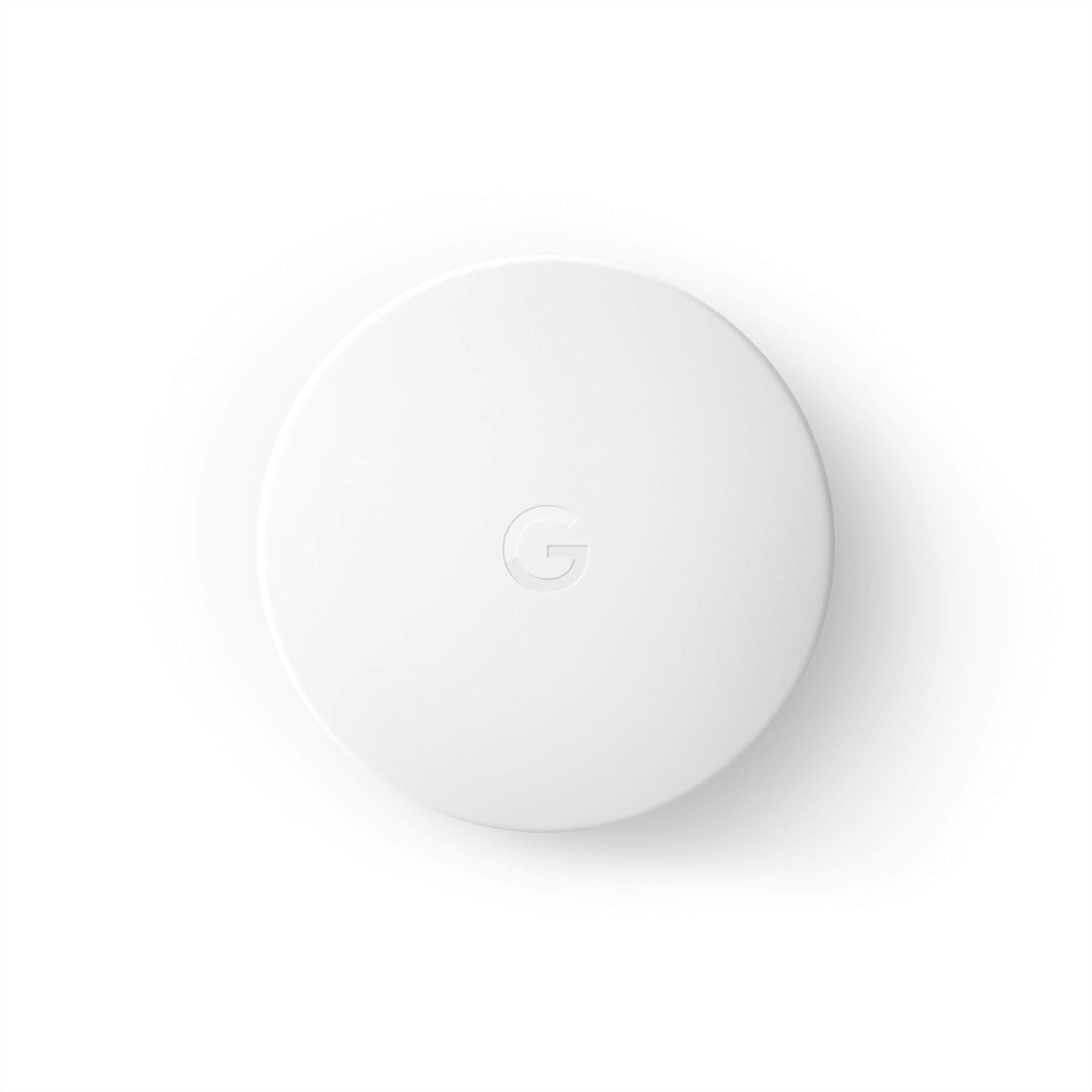
Google Nest Temperature Sensor- That Works with Nest Lear...
As an Amazon Associate we earn from qualifying purchases.
Official Manufacturer Manual
Google Nest provides official product documentation through their online manual rather than downloadable PDF. Access setup guides, troubleshooting steps, and product specifications for your Google Nest Learning Thermostat.
Source: support.google.com
Need More Help? Google Nest Support
Note: The contact information below connects you directly to Google Nest's official customer support team, not Trunetto. They can help with warranty claims, device replacements, and advanced technical issues.
How Does Google Nest Compare?
Before replacing your Google Nest device, see how it stacks up against alternatives in our full comparison guides.
Accessories owners commonly pair with Google Nest Learning Thermostat.

Google Nest Wifi - AC2200 - Mesh WiFi System - Wifi Route...

Google Nest WiFi Pro - Wi-Fi 6E - Reliable Home Wi-Fi Sys...

Google Nest WiFi Pro - 6E - Reliable Home Wi-Fi System wi...
As an Amazon Associate we earn from qualifying purchases.


