Why Won't My Amazon Fire TV Remote Work or Pair?
- Remote batteries are dead
- Remote unpaired from Fire TV
- Remote needs to be reset
Problem Description
Your Amazon Fire TV remote has stopped working. Button presses do nothing, the remote will not pair with the Fire TV, or only some buttons work. This is one of the most common Fire TV issues and is usually fixable without replacing the remote.
Why This Happens in Real Homes
A dead Fire TV remote is most often just dead batteries or a lost Bluetooth pairing. Buttons that do nothing, or a remote that stopped after a battery change or a while unused, point to one of those.
Start by installing fresh batteries, then re-pair by holding the Home button for about 10 seconds near the Fire TV. Restart the Fire TV if pairing fails. The Fire TV app on your phone can control the device in the meantime; a genuinely faulty remote is rarer than flat batteries or a dropped pairing.
Symptoms
- No buttons on remote do anything
- Remote was working but suddenly stopped
- Remote will not pair with Fire TV
- Only volume buttons work but navigation does not
- Alexa voice button does not respond
- Remote LED does not flash when pressing buttons
Recognize these? Here's what usually causes it.
Common Causes
- Remote batteries are dead
- Remote unpaired from Fire TV
- Remote needs to be reset
- Fire TV firmware glitch
- Bluetooth interference from nearby devices
- HDMI-CEC conflict with TV remote
Most fixes happen in the first 3 steps.
Do not use rechargeable batteries in Fire TV remotes as their lower voltage can cause intermittent pairing issues.
Tools & Requirements
Step-by-Step Solution
Replace Batteries
Remove the back cover of the remote and replace both AAA batteries with fresh ones. Make sure the positive and negative ends are oriented correctly. Old batteries are the most common cause of unresponsive remotes even if they still have some charge.
Restart Fire TV Without Remote
Unplug the Fire TV power adapter from the wall. Wait 30 seconds and plug it back in. The Fire TV will restart and often automatically reconnect with the remote during boot. Wait for the home screen to fully load.
Re-pair the Remote
Hold the Home button on the remote for 10 seconds. The remote LED should start flashing. The Fire TV should detect it and pair within 30 seconds. If not go to Settings then Controllers and Bluetooth Devices then Amazon Fire TV Remotes and select Add New Remote.
Reset the Remote
Hold the Menu button, Back button, and left side of the navigation ring together for 12 seconds. Release all buttons and wait 5 seconds. Remove the batteries for another 30 seconds. Put batteries back in and press Home to pair.
Use the Fire TV App
If the physical remote is completely dead download the Amazon Fire TV app on your phone. Connect to the same WiFi as your Fire TV. Use the app as a temporary remote to navigate settings and pair a new or replacement physical remote.
Quick Solutions
Still having issues? This is usually the deeper cause below.
If pairing fails after multiple attempts, the device may still be registered to a previous account — factory-reset it before trying to add it to a new one.
Keep a spare set of AAA batteries near your TV. Remote battery issues can mimic hardware failures when the batteries are just low enough to stop Bluetooth but not the IR sensor.
Pairing failures almost always come down to distance during the initial handshake — manufacturers seriously understate how close you actually need to be.
- Remote batteries are dead
- Remote unpaired from Fire TV
- Remote needs to be reset
- Fire TV firmware glitch
- Bluetooth interference from nearby devices
Before you go — try one of these (they fix most cases).
Most popular upgrades chosen by Amazon Fire TV Remote owners.

Amazon eero Pro 6E mesh wifi router (1-pack) with Amazon ...

Amazon Fire TV Stick 4K (newest model)
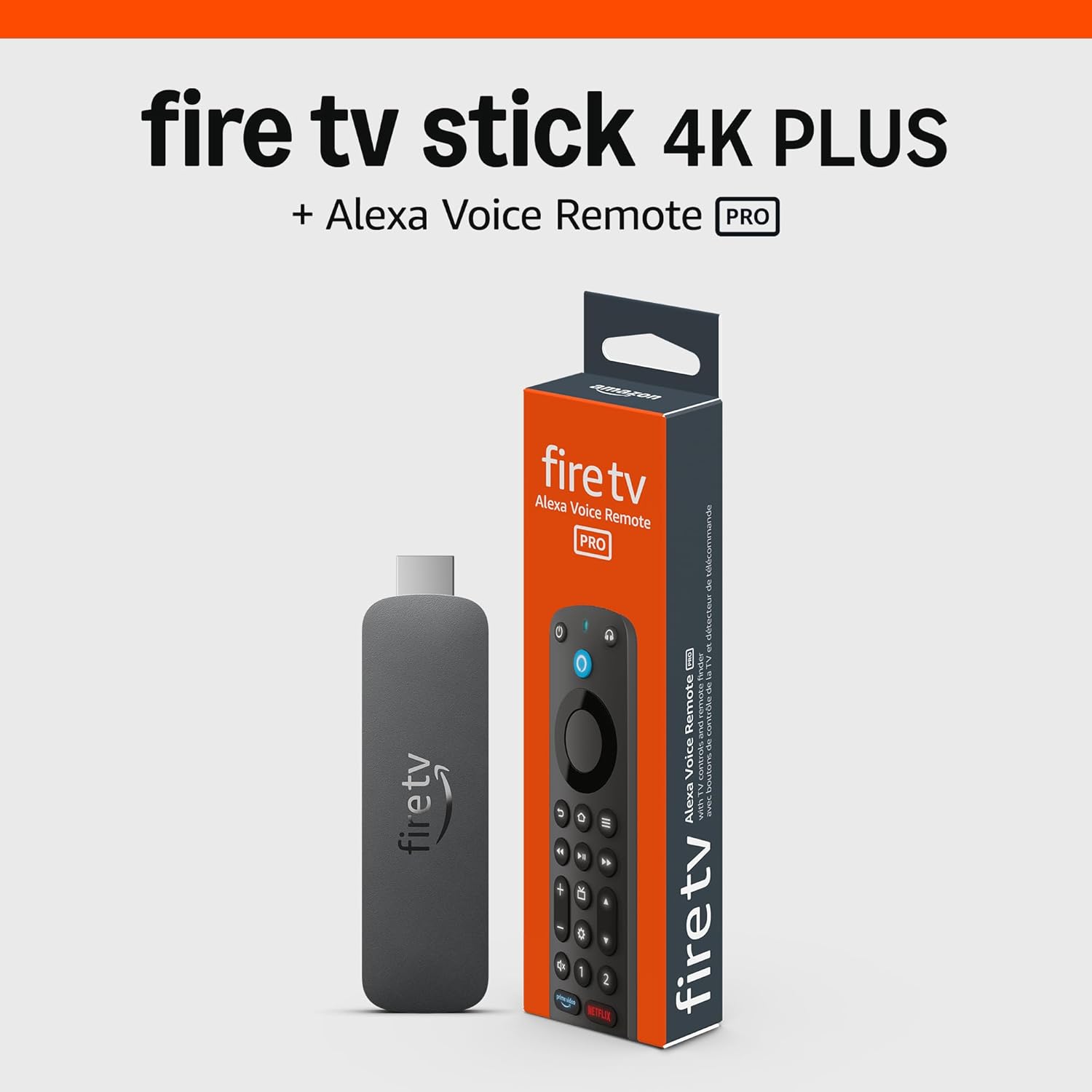
Amazon Fire TV Stick 4K Plus (newest model) with AI-power...
As an Amazon Associate we earn from qualifying purchases.
Official Manufacturer Manual
Amazon provides official product documentation through their online manual rather than downloadable PDF. Access setup guides, troubleshooting steps, and product specifications for your Amazon Fire TV Remote.
Source: amazon.com
Need More Help? Amazon Support
Note: The contact information below connects you directly to Amazon's official customer support team, not Trunetto. They can help with warranty claims, device replacements, and advanced technical issues.
How Does Amazon Compare?
Before replacing your Amazon device, see how it stacks up against alternatives in our full comparison guides.
Accessories owners commonly pair with Amazon Fire TV Remote.

Amazon Basics microSDXC Memory Card with Full Size Adapte...

Amazon Basics microSDXC Memory Card with Full Size Adapte...

Amazon eero 6 mesh wifi system - Supports internet plans ...
As an Amazon Associate we earn from qualifying purchases.