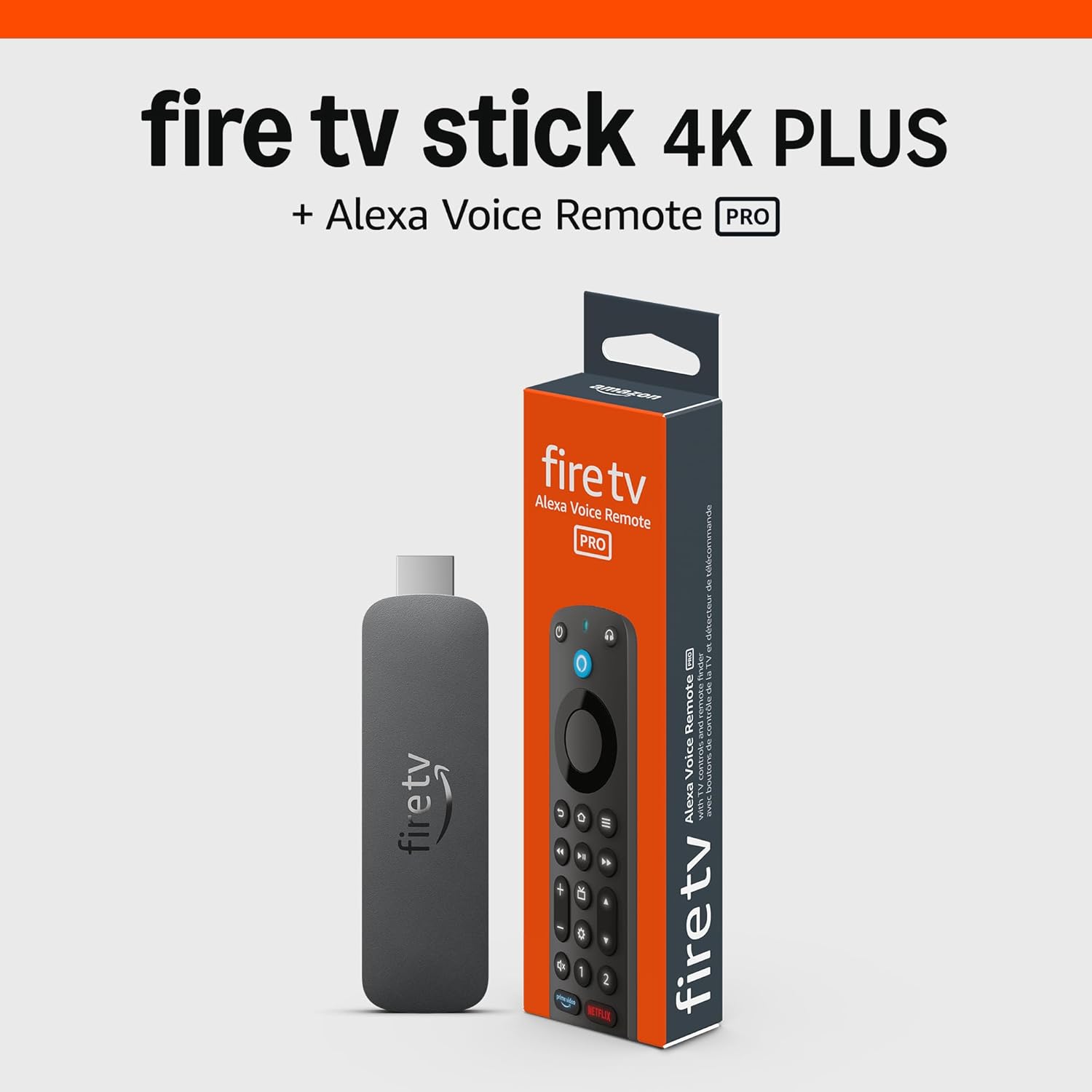
Why Is My Amazon Fire TV Cube HDMI-CEC Not Controlling TV or Soundbar
- HDMI-CEC disabled on TV or soundbar settings
- CEC named differently per brand causing confusion
- Fire TV Cube HDMI-CEC setting turned off
Problem Description
Your Amazon Fire TV Cube is supposed to control your TV and soundbar power and volume through HDMI-CEC, but the controls do not work. Saying Alexa turn off TV does nothing, the Cube remote cannot control TV volume, and your soundbar does not respond to Fire TV commands. HDMI-CEC equipment control is completely non-functional.
Why This Happens in Real Homes
The Fire TV Cube controls your TV and soundbar power/volume over HDMI-CEC, so when it stops working, CEC is usually disabled on the TV or soundbar — each brand names it differently (Anynet+, Bravia Sync, SimpLink, VIERA Link), and it's easy to have it off.
Start by enabling HDMI-CEC on the TV and soundbar in their settings (under the brand-specific name), and make sure the Cube is on an HDMI port that supports CEC and ARC/eARC for the soundbar. Re-run Equipment Control setup in Fire TV settings; a power-cycle of all three often re-establishes the CEC handshake.
Symptoms
- Alexa turn off TV command does nothing
- Fire TV remote volume buttons do not control TV
- Soundbar volume unresponsive to Cube commands
- TV does not turn on when Cube wakes
- Equipment control shows no devices found
- CEC worked previously but stopped after update
Recognize these? Here's what usually causes it.
Common Causes
- HDMI-CEC disabled on TV or soundbar settings
- CEC named differently per brand causing confusion
- Fire TV Cube HDMI-CEC setting turned off
- HDMI cable not supporting CEC passthrough
- Multiple CEC devices conflicting on same HDMI bus
- TV firmware update changed CEC behavior
Most fixes happen in the first 3 steps.
Some older TVs from 2015 and earlier have buggy CEC implementations that never work reliably. If your TV is over 8 years old and CEC fails after all troubleshooting, the TV may not be compatible.
Tools & Requirements
These tools will help you complete this fix.
As an Amazon Associate we earn from qualifying purchases.
Step-by-Step Solution
Enable CEC on Your TV
HDMI-CEC has different names per brand: Samsung calls it Anynet+, LG calls it SimpLink, Sony calls it Bravia Sync, Vizio calls it CEC. Find your TV settings menu, usually under External Inputs or System, and enable this feature. On some TVs you must enable both CEC Control and Auto Power Off/On options separately.

Needed for this step
Certified HDMI 2.1 Cable 6FT, 8K HDMI eARC Cord...
This helps complete the fix you are currently reading.
$9.90Enable CEC in Fire TV Cube Settings
On your Fire TV Cube, go to Settings, then Display & Sounds, then HDMI CEC Device Control. Make sure this is set to On. Also check Equipment Control and run the setup wizard to detect your TV and soundbar. The Cube needs to identify what devices are connected before it can control them.
Check Soundbar CEC Settings
If using a soundbar, it must also have CEC enabled. Access soundbar settings via its remote or app. Enable HDMI-CEC or ARC control. If the soundbar is between the Cube and TV, it must pass CEC commands through. Some soundbars block CEC by default to prevent conflicts with their own remotes.
Test HDMI Cable and Port
HDMI-CEC requires pin 13 of the HDMI connector which cheap cables sometimes omit. Try a different high-speed HDMI cable certified for CEC/ARC. Also try a different HDMI port on your TV. Some TVs only support CEC on specific ports, often labeled ARC or CEC. Avoid HDMI switches as many block CEC signals.
Reduce CEC Device Conflicts
If multiple CEC devices are connected (gaming console, Blu-ray player, cable box), they may conflict with Fire TV Cube commands. Temporarily disconnect other HDMI devices and test if Cube CEC works. If it does, reconnect devices one at a time. You may need to disable CEC on secondary devices to let the Cube take priority.
Quick Solutions
Still having issues? This is usually the deeper cause below.
If this comes back after following these steps, check whether a recent app or firmware update reset a default setting — the fix works, but the setting gets reverted silently.
After enabling CEC on all devices, perform a full power cycle by unplugging the TV, soundbar, and Cube for 60 seconds. This resets the CEC handshake and often resolves detection issues.
This issue almost always looks more complex than it is — the majority of cases trace back to a single setting, a stale credential, or a default that shipped wrong.
- HDMI-CEC disabled on TV or soundbar settings
- CEC named differently per brand causing confusion
- Fire TV Cube HDMI-CEC setting turned off
- HDMI cable not supporting CEC passthrough
- Multiple CEC devices conflicting on same HDMI bus
Before you go — try one of these (they fix most cases).
Most popular upgrades chosen by Amazon Fire TV Cube owners.
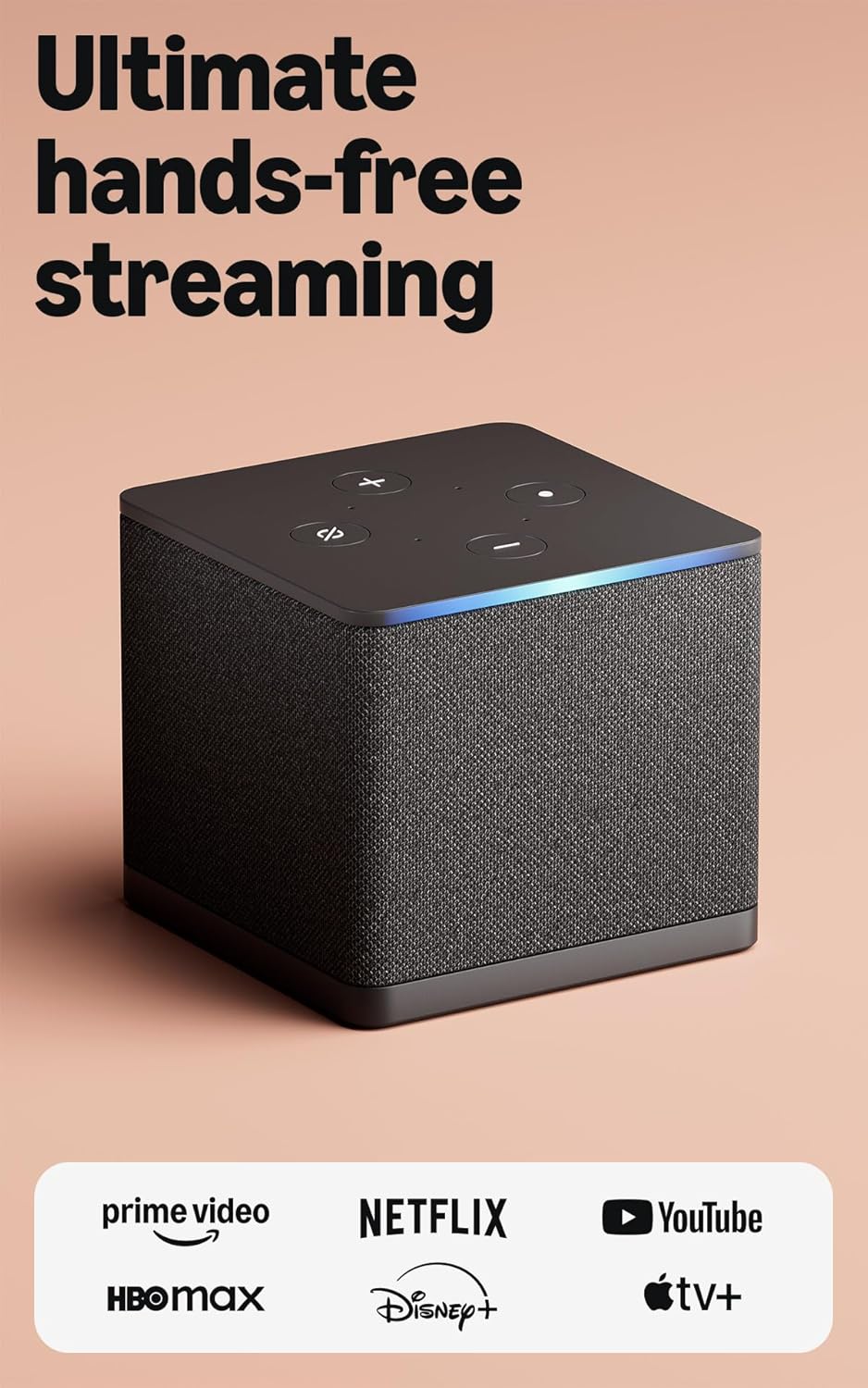
As an Amazon Associate we earn from qualifying purchases.
Official Manufacturer Manual
Amazon provides official product documentation through their online manual rather than downloadable PDF. Access setup guides, troubleshooting steps, and product specifications for your Amazon Fire TV Cube.
Source: amazon.com
Need More Help? Amazon Support
Note: The contact information below connects you directly to Amazon's official customer support team, not Trunetto. They can help with warranty claims, device replacements, and advanced technical issues.
How Does Amazon Compare?
Before replacing your Amazon device, see how it stacks up against alternatives in our full comparison guides.
Accessories owners commonly pair with Amazon Fire TV Cube.

Amazon Basics microSDXC Memory Card with Full Size Adapte...

Amazon Basics microSDXC Memory Card with Full Size Adapte...

Amazon eero 6 mesh wifi system - Supports internet plans ...
As an Amazon Associate we earn from qualifying purchases.