

Why Does My Ring Doorbell Show a Black Screen on Live View?
- WiFi connection unstable or device too far from router
- Device firmware or app needs updating
- Device not properly set up during initial pairing
Problem Description
Your Ring Doorbell is experiencing issues related to black screen on live view. This affects your ability to control the Doorbell through the Ring app, scheduled automations, and voice assistants. Specifically, the issue involves black screen on live view. The steps below walk you through diagnosing the root cause and applying proven fixes so your Doorbell works reliably again.
Why This Happens in Real Homes
A black screen on the Ring doorbell live view almost always means the video stream is failing to connect, not that the camera is broken. If you get doorbell press notifications and motion alerts but live view is black, the doorbell hardware is fine — the streaming path is blocked. Check your doorbell's WiFi signal in the Ring app under Device Health. RSSI weaker than -65 will cause streaming failures. Also check if your router's firewall or a DNS-level ad blocker (like Pi-hole) is blocking Ring's streaming servers. Temporarily bypassing the ad blocker is the fastest diagnostic test.
Symptoms
- Device shows as offline in the app
- Device does not respond to commands
- App cannot connect to device
- Features not working as expected
- Device disconnects frequently
- Automations fail to trigger
- Voice commands not recognized
Recognize these? Here's what usually causes it.
Common Causes
- WiFi connection unstable or device too far from router
- Device firmware or app needs updating
- Device not properly set up during initial pairing
- Power supply issue or loose connection
- Account not linked correctly
- Too many devices causing network congestion
- Interference from other wireless devices
Most fixes happen in the first 3 steps.
Hardwired installation involves working with electrical wiring. Turn off the breaker before touching any wires. If you are not comfortable with basic wiring hire a licensed electrician. Some older homes may need a transformer upgrade from 10V to the 16-24V required by modern video doorbells.
Tools & Requirements
These tools will help you complete this fix.

Level
9 Inch Torpedo Level Magnetic, Shock-Proof Small Lev...

microsd card
4 Channel 360° Dash Cam Front Rear Inside & Left Rig...

Multimeter
Klein Tools 80196 Digital Multimeter Kit with Case, ...

Replacement batteries
Duracell Coppertop Double AA Batteries with Power Bo...
As an Amazon Associate we earn from qualifying purchases.
Step-by-Step Solution
Check WiFi connectivity
A black screen during live view almost always means the video stream cannot load due to a network issue. Check the doorbell WiFi signal strength in the Ring app under Device Health. If the RSSI value is worse than -65 dBm (like -70 or -80), the signal is too weak for reliable video streaming. Move your router closer, add a WiFi extender, or install a Ring Chime Pro near the doorbell for a dedicated WiFi boost.
Force close and reopen the Ring app
Sometimes the Ring app video player gets into a stuck state. Force close the Ring app completely (swipe it away from the app switcher) and reopen it. Try live view again. On iOS, also try clearing the app cache by offloading and reinstalling the app. On Android, go to Settings, Apps, Ring, and tap Clear Cache.
Check if the doorbell is powered
If the doorbell has no power, it cannot stream video and you get a black screen. For battery models, check the battery level in the Ring app — if it is at 0%, the doorbell is dead and needs charging. For hardwired models, check that the circuit breaker is on and the wiring is connected. The doorbell may have lost power due to a breaker trip or loose wiring.
Needed for this step
9 Inch Torpedo Level Magnetic, Shock-Proof Smal...
This helps complete the fix you are currently reading.
$6.99Restart the doorbell
Press and hold the setup button on the doorbell for 10 seconds and release. The doorbell reboots and reconnects to WiFi. Wait 2-3 minutes and try live view again. If the doorbell is hard to reach (high mount), you can also power cycle it by turning off the circuit breaker for 30 seconds for hardwired models, or removing and reinserting the battery for battery models.
Check for Ring service outages
If live view shows a black screen on all your Ring devices, Ring cloud services may be experiencing an outage. Check downdetector.com for Ring outage reports or the Ring Community forums. During outages, live view, event history, and notifications may be unavailable. There is nothing to fix on your end — wait for Ring to resolve the server issue.
Quick Solutions
Still having issues? This is usually the deeper cause below.
Camera issues that start suddenly almost always trace back to an upload bandwidth drop — run a speed test before assuming hardware failure.
Set up motion scheduling or snooze alerts during times when regular activity is expected like when kids come home from school. Use pre-recorded quick replies so the doorbell can respond to visitors automatically when you cannot answer.
A black screen after connecting is almost always the IR cut filter stuck mid-position — a power cycle resets the mechanical component in under a minute.
- WiFi connection unstable or device too far from router
- Device firmware or app needs updating
- Device not properly set up during initial pairing
- Power supply issue or loose connection
- Account not linked correctly
Before you go — try one of these (they fix most cases).
Official Manufacturer Manual
If you need the complete manufacturer documentation for advanced setup, wiring diagrams, or detailed specifications, you can download the official manual below. The manual includes full technical instructions directly from the manufacturer and may help if your issue requires deeper troubleshooting.
Download the Official Ring Doorbell ManualSource: ring.com
Need More Help? Ring Support
Note: The contact information below connects you directly to Ring's official customer support team, not Trunetto. They can help with warranty claims, device replacements, and advanced technical issues.
How Does Ring Compare?
Before replacing your Ring device, see how it stacks up against alternatives in our full comparison guides.
Accessories owners commonly pair with Ring Doorbell.
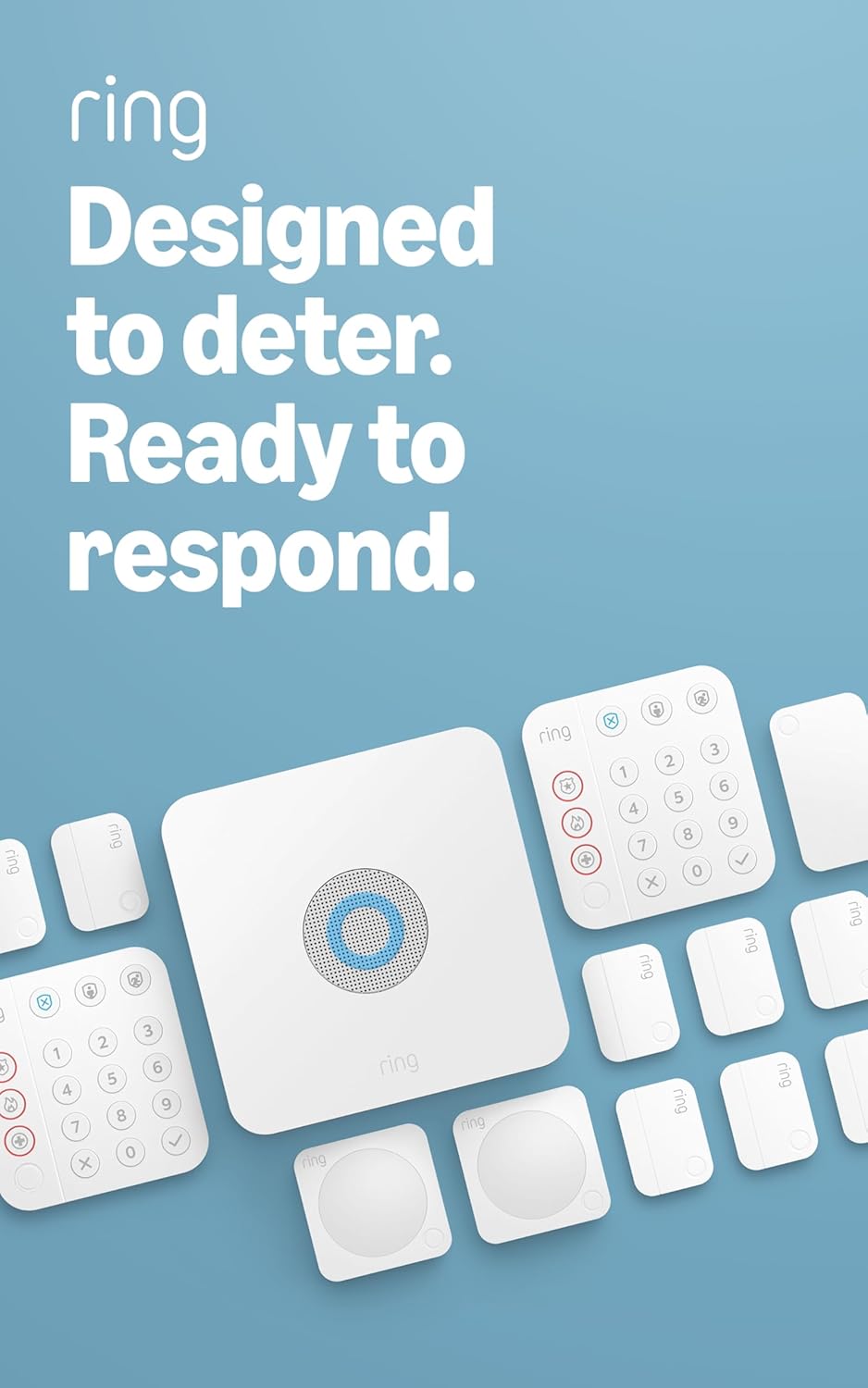
Ring Alarm 14-Piece Kit – Wireless Smart Home Security Sy...

Ring Alarm 5-Piece Kit – Wireless Smart Home Security Sys...

Ring Alarm 10-Piece Kit – Wireless Smart Home Security Sy...
As an Amazon Associate we earn from qualifying purchases.



