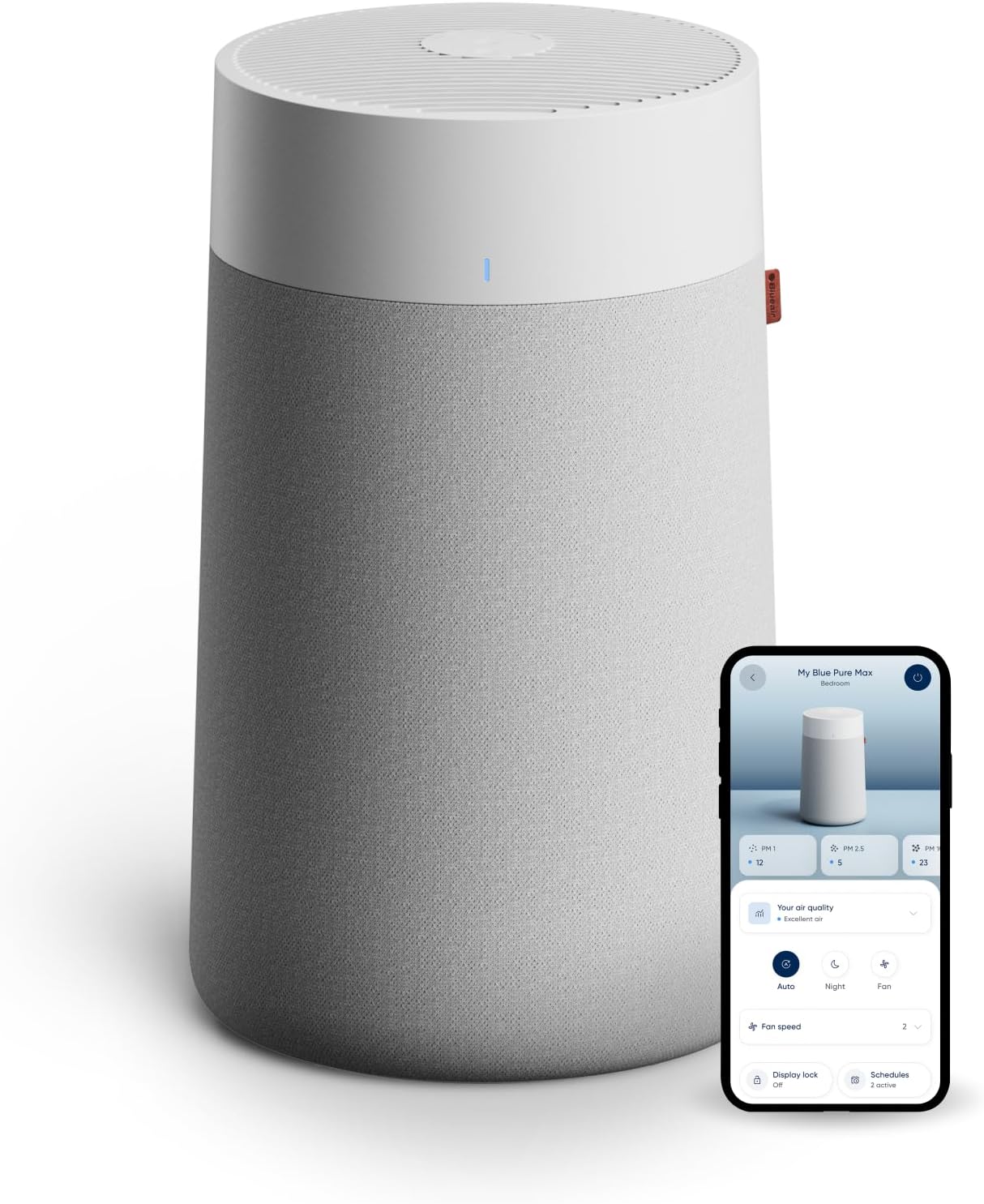
Blueair Filter Red Light Won't Reset After Changing the Filter
- Fan-button hold too short (needs a full 15 seconds)
- New filter not fully seated
- Plastic wrap left on the filter
Problem Description
You replaced the filter on your Blueair but the red filter-replacement light stays on. On Blueair units this is nearly always the reset hold not being long enough, a filter not fully seated, or the filter genuinely being due.
Why This Happens in Real Homes
On Blueair the filter light will not clear almost always because the Fan-button hold was not long enough, or the filter is not fully seated. In real homes people let go of the button before the full 15 seconds and assume the reset is broken.
Hold it the full 15 seconds, confirm the correct filter is seated and unwrapped, and restart and retry before suspecting the indicator board. If you have not actually changed the filter, the light is a real 6-month reminder doing its job.
Symptoms
- Red filter light stays on after a change
- The light will not clear with the Fan button
- Red light returns after resetting
- Light on despite a new filter
- Reduced airflow with the light on
- Light comes on around the 6-month mark
- The reset seems not to register
- Light on after reassembly
Recognize these? Here's what usually causes it.
Common Causes
- Fan-button hold too short (needs a full 15 seconds)
- New filter not fully seated
- Plastic wrap left on the filter
- Filter genuinely due at about 6 months
- Wrong-size filter for the model
- Needs a restart before the reset registers
- Unit reassembled incorrectly
- Indicator board fault
Most fixes happen in the first 3 steps.
Step-by-Step Solution
Hold the Fan button for a full 15 seconds
After replacing the filter, reset the timer by pressing and holding the Fan button for a full 15 seconds until the red light turns off, then release. Most people let go too early, which is why the light seems stuck; it really is a long 15-second hold, so count it out rather than guessing.
Confirm the filter is fully seated
If the light will not clear, make sure the new filter is pushed all the way into place and the unit is reassembled correctly, and that you removed any plastic wrap from the new filter. A filter that is not fully home, or still bagged, can keep the indicator on and also cuts airflow, so seat it firmly.
Restart and retry the reset
If the first hold did not take, restart the purifier by turning it off and back on, then press and hold the Fan button for 15 seconds again until the red light goes out. A fresh boot often lets the reset register when it would not the first time, so it is worth a second, patient attempt.
Know when the red light is correct
Blueair recommends replacing the filter roughly every 6 months of continuous use, and the red light comes on at that interval to tell you it is due. If you have not actually changed the filter yet, the light is doing exactly its job, so replace the filter first and then run the reset, rather than trying to clear a real reminder.
Check you fitted the right filter
Use the correct Blueair filter for your exact model. A filter that is the wrong size will not seat properly against the unit, and a filter that does not sit correctly can keep the indicator triggered no matter how long you hold the button, so match the replacement to your specific Blue Pure or Protect model.
Power-cycle and escalate
If the red light still will not clear after a genuine, well-seated filter, a restart, and a proper 15-second hold, unplug the unit for a minute and try the reset once more. If it persists after all of that, contact Blueair support at blueair.com with your model so they can check whether the indicator board is at fault.
Quick Solutions
Still having issues? This is usually the deeper cause below.
If flickering only happens on dimming, the issue is almost always the dimmer's minimum-load setting, not the bulb — it's drawing less current than the dimmer expects.
Blueair's per-model filter-reset articles are at blueair.com. The single most common reason the light will not clear is simply not holding the Fan button long enough, so the 15-second hold is worth repeating carefully before anything else.
This issue almost always looks more complex than it is — the majority of cases trace back to a single setting, a stale credential, or a default that shipped wrong.
- Fan-button hold too short (needs a full 15 seconds)
- New filter not fully seated
- Plastic wrap left on the filter
- Filter genuinely due at about 6 months
- Wrong-size filter for the model
Before you go — try one of these (they fix most cases).
Most popular upgrades chosen by Blueair Air Purifier owners.

As an Amazon Associate we earn from qualifying purchases.
Official Manufacturer Manual
Blueair provides official product documentation through their online manual rather than downloadable PDF. Access setup guides, troubleshooting steps, and product specifications for your Blueair Air Purifier.
Source: blueair.com
Need More Help? Blueair Support
Note: The contact information below connects you directly to Blueair's official customer support team, not Trunetto. They can help with warranty claims, device replacements, and advanced technical issues.
Accessories owners commonly pair with Blueair Air Purifier.

Ring Rechargeable Quick Release Battery Pack

Ring Chime Pro

SwitchBot Hub Mini Smart Remote - IR Universal Remote, Wi...
As an Amazon Associate we earn from qualifying purchases.