

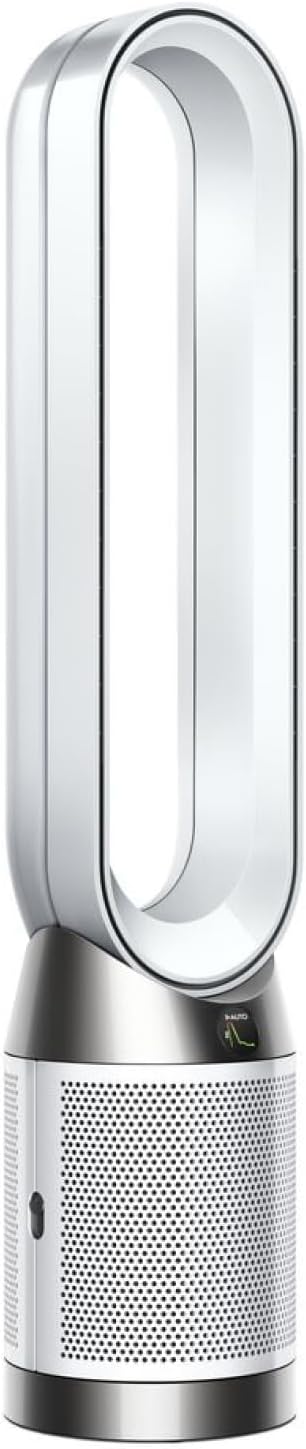
Why Is My Dyson Pure Cool Purifier Fan Making a Loud Rattling or Clicking Noise
- Filter not properly seated, vibrating against the housing
- Debris or a foreign object in the amplifier loop
- Oscillation motor developing wear
Problem Description
Your Dyson purifier fan is producing abnormal sounds including rattling, clicking, buzzing, or vibrating noises during operation. The noise may occur at all fan speeds or only at certain settings, and can range from a subtle tick to a loud rattle that makes the purifier unusable in bedrooms or living rooms.
Why This Happens in Real Homes
The filter not being fully seated is the cause of rattling about 50 percent of the time — it is always the first thing to check. The second most common cause is dust buildup on the impeller causing imbalance at higher speeds. Oscillation clicking is a known issue on the TP04 and TP07 models where the gear mechanism wears over time. Actual motor bearing failure is rare within the first 2 years but does happen on units that run 24/7 on high speed.
Symptoms
- Rattling/vibrating noise that rises with fan speed
- Clicking at regular intervals during operation
- Buzzing or humming from the base that wasn't there before
- Noise only when oscillation is on
- Whistling or rushing-air sound louder than normal
- Intermittent ticking that stops and starts
- Vibration felt through the base
- Noise makes it hard to use in a bedroom
Recognize these? Here's what usually causes it.
Common Causes
- Filter not properly seated, vibrating against the housing
- Debris or a foreign object in the amplifier loop
- Oscillation motor developing wear
- Purifier on an uneven surface causing resonance
- Fan motor bearing wearing from extended use
- Loose outer shroud or loop amplifier not fully snapped in
- Protective packaging left on the filter
- Base not level
Most fixes happen in the first 3 steps.
Never spray lubricant, water, or cleaning solution inside the base of the unit. The internal electronics and motor are not waterproof. Use only compressed air and dry cloths for internal cleaning. If you need to open the base for oscillation repair, unplug the unit first and note that opening it may void your warranty if it is still active.
Tools & Requirements
These tools will help you complete this fix.
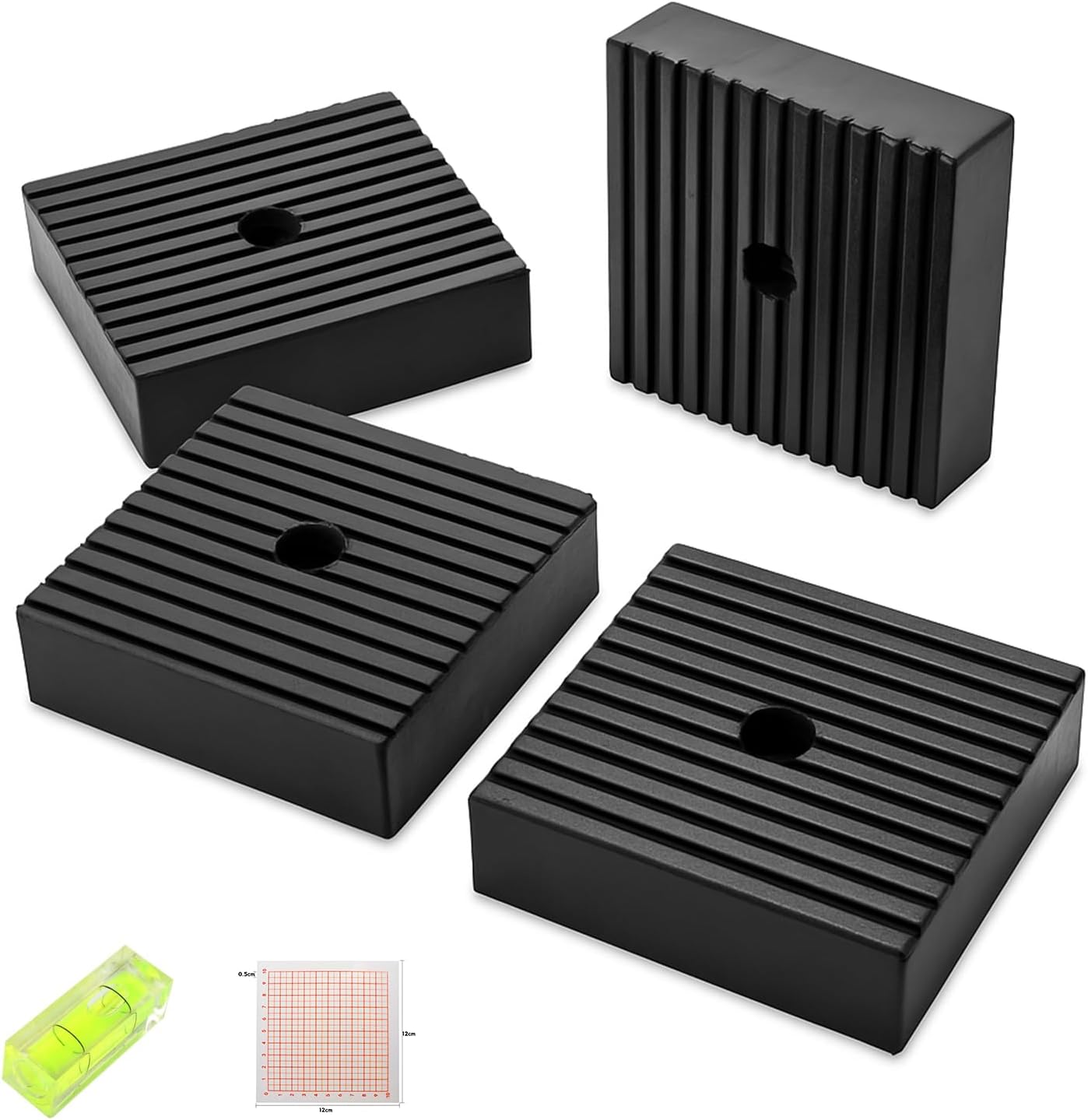
Anti-vibration rubber pad
4 Pack Heavy-Duty Anti-Vibration Pads – Solid Rubber...

Compressed air can
Compressed Air Duster,130000RPM Electric Air Duster ...
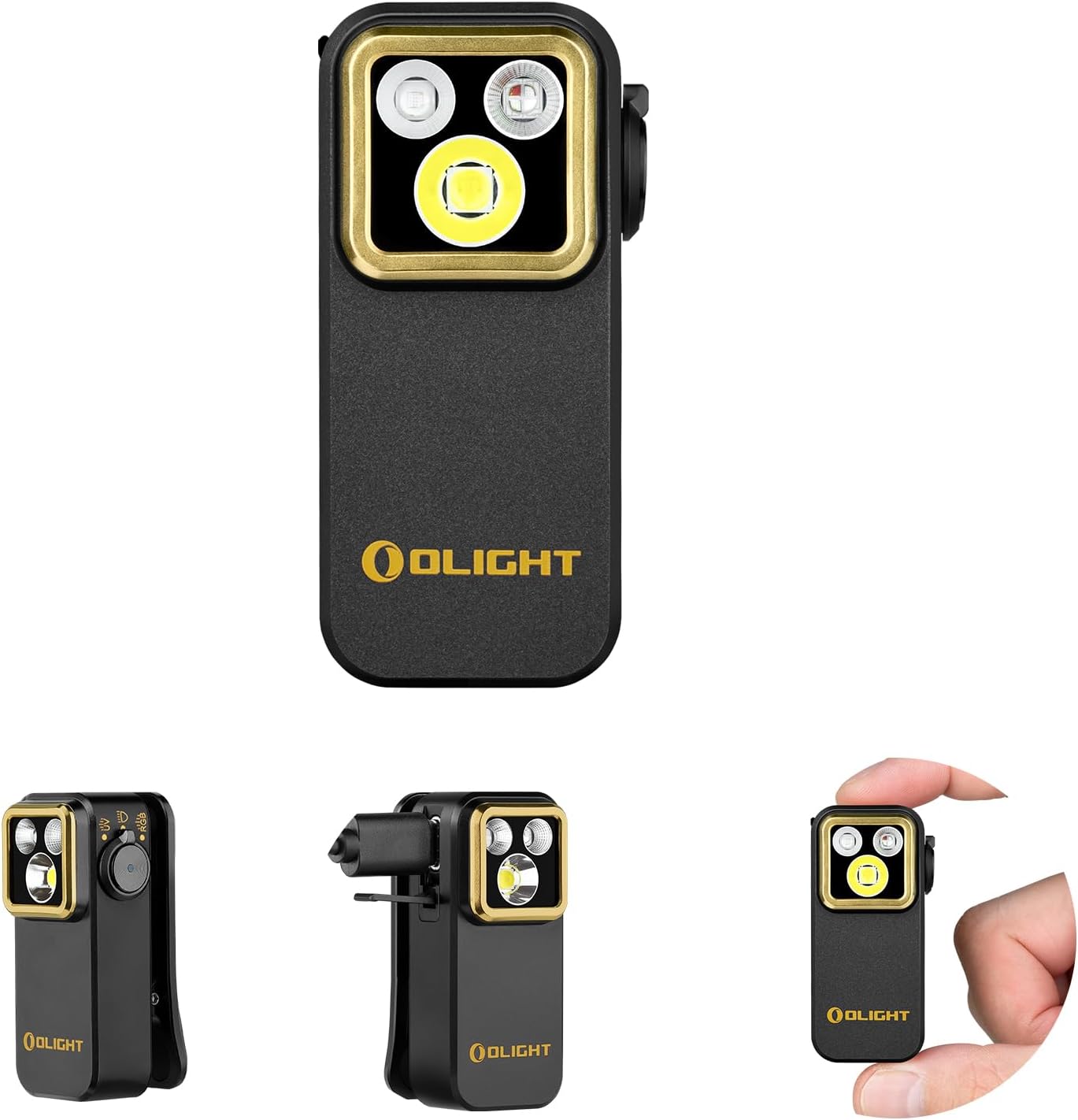
Flashlight
OLIGHT Oclip Pro S EDC Flashlight Clip-on Light, 600...
As an Amazon Associate we earn from qualifying purchases.
Step-by-Step Solution
Identify when the noise happens
Listen carefully to when the noise occurs. Rattling at all speeds usually means something is loose inside the loop amplifier (the bladeless ring). Clicking only at startup or speed changes often means the oscillation motor is struggling. A grinding noise that gets louder at higher speeds points to the internal fan motor or impeller. Knowing when it happens narrows the fix.
Check the filter for proper seating
Power off the unit and remove the filter (twist the outer cover to release it). Inspect the filter — if it is warped, damaged, or has the plastic wrap still on it (new units), it will vibrate and rattle. Reinstall the filter firmly, making sure it clicks fully into place. A filter that is even slightly unseated creates a gap that vibrates at higher fan speeds and sounds like a rattle inside the base.
Inspect the loop amplifier for loose parts
The loop amplifier (the large oval or circular ring on top) can develop a rattle if the internal airflow vanes are loose or if the ring was not seated correctly after cleaning. Gently grasp the loop and try to wiggle it — there should be no play. If it moves, reattach it firmly to the base. On some models, the ring has alignment tabs that must lock into slots on the base. Also look inside the air slot for anything trapped — a small piece of debris will rattle loudly.
Clean the impeller inside the base
Over time, dust builds up on the impeller (internal fan) inside the base unit. This causes imbalance and vibration, especially at higher speeds. Unplug the unit, remove the filter, and look down into the base. Use a can of compressed air to blow dust off the impeller blades. Do not use water inside the base. If you can access the impeller on your model, wipe the blades with a dry microfiber cloth.
Needed for this step
Compressed Air Duster,130000RPM Electric Air Du...
This helps complete the fix you are currently reading.
$20.99Fix oscillation clicking by lubricating or resetting
If the clicking happens when oscillation is on, the oscillation motor gear may be dry or misaligned. Turn off oscillation in the app or remote and see if the clicking stops. If it does, the oscillation mechanism needs attention. On some models, you can access the oscillation gear by removing the base plate (4-6 screws). Apply a small drop of silicone lubricant to the gear teeth. If the clicking started after the unit was knocked over, the gear may be stripped.
Check the surface the purifier is on
Dyson purifiers vibrate at higher speeds, and an uneven or resonant surface amplifies this into a loud rattle. Place the unit on a hard, flat, stable surface — not on a wobbly side table, thin shelf, or on top of other appliances. Adding a rubber mat or felt pads under the base can eliminate surface-transmitted vibration that sounds like an internal rattle.
Needed for this step
4 Pack Heavy-Duty Anti-Vibration Pads – Solid R...
This helps complete the fix you are currently reading.
$20.99Contact Dyson if the motor is failing
If the noise persists after checking the filter, loop amplifier, impeller, and oscillation, the internal motor bearings may be worn. A grinding or whining noise that increases with speed and does not stop when oscillation is off points to motor bearing failure. This is not user-serviceable. Contact Dyson support — the motor is covered under the 2-year warranty. Have your serial number ready (on the base plate sticker).
Quick Solutions
Still having issues? This is usually the deeper cause below.
If this comes back after following these steps, check whether a recent app or firmware update reset a default setting — the fix works, but the setting gets reverted silently.
Most Dyson Pure Cool rattling is caused by the filter not being fully seated. After replacing or cleaning the filter, push firmly until you hear a click. If the rattle only started after a filter change, the new filter may be slightly different in size — try reinstalling it rotated 180 degrees. Also make sure you removed all plastic packaging from new filters, including the small strips inside the pleats.
This issue almost always looks more complex than it is — the majority of cases trace back to a single setting, a stale credential, or a default that shipped wrong.
- Filter not properly seated, vibrating against the housing
- Debris or a foreign object in the amplifier loop
- Oscillation motor developing wear
- Purifier on an uneven surface causing resonance
- Fan motor bearing wearing from extended use
Before you go — try one of these (they fix most cases).
Most popular upgrades chosen by Dyson Pure Cool Purifier Fan owners.
As an Amazon Associate we earn from qualifying purchases.
Official Manufacturer Manual
Dyson provides official product documentation through their online manual rather than downloadable PDF. Access setup guides, troubleshooting steps, and product specifications for your Dyson Pure Cool Purifier Fan.
Source: dyson.com
Need More Help? Dyson Support
Note: The contact information below connects you directly to Dyson's official customer support team, not Trunetto. They can help with warranty claims, device replacements, and advanced technical issues.
Accessories owners commonly pair with Dyson Pure Cool Purifier Fan.

Ring Rechargeable Quick Release Battery Pack

Ring Chime Pro

SwitchBot Hub Mini Smart Remote - IR Universal Remote, Wi...
As an Amazon Associate we earn from qualifying purchases.
Guide Improvements
- Updated June 16, 2026
Added filter seating check, loop amplifier inspection, impeller cleaning, oscillation motor fix, and surface vibration solutions.
What changed:- Added filter seating check as most common fix
- Added loop amplifier inspection for internal rattles
- Added impeller dust cleaning procedure
- Added oscillation motor lubrication fix
- Added real-world context about noise patterns by model
Source: Trunetto editorial update


