

Why Is My Govee Air Purifier Child Lock Stuck and Settings Wont Change
- Unlock hold duration performed incorrectly
- App and device lock states out of sync
- Firmware bug preserves stale lock flag
Problem Description
Your Govee purifier appears locked and will not let you change fan speed, mode, or timer settings from the panel or app. Child lock may stay active even after attempted unlocks. This usually comes from long-press timing errors, app state desync, firmware glitches, or household automations reapplying lock status.
Why This Happens in Real Homes
A stuck child lock on a Govee air purifier is usually the unlock gesture done wrong — child lock typically needs a press-and-hold for a set duration, and the app-vs-device state can get out of sync.
Start by holding the lock button for the full required duration (often around 3 seconds) on the unit, and if the app and device disagree, toggle child lock in the app to resync. A power cycle clears a stuck state; check the manual for your model's exact unlock gesture, since it varies.
Symptoms
- Buttons do not respond to presses
- Child lock icon stays permanently visible
- App unlock command does nothing
- Fan speed cannot be adjusted manually
- Settings revert immediately after change
- Issue started after automation update
Recognize these? Here's what usually causes it.
Common Causes
- Unlock hold duration performed incorrectly
- App and device lock states out of sync
- Firmware bug preserves stale lock flag
- Scene automation re-enables child lock
- Capacitive panel misreads rapid touches
- Temporary memory state after power dip
Most fixes happen in the first 3 steps.
Do not rapidly tap capacitive buttons repeatedly when locked. Excess rapid input can delay state changes and make lock behavior appear more inconsistent.
Step-by-Step Solution
Use Correct Unlock Gesture
On most Govee purifiers, child lock requires holding the lock-related button combination for several seconds, not quick taps. Perform the exact hold duration from your model guide. Watch for icon change or confirmation beep, then test fan speed controls directly on the panel before using the app.
Pause App Automations
In the Govee app, temporarily disable scenes or automations that include lock or safety profiles. Some routines can immediately re-enable child lock after you manually disable it, making it appear stuck. Test with all related routines paused so panel behavior reflects only direct user commands.
Resync Device and App State
Force close the Govee app, reopen, and refresh the purifier status page. Toggle lock once from app and once from panel to align cloud and local state. If lock indicators disagree between app and purifier, remove stale Bluetooth pairing and reconnect to restore consistent control feedback.
Reboot and Firmware Update
Unplug the purifier for 60 seconds, then reconnect and verify WiFi reconnects normally. Install any firmware updates available in the app, as lock-state bugs are often fixed in maintenance builds. After update, repeat lock and unlock tests with both panel and app to confirm persistent resolution.
Re-add Device if Needed
If lock remains stuck, remove the purifier from the app and add it back as a fresh device. Reconfigure only essential settings first, then test lock behavior before restoring scenes. This clean pairing clears corrupted cloud state that can keep pushing incorrect lock flags to the purifier.
Quick Solutions
Still having issues? This is usually the deeper cause below.
If the keypad rejects valid codes, a lockout timer may be running — five failed entries locks most keypads silently for 5–10 minutes.
Test lock behavior before restoring all automations. Re-enable routines one at a time so you can identify if a specific scene is reapplying child lock.
Most smart lock failures people label as hardware issues turn out to be a code wiped during a sync, or a setting reset nobody remembers triggering.
- Unlock hold duration performed incorrectly
- App and device lock states out of sync
- Firmware bug preserves stale lock flag
- Scene automation re-enables child lock
- Capacitive panel misreads rapid touches
Before you go — try one of these (they fix most cases).
Most popular upgrades chosen by Govee Smart Air Purifier owners.

As an Amazon Associate we earn from qualifying purchases.
Official Manufacturer Manual
Govee provides official product documentation through their online manual rather than downloadable PDF. Access setup guides, troubleshooting steps, and product specifications for your Govee Smart Air Purifier.
Source: govee.com
Need More Help? Govee Support
Note: The contact information below connects you directly to Govee's official customer support team, not Trunetto. They can help with warranty claims, device replacements, and advanced technical issues.
How Does Govee Compare?
Before replacing your Govee device, see how it stacks up against alternatives in our full comparison guides.
Accessories owners commonly pair with Govee Smart Air Purifier.
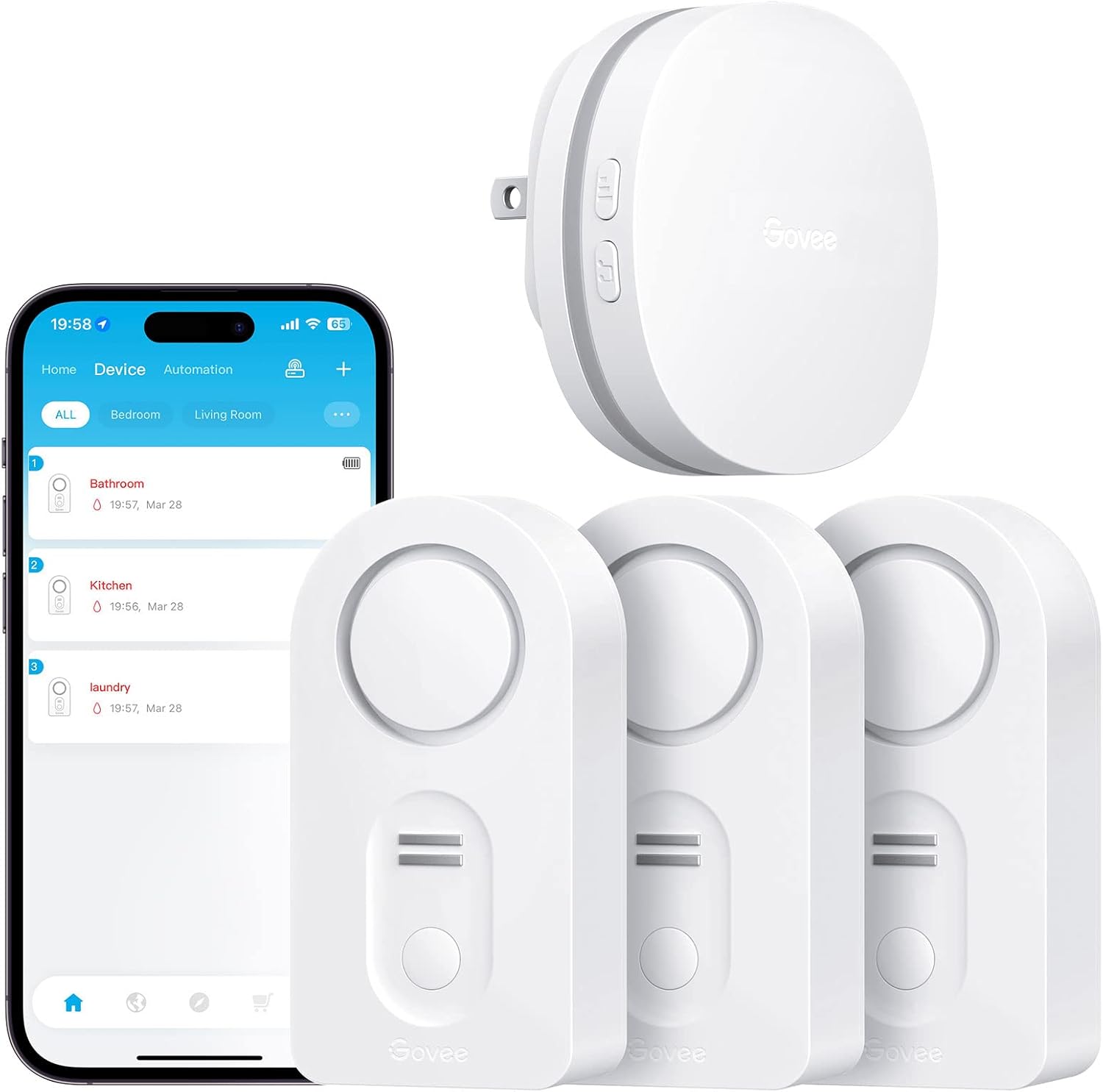
Govee WiFi Water Leak Detector 3 Packs, Leak Alert with R...

Govee WiFi Water Sensor 2 Pack, Smart Water Leak Detector...

Govee WiFi Temperature Sensor H5179, Smart Hygrometer The...
As an Amazon Associate we earn from qualifying purchases.


