Why Does My LiftMaster MyQ Show Obstruction When the Door Path Is Clear
- Photo-eye sensors slightly misaligned
- Sunlight saturating the receiving sensor
- Lens dirt scattering the infrared beam
Problem Description
Your LiftMaster myQ app reports obstruction and blocks remote closing even though the garage doorway is clear. The door may close from wall control but fail from app for safety reasons. This is typically caused by sensor misalignment, sunlight interference, dirty lenses, wiring voltage drops, or travel force settings triggering false safety checks.
Why This Happens in Real Homes
A myQ obstruction warning on a clear doorway is the app refusing to remote-close because the photo-eye safety sensors are not giving it a solid all-clear, and by federal UL325 safety rules myQ will not send an unattended close command unless those sensors confirm the path. That is exactly why the door still closes from the wall button, where you are standing there watching, but not from the app. So the fix lives at the sensors, not in the app. Both photo-eye LEDs need to be steady, not dim or flickering: realign them to the same height, clean the lenses, and check the low-voltage wiring for staple pinches or nicks that drop the signal. Direct sun into the receiving eye near closing time saturates it and causes intermittent false obstructions, so shade or re-aim that sensor. If the beam looks fine but the door still reverses right at the floor, the close force or down limit is set too tight and the opener is reading normal seal contact as an obstruction.
Symptoms
- myQ app reports an obstruction with a clear path
- Remote close is blocked but the wall control works
- Safety sensor lights look unstable or dim
- Door reverses near the floor without an object present
- The issue appears more in bright sunlight
- Obstruction alerts happen intermittently
- Obstruction clears after cleaning the lenses then returns
- Door closes fine from the wall button but the app refuses to close it
Recognize these? Here's what usually causes it.
Common Causes
- Photo-eye sensors slightly misaligned
- Sunlight saturating the receiving sensor
- Lens dirt scattering the infrared beam
- Low sensor voltage from damaged wiring
- Travel force too sensitive near the close
- Track resistance interpreted as an obstruction
- myQ requiring the sensors to confirm a clear path before a remote close (UL325 rule)
- Door vibration slowly walking a photo-eye out of alignment
Most fixes happen in the first 3 steps.
Never disable or bypass safety sensors to force remote closing. Photo-eyes are critical protection features and must remain active for safe door operation.
Tools & Requirements
These tools will help you complete this fix.

Flathead screwdriver
Klein Tools 85076 Screwdriver Set, Made in USA, Slot...

microfiber cloth
BELLEMOND「Samurai Cloth」Japanese Microfiber Cleaning...
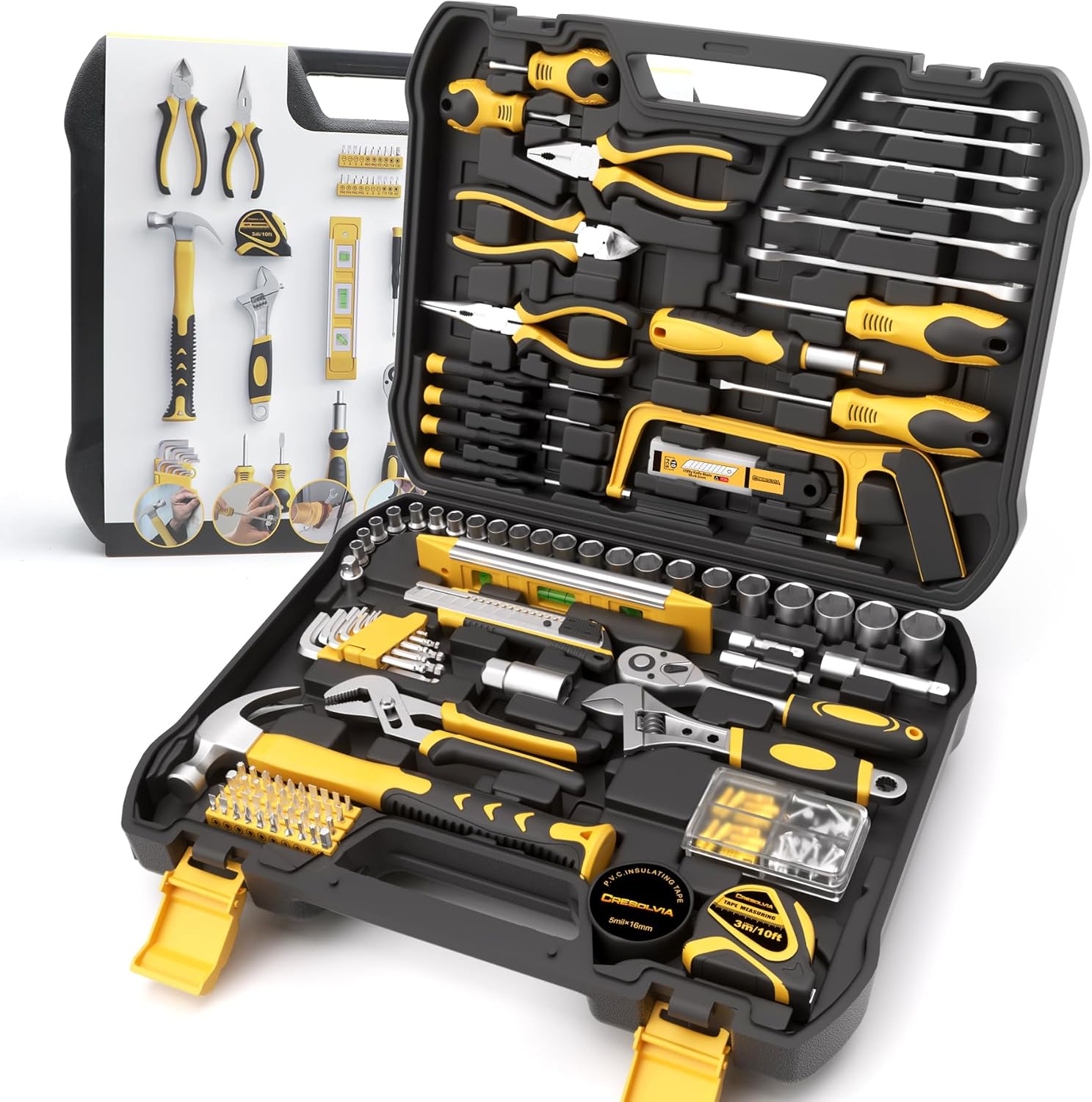
Socket wrench set
199 Piece Tool Kit for Home,General Household/Auto R...
As an Amazon Associate we earn from qualifying purchases.
Step-by-Step Solution
Validate Sensor Indicator Lights
Check both photo-eye sensor LEDs at the bottom of the door tracks. You should see stable indicator behavior, not flicker. If one light is weak or intermittent, alignment or wiring is likely the cause. Small angle shifts can break beam integrity and trigger obstruction errors in myQ remote-close logic.
Clean and Re-align Sensors
Wipe each sensor lens with a soft dry cloth and then adjust both brackets until indicator lights remain steady. Even dust or cobweb film can scatter the infrared beam. Tighten mounting hardware after alignment so vibration from door movement does not knock sensors out of position again.
Needed for this step
BELLEMOND「Samurai Cloth」Japanese Microfiber Cle...
This helps complete the fix you are currently reading.
$18.99Check Sunlight and Reflection Effects
If errors happen during certain times of day, direct sun may be saturating the receiving sensor. Temporarily shade the sensor and retest remote close behavior. Add a small glare shield or adjust sensor angle slightly to reduce direct sunlight exposure while maintaining proper beam alignment.
Inspect Wiring and Track Resistance
Examine low-voltage wires for nicks, loose terminals, or staple damage along the opener path. Then manually move the door to detect binding points in tracks or rollers. Mechanical resistance near close can mimic obstruction behavior and trigger false reversals or blocked remote-closing events.
Recalibrate Force and Travel
Use LiftMaster setup controls to relearn travel limits and closing force according to manufacturer guidance. Overly sensitive force settings can stop the door early and report obstruction even without objects. After calibration, test closing from myQ app and make sure behavior remains consistent across multiple cycles.
Quick Solutions
Still having issues? This is usually the deeper cause below.
If this comes back after following these steps, check whether a recent app or firmware update reset a default setting — the fix works, but the setting gets reverted silently.
False obstruction alerts often combine minor sensor misalignment and track drag. Fixing both together usually restores stable remote closing faster than isolated tweaks.
This issue almost always looks more complex than it is — the majority of cases trace back to a single setting, a stale credential, or a default that shipped wrong.
- Photo-eye sensors slightly misaligned
- Sunlight saturating the receiving sensor
- Lens dirt scattering the infrared beam
- Low sensor voltage from damaged wiring
- Travel force too sensitive near the close
Before you go — try one of these (they fix most cases).
Most popular upgrades chosen by LiftMaster MyQ Garage Door Opener owners.

As an Amazon Associate we earn from qualifying purchases.
Official Manufacturer Manual
LiftMaster provides official product documentation through their online manual rather than downloadable PDF. Access setup guides, troubleshooting steps, and product specifications for your LiftMaster MyQ Garage Door Opener.
Source: liftmaster.com
Need More Help? LiftMaster Support
Note: The contact information below connects you directly to LiftMaster's official customer support team, not Trunetto. They can help with warranty claims, device replacements, and advanced technical issues.
Accessories owners commonly pair with LiftMaster MyQ Garage Door Opener.

LiftMaster 882LMW - ONLY Compatible with Security+ 2.0 Li...

Liftmaster myQ Smart Garage Control - Wireless Garage Hub...

LiftMaster Liftmaster 821LMC-SENSOR Additional Door Senso...
As an Amazon Associate we earn from qualifying purchases.