What Does the Eufy RoboVac X9 Pro Error Code E08 Mean and How to Fix It
- Hair/debris wrapped around a side wheel
- Main brush jammed with hair/string
- Obstruction binding a wheel or brush
Problem Description
Eufy X9 Pro error E08 signals a side wheel or main motor obstruction. This guide walks through flipping the robot, inspecting wheels, clearing hair wraps, and confirming correct recovery so the robot returns to normal cleaning.
Why This Happens in Real Homes
On the eufy X9 Pro, error E08 points at a side wheel or the main brush motor — the robot detected too much resistance, usually because hair, string, or debris has wrapped around a wheel axle or the main brush and jammed it. It's a mechanical obstruction the robot stops on to protect the motor.
Flip the robot over and clear hair and debris from around the drive wheels and check they spin freely, then remove the main brush and clean the hair wound around it and its housing. Free any foreign object binding the mechanism, and restart. If a wheel or brush still won't turn smoothly after cleaning, that module is worn and needs replacing — but a tangle is the usual cause of E08.
Symptoms
- X9 Pro shows error E08
- Robot stops with E08
- Side wheel or brush motor error
- Won't drive/clean
- Grinding then E08
- Recurs after cleaning
- Wheel or brush stuck
- E08 on startup
Recognize these? Here's what usually causes it.
Common Causes
- Hair/debris wrapped around a side wheel
- Main brush jammed with hair/string
- Obstruction binding a wheel or brush
- Wheel motor overloaded
- Main brush motor overloaded
- Foreign object in the mechanism
- Worn wheel/brush module
- Debris in the wheel housing
Most fixes happen in the first 3 steps.
Do not pry stuck wheels with metal tools. Metal can damage plastic housings and make a small debris job into a bigger hardware issue.
Tools & Requirements
These tools will help you complete this fix.

Cleaning brush
OXO Grips Electronics Cleaning Brush
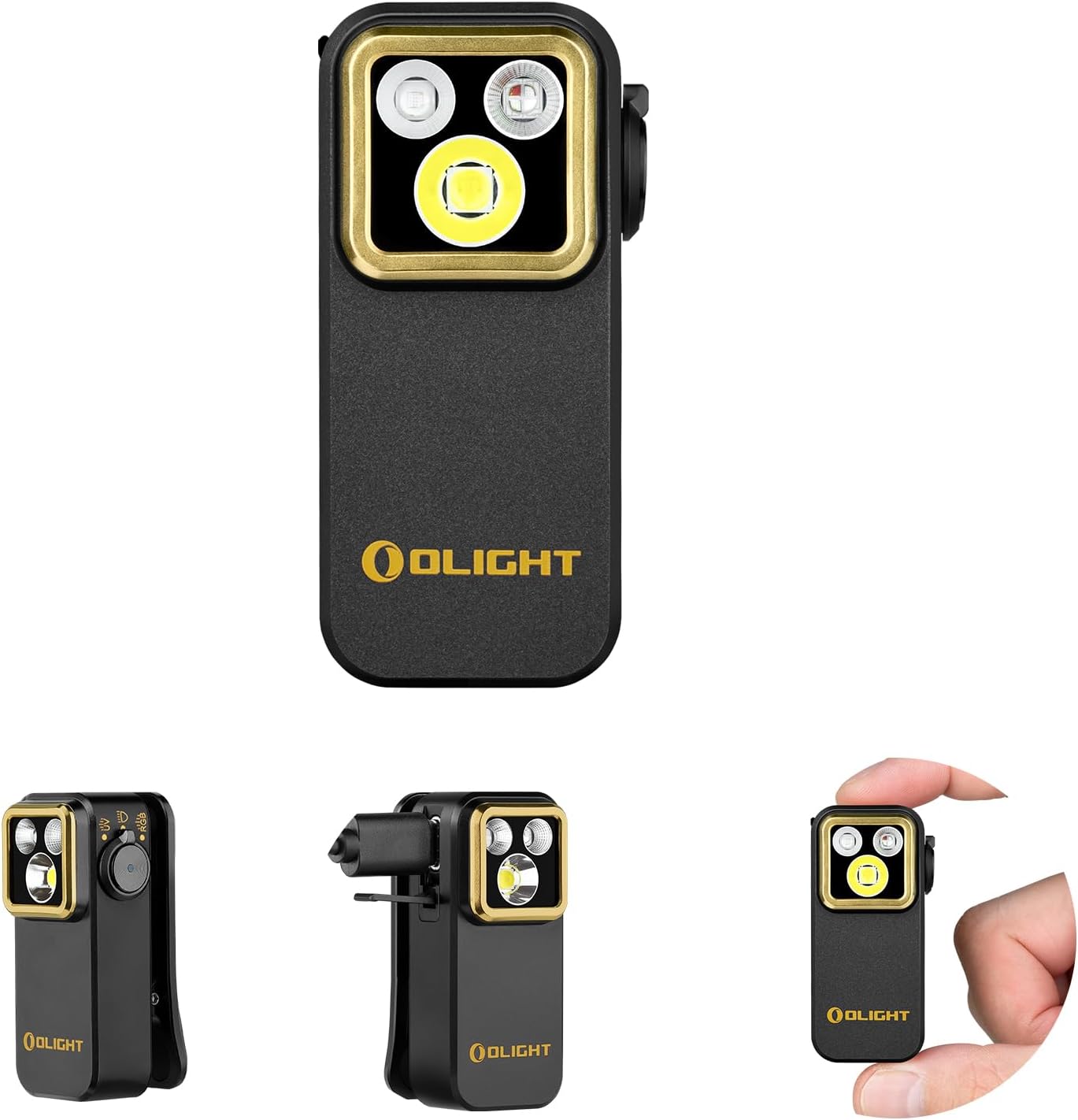
Flashlight
OLIGHT Oclip Pro S EDC Flashlight Clip-on Light, 600...

microfiber cloth
BELLEMOND「Samurai Cloth」Japanese Microfiber Cleaning...

Small scissors
Miller KS-1 Yellow Fiber Optic Kevlar Scissors, Easi...
As an Amazon Associate we earn from qualifying purchases.
Step-by-Step Solution
Retrieve and Power Down
Bring the robot to a table where you can flip it safely. Power it off to prevent the wheel motor from spinning while you work. Gather good lighting, a cleaning brush, and a small pair of scissors to cut wrapped fibers from wheel shafts.
Needed for this step
OXO Grips Electronics Cleaning Brush
This helps complete the fix you are currently reading.
$9.99Inspect Each Wheel
Flip the X9 Pro and examine each drive wheel closely. Look for hair, string, cable ties, and pet fur wrapped around the shafts where wheel meets housing. These are the top cause of E08. Remove everything you find before rotating wheels to look for more.
Clear Wheel Housings
Use a brush to remove dust and grit from inside wheel housings. Compacted grit causes grinding that the motor reads as an obstruction and trips E08. Keep housings clean, especially if you vacuum up fine sand, kitty litter, or sawdust.
Test Manual Rotation
Turn each wheel by hand. A healthy wheel rotates smoothly without catching. A gritty feel or frequent stops suggests debris remains or the bearing is failing. Persistent roughness after a thorough cleaning warrants a support case with Eufy.
Power On and Verify
Return the robot to the dock, power it on, and start a short spot clean. Watch initial movement. If the error does not reappear, the fix was successful. If E08 returns on the same wheel, escalate to Eufy support with timestamps and photos of wrapped debris.
Quick Solutions
Still having issues? This is usually the deeper cause below.
If the keypad rejects valid codes, a lockout timer may be running — five failed entries locks most keypads silently for 5–10 minutes.
Trim long floor cable runs to reduce wrap-around incidents. Most E08 errors trace to hair and cable ties that could have been prevented.
This issue almost always looks more complex than it is — the majority of cases trace back to a single setting, a stale credential, or a default that shipped wrong.
- Hair/debris wrapped around a side wheel
- Main brush jammed with hair/string
- Obstruction binding a wheel or brush
- Wheel motor overloaded
- Main brush motor overloaded
Before you go — try one of these (they fix most cases).
Official Manufacturer Manual
eufy Security provides official product documentation through their online manual rather than downloadable PDF. Access setup guides, troubleshooting steps, and product specifications for your Eufy RoboVac X9 Pro.
Source: eufy.com
Need More Help? eufy Security Support
Note: The contact information below connects you directly to eufy Security's official customer support team, not Trunetto. They can help with warranty claims, device replacements, and advanced technical issues.
How Does eufy Security Compare?
Before replacing your eufy Security device, see how it stacks up against alternatives in our full comparison guides.