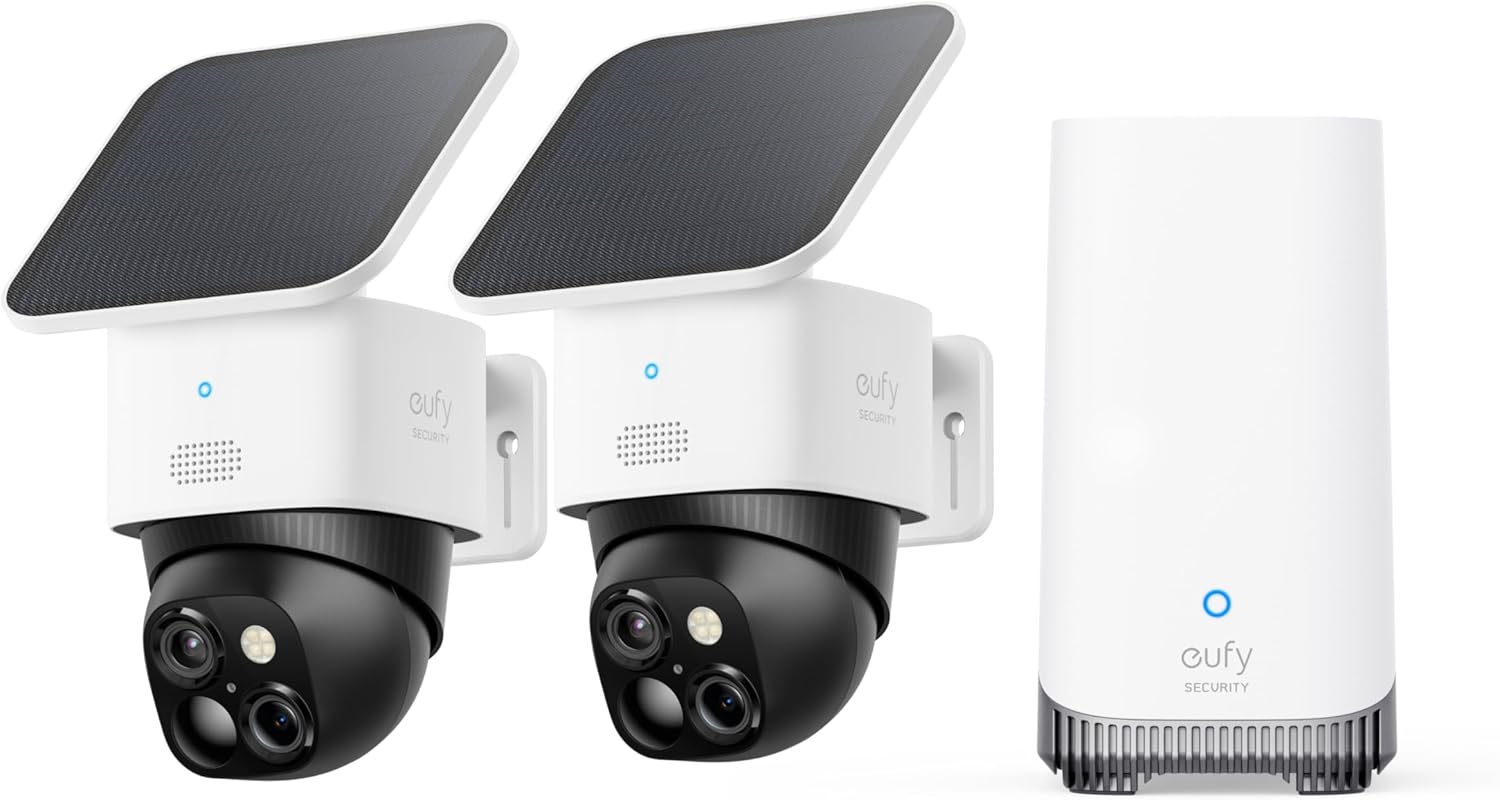
Why Won't My eufy Camera Solar Panel Charge?
- Weak WiFi signal at camera location
- Power supply interrupted or adapter failing
- Motion sensitivity set too low or too high
Problem Description
Your eufy camera solar panel is not charging the camera battery. Check the USB connection between the panel and the camera — the cable plugs into the charging port on the back of the camera. The panel needs at least 3-4 hours of direct sunlight daily. This guide covers checking the cable, panel positioning, and expected charging performance.
Why This Happens in Real Homes
The most common issue is panel orientation — users mount the panel flat or facing the wrong direction and wonder why it does not charge. Direct south-facing at 30-45 degrees is critical. The second most common issue is power consumption exceeding solar input — cameras in high-traffic areas with lots of motion events drain faster than the panel can replenish. Reducing sensitivity and clip length brings the balance back. Dead batteries that dropped to zero percent often need a wall charge first because the solar panel cannot provide enough kick-start current.
Symptoms
- Camera shows offline in the app
- Live view fails to load or times out
- Motion detection not triggering alerts
- Night vision appears too dark or washed out
- Recorded clips are missing or corrupted
- Two-way audio not working
- Camera keeps disconnecting from WiFi
Recognize these? Here's what usually causes it.
Common Causes
- Weak WiFi signal at camera location
- Power supply interrupted or adapter failing
- Motion sensitivity set too low or too high
- Cloud storage subscription expired
- Camera firmware outdated
- Infrared sensors blocked or dirty
- Bandwidth insufficient for multiple cameras
Most fixes happen in the first 3 steps.
Do not use a high-power USB charger or power bank connected to the camera solar input port — it can damage the charging circuit. The solar panel provides a regulated low-amperage charge that the camera expects. Also ensure the cable connection point is weatherproof — water in the USB port will corrode the contacts and stop charging permanently.
Tools & Requirements
These tools will help you complete this fix.

Clean cloth
WHOOSH! Pro 16.9 fl oz Refillable TV Screen Cleaner ...

Replacement batteries
Duracell Coppertop Double AA Batteries with Power Bo...

Screwdriver
STREBITO 155 in 1 Electric Screwdriver Set, Small El...
As an Amazon Associate we earn from qualifying purchases.
Step-by-Step Solution
Check the USB connection between the panel and camera
The micro-USB or USB-C cable connecting the solar panel to the camera is the first thing to check. Unplug both ends, inspect for corrosion or debris in the ports, and reconnect firmly. The cable should click or seat fully — a loose connection means no charging even if the panel is in direct sunlight. Try the cable that came with the solar panel, not a third-party cable, as some cables do not carry enough power.
Verify the solar panel angle and direction
The panel needs direct sunlight, not just daylight. Point it south (in the Northern Hemisphere) at roughly a 30-45 degree angle. A panel mounted flat against a north-facing wall or under a porch overhang will get almost no direct sun. Use the Eufy app to check the solar charging status — if it says Not Charging during a sunny afternoon, the panel orientation is wrong. Even partial shade from a tree branch reduces output dramatically.
Clean the solar panel surface
Dust, pollen, bird droppings, and water spots reduce charging efficiency significantly. Wipe the panel with a soft damp cloth. Do not use harsh chemicals or abrasive materials. A dirty panel can lose 30-50 percent of its charging capacity. In dusty areas or during pollen season, clean the panel every 2-4 weeks.
Needed for this step
WHOOSH! Pro 16.9 fl oz Refillable TV Screen Cle...
This helps complete the fix you are currently reading.
$19.99Check if the camera battery is too drained to accept charge
If the camera battery dropped to 0 percent, the solar panel may not provide enough amperage to kickstart charging. The solar panel outputs about 0.3-0.5A, which is too low to wake a completely dead battery on some Eufy models. Charge the camera to at least 20 percent using the original wall charger, then reconnect the solar panel. Once the battery has some charge, the solar panel can maintain it.
Reduce camera activity to balance power consumption
Solar panels maintain the battery — they do not fast-charge it. If your camera records 50+ motion events per day, has high sensitivity, records at 2K resolution, or has the spotlight enabled at night, it consumes more power than the solar panel can replace. Reduce motion sensitivity, shorten clip length, lower resolution to 1080p, and disable the spotlight if possible. Check the Eufy app power consumption stats to see daily usage versus solar input.
Check seasonal sunlight hours
Solar panels produce significantly less power in winter, on cloudy days, and during shorter daylight months. If the panel worked fine in summer but the battery is draining in winter, this is normal — there are fewer sun hours. Reduce camera activity in winter months or supplement with a monthly wall charge. In northern latitudes, winter solar output can be 30-40 percent of summer output.
Test with a different cable or panel
If the camera charges fine with the wall charger but not the solar panel, and you have verified sunlight and connection, the panel or cable may be defective. Try a different micro-USB cable first (use a data-capable cable, not a charge-only cable). If that does not help, test with a USB power meter between the panel and camera to see if the panel outputs voltage in direct sun. No voltage output means the panel is defective — contact Eufy support for warranty replacement.
Needed for this step
Duracell Coppertop Double AA Batteries with Pow...
This helps complete the fix you are currently reading.
$6.96Quick Solutions
Still having issues? This is usually the deeper cause below.
Camera issues that start suddenly almost always trace back to an upload bandwidth drop — run a speed test before assuming hardware failure.
The solar panel is designed to maintain the battery, not charge it from empty. The best setup is to fully charge the camera with the wall charger first, then connect the solar panel to keep it topped up. Expect the battery to hover between 80-100 percent in summer with good sun exposure, and 50-80 percent in winter. If it consistently drops below 50 percent, reduce camera activity or improve panel positioning.
Live view problems that start suddenly usually trace back to an upload speed drop — the camera itself is fine, the bandwidth path to the cloud isn't.
- Weak WiFi signal at camera location
- Power supply interrupted or adapter failing
- Motion sensitivity set too low or too high
- Cloud storage subscription expired
- Camera firmware outdated
Before you go — try one of these (they fix most cases).
Most popular upgrades chosen by eufy Camera owners.

eufy Security S220 SoloCam 4-Cam Pack with Homebase 3, So...

eufy Security SoloCam S340 with HomeBase 3, Solar Securit...

eufy Security 4K UHD Indoor Camera E30,360° Pan Tilt,AI A...
As an Amazon Associate we earn from qualifying purchases.
Official Manufacturer Manual
eufy Security provides official product documentation through their online manual rather than downloadable PDF. Access setup guides, troubleshooting steps, and product specifications for your eufy Camera.
Source: eufy.com
Need More Help? eufy Security Support
Note: The contact information below connects you directly to eufy Security's official customer support team, not Trunetto. They can help with warranty claims, device replacements, and advanced technical issues.
How Does eufy Security Compare?
Before replacing your eufy Security device, see how it stacks up against alternatives in our full comparison guides.
Accessories owners commonly pair with eufy Camera.

SANDISK 64GB Extreme microSDXC UHS-I Memory Card with Ada...

SANDISK 128GB Ultra microSDXC UHS-I Memory Card with Adap...

SANDISK 64GB Ultra microSDXC UHS-I Memory Card with Adapt...
As an Amazon Associate we earn from qualifying purchases.
Guide Improvements
- Updated June 16, 2026
Added panel angle/direction guidance, dead battery kickstart fix, power consumption balancing, and seasonal output expectations.
What changed:- Added panel angle and direction requirements
- Added dead battery kickstart with wall charger
- Added power consumption vs solar input balancing
- Added seasonal output expectations
- Added real-world context about orientation as primary issue
Source: Trunetto editorial update