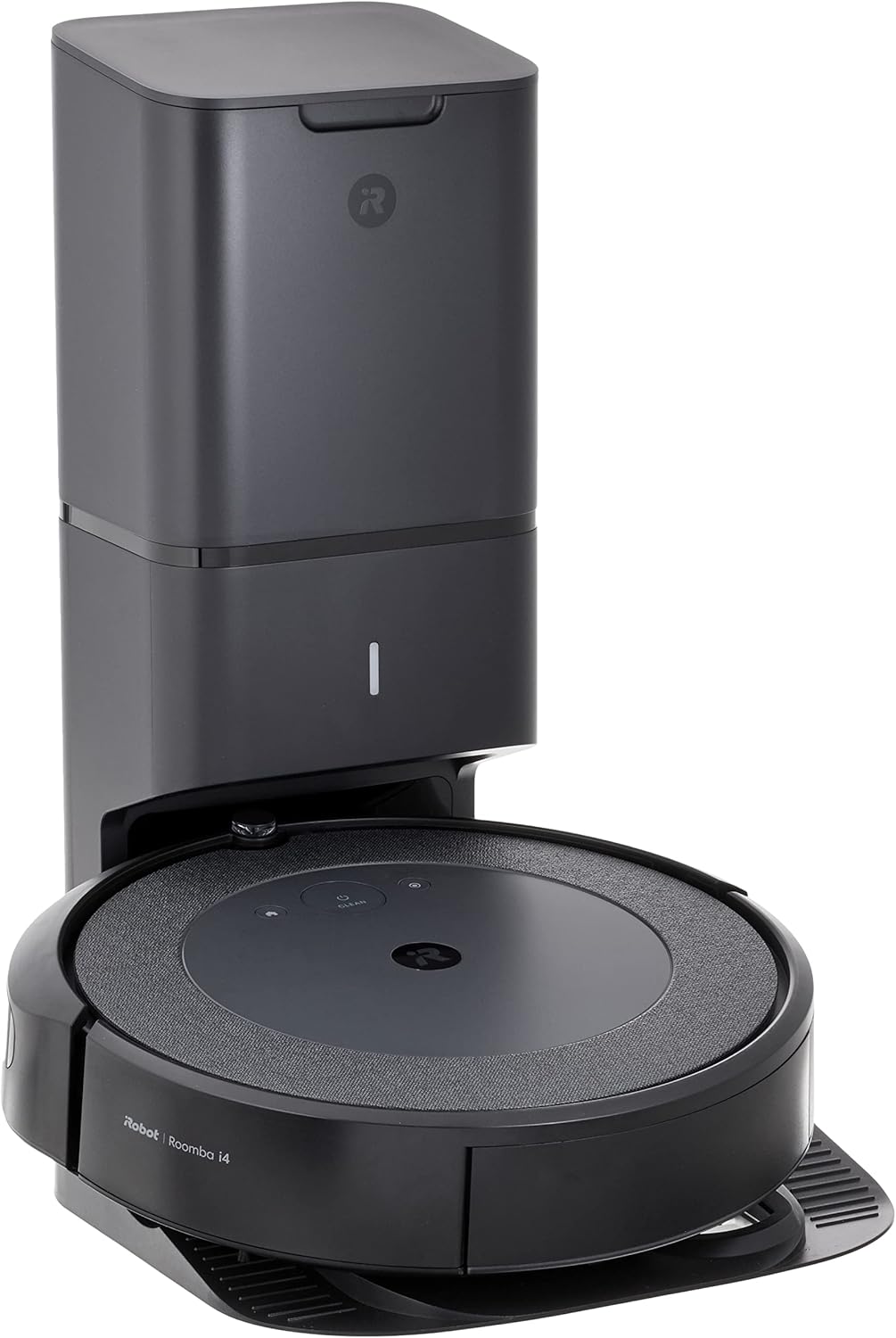
How to Set Up iRobot Roomba s9+ Robot Vacuum
- Premium Unboxing
- Clean Base Positioning
- Install Premium Bag
- Initial Power-Up
- IRobot HOME Setup
- Configure PerfectEdge
Most users complete this in under 70 minutes
Overview
IRobot Roomba s9+ Robot Vacuum setup takes under 15 minutes for most users — if you're stuck, the steps below target the specific points where installs stall.
This guide covers the setup of the iRobot Roomba s9+, iRobot's top-of-range robot vacuum, including Clean Base automatic dirt disposal station placement, first mapping run, and iRobot Home app configuration for room-specific schedules, keep-out zones, and Imprint Link coordination with a Braava jet m6 mop. The s9+ must complete a full mapping run before all smart features activate.
Why This Happens in Real Homes
The s9+ is iRobot's D-shaped flagship, designed with a flat front and wide corner brush to reach deeper into edges and corners, paired with a Clean Base. It navigates by camera (vSLAM) with Imprint Smart Mapping, so setup includes Training Runs and adequate lighting, plus a 2.4GHz WiFi connection.
Place and plug in the Clean Base on hard floor against a wall with clearance, seat the robot to charge, and pair it in the iRobot Home app on 2.4GHz, applying any firmware. Run the initial Training Runs in well-lit rooms so it builds and labels its map. Once mapped, the s9+ cleans by room, works corners with its D-shape, and empties itself at the base.
What's Included
- Setting up the s9+
- Clean Base setup
- D-shape/corner cleaning questions
- Won't connect to WiFi
- App can't find the robot
- First Training Run
- Dock placement
- Room labeling
Got your materials ready? Here's what to check first.
Before You Start
- Clean Base not placed or plugged in correctly
- Connecting to 5GHz instead of 2.4GHz WiFi
- Robot not seated to charge
- Setup incomplete in the app
- No Training Run done yet
- Dim lighting for the camera
- Dock crowded by walls or furniture
- Firmware update pending
Don't skip this step — it breaks everything if you do
D-shaped design may have different navigation patterns. Clean Base bags fill faster due to powerful suction. Ensure adequate robot clearance.
Tools & Requirements
These tools will help you complete this fix.
As an Amazon Associate we earn from qualifying purchases.
Installation Steps
Premium Unboxing
Carefully unbox s9+ and Clean Base. Note D-shaped design and advanced corner brush. Remove all protective materials.

Needed for this step
OXO Grips Electronics Cleaning Brush
This helps complete the fix you are currently reading.
$9.99Clean Base Positioning
Position Clean Base in best location considering s9+ larger size and cleaning pattern. Make sure extra clearance for D-shape navigation.
Install Premium Bag
Install AllergenLock disposal bag in Clean Base. s9+ generates more debris due to superior suction, so bag placement is critical.
Initial Power-Up
Place s9+ on Clean Base. D-shaped robot may take longer to align properly with dock than round models.
iRobot HOME Setup
Connect to app using standard pairing method. s9+ offers advanced features and settings in app interface.
Configure PerfectEdge
Enable PerfectEdge technology in app settings for optimized corner and edge cleaning performance.
Advanced Mapping Run
Start full mapping clean. s9+ advanced sensors create highly detailed room maps with corner optimization.
Corner Cleaning Test
Test corner cleaning performance in various room types. Adjust cleaning passes if needed for best corner debris removal.
Installation Tips
Still stuck? This is usually the deeper cause below.
s9+ is 30% wider than round Roombas and excels at corner cleaning. Premium model with highest suction power in Roomba lineup.
Before you go — these iRobot guides fix most remaining issues.
Most popular upgrades chosen by Roomba s9+ Robot Vacuum owners.

iRobot® Authentic Replacement Parts- Braava Jet® m Series...

iRobot® Roomba® Authentic Replacement Parts - DualClean™ ...

iRobot® Authentic Replacement Parts - Washable Mop Pads R...
As an Amazon Associate we earn from qualifying purchases.
Official Manufacturer Manual
If you need the complete manufacturer documentation for advanced setup, wiring diagrams, or detailed specifications, you can download the official manual below. The manual includes full technical instructions directly from the manufacturer and may help if your issue requires deeper troubleshooting.
Download the Official Roomba s9+ Robot Vacuum ManualSource: irobot.com
Need More Help? iRobot Support
Note: The contact information below connects you directly to iRobot's official customer support team, not Trunetto. They can help with warranty claims, device replacements, and advanced technical issues.
How Does iRobot Compare?
Before replacing your iRobot device, see how it stacks up against alternatives in our full comparison guides.