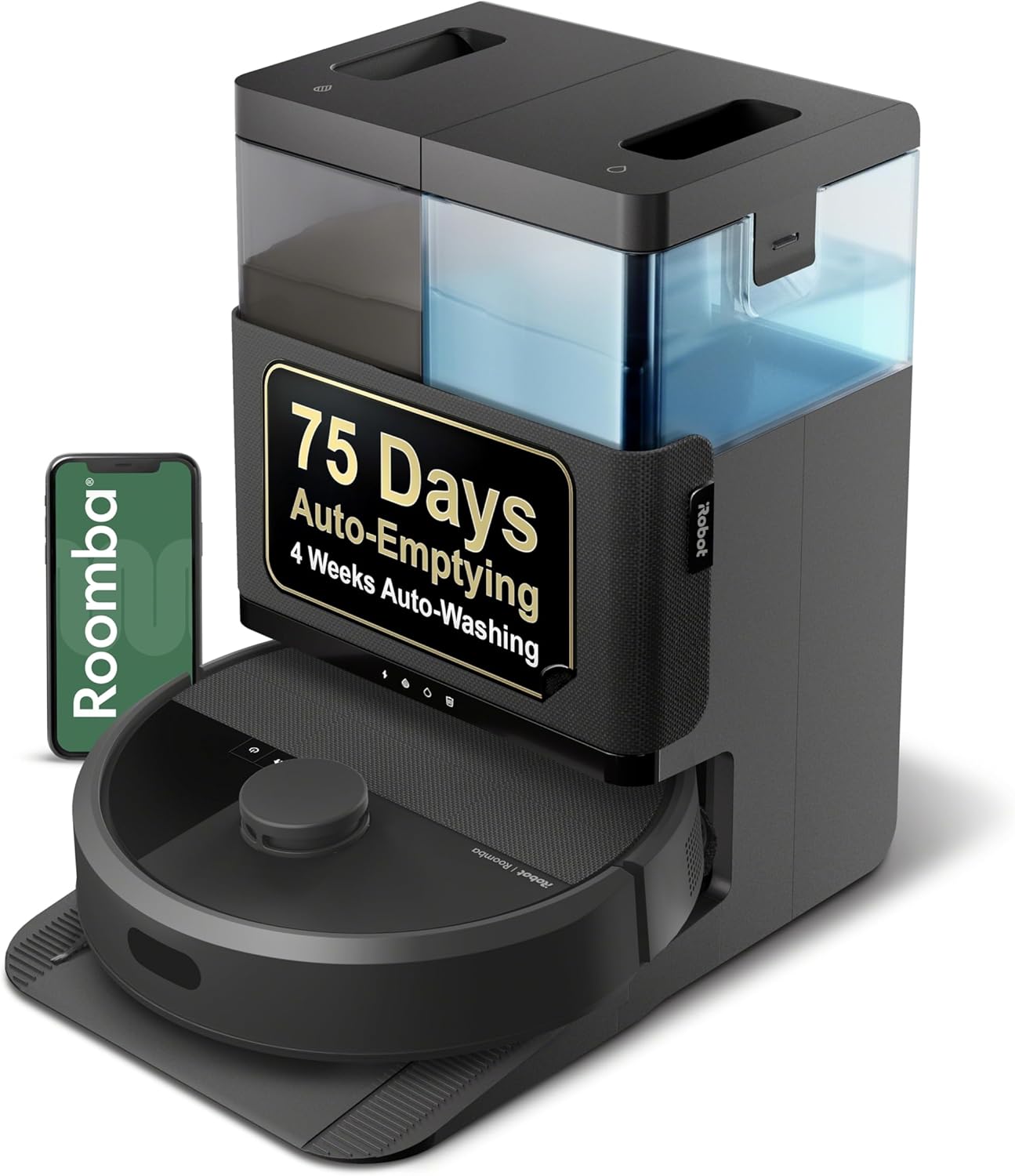
Roomba Charging Error 8: What Is Communication Error and How Do I Fix It?
- Poor battery-to-robot communication
- Dirty or corroded battery contacts
- Battery not fully seated
Problem Description
Roomba Charging Error 8 indicates the robot cannot communicate properly with the battery. This is a data communication error between the internal systems.
Why This Happens in Real Homes
Charging Error 8 is a communication failure between the robot and its battery or charger — the electronics can't exchange the data they need to charge safely. It's usually a contact or seating problem, not a truly dead battery.
Reset the robot (hold CLEAN ~20 seconds), then remove, clean, and firmly reseat the battery, cleaning the contact pins on both sides and checking for corrosion. Update the firmware and do a full charge on a clean dock. If a known-good genuine battery still can't communicate, the robot's charging board needs iRobot service.
Symptoms
- Charging Error 8 announced
- Robot can't communicate with the battery/charger
- Won't charge
- Intermittent charging
- Error after docking
- Battery status unknown
- Recurs after a reset
- Charges then errors
Recognize these? Here's what usually causes it.
Common Causes
- Poor battery-to-robot communication
- Dirty or corroded battery contacts
- Battery not fully seated
- Charge controller needs a reset
- Firmware glitch
- Aging or faulty battery
- Non-genuine battery
- Loose battery door
Most fixes happen in the first 3 steps.
Mixing batteries from different models can cause Error 8. Use battery specifically designed for your Roomba model.
Tools & Requirements
These tools will help you complete this fix.

As an Amazon Associate we earn from qualifying purchases.
Step-by-Step Solution
Verify Authentic Battery
Third-party batteries often lack proper communication chips causing Error 8. Only genuine iRobot batteries have correct firmware protocols.
Reseat Battery Firmly
Remove battery. Clean all visible contacts on battery and in compartment. Reinsert battery firmly multiple times to establish good connection.
Update Robot Firmware
In iRobot app, check for software updates. Firmware updates can fix communication protocol issues. Install any available updates.
Factory Reset
A complete factory reset can clear corrupted battery communication data. Hold Clean button 20 seconds, then reconfigure robot.
Inspect Battery Connector
Look at the multi-pin data connector on battery. Check for bent, corroded, or damaged pins. Damage here requires battery replacement.
Quick Solutions
Still having issues? This is usually the deeper cause below.
If drain continues after replacing batteries, check the event history — a stuck-open sensor or rapid polling loop burns through batteries in days.
Error 8 with genuine iRobot battery usually means the battery is failing and needs replacement even if it still holds some charge.
Battery-related failures are almost always flagged too late — the device degrades silently for days before the app catches up to what's actually happening.
- Poor battery-to-robot communication
- Dirty or corroded battery contacts
- Battery not fully seated
- Charge controller needs a reset
- Firmware glitch
Before you go — try one of these (they fix most cases).
Most popular upgrades chosen by iRobot Roomba owners.

iRobot® Roomba® Authentic Replacement Parts - DualClean™ ...

iRobot® Authentic Replacement Parts - Washable Mop Pads R...
As an Amazon Associate we earn from qualifying purchases.
Official Manufacturer Manual
iRobot provides official product documentation through their online manual rather than downloadable PDF. Access setup guides, troubleshooting steps, and product specifications for your iRobot Roomba.
Source: irobot.com
Need More Help? iRobot Support
Note: The contact information below connects you directly to iRobot's official customer support team, not Trunetto. They can help with warranty claims, device replacements, and advanced technical issues.
How Does iRobot Compare?
Before replacing your iRobot device, see how it stacks up against alternatives in our full comparison guides.