Roomba Error 18: Why Wont Roomba Dock and How Do I Fix It?
- Home Base obstructed or crowded
- Robot blocked from reaching the dock
- Dock unplugged or powered off
Problem Description
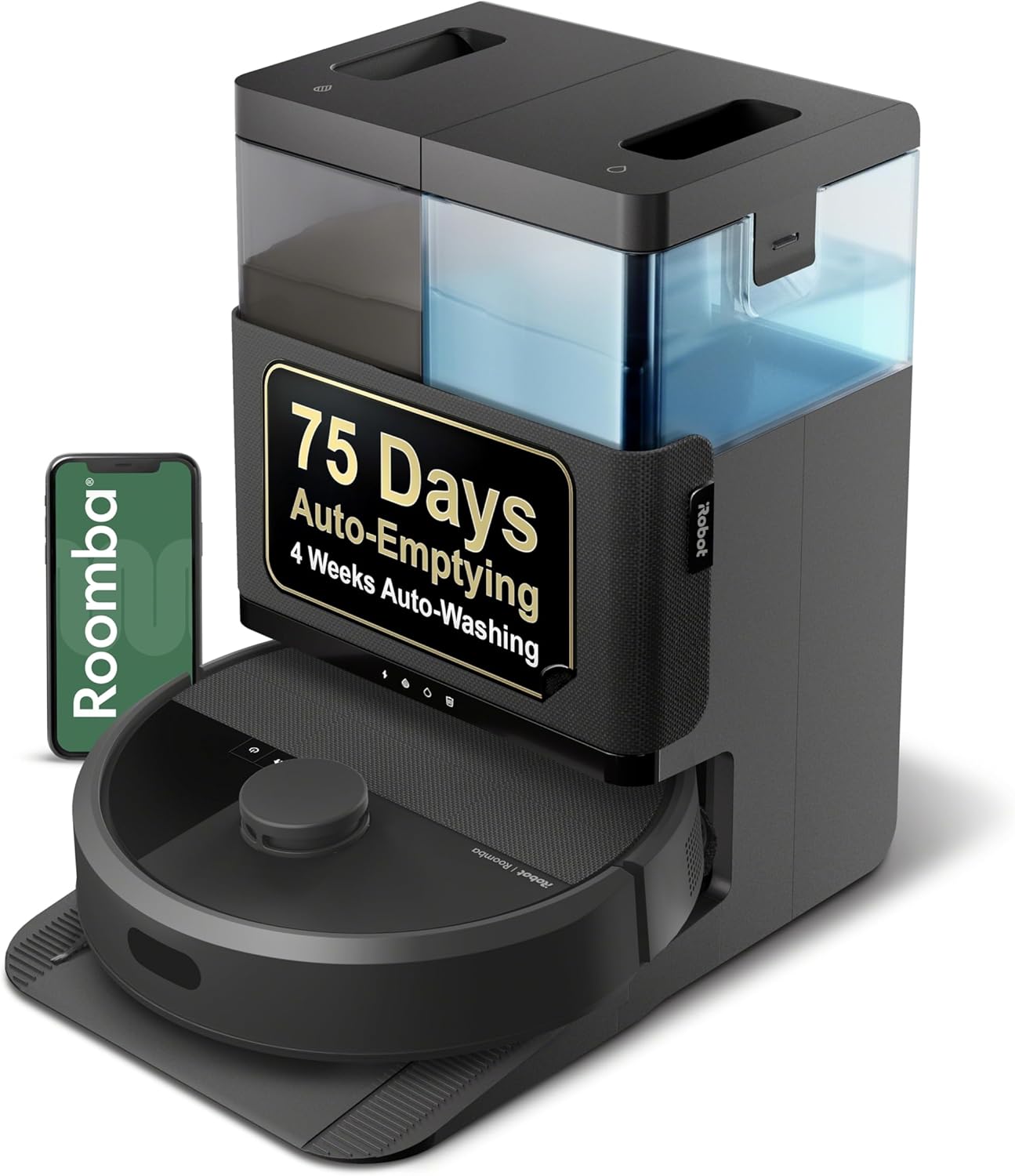
Roomba error 18 means docking problem. Roomba cannot return to or properly dock at the Home Base or Clean Base for charging.
Why This Happens in Real Homes
Error 18 means Roomba tried to dock but couldn't — either it can't find a clear path back to the Home Base or it reached it but couldn't line up on the charging contacts. Clutter around the dock and a blocked return path are the usual reasons.
Give the Home Base breathing room: clear space on both sides and a few feet in front, put it on a hard level surface against a wall, and make sure it's plugged in and powered. Check the robot's path home isn't cut off by a closed door or new furniture. Wiping the dock and robot charging contacts helps it seat properly on the final approach.
Symptoms
- Error 18 announced
- Docking problem reported
- Robot can't return to the dock
- Stops near but not on the base
- Doesn't line up with the contacts
- Repeats at the end of a clean
- Runs out of charge away from the dock
- Says it finished but didn't dock
Recognize these? Here's what usually causes it.
Common Causes
- Home Base obstructed or crowded
- Robot blocked from reaching the dock
- Dock unplugged or powered off
- Objects or clutter in front of the base
- Dirty dock or robot charging contacts
- Dock on carpet or an uneven surface
- Home Base moved from a clear spot
- Return path blocked (closed door)
Most fixes happen in the first 3 steps.
Do not place Home Base on carpet. It should be on hard flooring against a wall for best detection and docking.
Tools & Requirements
These tools will help you complete this fix.
As an Amazon Associate we earn from qualifying purchases.
Step-by-Step Solution
Check Base Position
Home Base should be against a flat wall, on a hard floor, with 1.5 feet clearance on each side and 4 feet in front. Not in corners, not behind furniture. Base should not move during cleaning.
Verify Base Has Power
Check that Home Base is plugged in and the indicator light is on. An unplugged or dead base obviously cannot be found. Try a different outlet to confirm.
Clean Base Contacts
Wipe the two metal charging contacts on the Home Base with a dry cloth. Dirt or oxidation prevents good electrical connection for charging.

Needed for this step
WHOOSH! Pro 16.9 fl oz Refillable TV Screen Cle...
This helps complete the fix you are currently reading.
$19.99Clean Roomba Contacts
Turn Roomba over and clean the two charging contacts on the underside near the front. Also clean the IR sensor window on the front bumper.
Clear the Area
Remove clutter, shoes, and obstacles within 4 feet of the Home Base. Roomba needs clear space to approach and dock. Mirror or glass near base can confuse IR sensors.
Quick Solutions
Still having issues? This is usually the deeper cause below.
If this comes back after following these steps, check whether a recent app or firmware update reset a default setting — the fix works, but the setting gets reverted silently.
If using Clean Base with automatic emptying, ensure the evacuation port is not clogged which can prevent proper docking.
Robot vacuums that 'stop working' are usually fighting a corrupted map from moved furniture — a fresh floor scan fixes the majority of reported failures.
- Home Base obstructed or crowded
- Robot blocked from reaching the dock
- Dock unplugged or powered off
- Objects or clutter in front of the base
- Dirty dock or robot charging contacts
Before you go — try one of these (they fix most cases).
Most popular upgrades chosen by iRobot Roomba owners.

iRobot® Roomba® Authentic Replacement Parts - DualClean™ ...

iRobot® Authentic Replacement Parts - Washable Mop Pads R...
As an Amazon Associate we earn from qualifying purchases.
Official Manufacturer Manual
iRobot provides official product documentation through their online manual rather than downloadable PDF. Access setup guides, troubleshooting steps, and product specifications for your iRobot Roomba.
Source: irobot.com
Need More Help? iRobot Support
Note: The contact information below connects you directly to iRobot's official customer support team, not Trunetto. They can help with warranty claims, device replacements, and advanced technical issues.
How Does iRobot Compare?
Before replacing your iRobot device, see how it stacks up against alternatives in our full comparison guides.