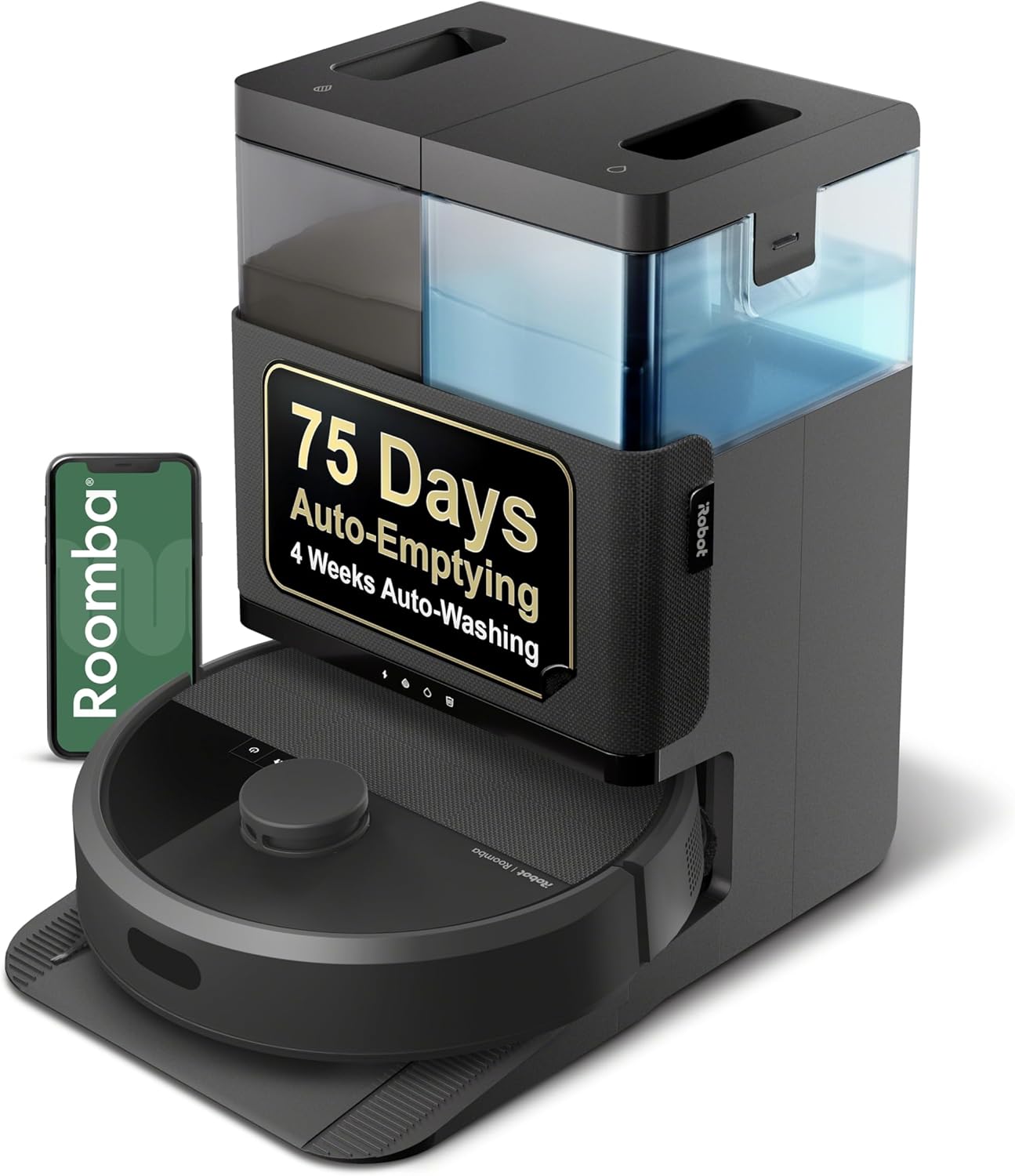
Roomba Error 26: Why Is Vacuum Motor Stalling and How Do I Fix It?
- Clog in the bin or airflow path
- Full or overfilled bin
- Dirty or clogged filter
Problem Description
Roomba Error 26 indicates the vacuum motor has stalled or is not functioning properly. The suction motor cannot spin due to obstruction, clog, or motor failure.
Why This Happens in Real Homes
Error 26 is a vacuum motor stall — the suction motor drew too much current, usually because something is blocking the airflow path rather than the motor itself failing. A packed bin, a clogged filter, or debris lodged in the inlet all choke the airway and trip it.
Empty the bin, pull and clean (or replace) the filter, and check the bin's airflow path and the robot's vacuum inlet for clogs — fine dust caked in the filter and a stuck bin-door flap are common. Run a short test clean to confirm suction returns. If the airway is clearly clear and the motor still stalls, the vacuum motor is wearing out and needs iRobot service.
Symptoms
- Error 26 announced
- Vacuum motor stall reported
- Weak or no suction
- Robot stops mid-clean
- Poor pickup before stopping
- Airflow sounds blocked
- Recurs after emptying
- Bin fills slowly or not at all
Recognize these? Here's what usually causes it.
Common Causes
- Clog in the bin or airflow path
- Full or overfilled bin
- Dirty or clogged filter
- Debris stuck in the vacuum inlet
- Blocked bin-door flap
- Worn or failing vacuum motor
- Fine dust caked in the filter
- Object lodged in the airway
Most fixes happen in the first 3 steps.
If you smell burning, stop immediately. This indicates motor overheating which can damage electronics or create fire risk.
Tools & Requirements
These tools will help you complete this fix.
As an Amazon Associate we earn from qualifying purchases.
Step-by-Step Solution
Empty and Clean Bin
Remove dustbin and empty completely. Clean bin with water and let dry. A packed bin restricts airflow causing motor strain and Error 26.
Clean or Replace Filter
Remove filter from bin. Tap out debris. If filter is grey or clogged, replace it. Filters should be replaced every 2 months. Never wash HEPA filters.

Needed for this step
Levoit Vital 100 Air Purifier Genuine Replaceme...
This helps complete the fix you are currently reading.
$54.99Clear Vacuum Inlet
Look at the opening where air enters the bin. Remove any debris, paper, or objects stuck there. Use a thin tool to clear blockages.
Check Air Pathway
Remove bin. Look inside vacuum chamber. Clear any debris from the air pathway between extractors and bin. Clogs here cause Error 26.
Listen to Motor
Start Roomba on hard floor. Listen to vacuum motor sound. Grinding, squealing, or silence indicates motor failure requiring repair or replacement.
Quick Solutions
Still having issues? This is usually the deeper cause below.
If the robot returns to the dock mid-clean, moved furniture may have invalidated its map — a fresh floor scan resolves the majority of navigation failures.
A single Error 26 after sucking up something large is normal. Repeated Error 26 with clean paths indicates motor wear.
Robot vacuums that 'stop working' are usually fighting a corrupted map from moved furniture — a fresh floor scan fixes the majority of reported failures.
- Clog in the bin or airflow path
- Full or overfilled bin
- Dirty or clogged filter
- Debris stuck in the vacuum inlet
- Blocked bin-door flap
Before you go — try one of these (they fix most cases).
Most popular upgrades chosen by iRobot Roomba owners.

iRobot® Roomba® Authentic Replacement Parts - DualClean™ ...

iRobot® Authentic Replacement Parts - Washable Mop Pads R...
As an Amazon Associate we earn from qualifying purchases.
Official Manufacturer Manual
iRobot provides official product documentation through their online manual rather than downloadable PDF. Access setup guides, troubleshooting steps, and product specifications for your iRobot Roomba.
Source: irobot.com
Need More Help? iRobot Support
Note: The contact information below connects you directly to iRobot's official customer support team, not Trunetto. They can help with warranty claims, device replacements, and advanced technical issues.
How Does iRobot Compare?
Before replacing your iRobot device, see how it stacks up against alternatives in our full comparison guides.