

Why Is My Nest Cam Outdoor Not Recording Events to the Cloud?
- Nest Aware subscription lapsed stopping event recording
- Camera upload bandwidth insufficient for cloud video processing
- Nest Aware plan downgraded to a tier that excludes the outdoor cam
Problem Description
Your Nest Cam Outdoor is online and streaming live view but is not recording motion or person events to the Nest Aware cloud history. The event history is empty or shows a gap in recording despite the camera being active. Cloud event recording requires an active Nest Aware subscription and the camera must have sufficient upload bandwidth to process and upload event clips.
Why This Happens in Real Homes
A Nest Cam Outdoor that streams live but records nothing is almost always a Nest Aware subscription that lapsed or was downgraded, since event history lives in the cloud. In real homes a plan change silently stops recording. Confirm an active Nest Aware plan that covers this camera, and check upload bandwidth if recording is spotty.
Symptoms
- Nest Aware event history shows no clips despite camera being online
- Live view works but no motion or person events are logged
- Event history shows a gap of several hours or days
- Notifications are received but no clip is available when tapped
- Person detection events were recording then stopped
- Event clips show for some cameras but not the outdoor cam
Recognize these? Here's what usually causes it.
Common Causes
- Nest Aware subscription lapsed stopping event recording
- Camera upload bandwidth insufficient for cloud video processing
- Nest Aware plan downgraded to a tier that excludes the outdoor cam
- Camera firmware update paused recording for extended maintenance window
- Google account subscription linked to different email than app login
- Camera motion sensitivity set to zero preventing any event triggers
Most fixes happen in the first 3 steps.
Do not share your Nest Aware subscription across more cameras than your plan covers. Excess cameras on an over-allocated plan silently stop recording events without warning as the plan allocation is exceeded.
Tools & Requirements
These tools will help you complete this fix.

Power adapter
JcBlaon Outlet Extender Surge Protector - 6 Outlet S...
As an Amazon Associate we earn from qualifying purchases.
Step-by-Step Solution
Verify Nest Aware Subscription
Open the Google Home app and go to Settings then Nest Aware. Check the subscription status and confirm it is active and not showing a payment issue or expired status. Also verify the outdoor camera is included in the subscription plan. If you have the Nest Aware basic tier confirm it covers the number of cameras you are using. A lapsed or restricted subscription is the most common cause of event recording suddenly stopping on Nest Cam Outdoor.
Check Upload Bandwidth from Camera Location
The Nest Cam Outdoor requires a minimum of 2 Mbps upload bandwidth to record and upload event clips in real time. Use a speed test on a device near the outdoor camera WiFi access point to check the upload speed available. If upload speed is below 2 Mbps the camera can stream live view from local cache but cannot upload completed event clips. Improve WiFi signal at the camera location or check if your ISP is throttling uploads.
Adjust Motion Sensitivity
Open the Google Home app and tap the Nest Cam Outdoor device then Settings then Camera sensitivity. If the motion sensitivity slider is at or near zero the camera detects no motion events and records nothing. Increase sensitivity to medium or above. Also confirm that person detection and motion detection are both enabled in the event settings. After adjusting wait 5 minutes and walk past the camera to confirm an event clip is generated.
Restart the Camera
Unplug the Nest Cam Outdoor power cable from the wall adapter for 30 seconds then reconnect. After the camera reboots and shows online wait 5 minutes for cloud services to fully reinitialise. Walk past the camera to trigger a motion event. Check the Google Home event history within 2 minutes to confirm the clip was recorded. A restart resolves firmware service states that prevent event upload without affecting live view features.
Needed for this step
JcBlaon Outlet Extender Surge Protector - 6 Out...
This helps complete the fix you are currently reading.
$9.99Check Google Account Consistency
Open the Google Home app and confirm the account email shown in Profile matches the Google account where your Nest Aware subscription is registered. If you have multiple Google accounts and the subscription is on a different account than the camera the camera streams correctly but events are not attributed to a valid subscription. Sign out of the Google Home app and sign in with the account that holds the active Nest Aware subscription.
Quick Solutions
Still having issues? This is usually the deeper cause below.
If this comes back after following these steps, check whether a recent app or firmware update reset a default setting — the fix works, but the setting gets reverted silently.
Enable Familiar Faces in Nest Aware settings for the outdoor camera to receive alerts specifically when unfamiliar people are detected. This reduces notification noise from known household members while maintaining alerts for unknown visitors.
This issue almost always looks more complex than it is — the majority of cases trace back to a single setting, a stale credential, or a default that shipped wrong.
- Nest Aware subscription lapsed stopping event recording
- Camera upload bandwidth insufficient for cloud video processing
- Nest Aware plan downgraded to a tier
- Camera firmware update paused recording for extended maintenance window
- Google account subscription linked to different email than app
Before you go — try one of these (they fix most cases).
Most popular upgrades chosen by Nest Cam Outdoor owners.
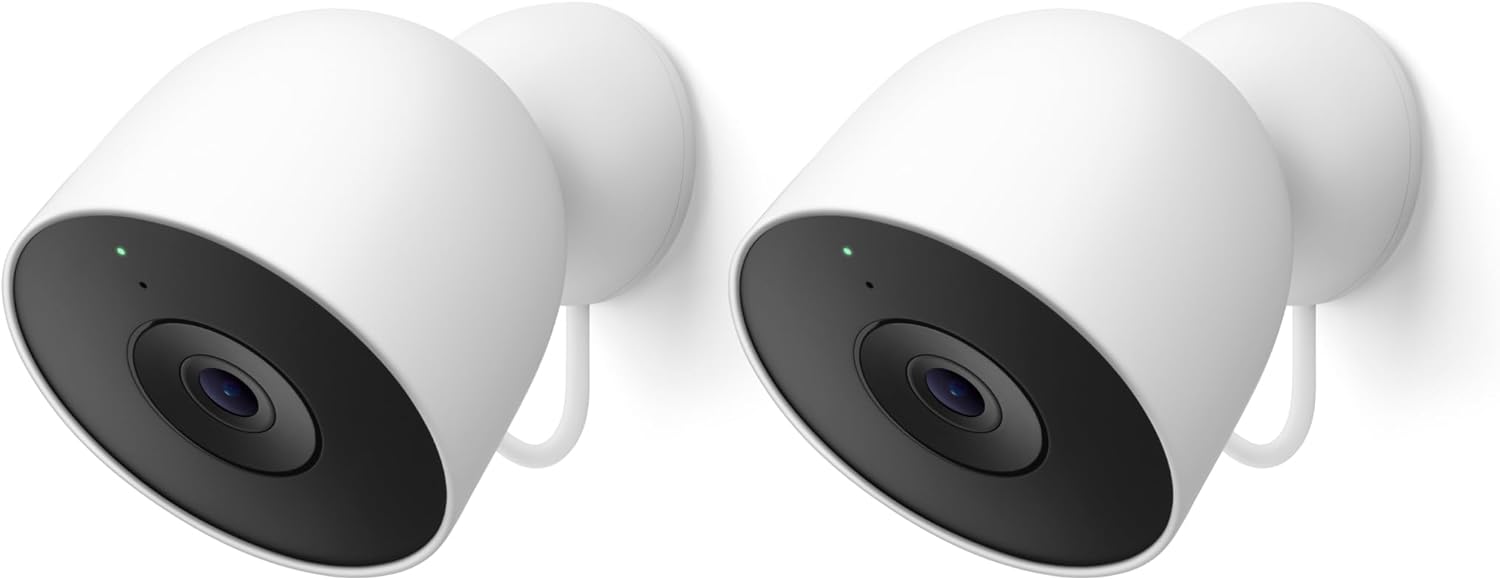
Google Nest Cam Outdoor (Wired, 2nd Gen) - 2 Pack - Secur...
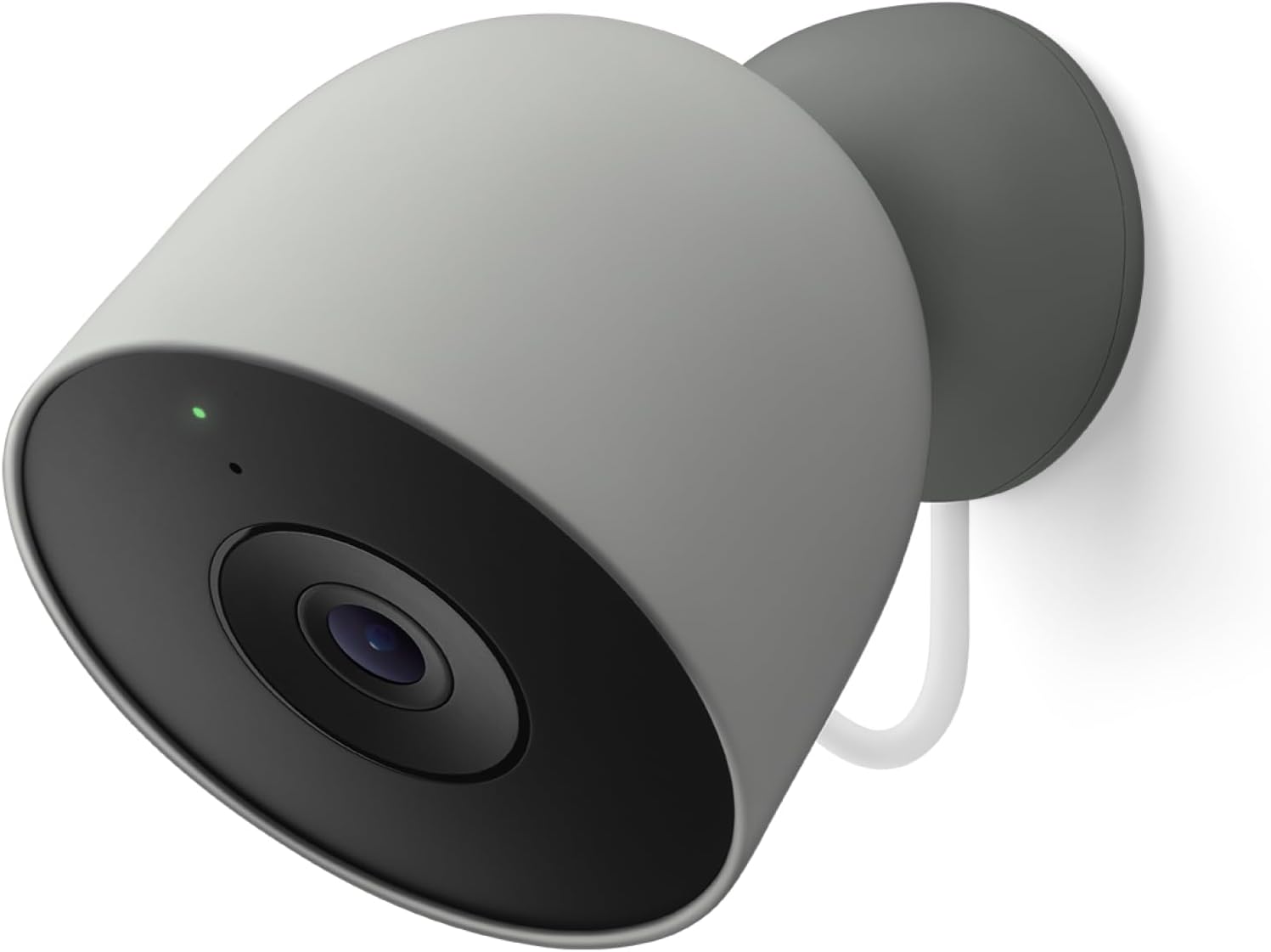
Google Nest Cam Outdoor (Wired, 2nd Gen) - Security Camer...
As an Amazon Associate we earn from qualifying purchases.
Official Manufacturer Manual
Google Nest provides official product documentation through their online manual rather than downloadable PDF. Access setup guides, troubleshooting steps, and product specifications for your Nest Cam Outdoor.
Source: support.google.com
Need More Help? Google Nest Support
Note: The contact information below connects you directly to Google Nest's official customer support team, not Trunetto. They can help with warranty claims, device replacements, and advanced technical issues.
How Does Google Nest Compare?
Before replacing your Google Nest device, see how it stacks up against alternatives in our full comparison guides.
Accessories owners commonly pair with Nest Cam Outdoor.

Google Nest Cam Outdoor or Indoor, Battery - 2nd Generati...

Google Nest Cam Outdoor or Indoor/Battery - 2nd Generatio...
As an Amazon Associate we earn from qualifying purchases.


