

Why Is My Echo Show Not Playing Music From Spotify or Apple Music
- Spotify or Apple Music not linked in Alexa app
- Default music service still set to Amazon Music
- Spotify premium subscription expired
Problem Description
Echo Show does not play music when you ask Alexa to play from Spotify or Apple Music. Alexa says she cannot play that or the music starts then stops immediately. Amazon Music works fine but third party services fail.
Why This Happens in Real Homes
When the Echo won't play from Spotify or Apple Music, the service usually isn't linked in Alexa, isn't set as the default, or its login expired. Alexa can only play from services you've connected to your account.
Start in the Alexa app under Settings > Music & Podcasts: link (or re-link) Spotify/Apple Music and set your preferred default. Then ask by naming the service ("play X on Spotify"). A subscription lapse or an expired login is the other common cause; unlinking and relinking refreshes the connection.
Symptoms
- Alexa says I cannot play that from Spotify
- Music starts then stops after 2 seconds
- Amazon Music works but Spotify fails
- Alexa says service not available right now
- Apple Music linked but will not play
- Asking by song name plays wrong service
Recognize these? Here's what usually causes it.
Common Causes
- Spotify or Apple Music not linked in Alexa app
- Default music service still set to Amazon Music
- Spotify premium subscription expired
- Account linked but authorization token expired
- Third party service having outage
- Specific song not available on requested service
Most fixes happen in the first 3 steps.
Linking a music service gives Alexa access to your account. If you share the Echo with others they can see your playlists and listening history.
Step-by-Step Solution
Link Music Service
Open Alexa app then Settings then Music and Podcasts. Tap Link New Service and select Spotify or Apple Music. Sign into your account. If already linked unlink and relink to refresh the connection.
Set Default Service
In Alexa app Music settings tap Default Services. Change the default music player from Amazon Music to Spotify or Apple Music. Now saying play jazz will use your preferred service without specifying the name.
Verify Subscription
Spotify requires Premium for Alexa integration. Free Spotify does not work with Echo devices. Check your subscription is active and payment current. Apple Music also requires active subscription.
Reauthorize Account
If linked but not working unlink the service then relink. Authorization tokens expire periodically. Relinking generates a fresh token. After relinking say Alexa play on Spotify to test.
Use Specific Commands
Say Alexa play rock music on Spotify to specify the service. If you just say play music Alexa uses the default service. Being explicit avoids confusion between multiple linked services.
Quick Solutions
Still having issues? This is usually the deeper cause below.
If this comes back after following these steps, check whether a recent app or firmware update reset a default setting — the fix works, but the setting gets reverted silently.
You can set different default music services per Echo device. Set the bedroom Echo to Spotify and the kitchen Echo to Apple Music in each device's settings.
This issue almost always looks more complex than it is — the majority of cases trace back to a single setting, a stale credential, or a default that shipped wrong.
- Spotify or Apple Music not linked in Alexa app
- Default music service still set to Amazon Music
- Spotify premium subscription expired
- Account linked but authorization token expired
- Third party service having outage
Before you go — try one of these (they fix most cases).
Most popular upgrades chosen by Amazon Echo Show owners.

Amazon Echo Show 10 (newest model)
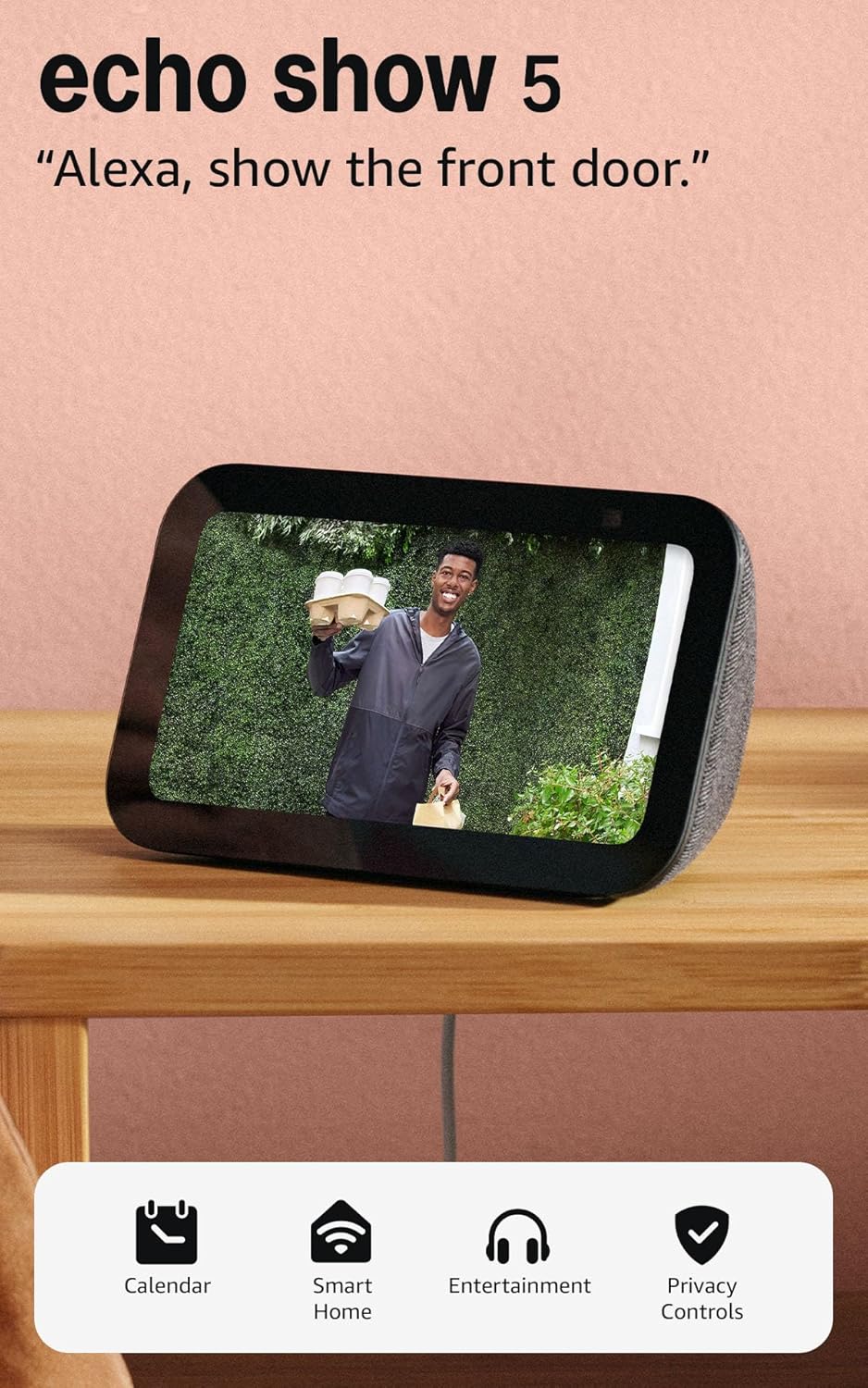
Like-New Amazon Echo Show 5 (newest model), Smart display...

Amazon Echo Show 8 (newest model)
As an Amazon Associate we earn from qualifying purchases.
Official Manufacturer Manual
Amazon provides official product documentation through their online manual rather than downloadable PDF. Access setup guides, troubleshooting steps, and product specifications for your Amazon Echo Show.
Source: amazon.com
Need More Help? Amazon Support
Note: The contact information below connects you directly to Amazon's official customer support team, not Trunetto. They can help with warranty claims, device replacements, and advanced technical issues.
How Does Amazon Compare?
Before replacing your Amazon device, see how it stacks up against alternatives in our full comparison guides.
Accessories owners commonly pair with Amazon Echo Show.

Amazon Echo Show 5 (newest model), Smart display, Designe...

Amazon Echo Show 5 (newest model), Smart display, Designe...

Amazon Echo Show 5 Kids (newest model), Designed for kids...
As an Amazon Associate we earn from qualifying purchases.



