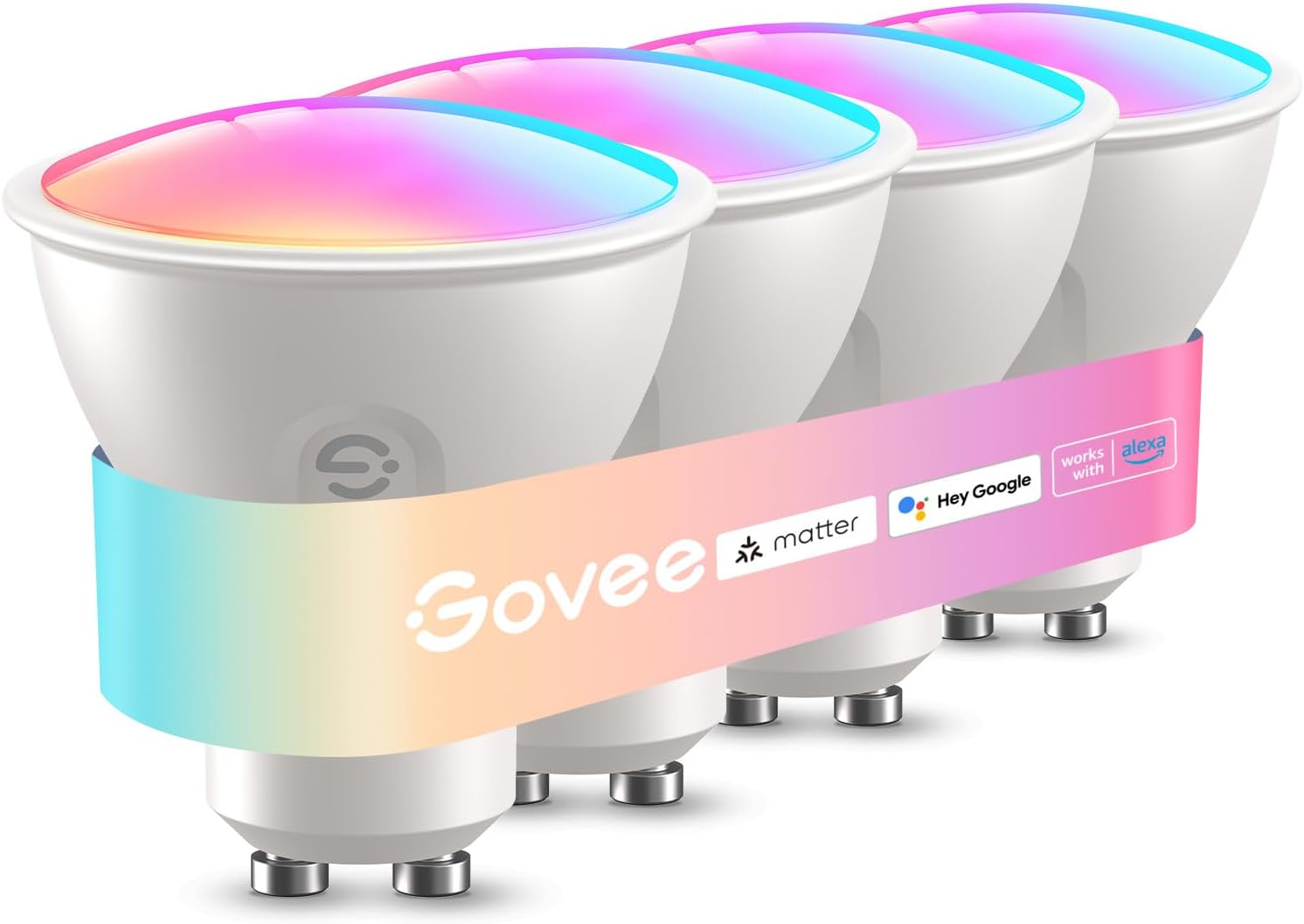
Why Does HomeKit Show the Wrong Hue for Govee Bulbs With an IKEA BILRESA Button?
- HomeKit color state from the Govee integration is delayed or normalized
- Hue characteristic does not map one to one with displayed bulb color
- Switching between color and white temperature modes causes stale reads
Problem Description
HomeKit reports repeated or incorrect Hue values for different visible colors on Govee bulbs, so Hue-based button logic fails even when the light visibly changed.
Why This Happens in Real Homes
In real homes, the bulb can change color but HomeKit may still show the old color for a moment. When your button automation checks that color value, it can choose the wrong next step, so the same color repeats or the cycle gets stuck.\n\nThe fix is to stop using Hue number checks for this workflow. Create a small set of saved color scenes and move through them in order on each button press. Also add one reset action that sends everything back to scene 1 if someone changed color manually in the app.
Symptoms
- Bottom button single press does not reliably move to the next color
- Blue and green can report the same Hue value in HomeKit
- Color cycle automations repeat or get stuck
- On off and brightness actions still work while color logic fails
- After manual color changes in app, the button sequence drifts
Recognize these? Here's what usually causes it.
Common Causes
- HomeKit color state from the Govee integration is delayed or normalized
- Hue characteristic does not map one to one with displayed bulb color
- Switching between color and white temperature modes causes stale reads
- Automation depends on Get State Hue instead of tracked cycle state
Most fixes happen in the first 3 steps.
Do not mix Hue-based and scene-based cycle logic in the same button flow or it will drift again after a few presses.
Tools & Requirements
Step-by-Step Solution
Create Fixed Color Scenes
Build ordered scenes such as Color 1 through Color 4. Save both target color and brightness in each scene so HomeKit applies full state.
Create a Cycle State Tracker
Add a helper state that stores current color step. Keep one source of truth for cycle state.
Rewrite Bottom Button Logic
Replace Hue branching with state branching. Example: if state is 1 run Scene 2 and set state 2; if state is 2 run Scene 3 and set state 3; if state is 3 run Scene 4 and set state 4; else run Scene 1 and set state 1.
Add a Resync Action
Use long press or double press to force Scene 1 and reset cycle state to 1 so sequence recovers fast after manual app or voice color changes.
Validate Consecutive Presses
Press the bottom button repeatedly for at least eight cycles and verify each press advances exactly one scene in order.
Quick Solutions
Still having issues? This is usually the deeper cause below.
If flickering only happens on dimming, the issue is almost always the dimmer's minimum-load setting, not the bulb — it's drawing less current than the dimmer expects.
If you use Home Assistant or Homebridge in the middle, keep one system as the source of truth for cycle state and avoid parallel automations writing color.
This issue almost always looks more complex than it is — the majority of cases trace back to a single setting, a stale credential, or a default that shipped wrong.
- HomeKit color state from the Govee integration is delayed
- Hue characteristic does not map one to one with
- Switching between color and white temperature modes causes stale
- Automation depends on Get State Hue instead of tracked
Before you go — try one of these (they fix most cases).
Most popular upgrades chosen by Govee Smart Bulbs owners.

Govee LED Smart Light Bulbs, 1000LM Color Changing Light ...

Govee LED Smart Light Bulbs, 1000LM Color Changing Light ...

Govee LED Smart Light Bulbs, 1000LM Color Changing Light ...
As an Amazon Associate we earn from qualifying purchases.
Official Manufacturer Manual
Govee provides official product documentation through their online manual rather than downloadable PDF. Access setup guides, troubleshooting steps, and product specifications for your Govee Smart Bulbs.
Source: govee.com
Need More Help? Govee Support
Note: The contact information below connects you directly to Govee's official customer support team, not Trunetto. They can help with warranty claims, device replacements, and advanced technical issues.
How Does Govee Compare?
Before replacing your Govee device, see how it stacks up against alternatives in our full comparison guides.
Accessories owners commonly pair with Govee Smart Bulbs.
As an Amazon Associate we earn from qualifying purchases.