Why Are Sections of My Govee LED Strip Different Colors?
- RGBIC intentionally shows multi-color (by design)
- Loose connector between segments
- Damaged/kinked section
Problem Description
Sections of your Govee LED strip are showing different colors from each other. Check if your strip is an RGBIC model — RGBIC strips are designed to show different colors per segment simultaneously. This is a feature, not a defect. Standard RGB strips show one color across the entire strip. This guide covers identifying your strip type and understanding the color behavior.
Why This Happens in Real Homes
With a Govee RGBIC strip, different colors along its length are often intentional — RGBIC controls color per segment, so a scene deliberately paints sections differently. So the first question is whether a multi-color effect is simply running.
Set the strip to a single solid color to test: if it's now uniform, it was a scene. If sections stay wrong from one point on, that's a loose connector or a damaged spot — reseat the joints and check for kinks. On long runs, voltage drop shifts color at the far end, which power injection fixes.
Symptoms
- Sections show different colors
- Colors do not match
- Wrong colors from one point
- Sections will not match
- Is this normal (RGBIC)?
- Mismatch after a bend
- Segment dark
- Colors drift on a long run
Recognize these? Here's what usually causes it.
Common Causes
- RGBIC intentionally shows multi-color (by design)
- Loose connector between segments
- Damaged/kinked section
- Voltage drop on a long run
- Wrong strip length set in app
- Controller data issue
- Scene/effect creating the look
- Firmware out of date
Most fixes happen in the first 3 steps.
Do not attempt to open or modify the light hardware. Smart lights contain electronic components that can be damaged by moisture or physical tampering. Always power off at the wall switch before removing or repositioning a smart light.
Tools & Requirements
These tools will help you complete this fix.

As an Amazon Associate we earn from qualifying purchases.
Step-by-Step Solution
Check if this is RGBIC behavior, not a defect
If you have a Govee RGBIC strip, different color sections are the intended feature — RGBIC strips can display multiple colors simultaneously along their length. If you set a multi-color scene or gradient, each section shows a different color. If you expected one solid color across the entire strip, switch to a solid color scene in the Govee Home app instead of a multi-color scene.
Check for dead or stuck LEDs on RGB strips
On standard RGB strips (non-RGBIC), the entire strip should show the same color. If a section shows a different color — especially if one section stays on one color while others change — you may have a wiring issue or damaged LEDs in that section. Check the connection point between the strip and controller, and look for any visible damage or bent pins at the connector.
Look for water or moisture damage
If sections of the strip turned a permanent wrong color (stuck on red, green, or blue), moisture may have corroded the LED contacts in that section. This is common with outdoor-rated strips used in humid environments or strips mounted in kitchens and bathrooms. Once moisture damages the LED circuitry, that section cannot be repaired — it needs to be cut out and the remaining sections reconnected.
Check for voltage drop on long runs
Very long LED strip runs (over 16 feet) can develop voltage drop at the far end. The LEDs closest to the controller appear bright and correctly colored, while LEDs at the far end look dimmer and sometimes shift color — whites may appear pinkish or bluish. The fix is to inject power at the far end of the strip using the power input connector, or to use a higher-amperage power supply.
Reset the controller
If the color sections appeared suddenly after a firmware update or app change, the controller may have a cached scene causing the multi-color display. Power cycle the controller — unplug it for 10 seconds, plug it back in. Open the Govee app and set a solid white color. If all sections display the same white, the strip hardware is fine and the issue was a software scene setting.
Quick Solutions
Still having issues? This is usually the deeper cause below.
If this comes back after following these steps, check whether a recent app or firmware update reset a default setting — the fix works, but the setting gets reverted silently.
Group your smart lights by room in the app and assign clear names like Kitchen Ceiling and Bedroom Lamp. This makes voice commands more reliable and lets you create scenes that control multiple lights at once with a single command.
This issue almost always looks more complex than it is — the majority of cases trace back to a single setting, a stale credential, or a default that shipped wrong.
- RGBIC intentionally shows multi-color (by design)
- Loose connector between segments
- Damaged/kinked section
- Voltage drop on a long run
- Wrong strip length set in app
Before you go — try one of these (they fix most cases).
Most popular upgrades chosen by Govee RGBIC LED Strip owners.
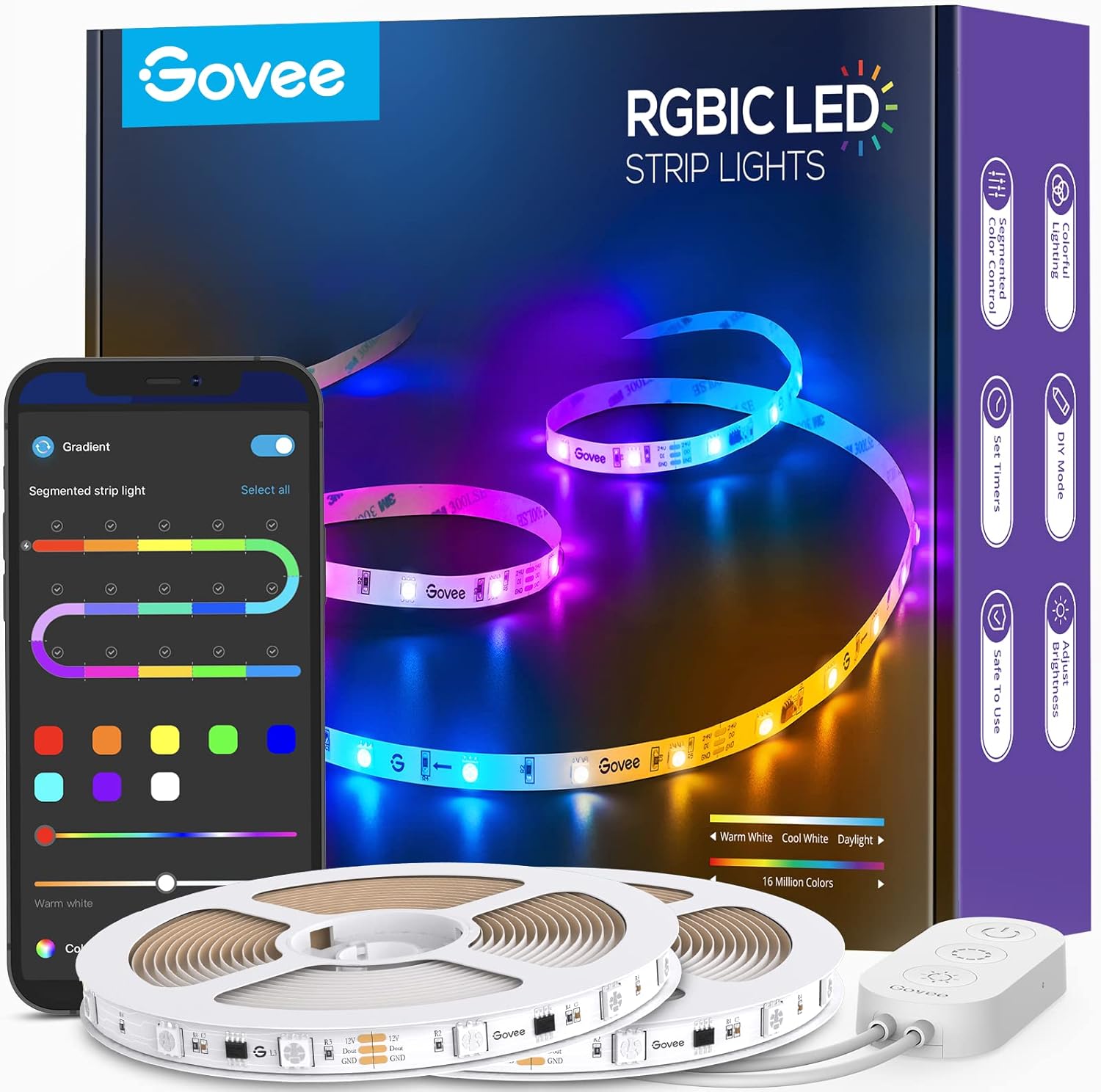
Govee 65.6ft RGBIC LED Strip Lights, Color Changing LED S...

Govee Smart Wi-Fi RGBIC LED Strip Lights & Light Bars, Dr...

Govee Smart RGBIC LED Strip Lights 65.6ft, Alexa LED Ligh...
As an Amazon Associate we earn from qualifying purchases.
Official Manufacturer Manual
Govee provides official product documentation through their online manual rather than downloadable PDF. Access setup guides, troubleshooting steps, and product specifications for your Govee RGBIC LED Strip.
Source: govee.com
Need More Help? Govee Support
Note: The contact information below connects you directly to Govee's official customer support team, not Trunetto. They can help with warranty claims, device replacements, and advanced technical issues.
How Does Govee Compare?
Before replacing your Govee device, see how it stacks up against alternatives in our full comparison guides.
Accessories owners commonly pair with Govee RGBIC LED Strip.
As an Amazon Associate we earn from qualifying purchases.