Why Is My Govee LED Strip Making a High Pitched Buzzing or Whining Noise
- Power adapter coil whine under load
- PWM dimming frequency audible to sensitive ears
- Loose components in controller vibrating
Problem Description
Your Govee LED strip emits an annoying high-pitched buzz, whine, or hum when turned on. The noise may come from the controller box, the power adapter, or the strip itself. The sound is especially noticeable in quiet rooms at night. The lights work fine but the noise makes them unpleasant to use.
Why This Happens in Real Homes
A high-pitched whine from an LED strip is coil whine from the power adapter under load, or PWM dimming at certain brightness levels resonating — it's electrical noise, common and usually harmless.
Start by trying a different brightness level (PWM whine is often loudest at specific mid-brightness points) and testing a different power adapter, since a cheap or overloaded adapter is the usual source. Keeping the adapter off resonant surfaces can reduce audible buzz; persistent loud whining at all levels warrants a replacement adapter.
Symptoms
- High pitched whine when strip is on
- Buzzing comes from controller or adapter
- Noise worse at certain brightness levels
- Sound changes when color changes
- Buzz only happens with music mode active
- Quiet room makes noise very noticeable
Recognize these? Here's what usually causes it.
Common Causes
- Power adapter coil whine under load
- PWM dimming frequency audible to sensitive ears
- Loose components in controller vibrating
- Power supply not matched to strip length
- LED driver resonance at certain settings
- Defective controller or power supply
Most fixes happen in the first 3 steps.
Do not attempt to open the controller or power adapter to fix buzzing. There are no user-serviceable parts inside and opening voids the warranty. Replace defective units rather than repairing.
Tools & Requirements
Step-by-Step Solution
Identify the Noise Source
Turn on the LED strip and put your ear close to different components. Is the noise from the controller box, the power adapter plug, or the LED strip itself? This helps target the fix. Adapter noise is easiest to fix by replacement. Controller noise may require warranty replacement.
Try Different Power Adapter
If the noise is from the power adapter (common with small plug-style adapters), try a different USB power adapter or phone charger with matching voltage and sufficient amperage. Higher quality adapters with better internal components produce less coil whine.
Adjust Brightness Level
LED strips use PWM (pulse width modulation) for dimming. At certain brightness levels, the PWM frequency can resonate and create audible noise. Try setting brightness to 100% or to different specific percentages. Often the noise only occurs in a narrow brightness range.
Disable Reactive Features
Music mode and other reactive features cause rapid brightness changes that can induce buzzing. If noise only happens during music sync or color-reactive scenes, try static colors and scenes. If noise stops, the issue is the rapid switching, not a defect.
Contact Govee for Replacement
If noise persists at all settings and is definitely from the controller, it may be a manufacturing defect. Contact Govee support with a video demonstrating the noise. Defective controllers that buzz at all times are typically replaced under warranty.
Quick Solutions
Still having issues? This is usually the deeper cause below.
If this comes back after following these steps, check whether a recent app or firmware update reset a default setting — the fix works, but the setting gets reverted silently.
Some people can hear PWM frequencies that others cannot. If only certain household members notice the noise, it may be in a frequency range audible only to them. This is normal hearing variation, not imagination.
Battery-related failures are almost always flagged too late — the device degrades silently for days before the app catches up to what's actually happening.
- Power adapter coil whine under load
- PWM dimming frequency audible to sensitive ears
- Loose components in controller vibrating
- Power supply not matched to strip length
- LED driver resonance at certain settings
Before you go — try one of these (they fix most cases).
Most popular upgrades chosen by Govee LED Strip Light owners.

Govee 32.8ft LED Strip Lights RGBIC App Control, Smart LE...
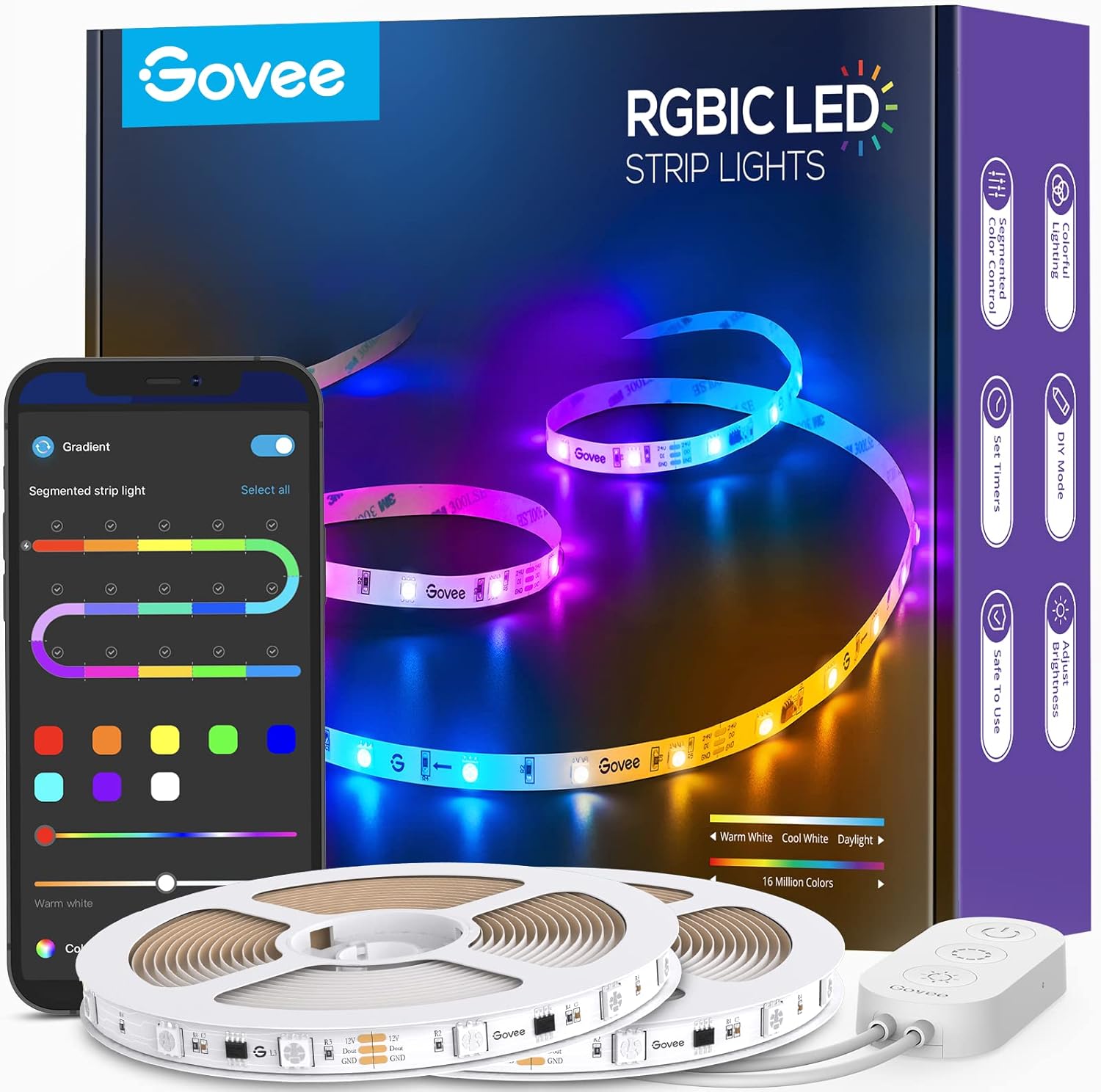
Govee 65.6ft RGBIC LED Strip Lights, Color Changing LED S...

Govee Smart Wi-Fi RGBIC LED Strip Lights & Light Bars, Dr...
As an Amazon Associate we earn from qualifying purchases.
Official Manufacturer Manual
Govee provides official product documentation through their online manual rather than downloadable PDF. Access setup guides, troubleshooting steps, and product specifications for your Govee LED Strip Light.
Source: govee.com
Need More Help? Govee Support
Note: The contact information below connects you directly to Govee's official customer support team, not Trunetto. They can help with warranty claims, device replacements, and advanced technical issues.
How Does Govee Compare?
Before replacing your Govee device, see how it stacks up against alternatives in our full comparison guides.
Accessories owners commonly pair with Govee LED Strip Light.
As an Amazon Associate we earn from qualifying purchases.