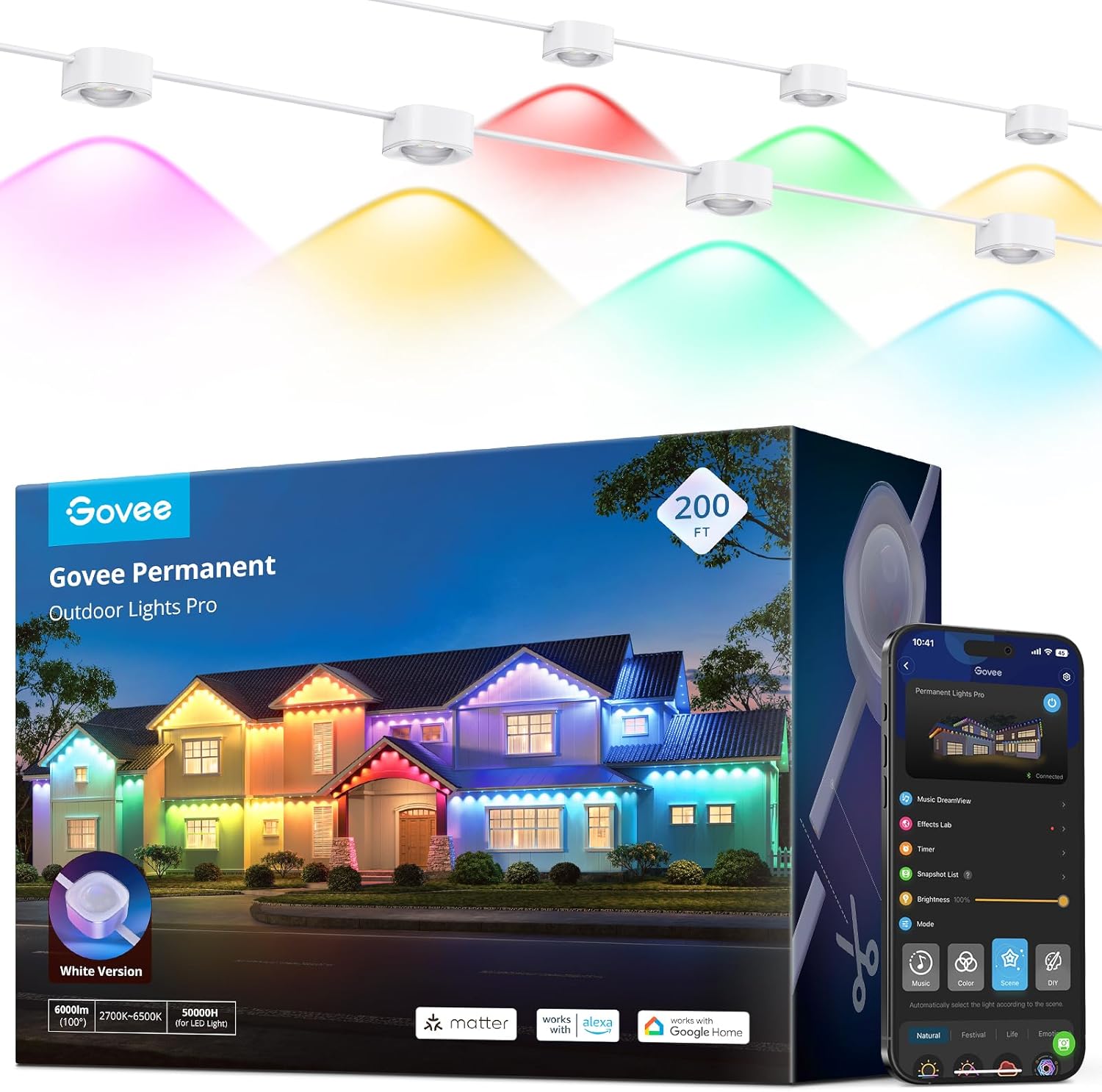
Why Did Govee Matter Setup Fail and How Do I Fix It?
- Outdated Matter firmware
- Partial commissioning record
- Controller cache conflict
Problem Description
Govee Matter setup fails during commissioning, times out, or gets stuck before final device activation. This often comes from firmware mismatch, stale pairing attempts, or network onboarding conflicts.
Why This Happens in Real Homes
This usually shows up after one failed Matter onboarding leaves stale records in the controller and device state. Clear failed pairings and retry with updated firmware before moving to advanced network troubleshooting.
Symptoms
- Pairing fails before completion
- Controller app times out
- Device appears then disappears
- QR code setup loops
- Matter accessory shows unavailable
- Issue starts after failed first attempt
Recognize these? Here's what usually causes it.
Common Causes
- Outdated Matter firmware
- Partial commissioning record
- Controller cache conflict
- Network instability during pairing
- Thread/WiFi path mismatch
- App account state drift
Most fixes happen in the first 3 steps.
Do not keep retrying failed commissioning without clearing old records first, or pairing will keep failing for the same reason.
Tools & Requirements
Step-by-Step Solution
Check firmware and app versions
Before retrying, confirm the Govee device and controller app are fully updated. Matter setup often fails when one side is still on older provisioning behavior.
Clear failed pairing records
Delete incomplete accessory entries from the controller app, then reboot both phone and device. Old commissioning records can block new setup attempts.
Run clean onboarding
Start setup from scratch using the Matter code and stay close to the device until the process fully completes. Do not background the app during the final registration step.
Confirm network path
Make sure the phone, controller, and device are on stable network conditions during setup. Temporary network jitter is a common reason pairing appears to finish then fails.
Validate control after pairing
Test on/off and brightness commands from the controller app for several minutes. If commands lag or fail, remove and re-add once more before expanding automations.
Quick Solutions
Still having issues? This is usually the deeper cause below.
If this comes back after following these steps, check whether a recent app or firmware update reset a default setting — the fix works, but the setting gets reverted silently.
Do Matter onboarding when your network is stable and quiet, not during router updates or heavy traffic windows.
This issue almost always looks more complex than it is — the majority of cases trace back to a single setting, a stale credential, or a default that shipped wrong.
- Outdated Matter firmware
- Partial commissioning record
- Controller cache conflict
- Network instability during pairing
- Thread/WiFi path mismatch
Before you go — try one of these (they fix most cases).
Most popular upgrades chosen by Govee Matter Onboarding owners.

Govee RGBIC Floor Lamp, LED Corner Lamp Bundle with RGBIC...

Govee Smart LED Light Bars Bundle Table Lamp 2 Pro x Soun...

Govee 16.4t RGBIC Wi-Fi TV LED Backlights for H605C
As an Amazon Associate we earn from qualifying purchases.
Official Manufacturer Manual
Govee provides official product documentation through their online manual rather than downloadable PDF. Access setup guides, troubleshooting steps, and product specifications for your Govee Matter Onboarding.
Source: govee.com
Need More Help? Govee Support
Note: The contact information below connects you directly to Govee's official customer support team, not Trunetto. They can help with warranty claims, device replacements, and advanced technical issues.
How Does Govee Compare?
Before replacing your Govee device, see how it stacks up against alternatives in our full comparison guides.
Accessories owners commonly pair with Govee Matter Onboarding.
As an Amazon Associate we earn from qualifying purchases.