

Can My Govee Outdoor Lights Handle Bad Weather?
- IP rating exceeded for the exposure
- Water into cut ends/connectors
- Controller/power not weatherproofed
Problem Description
You want to know if your Govee outdoor lights can withstand rain, snow, and extreme temperatures. Weather resistance depends on the IP rating of your specific model — IP65 means fully protected against water jets, IP67 means submersible briefly. Check your model's IP rating on the box or in the Govee app. This guide covers IP ratings and weather limits.
Why This Happens in Real Homes
Govee outdoor lights carry different IP ratings by model, and that rating is the whole story for weather survival — a strip rated for splashes (say IP65) handles rain but not standing water or a hose jet, and the weak points are always cut ends, connectors, and the controller.
Match the light's IP rating to how exposed it'll be, seal any cut ends and connections, and shelter the controller/power supply even if the light itself is rated. Most "failed after weather" cases are water getting into an unsealed cut or connector, or the rating being exceeded — not the LEDs themselves failing.
Symptoms
- Will they survive rain/snow?
- Failed after weather
- Which IP rating do I need?
- Cut ends leaking
- Cold-weather behavior
- Water in connectors
- Fading outdoors
- Controller placement
Recognize these? Here's what usually causes it.
Common Causes
- IP rating exceeded for the exposure
- Water into cut ends/connectors
- Controller/power not weatherproofed
- Extreme temperatures beyond spec
- Unsealed connections
- Submersion vs splash confusion
- UV degradation over time
- Physical/storm damage
Most fixes happen in the first 3 steps.
Do not attempt to open or modify the light hardware. Smart lights contain electronic components that can be damaged by moisture or physical tampering. Always power off at the wall switch before removing or repositioning a smart light.
Step-by-Step Solution
Check the IP rating of your specific model
Govee outdoor lights carry different IP ratings depending on the model. IP65 means dust-tight and protected against water jets — fine for rain but not submersion. IP67 means dust-tight and can handle temporary submersion up to 1 meter. IP44 means protected against splashing only — not suitable for direct rain exposure. The IP rating is on the product page and the box. Match the rating to your installation conditions.
Protect the controller and power connections
Even on IP67-rated strips, the controller box and power adapter are typically not waterproof. Mount the controller under an eave, porch roof, or inside a weatherproof junction box. Use waterproof wire connectors or silicone sealant at any connection point between the strip and the controller cable. Water entering the controller through the cable junction is the most common failure point.
Secure the lights against wind
Outdoor LED strips and string lights need physical anchoring beyond adhesive. Wind pulls adhesive-mounted strips off walls and gutters within weeks. Use mounting clips screwed into the surface, cable staples, or zip ties for permanent outdoor installations. Check after storms — any section that came loose is at risk of water pooling at the disconnect point.
Handle temperature extremes
Govee outdoor lights generally operate between -4°F and 113°F (-20°C to 45°C). Below this range, the silicone or plastic housing becomes brittle and can crack. Above it, the LED driver overheats and may shut down. In extreme cold climates, bring the controller indoors if possible and just run the cable outside. In extreme heat, mount in a shaded location to avoid direct sun on the controller.
Replace weather-damaged sections
If sections of your outdoor strip stopped working after rain or a storm, moisture likely entered through a crack, cut mark, or loose connection. The damaged LEDs cannot be repaired. If the strip is cuttable, cut out the damaged section and reconnect the remaining healthy sections with waterproof connectors. Seal every connection and cut point with silicone sealant or heat-shrink tubing to prevent future moisture damage.
Quick Solutions
Still having issues? This is usually the deeper cause below.
If flickering only happens on dimming, the issue is almost always the dimmer's minimum-load setting, not the bulb — it's drawing less current than the dimmer expects.
Group your smart lights by room in the app and assign clear names like Kitchen Ceiling and Bedroom Lamp. This makes voice commands more reliable and lets you create scenes that control multiple lights at once with a single command.
Battery-related failures are almost always flagged too late — the device degrades silently for days before the app catches up to what's actually happening.
- IP rating exceeded for the exposure
- Water into cut ends/connectors
- Controller/power not weatherproofed
- Extreme temperatures beyond spec
- Unsealed connections
Before you go — try one of these (they fix most cases).
Most popular upgrades chosen by Govee Outdoor Lights owners.

Govee Permanent Outdoor Lights 2, 100ft RGBIC Outdoor Lig...
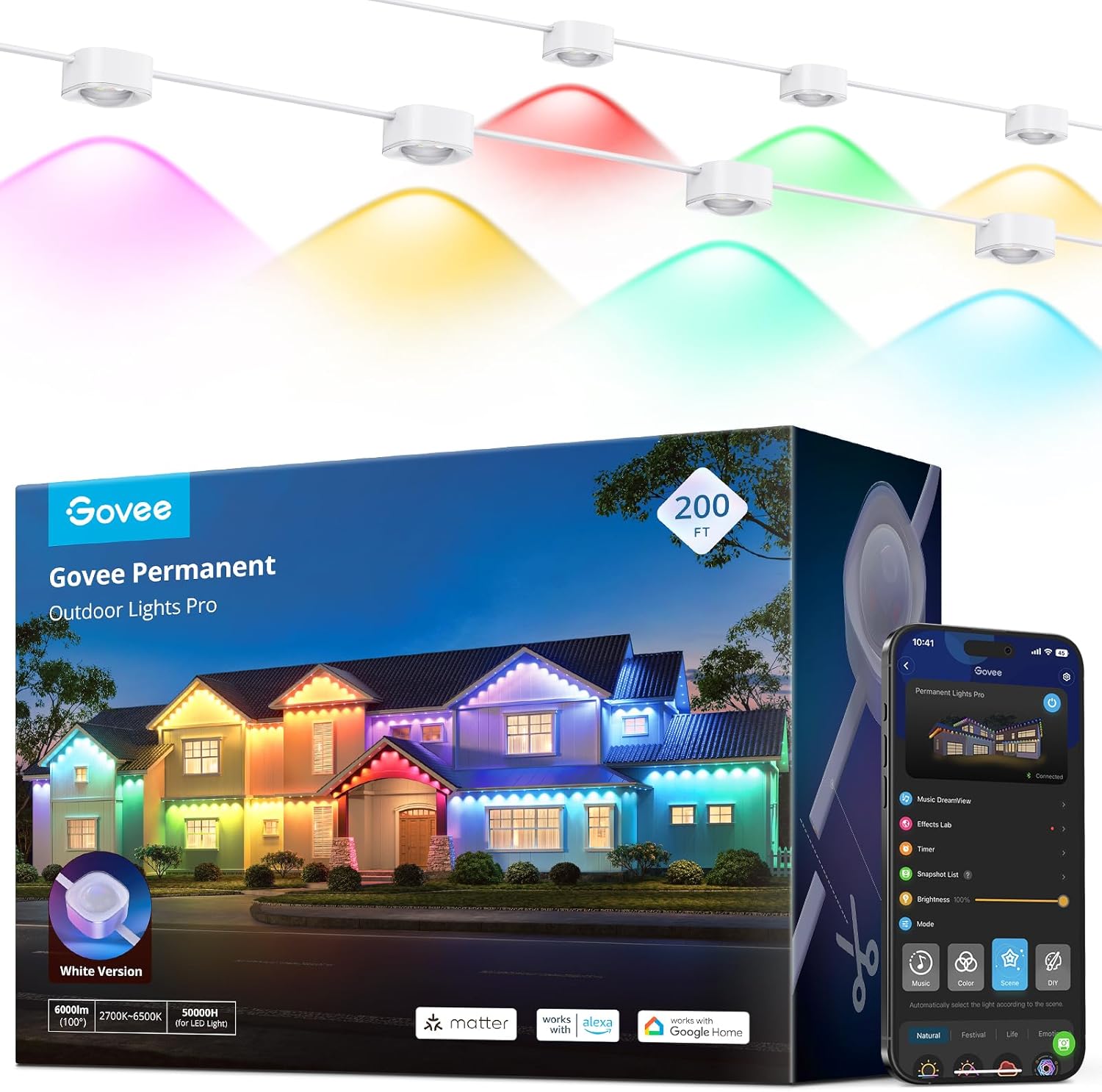
Govee Permanent Outdoor Lights Pro, 200ft with 120 RGBIC ...

Govee S14 Bulb Outdoor String Lights 2, 144ft RGBIC Smart...
As an Amazon Associate we earn from qualifying purchases.
Official Manufacturer Manual
Govee provides official product documentation through their online manual rather than downloadable PDF. Access setup guides, troubleshooting steps, and product specifications for your Govee Outdoor Lights.
Source: govee.com
Need More Help? Govee Support
Note: The contact information below connects you directly to Govee's official customer support team, not Trunetto. They can help with warranty claims, device replacements, and advanced technical issues.
How Does Govee Compare?
Before replacing your Govee device, see how it stacks up against alternatives in our full comparison guides.
Accessories owners commonly pair with Govee Outdoor Lights.
As an Amazon Associate we earn from qualifying purchases.


