Why Do Different Sections of My Govee RGBIC LED Strip Show Slightly Different Colors
- LED binning variation between IC segments
- Voltage drop across long strip lengths
- Some LEDs operating at different temperatures
Problem Description
Your Govee RGBIC LED strip is supposed to show the same color across its entire length, but different segments appear as slightly different shades. What should be uniform white looks like some sections are warmer and others cooler. A solid blue shows as slightly purple in some areas. This color inconsistency ruins the clean look you were hoping for.
Why This Happens in Real Homes
RGBIC sections showing mismatched colors can be normal LED binning variation, a voltage drop along a long run, or a data issue — RGBIC controls color per segment, so slight differences between segments are partly inherent.
Start by checking for voltage drop on long runs (the far end dims or shifts color) — power-injecting or shortening the run helps — and reseat segment connectors. Some segment-to-segment variation is normal binning; a sharp mismatch from one point on points to a bad joint or a damaged IC section.
Symptoms
- Same color setting shows different shades across strip
- White looks warm in some sections, cool in others
- Solid colors have visible variation between IC segments
- Issue more noticeable at lower brightness
- Some sections slightly dimmer than others
- Color mismatch appeared after using strip for months
Recognize these? Here's what usually causes it.
Common Causes
- LED binning variation between IC segments
- Voltage drop across long strip lengths
- Some LEDs operating at different temperatures
- Manufacturing variation in LED chips
- Segment damage affecting color output
- Power supply unable to maintain even voltage
Most fixes happen in the first 3 steps.
Attempting to fix color variation by manually adjusting individual IC segments is extremely tedious and changes are not permanent. This is usually not worth the effort. Decide to accept the variation or replace the strip.
Step-by-Step Solution
Confirm RGBIC segment mapping in app
Verify strip length and segment count are configured correctly in Govee settings. Incorrect virtual segmentation causes visible section color mismatch.
Check power supply adequacy and voltage drop
Make sure adapter matches strip requirements and inspect for long-run voltage sag. Underpowered sections may display shifted or desaturated colors.
Reset effect mode to static color baseline
Set a single static color to all zones and compare section output consistency. Baseline testing separates hardware imbalance from effect-engine behavior.
Update firmware and app scene profiles
Apply updates and re-download scene/effect profiles to remove corrupted presets. Outdated profiles can drive inconsistent zone rendering.
Replace damaged segment if mismatch remains
If one section remains incorrect across all static colors, inspect for physical strip damage and replace affected strip length.
Quick Solutions
Still having issues? This is usually the deeper cause below.
If flickering only happens on dimming, the issue is almost always the dimmer's minimum-load setting, not the bulb — it's drawing less current than the dimmer expects.
When shopping for LED strips, understand that RGBIC enables individual segment control but sacrifices perfect color matching. If uniform color is critical, basic RGB strips with all LEDs on one channel may actually look more consistent.
This issue almost always looks more complex than it is — the majority of cases trace back to a single setting, a stale credential, or a default that shipped wrong.
- LED binning variation between IC segments
- Voltage drop across long strip lengths
- Some LEDs operating at different temperatures
- Manufacturing variation in LED chips
- Segment damage affecting color output
Before you go — try one of these (they fix most cases).
Most popular upgrades chosen by Govee RGBIC LED Strip owners.
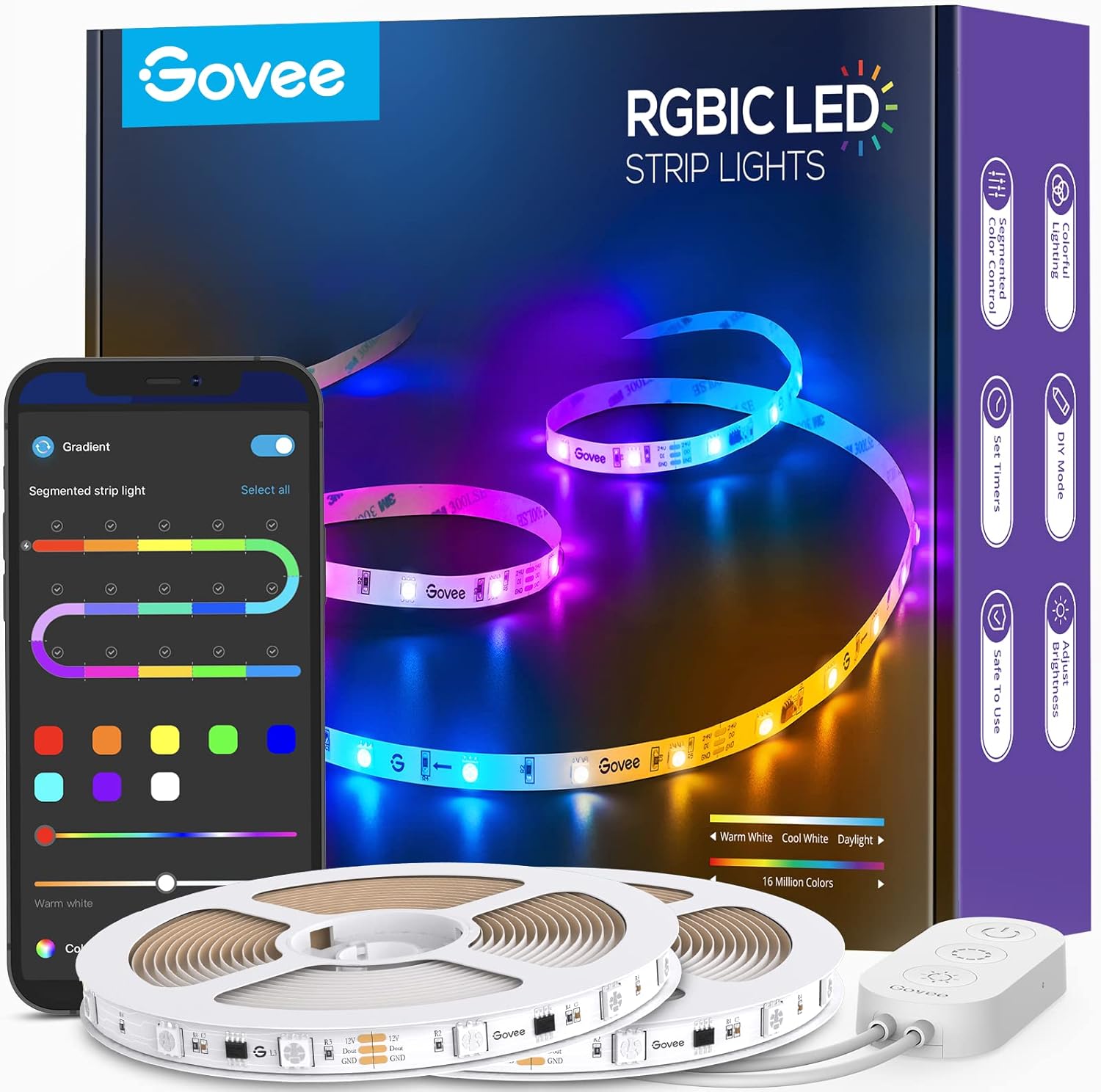
Govee 65.6ft RGBIC LED Strip Lights, Color Changing LED S...

Govee Smart Wi-Fi RGBIC LED Strip Lights & Light Bars, Dr...

Govee Smart RGBIC LED Strip Lights 65.6ft, Alexa LED Ligh...
As an Amazon Associate we earn from qualifying purchases.
Official Manufacturer Manual
Govee provides official product documentation through their online manual rather than downloadable PDF. Access setup guides, troubleshooting steps, and product specifications for your Govee RGBIC LED Strip.
Source: govee.com
Need More Help? Govee Support
Note: The contact information below connects you directly to Govee's official customer support team, not Trunetto. They can help with warranty claims, device replacements, and advanced technical issues.
How Does Govee Compare?
Before replacing your Govee device, see how it stacks up against alternatives in our full comparison guides.
Accessories owners commonly pair with Govee RGBIC LED Strip.
As an Amazon Associate we earn from qualifying purchases.