Can I Cut My Govee RGBIC LED Strip?
- Most RGBIC strips cannot be cut (IC design)
- Cut not on a marked line (RGB strips)
- Cutting broke the data chain
Problem Description
You want to know if you can cut your Govee RGBIC LED strip to fit a specific length. Not all RGBIC strips are cuttable — check your specific model. RGBIC strips with individually controlled LEDs use an IC chip in each segment, and cutting between segments may disable the remaining strip. Standard RGB Govee strips can be cut at marked cut lines.
Why This Happens in Real Homes
The key fact: most Govee RGBIC strips cannot be cut. RGBIC uses individually-addressable ICs chained down the strip, and cutting breaks that chain, so the strip stops working past the cut (or entirely). Plain RGB strips can be cut on marked lines, but RGBIC generally can't.
Start by confirming which you have. For an RGBIC strip, manage extra length by tucking or routing it rather than cutting, and buy the size that fits. Cutting an RGBIC strip is the classic way to kill it; only standard RGB strips with printed cut lines are safe to shorten.
Symptoms
- Can I cut this strip?
- Where to cut
- Strip stopped after cutting
- No cut lines
- Shortening for a fit
- RGBIC vs RGB cutting
- Cut section will not light
- Reusing cut pieces
Recognize these? Here's what usually causes it.
Common Causes
- Most RGBIC strips cannot be cut (IC design)
- Cut not on a marked line (RGB strips)
- Cutting broke the data chain
- Expecting to reuse a cut-off piece
- Wrong strip type assumed
- Damaged the strip cutting
- No cut points on RGBIC
- Voltage/data disrupted
Most fixes happen in the first 3 steps.
Do not attempt to open or modify the light hardware. Smart lights contain electronic components that can be damaged by moisture or physical tampering. Always power off at the wall switch before removing or repositioning a smart light.
Tools & Requirements
These tools will help you complete this fix.
As an Amazon Associate we earn from qualifying purchases.
Step-by-Step Solution
Check if your specific RGBIC model is cuttable
Most Govee RGBIC strips cannot be cut. The RGBIC technology uses individually addressable IC chips along the strip — cutting between chips can break the data chain and kill the entire strip beyond the cut. Only specific models are designed to be cuttable: check the Govee product page or manual for your exact model number. If it does not explicitly say cuttable, do not cut it.
Find the designated cut marks
On cuttable RGBIC models, the strip has marked cut lines — usually indicated by a scissors icon or a copper pad line at regular intervals. These marks are placed between IC segments where cutting will not break the data chain. Never cut between the marks — cutting through an IC or its data line destroys the strip from that point onward.

Needed for this step
BoFuYuan Utility Scissors Heavy Duty: 8-Inch sh...
This helps complete the fix you are currently reading.
$12.79Use sharp scissors and cut cleanly
Dull scissors can crush the copper contacts and damage the IC pads near the cut point. Use sharp scissors or wire cutters and make one clean cut directly on the marked line. A clean cut preserves the copper pads on both sides. If you plan to reconnect the cut section later (with an LED connector), clean pads are essential for a good electrical connection.
Understand that the cut-off section is unusable
When you cut a Govee RGBIC strip, the section you cut off will not work on its own. It is not like a standard RGB strip where both pieces continue working independently. The removed section loses its connection to the controller and power supply. Only the section still connected to the controller functions. Plan your desired length before cutting — there is no undo.
Seal the cut end
The exposed cut end has bare copper pads and exposed LED contacts. If the strip is used indoors in a dry environment, this is cosmetic. If used in a humid area (kitchen, bathroom) or outdoors, apply a dab of clear silicone sealant or heat-shrink tubing over the cut end to prevent moisture from reaching the circuitry and causing corrosion or a short circuit.
Quick Solutions
Still having issues? This is usually the deeper cause below.
If this comes back after following these steps, check whether a recent app or firmware update reset a default setting — the fix works, but the setting gets reverted silently.
["RGBIC segments are individually addressable", "Cutting removes that section permanently"]
This issue almost always looks more complex than it is — the majority of cases trace back to a single setting, a stale credential, or a default that shipped wrong.
- Most RGBIC strips cannot be cut (IC design)
- Cut not on a marked line (RGB strips)
- Cutting broke the data chain
- Expecting to reuse a cut-off piece
- Wrong strip type assumed
Before you go — try one of these (they fix most cases).
Most popular upgrades chosen by Govee RGBIC LED Strip owners.
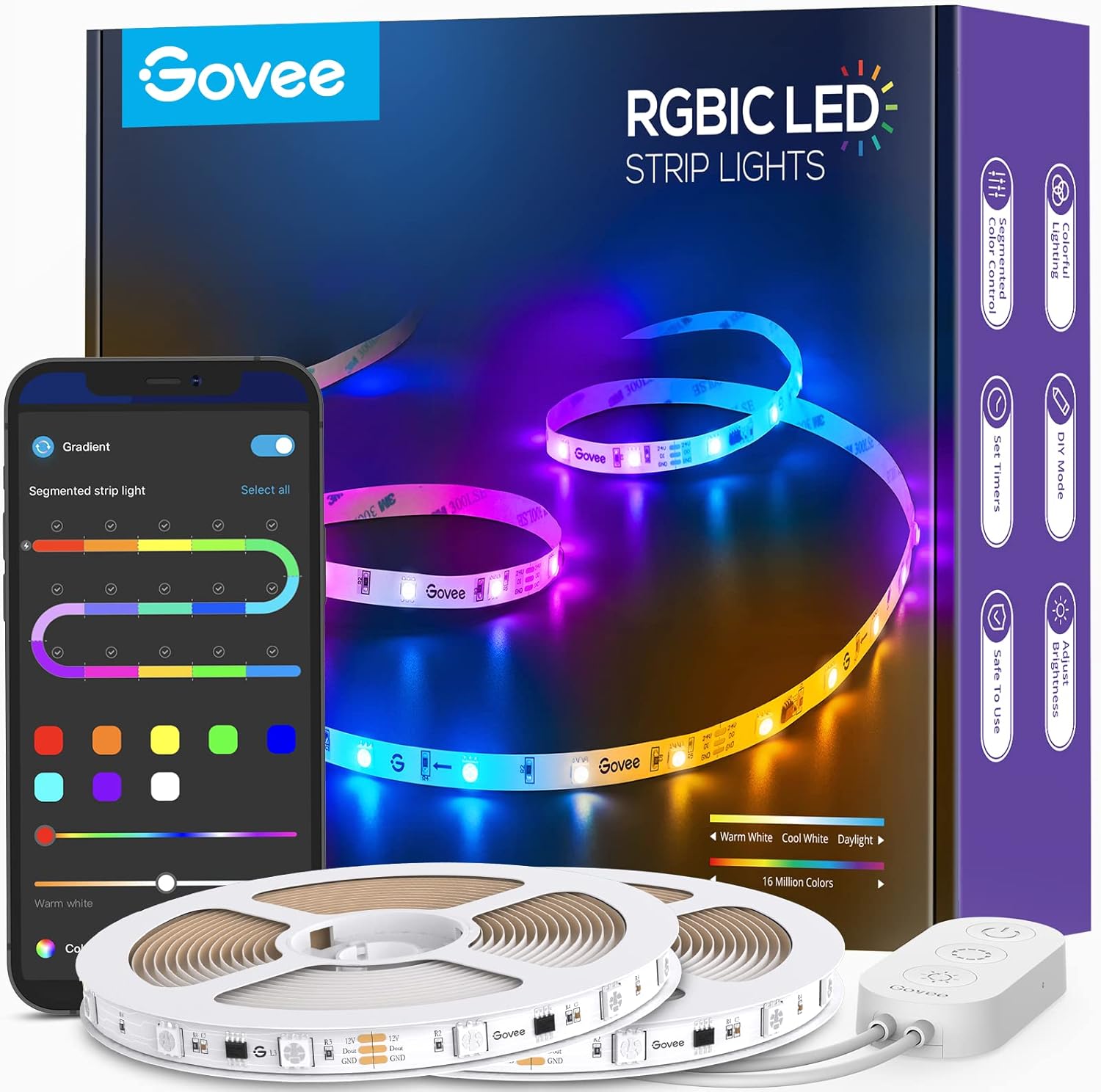
Govee 65.6ft RGBIC LED Strip Lights, Color Changing LED S...

Govee Smart Wi-Fi RGBIC LED Strip Lights & Light Bars, Dr...

Govee Smart RGBIC LED Strip Lights 65.6ft, Alexa LED Ligh...
As an Amazon Associate we earn from qualifying purchases.
Official Manufacturer Manual
Govee provides official product documentation through their online manual rather than downloadable PDF. Access setup guides, troubleshooting steps, and product specifications for your Govee RGBIC LED Strip.
Source: govee.com
Need More Help? Govee Support
Note: The contact information below connects you directly to Govee's official customer support team, not Trunetto. They can help with warranty claims, device replacements, and advanced technical issues.
How Does Govee Compare?
Before replacing your Govee device, see how it stacks up against alternatives in our full comparison guides.
Accessories owners commonly pair with Govee RGBIC LED Strip.
As an Amazon Associate we earn from qualifying purchases.