

How to Install Govee Permanent Outdoor Lights on Your Roofline
- Plan and Measure Your Layout
- Install Mounting Clips
- Snap Track Into Clips
- Connect the Transformer
- Set Up App and Scenes
Most users complete this in under 90 minutes
Overview
You purchased Govee Permanent Outdoor Lights and want to mount them along your roofline or eaves for year-round exterior lighting. This guide covers planning your layout, mounting the light track with clips, connecting the transformer, and configuring scenes and schedules in the Govee Home app.
Why This Happens in Real Homes
Permanent outdoor lights are a measure-twice job — measure your full roofline before ordering so you have enough length and the right connectors, and plan where the controller and power will live (weatherproofed, near an outdoor outlet). Mounting clips go along the eave/soffit at consistent spacing.
Route and secure the cable so it's not stressed, seal any exposed connections against weather, and set the lights up on 2.4GHz WiFi. Because these are semi-permanent, planning the run, power location, and clip spacing before you're up a ladder saves the most grief.
What's Included
- RGBIC light strip track in 50ft or 100ft length
- Mounting clips with pre-drilled screw holes
- Outdoor-rated transformer with 6ft power cord
- Extension connectors for joining multiple track runs
- Waterproof end caps for sealing unused track ends
- Quick start guide and outdoor installation template
Got your materials ready? Here's what to check first.
Before You Start
- Measure your full roofline length before ordering
- Check that exterior outlet is GFCI protected
- Plan your installation for a dry mild-weather day
- Have a stable ladder rated for your roof height
- Inspect fascia board condition before drilling clips
- Ensure transformer location stays dry and accessible
Don't skip this step — it breaks everything if you do
Always use a GFCI protected outdoor outlet for the transformer. Never run the power cord through a window or door gap. Ensure all connections are sealed against moisture before powering on.
Tools & Requirements
These tools will help you complete this fix.

Drill with Phillips bit
Milwaukee Electric - 10PC. Shockwave Impact Duty Car...

Measuring tape
10 Pack Bulk Tape Measure 25 FT with Fractions 1/8, ...
As an Amazon Associate we earn from qualifying purchases.
Installation Steps
Plan and Measure Your Layout
Walk the perimeter of your home and measure each roofline section you want to illuminate. Add up the total length and compare against your strip track length. Mark where the transformer will plug in since the power end of the track must reach this location. Plan any corners or turns where you will need to bend the track gently. Lay the entire track on the ground first to verify you have enough length.
Install Mounting Clips
Starting from the transformer end position your first mounting clip on the fascia board about two inches from the edge. Use a drill to create a pilot hole then drive the included screw through the clip into the fascia. Space each subsequent clip about 12 inches apart along the entire roofline. At corners use two clips close together to hold the track through the bend. Make sure every clip is firmly seated with no wobble.
Needed for this step
Milwaukee Electric - 10PC. Shockwave Impact Dut...
This helps complete the fix you are currently reading.
$37.97Snap Track Into Clips
Beginning at the transformer end click the light track into each mounting clip working your way along the roofline. The track should snap firmly into each clip channel. At corners gently bend the track to follow the roofline angle. Do not force sharp bends as this can damage the internal LED circuit. Apply waterproof end caps to any unused track ends. Connect extension sections if your roofline requires more than one track length.
Connect the Transformer
Mount the transformer under the eave overhang or in a sheltered location using the included bracket and screws. Connect the light track power cable to the transformer output port. Plug the transformer into your outdoor GFCI outlet. The lights should power on in a default white or rainbow pattern confirming the connection. If the GFCI outlet trips immediately check for damaged track sections or loose waterproof caps.
Set Up App and Scenes
Open the Govee Home app and tap add device. Select your permanent outdoor light model. Connect via Bluetooth then link to your 2.4GHz WiFi. Once paired browse the holiday and seasonal scene presets or create custom color patterns across the RGBIC segments. Set schedules for automatic on and off times. Configure sunrise and sunset triggers if your model supports them for hands-free daily operation year round.
Installation Tips
Still stuck? This is usually the deeper cause below.
Install the mounting clips on a warm day above 50 degrees Fahrenheit. Cold fascia boards are more brittle and pilot holes are more likely to cause wood splitting in freezing temperatures.
Before you go — these Govee guides fix most remaining issues.
Most popular upgrades chosen by Govee Permanent Outdoor Lights owners.

Govee Permanent Outdoor Lights 2, 100ft RGBIC Outdoor Lig...
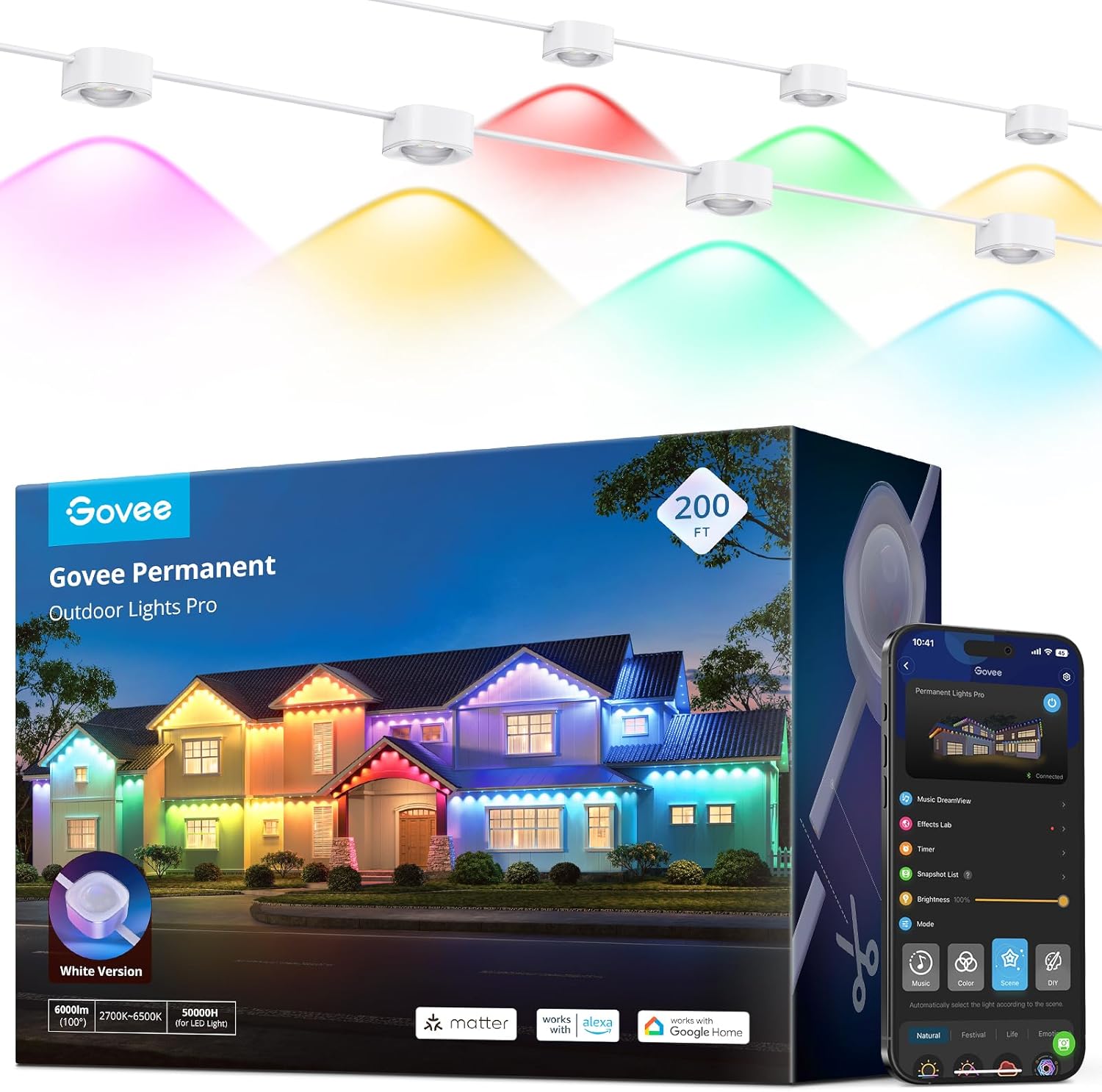
Govee Permanent Outdoor Lights Pro, 200ft with 120 RGBIC ...

Govee Permanent Outdoor Lights Prism, 100ft with 36 Tripl...
As an Amazon Associate we earn from qualifying purchases.
Official Manufacturer Manual
Govee provides official product documentation through their online manual rather than downloadable PDF. Access setup guides, troubleshooting steps, and product specifications for your Govee Permanent Outdoor Lights.
Source: govee.com
Need More Help? Govee Support
Note: The contact information below connects you directly to Govee's official customer support team, not Trunetto. They can help with warranty claims, device replacements, and advanced technical issues.
How Does Govee Compare?
Before replacing your Govee device, see how it stacks up against alternatives in our full comparison guides.
Accessories owners commonly pair with Govee Permanent Outdoor Lights.
As an Amazon Associate we earn from qualifying purchases.


