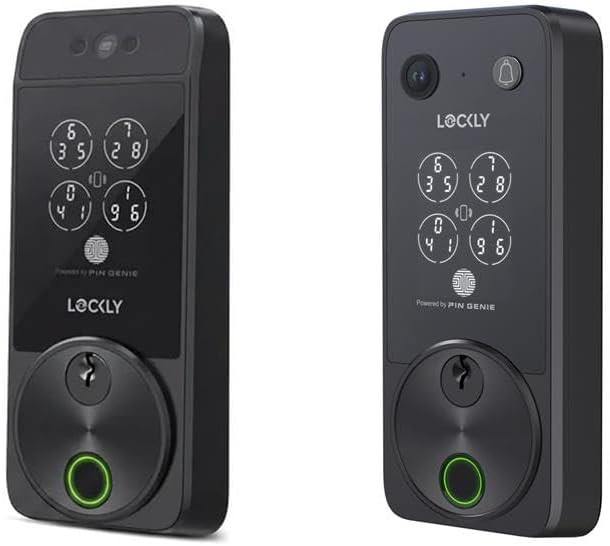
Lockly Smart Lock Bluetooth Pairing Failed — How to Fix
- Phone Bluetooth disabled or not permitted
- Lock batteries below 20 percent causing weak signal
- Too far from lock during initial pairing
Problem Description
Your Lockly smart lock won't pair with the Lockly app or keeps showing as offline. The lock may have worked previously but now refuses to connect, or you are setting it up for the first time and pairing fails. Most Lockly connection issues stem from Bluetooth range, battery levels, or app permissions.
Symptoms
- Lockly app says Device Not Found during setup
- Lock shows offline status in app after working
- Bluetooth pairing times out after 30 seconds
- App finds lock but pairing fails at final step
- Remote access via WiFi bridge not working
- Lock responds locally but not through app
Recognize these? Here's what usually causes it.
Common Causes
- Phone Bluetooth disabled or not permitted
- Lock batteries below 20 percent causing weak signal
- Too far from lock during initial pairing
- Previous pairing data corrupted in app cache
- WiFi bridge offline or not configured
- Lock firmware needs update before pairing
Most fixes happen in the first 3 steps.
Factory reset erases ALL fingerprints and access codes. Document your codes before resetting and plan time to re-enroll all authorized users fingerprints after the reset completes.
Tools & Requirements
Step-by-Step Solution
Check Phone Bluetooth Settings
Open your phone settings and verify Bluetooth is enabled. On iOS also check Settings then Privacy then Bluetooth and make sure the Lockly app has permission. On Android go to Settings then Apps then Lockly then Permissions and enable Bluetooth and Location. Location permission is required for Bluetooth scanning on Android without it the app cannot discover nearby devices.
Replace Lock Batteries
Lockly locks use 4 AA batteries and connection issues often appear when batteries drop below 30 percent. Open the interior cover and replace all four batteries with fresh alkaline batteries from a reputable brand like Energizer or Duracell. Avoid rechargeable batteries as they provide lower voltage. After replacing wait 30 seconds for the lock to fully boot before attempting to pair.
Stand Close and Re-Pair
Delete the lock from your Lockly app by going to Settings then Remove Device. Force close the app completely. Stand within 3 feet of the lock with no obstructions between you and the door. Reopen the app tap Add Device and select your lock model. Follow the on-screen prompts. You may need to enter the programming code from your lock setup card.
Reset Lock to Factory Settings
If re-pairing fails perform a factory reset. Remove the interior cover and locate the reset button which is a small pinhole near the battery compartment. Press and hold with a paperclip for 10 seconds until you hear a confirmation tone. This erases all codes and settings. You will need to re-enter your master code and re-add all user fingerprints and codes after reset.
Configure WiFi Bridge for Remote
If you have the Lockly WiFi Bridge make sure it is plugged in within 30 feet of the lock with a solid blue LED. In the app go to Settings then WiFi Bridge then Setup. Connect the bridge to your 2.4GHz WiFi network. Once configured you can control the lock remotely. If the bridge shows red LED it has lost WiFi connection and needs reconfiguration.
Quick Solutions
Still having issues? This is usually the deeper cause below.
If pairing fails after multiple attempts, the device may still be registered to a previous account — factory-reset it before trying to add it to a new one.
Lockly uses Bluetooth for local control and the optional WiFi bridge for remote access. If you only need to unlock when home Bluetooth-only works fine. The WiFi bridge is required for remote locking guest codes and activity monitoring from away.
Pairing failures almost always come down to distance during the initial handshake — manufacturers seriously understate how close you actually need to be.
- Phone Bluetooth disabled or not permitted
- Lock batteries below 20 percent causing weak signal
- Too far from lock during initial pairing
- Previous pairing data corrupted in app cache
- WiFi bridge offline or not configured
Before you go — try one of these (they fix most cases).
Most popular upgrades chosen by Lockly Device owners.

Lockly Vision Elite with Model 7S, WiFi Video Smart Lock ...
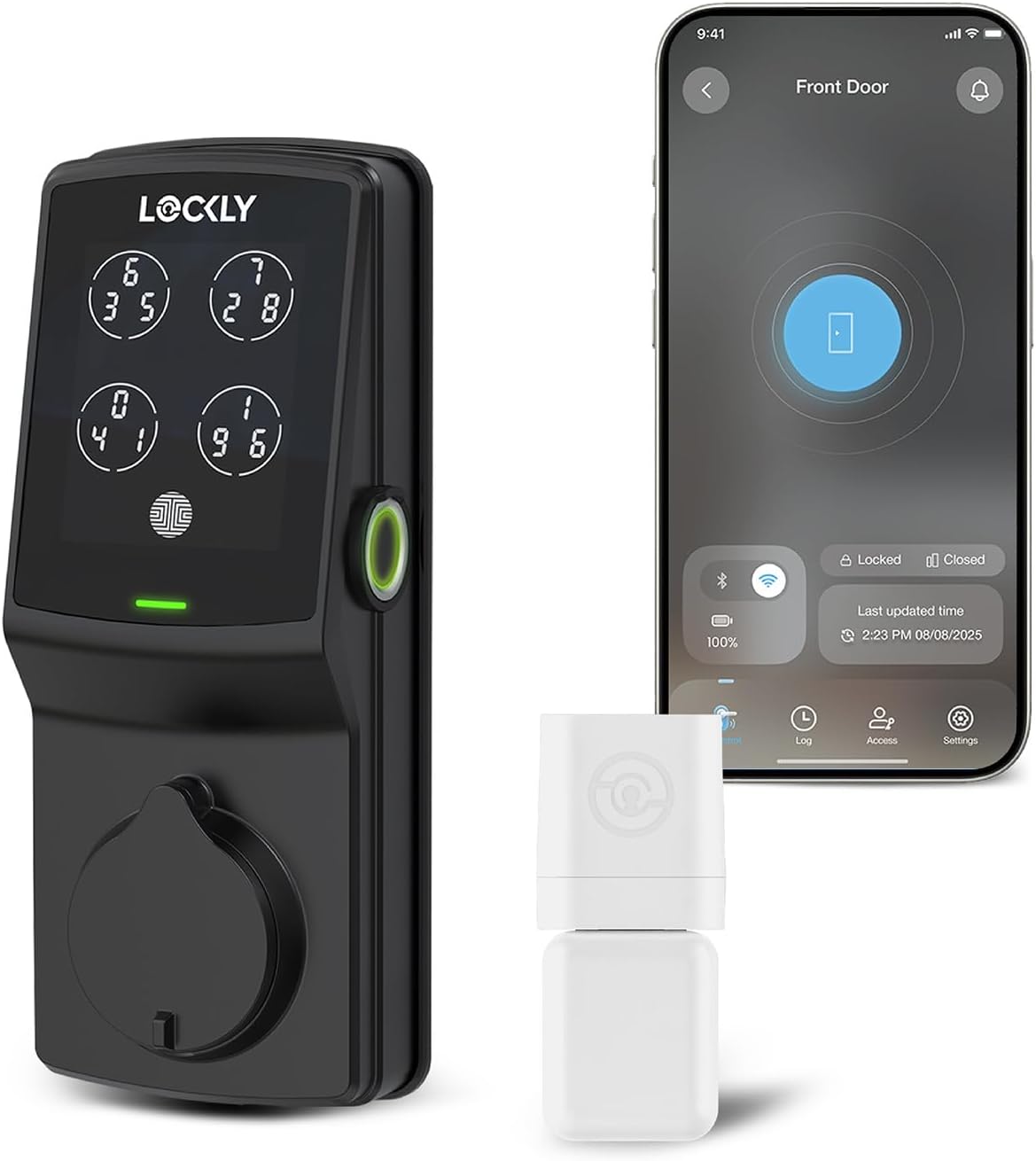
Lockly Guard Deadbolt PGD728WPU Commercial Smart Lock – U...

Lockly Secure Pro Zeno Series Smart Door Lock,Fingerprint...
As an Amazon Associate we earn from qualifying purchases.
Official Manufacturer Manual
Lockly provides official product documentation through their online manual rather than downloadable PDF. Access setup guides, troubleshooting steps, and product specifications for your Lockly Device.
Source: lockly.com
Need More Help? Lockly Support
Note: The contact information below connects you directly to Lockly's official customer support team, not Trunetto. They can help with warranty claims, device replacements, and advanced technical issues.
Accessories owners commonly pair with Lockly Device.

Amazon Basics 20-Pack AA Alkaline High-Performance Batter...

Amazon Basics CR2032 3V Lithium Coin Cell Batteries for K...

Duracell Coppertop Double AA Batteries with Power Boost I...
As an Amazon Associate we earn from qualifying purchases.