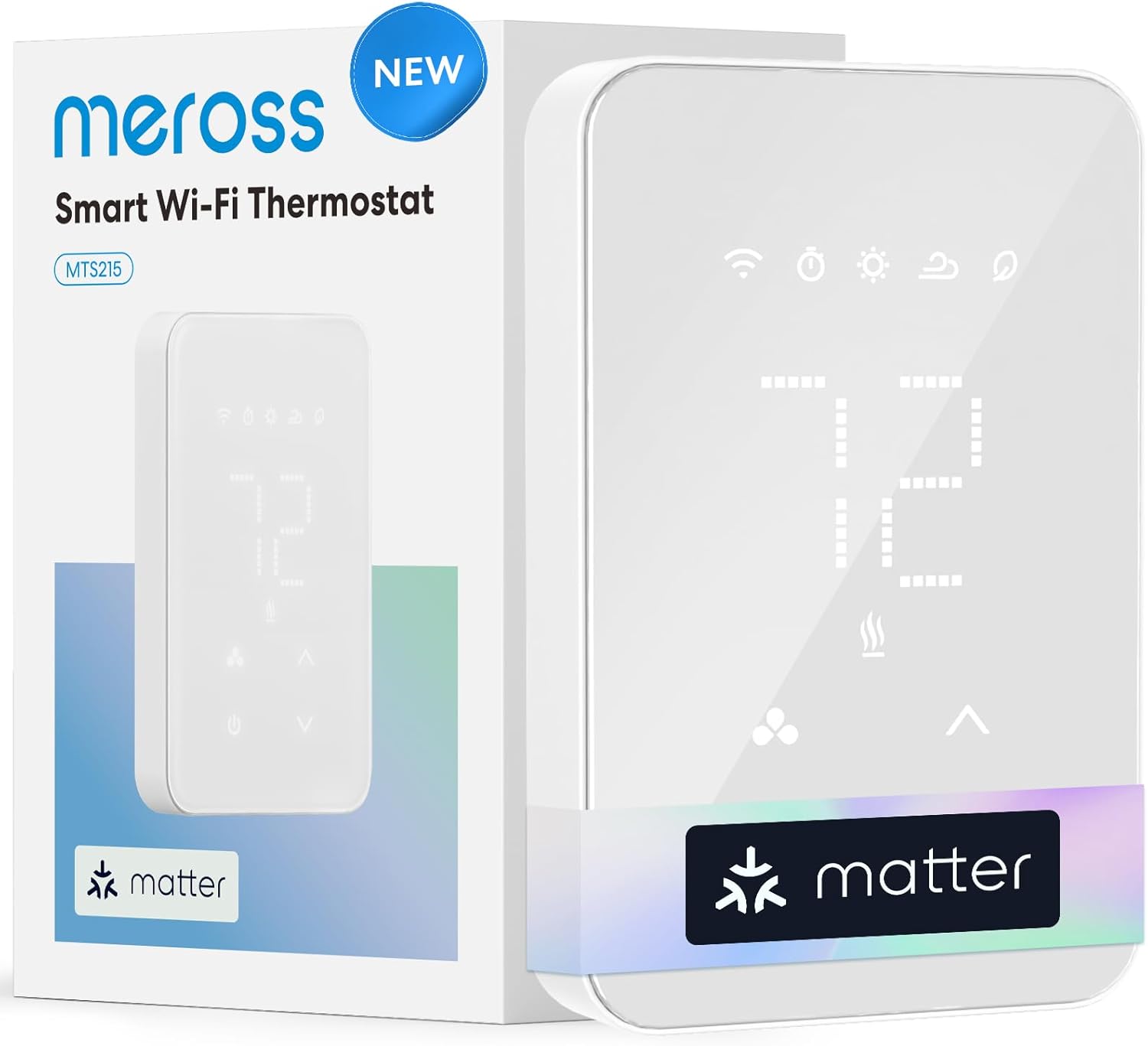
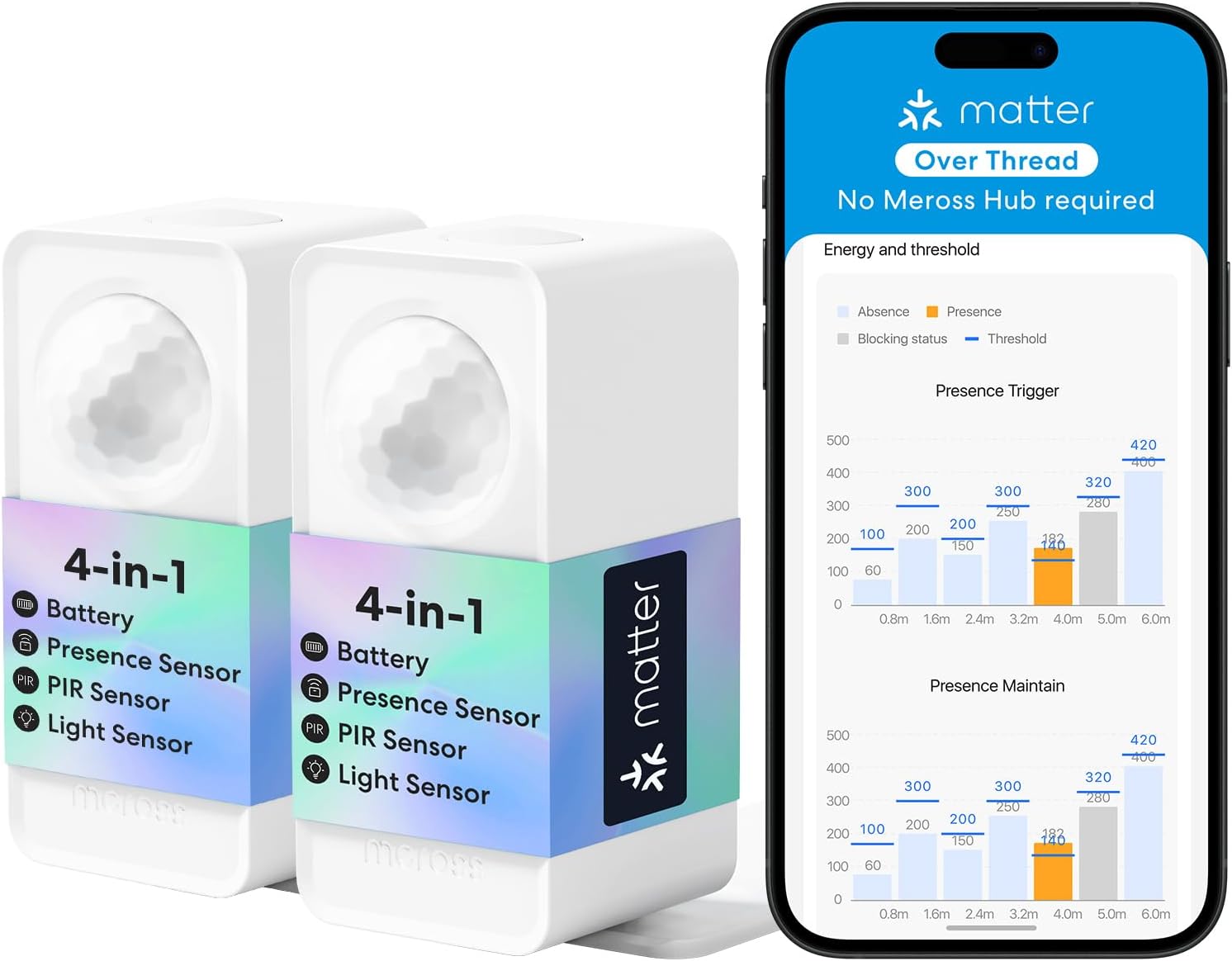
Which Meross Devices Support Matter?
- Not all Meross devices support Matter
- Firmware not updated for Matter
- No Matter controller in the ecosystem
Problem Description
You want to know if your Meross smart devices support the Matter protocol for cross-platform compatibility with Apple Home, Google Home, and Amazon Alexa. Matter support is available on newer Meross models and may require a firmware update on some devices.
Why This Happens in Real Homes
Some newer Meross devices support Matter, which lets them join Apple Home, Google, Alexa, or SmartThings directly and work across ecosystems — but not the whole lineup, and some require a firmware update to enable it. So the first step is confirming your specific model and firmware support Matter.
Confirm Matter support, update firmware if needed, and make sure your ecosystem has a Matter controller (a HomePod/Apple TV, Google/Nest hub, Echo, or SmartThings hub). Keep the device on 2.4GHz WiFi with strong signal, scan the Matter setup code, and enable multicast/mDNS on the router. To use a device in a second ecosystem, use Matter multi-admin sharing rather than re-pairing.
Symptoms
- Which Meross devices support Matter
- Matter setup questions
- Won't add via Matter
- Matter commissioning fails
- Not appearing in a Matter app
- Matter code questions
- Cross-ecosystem control
- Matter compatibility
Recognize these? Here's what usually causes it.
Common Causes
- Not all Meross devices support Matter
- Firmware not updated for Matter
- No Matter controller in the ecosystem
- Connecting to 5GHz not 2.4GHz
- Wrong/unreadable Matter code
- Router blocking multicast (mDNS)
- Already at a fabric limit
- Weak 2.4GHz signal
Most fixes happen in the first 3 steps.
Never exceed the smart plug maximum wattage rating listed on the device or packaging. Do not use smart plugs with space heaters, high-wattage appliances, or devices that must not be interrupted like medical equipment. Smart plugs are not designed for outdoor use unless specifically rated for it.
Step-by-Step Solution
Check Matter compatibility
Meross offers several Matter-compatible devices: smart plugs, light switches, and power strips. Matter devices work across Apple Home, Google Home, Amazon Alexa, and Samsung SmartThings without needing the Meross app or cloud. Check the product packaging or Meross website for the Matter logo. Older Meross WiFi devices are not Matter-compatible and cannot be upgraded via firmware — they use the Meross cloud protocol.
Set up a Matter device
Matter setup requires a Matter controller: Apple HomePod/HomePod mini (iOS 16.4+), Google Nest Hub (2nd gen+), Amazon Echo (4th gen+), or SmartThings hub. Scan the Matter QR code on the device or in the quick start guide using your controller's app (Home app for Apple, Google Home app for Google, etc.). The device pairs over WiFi or Thread depending on the model. No Meross app needed for basic on/off features.
Use across multiple ecosystems with Multi-Admin
Matter supports Multi-Admin — you can pair one device with multiple controllers simultaneously. After pairing with Apple Home, open the device settings and select 'Turn on pairing mode' (or share setup code). Then pair the same device with Google Home or Alexa. The device responds to commands from all paired ecosystems. This is a key advantage of Matter over proprietary protocols.
Fix pairing failures
If Matter pairing fails: verify your controller firmware is updated (iOS 16.4+, latest Google Home app, etc.). Check that the Meross device is in pairing mode (LED blinking rapidly). Make sure your phone and the Matter controller are on the same WiFi network. Matter pairing uses Bluetooth for the initial handshake, then transfers to WiFi — keep your phone within 3 feet of the device during setup. If pairing fails repeatedly, factory reset the Meross device (press and hold the button for 10 seconds) and try again.
Update firmware through the Meross app
While Matter devices do not require the Meross app for daily use, the Meross app is needed for firmware updates. Download the Meross app, add the device using the Meross cloud setup, and check for firmware updates. Updates improve Matter compatibility, fix bugs, and add features. After updating, the device continues working with all paired Matter controllers. You can remove the device from the Meross app after updating if you prefer to use only Matter.
Quick Solutions
Still having issues? This is usually the deeper cause below.
If this comes back after following these steps, check whether a recent app or firmware update reset a default setting — the fix works, but the setting gets reverted silently.
Use smart plugs with energy monitoring to track exactly how much electricity each appliance uses. Set up Away Mode schedules that randomly toggle lamps on and off to make your home look occupied when you are traveling.
This issue almost always looks more complex than it is — the majority of cases trace back to a single setting, a stale credential, or a default that shipped wrong.
- Not all Meross devices support Matter
- Firmware not updated for Matter
- No Matter controller in the ecosystem
- Connecting to 5GHz not 2.4GHz
- Wrong/unreadable Matter code
Before you go — try one of these (they fix most cases).
Most popular upgrades chosen by Meross Matter Devices owners.

meross Smart Plug Mini Support Apple HomeKit, Siri, Alexa...

Meross Smart Plug Mini Support Apple HomeKit, Siri, Alexa...
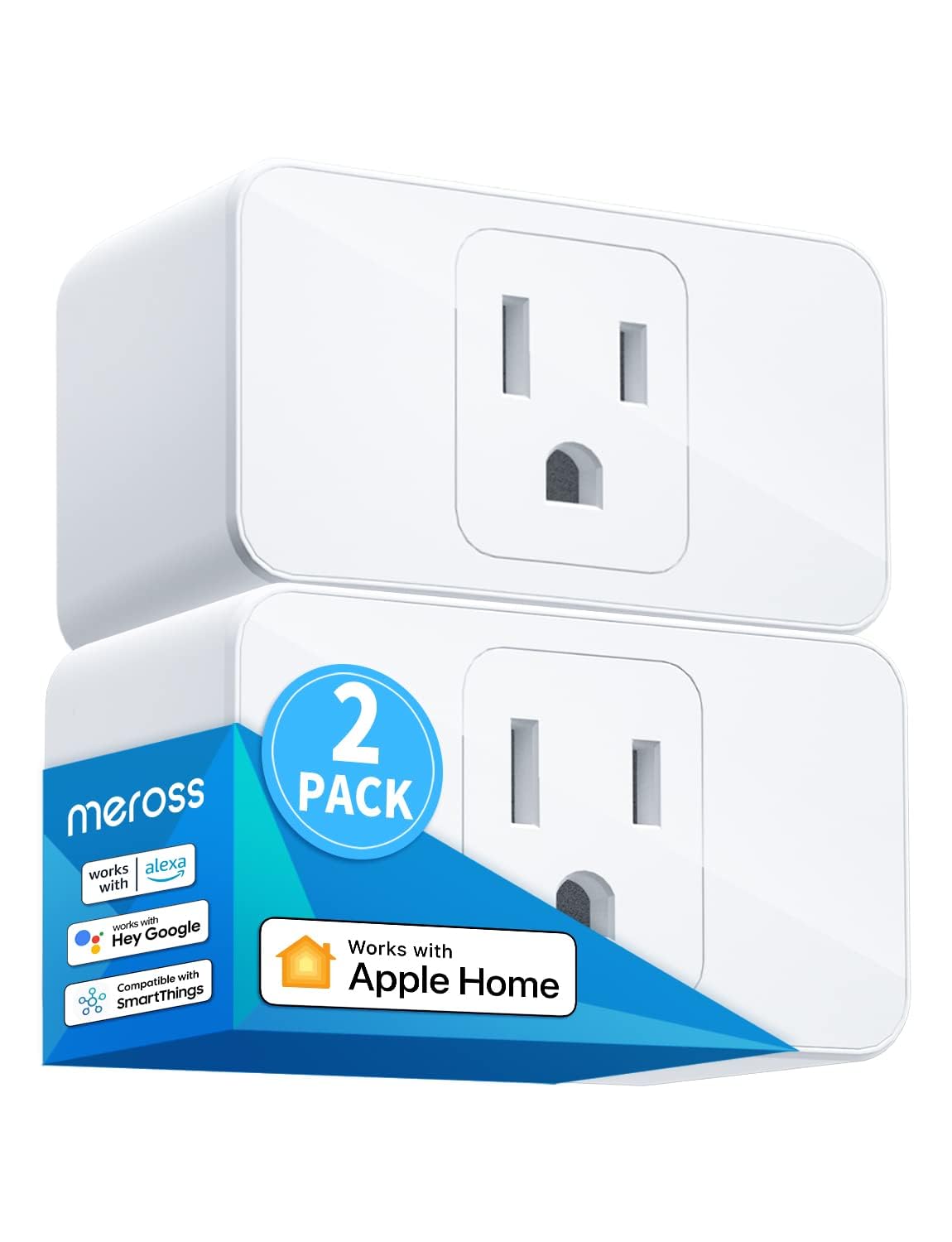
meross Smart Plug Mini, 15A & Reliable Wi-Fi, Support App...
As an Amazon Associate we earn from qualifying purchases.
Official Manufacturer Manual
Meross provides official product documentation through their online manual rather than downloadable PDF. Access setup guides, troubleshooting steps, and product specifications for your Meross Matter Devices.
Source: meross.com
Need More Help? Meross Support
Note: The contact information below connects you directly to Meross's official customer support team, not Trunetto. They can help with warranty claims, device replacements, and advanced technical issues.
Accessories owners commonly pair with Meross Matter Devices.

meross Smart Garage Door Opener Remote with External Ante...

meross Smart Garage Door Opener Remote, Compatible with A...

meross Smart WiFi Garage Door Opener Remote, App Control,...
As an Amazon Associate we earn from qualifying purchases.