

Why Won't My Meross Smart Plug Respond in HomeKit?
- Home hub offline (no HomeKit relay)
- Plug offline / weak 2.4GHz
- Router blocking multicast (mDNS)
Problem Description
Your Meross smart plug shows "Not Responding" in the Apple Home app even though it works in the Meross app. The Home Hub (HomePod, HomePod mini, or Apple TV) bridges communication between HomeKit and the Meross plug. If the Home Hub is offline or on a different network, HomeKit can't reach the plug. This guide covers checking both are online and on the same network.
Why This Happens in Real Homes
A Meross plug showing "Not Responding" in Apple Home has lost the path between the plug and your HomeKit setup — usually the home hub is offline (so remote control and status can't relay), the plug dropped off 2.4GHz WiFi, or the router is blocking the multicast HomeKit needs. It often still works fine in the Meross app, which points at the HomeKit side.
Confirm a home hub (HomePod or Apple TV) is online, the plug has strong 2.4GHz signal, and multicast/mDNS is enabled on the router. Reserve a DHCP IP so the router keeps the plug addressable, update firmware, and restart the hub to re-sync Home. If the network changed, re-run setup. A stubborn "Not Responding" plug can be removed and re-added to Apple Home to rebuild the connection.
Symptoms
- Plug shows 'Not Responding' in Home
- HomeKit unresponsive
- Can't control via the Home app
- Drops then returns
- No response in HomeKit
- Works in Meross app not Home
- Intermittent HomeKit control
- Not Responding after a change
Recognize these? Here's what usually causes it.
Common Causes
- Home hub offline (no HomeKit relay)
- Plug offline / weak 2.4GHz
- Router blocking multicast (mDNS)
- Network/IP churn
- Firmware out of date
- Home data/iCloud sync issue
- Router changed / new password
- Too many accessories straining the hub
Most fixes happen in the first 3 steps.
HomeKit is most reliable when all devices on same WiFi network and subnet.
Step-by-Step Solution
Verify Home hub and Meross plug are both online
Check Home hub health and plug status first, because HomeKit control depends on both local accessory reachability and active hub relay state.
Check 2.4GHz WiFi stability for the plug location
Measure signal quality and reconnect reliability where the plug is installed, since weak IoT coverage frequently causes intermittent HomeKit no-response states.
Re-authenticate Home app and Meross app sessions
Refresh account sessions and confirm accessory ownership context, because stale tokens can leave devices visible but non-responsive to command execution.
Reboot plug and re-pair if no-response persists
Power-cycle the plug and re-add it to HomeKit when needed, because corrupted pairing records can survive network restarts and block command acknowledgments.
Validate local and remote commands after recovery
Test control on home WiFi and then off-site to confirm end-to-end behavior, so you can verify both LAN path and hub relay are fully restored.
Quick Solutions
Still having issues? This is usually the deeper cause below.
If this comes back after following these steps, check whether a recent app or firmware update reset a default setting — the fix works, but the setting gets reverted silently.
Meross plugs work with HomeKit, Alexa, and Google - but need separate setup for each.
This issue almost always looks more complex than it is — the majority of cases trace back to a single setting, a stale credential, or a default that shipped wrong.
- Home hub offline (no HomeKit relay)
- Plug offline / weak 2.4GHz
- Router blocking multicast (mDNS)
- Network/IP churn
- Firmware out of date
Before you go — try one of these (they fix most cases).
Most popular upgrades chosen by Meross Smart Plug owners.

meross Smart Plug Mini Support Apple HomeKit, Siri, Alexa...

Meross Smart Plug Mini Support Apple HomeKit, Siri, Alexa...
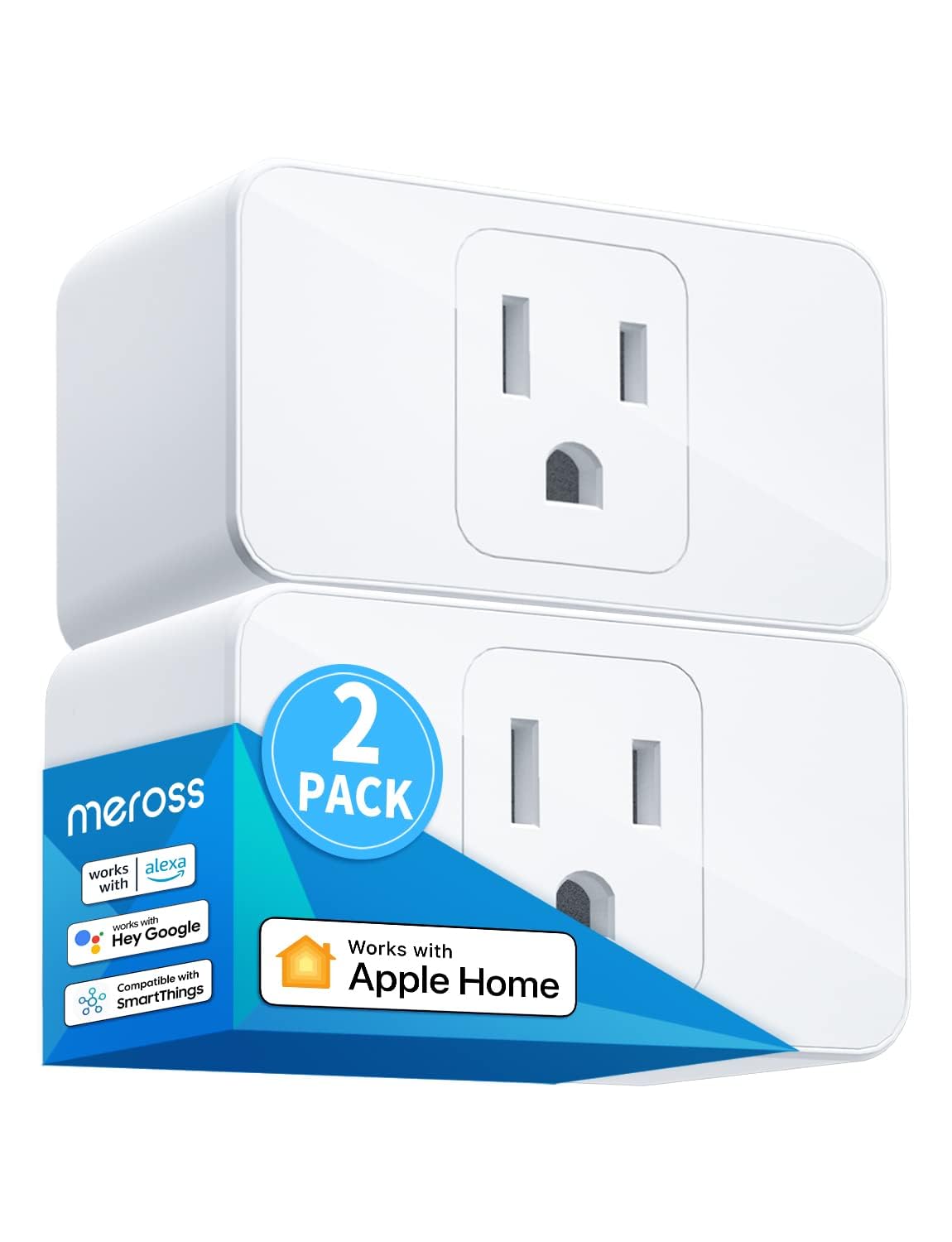
meross Smart Plug Mini, 15A & Reliable Wi-Fi, Support App...
As an Amazon Associate we earn from qualifying purchases.
Official Manufacturer Manual
Meross provides official product documentation through their online manual rather than downloadable PDF. Access setup guides, troubleshooting steps, and product specifications for your Meross Smart Plug.
Source: meross.com
Need More Help? Meross Support
Note: The contact information below connects you directly to Meross's official customer support team, not Trunetto. They can help with warranty claims, device replacements, and advanced technical issues.
Accessories owners commonly pair with Meross Smart Plug.

meross Smart Garage Door Opener Remote with External Ante...

meross Smart Garage Door Opener Remote, Compatible with A...

meross Smart WiFi Garage Door Opener Remote, App Control,...
As an Amazon Associate we earn from qualifying purchases.


