

Why Is My Meross Smart Plug Not Responding or Stuck Offline?
- WiFi router restarted and plug failed to reconnect
- Router assigned new IP causing connection loss
- Meross cloud service experiencing temporary outage
Problem Description
Your Meross smart plug shows offline in the app and does not respond to commands or voice requests. The LED may be off or blinking indicating lost WiFi. Physically the plug may still power the connected device but you cannot control it remotely. Meross plugs rely on cloud connectivity so when WiFi drops all smart features are lost.
Why This Happens in Real Homes
Most Meross plug offline events are caused by WiFi router reboots or ISP outages — the plugs do not always reconnect cleanly after the network comes back. A power cycle of the plug almost always fixes it. Users with many smart home WiFi devices frequently hit router client limits without realizing it, causing random devices to drop off. Meross cloud outages happen a few times per year and typically last 1-3 hours. The plugs still respond to their physical button during cloud outages.
Symptoms
- Meross app shows plug offline with gray status
- Voice assistant says Meross device is unresponsive
- Plug LED is off or slowly blinking instead of solid
- Schedules and automations stop executing
- Plug was online yesterday but offline this morning
- App says unable to connect to device
Recognize these? Here's what usually causes it.
Common Causes
- WiFi router restarted and plug failed to reconnect
- Router assigned new IP causing connection loss
- Meross cloud service experiencing temporary outage
- WiFi signal too weak at plug location
- Router disconnected idle devices during low activity
- Meross firmware glitch preventing reconnection
Most fixes happen in the first 3 steps.
When factory resetting a Meross plug, any automations, schedules, and scenes associated with that plug in the Meross app will be deleted. Note your schedules before removing the device. HomeKit automations stored in the Home app will also need to be recreated after re-pairing. Alexa routines survive but may need the device re-linked.
Tools & Requirements
Step-by-Step Solution
Check if the plug has power
Press the physical button on the Meross plug. If the LED does not light up at all, the outlet it is plugged into may be off (switched outlet), the circuit breaker may have tripped, or the plug is dead. Try a different outlet. If the LED lights up when you press the button but the plug shows offline in the app, the issue is WiFi, not power.
Check your WiFi network
Meross plugs connect to 2.4GHz WiFi only. If your router recently changed settings, rebooted, or if you switched to a new router, the plug may have lost its connection. Check that your 2.4GHz network is broadcasting. If you have a combined 2.4/5GHz SSID, the plug may lose connection when the router tries to band-steer it. Create a dedicated 2.4GHz SSID for your smart home devices.
Power cycle the plug
Unplug the Meross plug from the wall outlet, wait 15 seconds, plug it back in. Watch the LED — it should blink while connecting to WiFi and then go solid when connected. If it stays blinking for more than 2 minutes, it cannot find or connect to your WiFi network. This simple power cycle fixes most offline issues caused by temporary WiFi dropouts or firmware glitches.
Check the Meross cloud server status
If the plug LED is solid (connected to WiFi) but the app shows it offline, the Meross cloud server may be down. The plug works through Meross cloud — if the server is unreachable, the app cannot control the plug even though it is on your local network. Check the Meross community forums or Down Detector for outage reports. If it is a server issue, wait for it to resolve — the plug will come back online automatically.
Check your router for too many connected devices
Each Meross plug is a separate WiFi client. If you have many smart plugs, bulbs, and devices, you may be hitting your router client limit (often 20-32 on consumer routers). Check your router admin panel for connected devices. Remove old or inactive devices. If you have more than 20 smart home WiFi devices, consider a router that supports more clients or use a separate access point for IoT devices.
Re-pair the plug in the Meross app
If the plug stays offline after power cycling, remove it from the Meross app (device settings > Remove Device). Then factory reset the plug by holding the physical button for 5-7 seconds until the LED blinks rapidly. Add it back in the app using Add Device — select your plug model, connect to its setup WiFi network, and enter your home WiFi credentials. This creates a fresh connection.
Update firmware and check HomeKit or Alexa integration
After reconnecting, check for firmware updates in the Meross app under device settings. If the plug was connected to HomeKit, Alexa, or Google Home, you may need to re-link it in those platforms after re-pairing. For HomeKit, scan the HomeKit code on the plug or packaging. For Alexa and Google Home, rediscover devices in their respective apps.
Quick Solutions
Still having issues? This is usually the deeper cause below.
This usually happens right after a router reboot or ISP change — the device rejoins the network but drops its cloud session silently.
If you have multiple Meross plugs going offline simultaneously, the issue is almost certainly your WiFi router, not the plugs. Check if your router recently updated firmware or if your ISP had an outage. A router reboot followed by 5 minutes of waiting usually brings all the plugs back online at once. Meross plugs with HomeKit firmware tend to be more stable than the standard firmware — consider upgrading if available for your model.
Most WiFi drop-offs happen right after a router reboot or ISP swap — the device reconnects to the network but silently loses its cloud registration.
- WiFi router restarted and plug failed to reconnect
- Router assigned new IP causing connection loss
- Meross cloud service experiencing temporary outage
- WiFi signal too weak at plug location
- Router disconnected idle devices during low activity
Before you go — try one of these (they fix most cases).
Most popular upgrades chosen by Meross Smart Plug owners.

meross Smart Plug Mini Support Apple HomeKit, Siri, Alexa...

Meross Smart Plug Mini Support Apple HomeKit, Siri, Alexa...
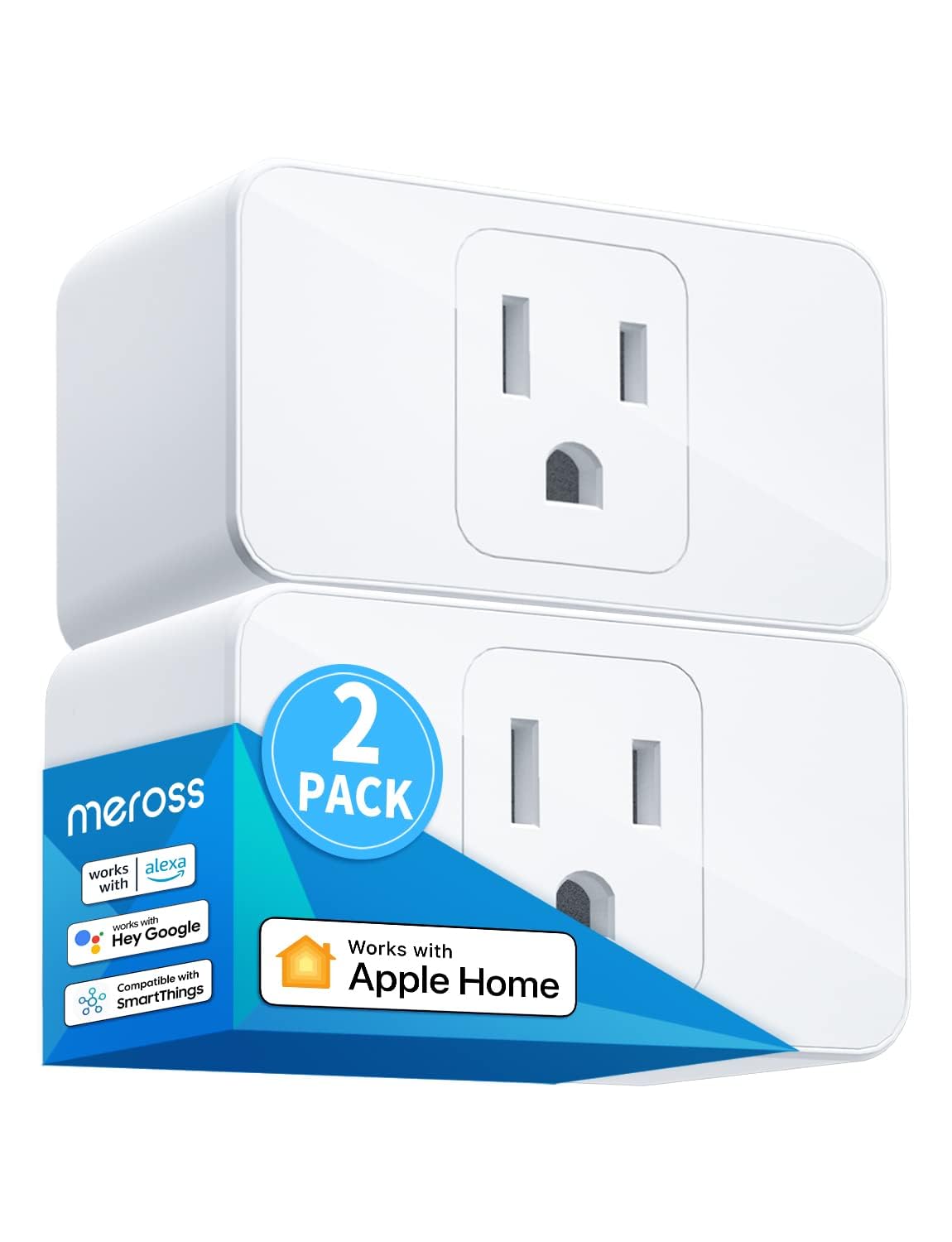
meross Smart Plug Mini, 15A & Reliable Wi-Fi, Support App...
As an Amazon Associate we earn from qualifying purchases.
Official Manufacturer Manual
Meross provides official product documentation through their online manual rather than downloadable PDF. Access setup guides, troubleshooting steps, and product specifications for your Meross Smart Plug.
Source: meross.com
Need More Help? Meross Support
Note: The contact information below connects you directly to Meross's official customer support team, not Trunetto. They can help with warranty claims, device replacements, and advanced technical issues.
Accessories owners commonly pair with Meross Smart Plug.

meross Smart Garage Door Opener Remote with External Ante...

meross Smart Garage Door Opener Remote, Compatible with A...

meross Smart WiFi Garage Door Opener Remote, App Control,...
As an Amazon Associate we earn from qualifying purchases.
Guide Improvements
- Updated June 16, 2026
Added power LED check, cloud server outage identification, router device limit check, and re-pairing procedure with HomeKit/Alexa re-link guidance.
What changed:- Added physical LED power check
- Added Meross cloud server outage identification
- Added router WiFi device limit check
- Added factory reset and re-pairing procedure
- Added real-world context about router reboots as primary cause
Source: Trunetto editorial update


