

Does the Meross Smart Plug Have Energy Monitoring?
- Plug model has no energy monitoring
- Firmware out of date
- Low load below the accuracy floor
Problem Description
Certain Meross smart plugs (like the MSS310) monitor energy — live watts plus usage totals in the app. This covers energy-monitoring problems: no data, readings that look wrong, or which plugs support the feature.
Why This Happens in Real Homes
Energy monitoring is a feature of specific Meross plugs (notably the MSS310), not all of them — so if you don't see watt or kWh data, the first check is whether your model even has the feature. On a monitoring plug, the app shows live power and usage totals you can turn into a cost estimate.
Confirm your plug is an energy-monitoring model, update its firmware, and set your electricity rate for accurate cost figures. Readings are a good estimate, most reliable on steady moderate loads and least accurate on very small draws or motor-type devices, so small differences from your utility meter are normal. Keep the plug online and give data time to accumulate — it's for spotting energy use and trends, not billing-grade precision.
Symptoms
- No energy data
- Which plugs monitor energy
- Readings look wrong
- Watts/kWh not updating
- Cost estimate off
- Feature missing
- Data seems inaccurate
- Standby draw confusion
Recognize these? Here's what usually causes it.
Common Causes
- Plug model has no energy monitoring
- Firmware out of date
- Low load below the accuracy floor
- Reactive/motor load reading oddly
- Comparing to an inaccurate reference
- Cost rate not set
- Data still populating
- Device offline
Most fixes happen in the first 3 steps.
Never exceed the smart plug maximum wattage rating listed on the device or packaging. Do not use smart plugs with space heaters, high-wattage appliances, or devices that must not be interrupted like medical equipment. Smart plugs are not designed for outdoor use unless specifically rated for it.
Tools & Requirements
Step-by-Step Solution
Check your Meross plug model supports energy monitoring
Not all Meross smart plugs include energy monitoring. The MSS310 and MSS315 models have power monitoring. The MSS110 and MSS210 are basic on/off plugs without energy tracking. Check your model number on the plug body or in the Meross app. If the app does not show a power/energy tab for your plug, your model does not support this feature.
View real-time power consumption
In the Meross app, tap the energy-monitoring plug. The power tab shows real-time wattage (W) of whatever is plugged in. The reading updates every few seconds. Use this to check how much power individual appliances draw. For example, a gaming PC might idle at 80W and peak at 400W during gaming. A phone charger typically shows 5-20W. A reading of 0W when the plug is on means the connected device is off or in standby.
View historical energy usage
The Meross app stores energy usage history by day, week, and month. Tap the Energy tab to see graphs showing consumption over time. The daily view shows hourly usage patterns — useful for identifying peak consumption hours. The monthly view shows total kWh consumed, which you can multiply by your electricity rate to calculate cost. Data is stored in the Meross cloud and persists even if you power cycle the plug.
Set up power consumption alerts
Some Meross plug models support threshold alerts — the app notifies you when power draw exceeds a set limit. This is useful for monitoring appliances that should stay within a range (e.g., a freezer that normally draws 100W but spikes to 300W when the compressor is failing). Set the threshold slightly above normal usage. If your model does not have native alerts, use a smart home platform (Home Assistant, IFTTT) to create threshold-based notifications.
Compare energy across devices
If you have multiple energy-monitoring plugs, use them to audit your home's electricity usage. Plug one into each major appliance for a week: TV, gaming console, computer, space heater, dehumidifier. The monthly kWh totals reveal which appliances cost the most. Common surprises: old refrigerators (40-60 kWh/month), gaming PCs left on 24/7 (30-50 kWh/month), and space heaters (90-150 kWh/month). Move the plugs around the house for a rolling audit.
Quick Solutions
Still having issues? This is usually the deeper cause below.
If this comes back after following these steps, check whether a recent app or firmware update reset a default setting — the fix works, but the setting gets reverted silently.
Use smart plugs with energy monitoring to track exactly how much electricity each appliance uses. Set up Away Mode schedules that randomly toggle lamps on and off to make your home look occupied when you are traveling.
This issue almost always looks more complex than it is — the majority of cases trace back to a single setting, a stale credential, or a default that shipped wrong.
- Plug model has no energy monitoring
- Firmware out of date
- Low load below the accuracy floor
- Reactive/motor load reading oddly
- Comparing to an inaccurate reference
Before you go — try one of these (they fix most cases).
Most popular upgrades chosen by Meross Smart Plug owners.

meross Smart Plug Mini Support Apple HomeKit, Siri, Alexa...

Meross Smart Plug Mini Support Apple HomeKit, Siri, Alexa...
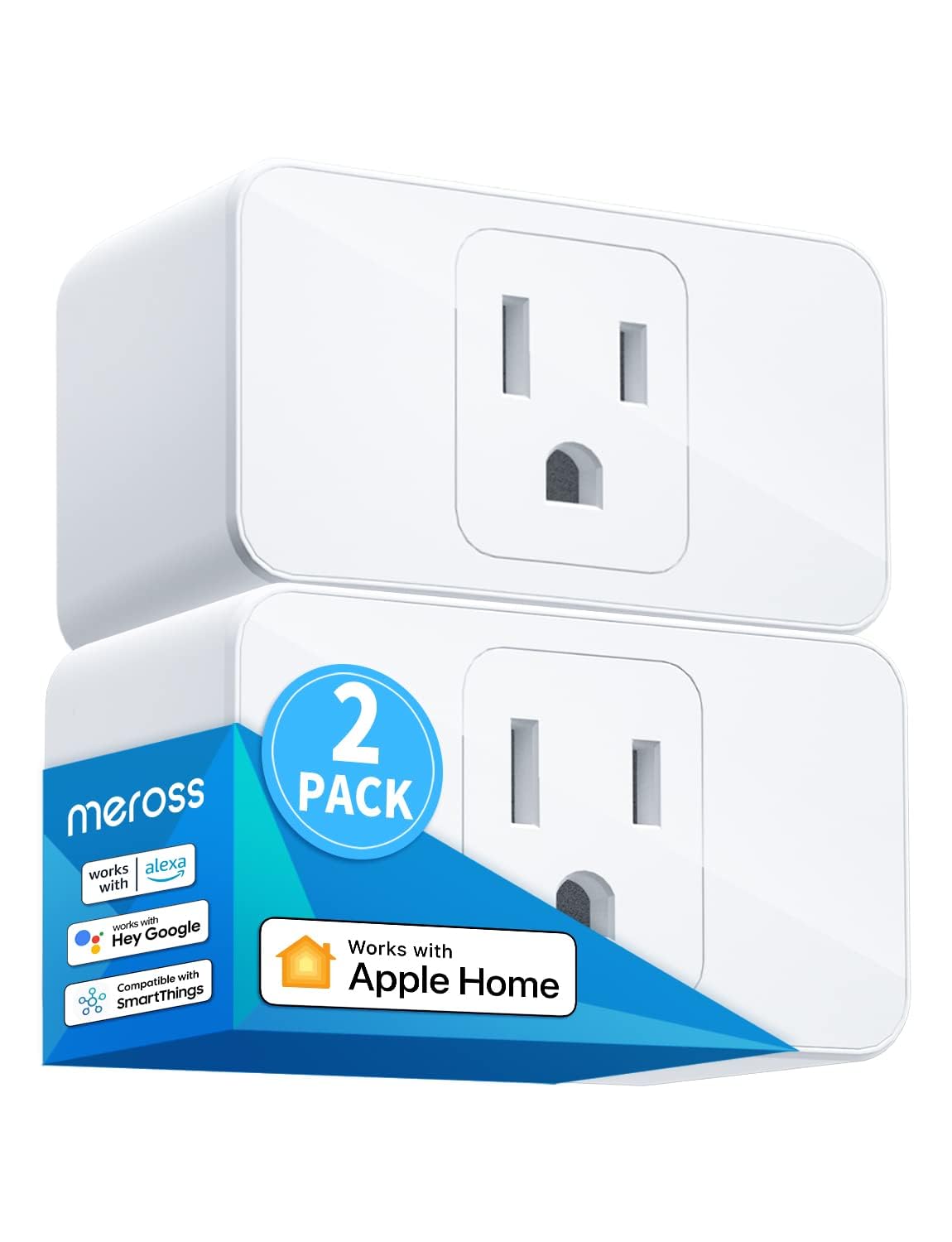
meross Smart Plug Mini, 15A & Reliable Wi-Fi, Support App...
As an Amazon Associate we earn from qualifying purchases.
Official Manufacturer Manual
Meross provides official product documentation through their online manual rather than downloadable PDF. Access setup guides, troubleshooting steps, and product specifications for your Meross Smart Plug.
Source: meross.com
Need More Help? Meross Support
Note: The contact information below connects you directly to Meross's official customer support team, not Trunetto. They can help with warranty claims, device replacements, and advanced technical issues.
Accessories owners commonly pair with Meross Smart Plug.

meross Smart Garage Door Opener Remote with External Ante...

meross Smart Garage Door Opener Remote, Compatible with A...

meross Smart WiFi Garage Door Opener Remote, App Control,...
As an Amazon Associate we earn from qualifying purchases.


