

Why Is My Meross Smart Plug Not Responding to Alexa or Google
- Meross skill/action not linked
- Account link expired
- Plug offline (2.4GHz drop)
Problem Description
Your Meross plug works from the app but Alexa or Google says device not responding. The plug has two separate connections. The app talks directly but voice assistants go through Meross cloud then to the plug. A break in cloud connection causes voice failure while app still works.
Why This Happens in Real Homes
When a Meross plug works in its own app but not through Alexa or Google, the plug and its WiFi are fine — the break is the cloud link between Meross and the voice assistant. Either the Meross skill/action isn't linked, the account link lapsed, or the assistant hasn't discovered the device.
Link the Meross skill in Alexa (or the action in Google Home) with the same Meross account, then run device discovery so the assistant finds the plug. If voice control worked before and stopped, re-link the account and re-sync after any rename. Confirm the plug is online in the Meross app first — a plug that's dropped off 2.4GHz WiFi won't answer voice commands either. Keep firmware current.
Symptoms
- Works in app but not Alexa/Google
- Voice control fails
- 'Device not responding' via assistant
- Assistant can't find the plug
- Lost voice control
- Only some commands work
- Delayed voice response
- Skill/account issue
Recognize these? Here's what usually causes it.
Common Causes
- Meross skill/action not linked
- Account link expired
- Plug offline (2.4GHz drop)
- Device not discovered by the assistant
- Renamed device out of sync
- Wrong Meross/assistant account
- Firmware out of date
- Cloud connectivity issue
Most fixes happen in the first 3 steps.
Re-linking the Meross skill re-discovers all devices. Custom routines or groups may need updating if Alexa creates duplicate entries. Delete duplicates after re-linking.
Step-by-Step Solution
Re-Link Meross Skill
In Alexa app go to Skills search Meross tap Disable then Enable and log in again. For Google Home go to Settings then Works with Google then Meross then Unlink then Re-link. This refreshes authentication. Expired tokens are the number one cause of voice failure.
Restart the Plug
Unplug from wall 10 seconds then replug. Wait 30 seconds for WiFi and cloud reconnection. The restart forces re-establishment of cloud connection which may have dropped even with local WiFi active.
Fix Device Name
Alexa gets confused with similar names. If a Meross plug and Hue bulb share a name Alexa targets the wrong one. Rename to something unique in Meross app then say Alexa discover devices.
Update Firmware
In Meross app tap plug then gear then Firmware. Updates fix cloud connectivity issues. Takes 1 to 2 minutes. Do not unplug during update.
Check Server Status
If all Meross devices stopped at once the cloud may be down. Check DownDetector for Meross. App may still work via local control but voice always needs cloud. Wait for outage to resolve.
Quick Solutions
Still having issues? This is usually the deeper cause below.
If voice commands stopped working after relinking the account, check that the skill or action is still enabled — relinking sometimes disables it silently.
Create Alexa groups with Meross plugs assigned to rooms. Voice commands work more reliably when devices are in named groups.
This issue almost always looks more complex than it is — the majority of cases trace back to a single setting, a stale credential, or a default that shipped wrong.
- Meross skill/action not linked
- Account link expired
- Plug offline (2.4GHz drop)
- Device not discovered by the assistant
- Renamed device out of sync
Before you go — try one of these (they fix most cases).
Most popular upgrades chosen by Meross Smart Plug owners.

meross Smart Plug Mini Support Apple HomeKit, Siri, Alexa...

Meross Smart Plug Mini Support Apple HomeKit, Siri, Alexa...
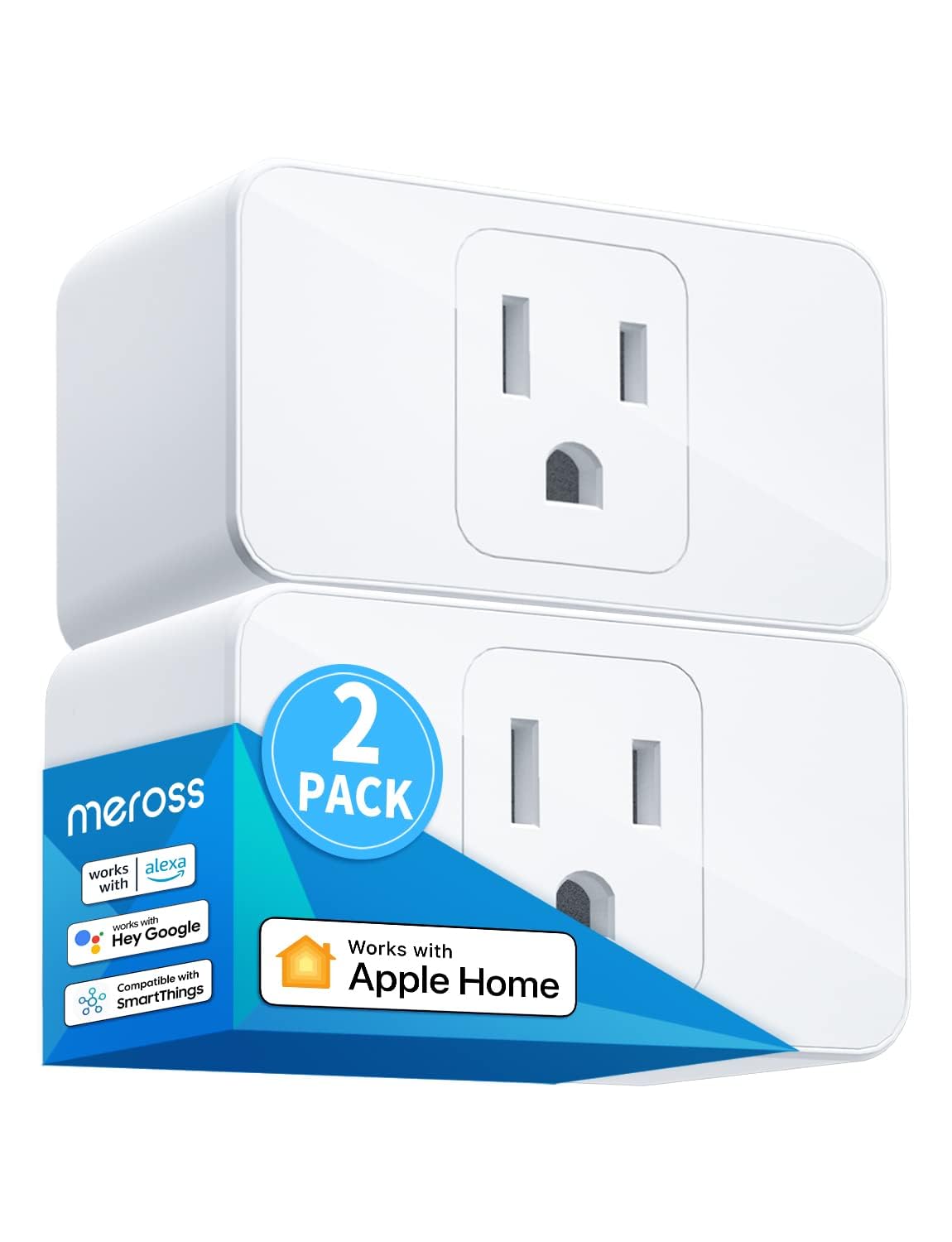
meross Smart Plug Mini, 15A & Reliable Wi-Fi, Support App...
As an Amazon Associate we earn from qualifying purchases.
Official Manufacturer Manual
Meross provides official product documentation through their online manual rather than downloadable PDF. Access setup guides, troubleshooting steps, and product specifications for your Meross Smart Plug.
Source: meross.com
Need More Help? Meross Support
Note: The contact information below connects you directly to Meross's official customer support team, not Trunetto. They can help with warranty claims, device replacements, and advanced technical issues.
Accessories owners commonly pair with Meross Smart Plug.

meross Smart Garage Door Opener Remote with External Ante...

meross Smart Garage Door Opener Remote, Compatible with A...

meross Smart WiFi Garage Door Opener Remote, App Control,...
As an Amazon Associate we earn from qualifying purchases.


