

Amazon Echo AI Voice Profile Mixing Up Family Members
- Voice profiles not properly trained
- Similar voices confusing AI
- Background noise during training
Problem Description
Your Amazon Echo AI voice recognition system confuses different family members giving personalized responses to the wrong person. Alexa may play one persons music for another or access wrong calendar information.
Why This Happens in Real Homes
When Alexa mixes up who's speaking, the voice profiles are usually under-trained or too similar — Voice ID builds a model from enrollment samples, and family members with similar voices (or profiles trained hastily) get confused, so it applies the wrong person's calendar, music, or shopping list.
Start by having each person delete and re-record their Voice ID in the Alexa app, speaking naturally in a normal-volume room. Enroll everyone who uses the device so it has all voices to compare, and re-train periodically; similar-sounding household members are the hardest case and benefit most from clean, separate recordings.
Symptoms
- Alexa responds with wrong persons music
- Calendar shows someone elses appointments
- Personal responses going to wrong family member
- Voice recognition identifying wrong user
- Shopping lists mixing between people
- Alexa calling wrong person by name
Recognize these? Here's what usually causes it.
Common Causes
- Voice profiles not properly trained
- Similar voices confusing AI
- Background noise during training
- Multiple people speaking simultaneously
- Voice profile data corrupted
- Insufficient training samples per person
Most fixes happen in the first 3 steps.
Voice profile deletion removes all personalized settings including music preferences and connected accounts for that person.
Step-by-Step Solution
Delete and Recreate Voice Profiles
Open Alexa app go to Settings > Account Settings > Recognized Voices. Delete all existing voice profiles then recreate them one person at a time in quiet environment without background noise.
Train Voices Separately and Distinctly
Have each family member complete voice training alone in quiet room speaking clearly and naturally. Avoid training when sick tired or with different speech patterns than normal daily use.
Add Multiple Voice Samples
Complete voice training multiple times for each person at different times of day when voice naturally changes slightly. Morning afternoon and evening training improves recognition accuracy.
Practice Distinct Speech Patterns
Encourage family members to speak slightly differently to Alexa - different pace volume or phrasing. This helps AI distinguish between similar voices especially parents and teenage children.
Update Alexa App and Device Firmware
Install latest Alexa app updates and check Echo device for firmware updates. Recent updates include improved voice recognition AI that better handles family voice similarity.
Quick Solutions
Still having issues? This is usually the deeper cause below.
If voice commands stopped working after relinking the account, check that the skill or action is still enabled — relinking sometimes disables it silently.
Voice recognition accuracy improves over time with regular use. Be patient during first 2-3 weeks as AI learns family voice patterns.
This issue almost always looks more complex than it is — the majority of cases trace back to a single setting, a stale credential, or a default that shipped wrong.
- Voice profiles not properly trained
- Similar voices confusing AI
- Background noise during training
- Multiple people speaking simultaneously
- Voice profile data corrupted
Before you go — try one of these (they fix most cases).
Most popular upgrades chosen by Amazon Echo owners.

Amazon eero Pro 6E mesh wifi router (1-pack) with Amazon ...

Amazon Echo Dot Kids (newest model) - Dragon including Am...
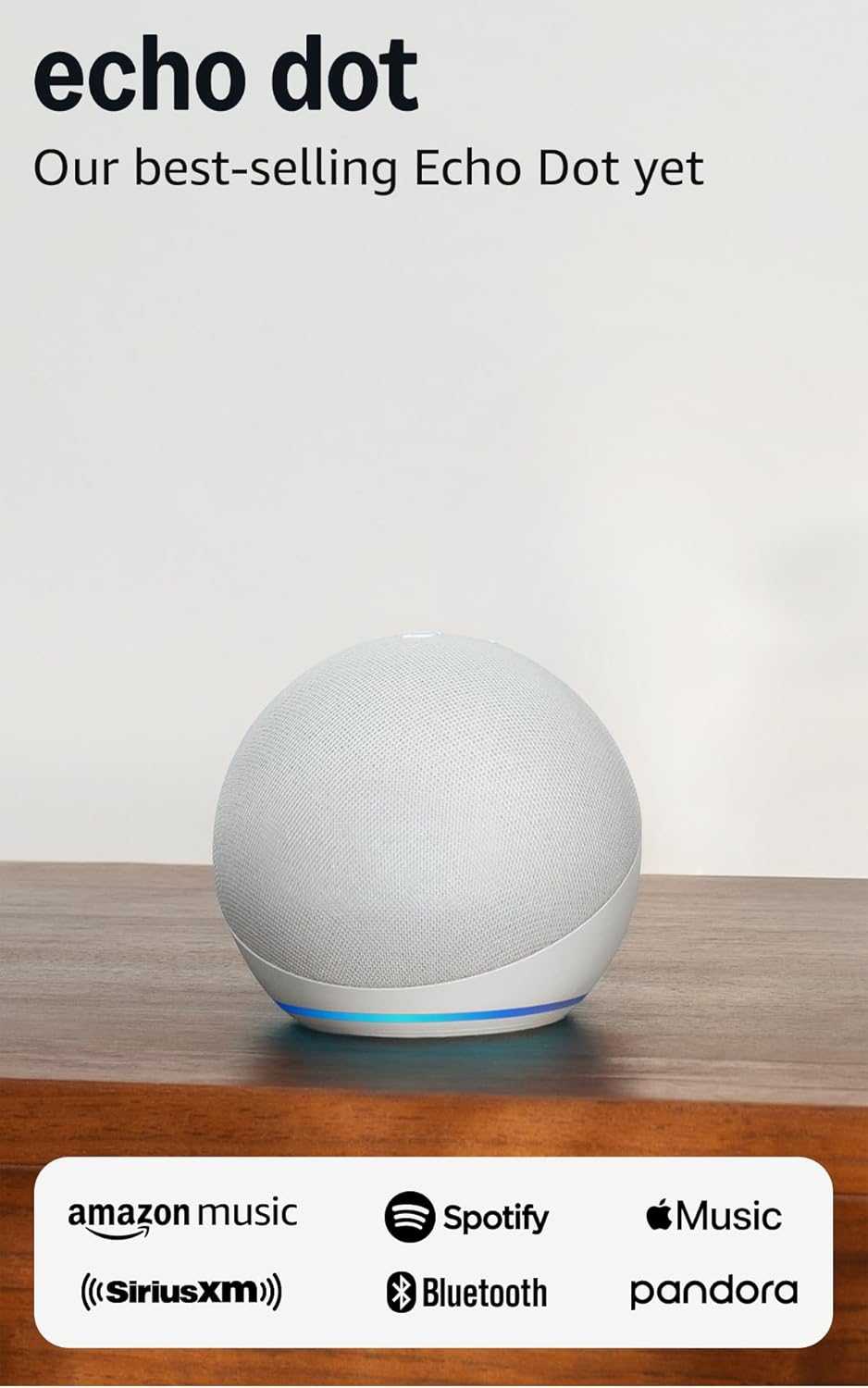
Amazon Echo Dot (newest model) - Vibrant sounding speaker...
As an Amazon Associate we earn from qualifying purchases.
Official Manufacturer Manual
Amazon provides official product documentation through their online manual rather than downloadable PDF. Access setup guides, troubleshooting steps, and product specifications for your Amazon Echo.
Source: amazon.com
Need More Help? Amazon Support
Note: The contact information below connects you directly to Amazon's official customer support team, not Trunetto. They can help with warranty claims, device replacements, and advanced technical issues.
How Does Amazon Compare?
Before replacing your Amazon device, see how it stacks up against alternatives in our full comparison guides.
Accessories owners commonly pair with Amazon Echo.

Amazon Echo Show 5 (newest model), Smart display, Designe...

Amazon Echo Show 5 (newest model), Smart display, Designe...

Amazon Echo Show 10 (newest model)
As an Amazon Associate we earn from qualifying purchases.



