

Why Does My Amazon Echo Dot Make Static Noise?
- WiFi/Bluetooth interference causing dropouts
- Streaming glitch or weak signal
- Electrical interference from the outlet/adapter
Problem Description
Your Amazon Echo Dot is producing static noise, buzzing, or crackling sounds. The noise may come from the speaker itself or from the power supply. A damaged power adapter, nearby electronic interference, or a Bluetooth connection issue can all cause static. This guide covers isolating the source and fixing the issue.
Why This Happens in Real Homes
Static or buzzing from an Echo Dot is usually a signal or interference problem rather than a blown speaker — WiFi/Bluetooth dropouts and electrical noise from the outlet come through as crackle, especially while streaming. A quick test tells you which: does it happen on Alexa's voice (local) or only on streamed audio?
Start by moving it away from routers, microwaves, and other 2.4GHz sources, trying a different outlet, and disconnecting Bluetooth to isolate the source. Lower the bass if it buzzes on heavy bass, and reboot; constant static on every source at every volume is the one case that points to failing hardware.
Symptoms
- Static or buzzing from the speaker
- Crackling at all volumes
- Noise only when streaming
- Hum on quiet passages
- Noise after an update
- Buzz on bass
- Interference-like noise
- Static when idle
Recognize these? Here's what usually causes it.
Common Causes
- WiFi/Bluetooth interference causing dropouts
- Streaming glitch or weak signal
- Electrical interference from the outlet/adapter
- Loose Bluetooth connection
- EQ pushing bass too hard
- Dust in the speaker
- Software glitch
- Failing speaker (if constant)
Most fixes happen in the first 3 steps.
Smart speakers are always listening for the wake word when unmuted. Review and delete your voice history regularly in the app privacy settings. Never place the speaker in bathrooms or near water sources as moisture can permanently damage internal components.
Tools & Requirements
Step-by-Step Solution
Check if the noise comes from the speaker or the power supply
Unplug the Echo Dot from its power adapter and plug it back in. If the static only occurs when first plugged in and fades after a few seconds, the power adapter may be introducing electrical noise. Try a different USB-C power adapter rated for at least 15W. Cheap or damaged adapters with poor filtering create a buzzing or hissing that feeds through to the speaker. Using the original Amazon adapter eliminates this as a cause.
Move the Echo Dot away from interference sources
Electrical interference from nearby devices causes static in speakers. Common culprits: the Echo Dot is sitting on top of or next to a wireless charger, microwave, baby monitor, or another speaker. Fluorescent lights and dimmer switches on the same circuit can also introduce noise. Move the Echo Dot at least 3 feet from any of these devices and test again. If the static stops, you have found the source.
Check your WiFi connection
Audio streaming over a weak or congested WiFi connection produces crackling, popping, or gaps that sound like static. Say "Alexa, test my WiFi" to check the connection quality. If the signal is weak, move the Echo Dot closer to your router or switch it to the 5GHz band for less interference. If the static only happens during music playback and not during Alexa voice responses, the issue is almost certainly bandwidth-related — voice responses are cached locally but music streams in real time.
Check Bluetooth connections
If the Echo Dot is paired to a Bluetooth device (phone, tablet), Bluetooth audio interference can cause static, especially if the Bluetooth source device is too far away or has a weak signal. Say "Alexa, disconnect Bluetooth" and test whether the static stops. If it does, the Bluetooth link was the problem — move the source device closer or unpair and re-pair the connection. Bluetooth audio on the Echo Dot is limited to about 30 feet with clear line of sight.
Factory reset if static persists
If static occurs on all audio (music, Alexa voice, alarms) regardless of source and moving the device does not help, the speaker driver or amplifier may be damaged. Before assuming hardware failure, factory reset the device: press and hold the Action button (the dot button) for 25 seconds until the LED ring turns orange. Set it up again and test with a simple command like "Alexa, play a test tone." If static continues on a factory-reset device with the original power adapter, the speaker hardware is likely faulty — contact Amazon for a replacement.
Quick Solutions
Still having issues? This is usually the deeper cause below.
If this comes back after following these steps, check whether a recent app or firmware update reset a default setting — the fix works, but the setting gets reverted silently.
Place your speaker in a central location at ear height for best voice pickup. Avoid corners and bookshelves which muffle the microphones. If you have multiple speakers, set up multi-room audio groups so music plays in sync across rooms.
This issue almost always looks more complex than it is — the majority of cases trace back to a single setting, a stale credential, or a default that shipped wrong.
- WiFi/Bluetooth interference causing dropouts
- Streaming glitch or weak signal
- Electrical interference from the outlet/adapter
- Loose Bluetooth connection
- EQ pushing bass too hard
Before you go — try one of these (they fix most cases).
Most popular upgrades chosen by Amazon Echo Dot owners.

Amazon eero Pro 6E mesh wifi router (1-pack) with Amazon ...

Amazon Echo Dot Kids (newest model) - Dragon including Am...
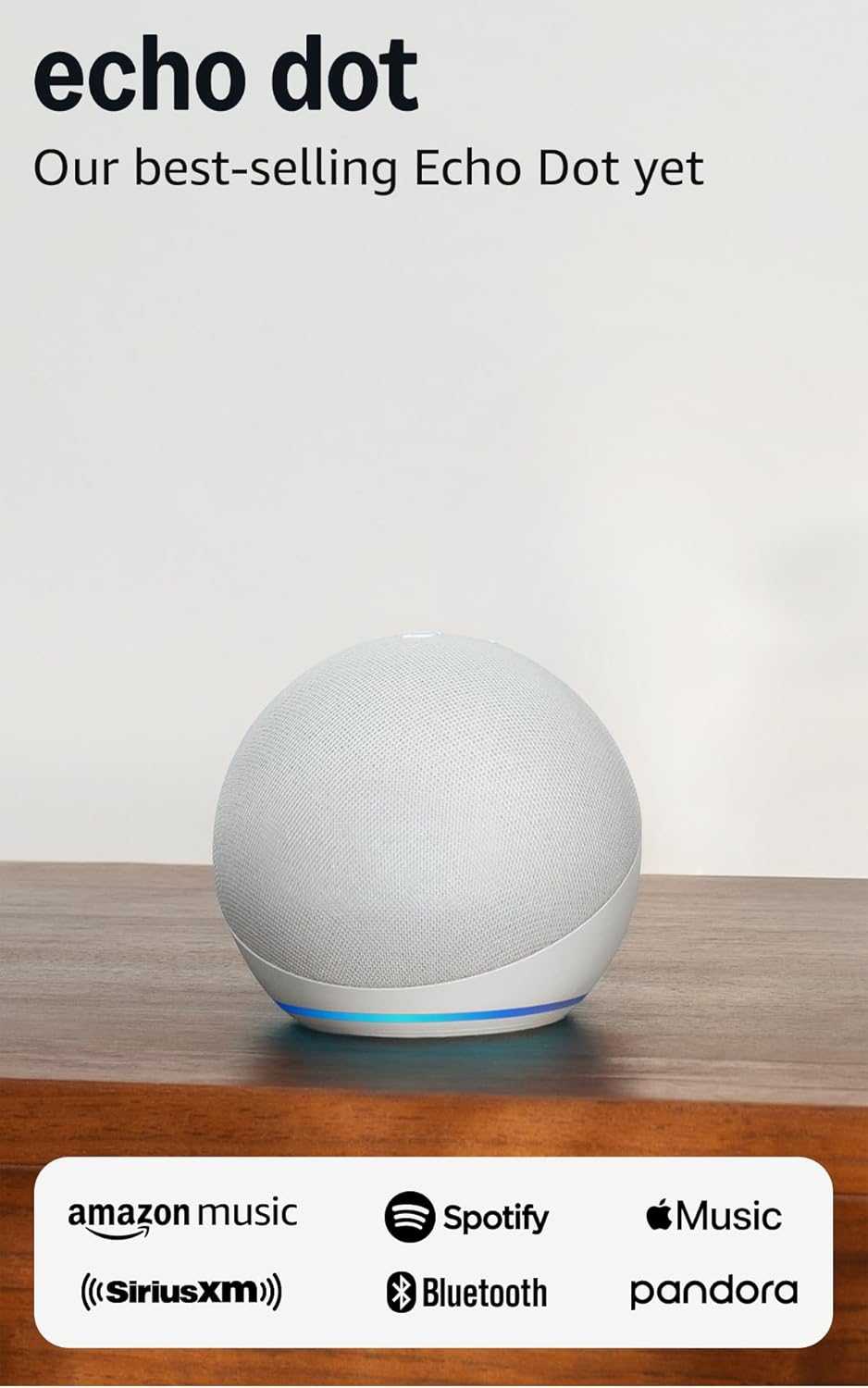
Amazon Echo Dot (newest model) - Vibrant sounding speaker...
As an Amazon Associate we earn from qualifying purchases.
Official Manufacturer Manual
Amazon provides official product documentation through their online manual rather than downloadable PDF. Access setup guides, troubleshooting steps, and product specifications for your Amazon Echo Dot.
Source: amazon.com
Need More Help? Amazon Support
Note: The contact information below connects you directly to Amazon's official customer support team, not Trunetto. They can help with warranty claims, device replacements, and advanced technical issues.
How Does Amazon Compare?
Before replacing your Amazon device, see how it stacks up against alternatives in our full comparison guides.
Accessories owners commonly pair with Amazon Echo Dot.

Amazon Basics 65 Piece Home Repair Tool Kit Set With Carr...

Amazon Basics Smart Plug, Matter Compatible, Compatible w...

Amazon Basics Dual Smart Plug with Motion Sensor and Nigh...
As an Amazon Associate we earn from qualifying purchases.



