

Can My Amazon Echo Show Get Screen Burn-In?
- Temporary image retention (clears on LCD)
- A static image shown for a long time
- Smudge or residue on the screen
Problem Description
You're worried about screen burn-in on your Amazon Echo Show, or seeing what looks like a persistent ghost image. Good news: the Echo Show line uses LCD (IPS) panels, not OLED, and LCDs don't suffer permanent burn-in — so what looks like burn-in is almost always temporary image retention or a smudge, which clears.
Why This Happens in Real Homes
The reassuring part first: Echo Shows use LCD (IPS) displays, not OLED, so they don't get permanent burn-in the way phones and TVs can. What people see is usually temporary image retention from a static screen, or simply a smudge — both of which clear.
Start by running a varied ambient screen or slideshow for a while and cleaning the display; a reboot clears a display-software glitch. If a genuinely uneven patch survives all that, it's a rare panel defect worth raising with Amazon — but the vast majority of "burn-in" on an Echo Show isn't permanent.
Symptoms
- Faint ghost image on screen
- Persistent icon/clock outline
- Retention after a static screen
- Worried about burn-in
- Uneven brightness patch
- Image lingers after change
- Marks that look burned in
- Discoloration
Recognize these? Here's what usually causes it.
Common Causes
- Temporary image retention (clears on LCD)
- A static image shown for a long time
- Smudge or residue on the screen
- Adaptive brightness making a patch look uneven
- Expecting OLED-style burn-in (it is LCD)
- Screen protector artifact
- Software display glitch
- Actual panel defect (rare)
Most fixes happen in the first 3 steps.
Smart speakers are always listening for the wake word when unmuted. Review and delete your voice history regularly in the app privacy settings. Never place the speaker in bathrooms or near water sources as moisture can permanently damage internal components.
Tools & Requirements
Step-by-Step Solution
Echo Shows use LCD screens, not OLED — true burn-in is unlikely
The Echo Show lineup uses LCD (IPS) displays, not OLED. LCD screens do not suffer from permanent burn-in the way OLED screens do. What you may be seeing is image persistence — a temporary ghost of a static image that fades after displaying different content for a while. This is common if the Echo Show displays the same home screen layout with static widgets for days on end. Switch to photo frame mode or display different content, and the persistence should fade within hours.
Enable the photo slideshow as a screen saver
The best prevention for image persistence is to avoid displaying the same static content for extended periods. Enable the photo display feature so the screen cycles through different images when idle. Go to the Alexa app > your Echo Show > Photo Display and select albums. The constantly changing images prevent any single layout from persisting on the LCD panel.
Use adaptive brightness
High brightness on a static display accelerates image persistence. Swipe down on the Echo Show, tap Settings > Display, and enable Adaptive Brightness. This dims the screen in dark rooms automatically. You can also manually lower the brightness when you are not actively using the device. In a bedroom, set brightness to 30-40% to reduce stress on the panel.
Enable Do Not Disturb at night
If the Echo Show runs at full brightness in a dark bedroom all night, the LCD backlight runs unnecessarily. Enable Do Not Disturb scheduled mode: Alexa app > your Echo Show > Do Not Disturb > Scheduled. Set it to activate at bedtime and deactivate in the morning. During DND, the screen dims significantly or turns off entirely (depending on the model and settings), giving the LCD panel a rest.
When to contact Amazon support
If you see permanent discolouration that does not fade after a day of displaying varied content at normal brightness, the LCD panel itself may have a defect — this is not normal image persistence. Take a photo of the issue and contact Amazon support. This is more likely on older Echo Show models that have been running at maximum brightness in direct sunlight for months. It is covered under warranty if the device is within its guarantee period.
Quick Solutions
Still having issues? This is usually the deeper cause below.
If this comes back after following these steps, check whether a recent app or firmware update reset a default setting — the fix works, but the setting gets reverted silently.
Place your speaker in a central location at ear height for best voice pickup. Avoid corners and bookshelves which muffle the microphones. If you have multiple speakers, set up multi-room audio groups so music plays in sync across rooms.
This issue almost always looks more complex than it is — the majority of cases trace back to a single setting, a stale credential, or a default that shipped wrong.
- Temporary image retention (clears on LCD)
- A static image shown for a long time
- Smudge or residue on the screen
- Adaptive brightness making a patch look uneven
- Expecting OLED-style burn-in (it is LCD)
Before you go — try one of these (they fix most cases).
Most popular upgrades chosen by Amazon Echo Show owners.

Amazon eero Pro 6E mesh wifi router (1-pack) with Amazon ...

Amazon Echo Dot Kids (newest model) - Dragon including Am...
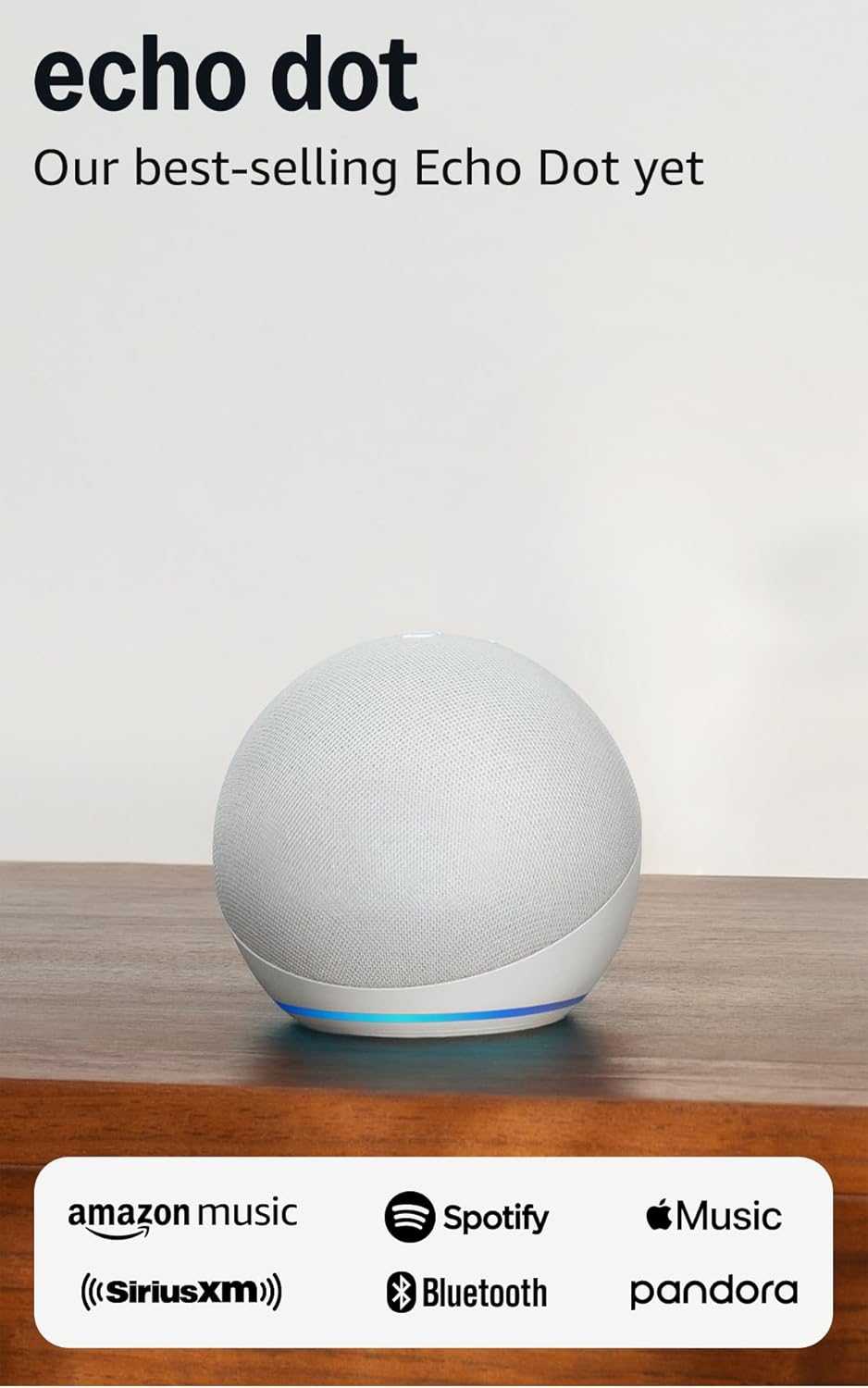
Amazon Echo Dot (newest model) - Vibrant sounding speaker...
As an Amazon Associate we earn from qualifying purchases.
Official Manufacturer Manual
Amazon provides official product documentation through their online manual rather than downloadable PDF. Access setup guides, troubleshooting steps, and product specifications for your Amazon Echo Show.
Source: amazon.com
Need More Help? Amazon Support
Note: The contact information below connects you directly to Amazon's official customer support team, not Trunetto. They can help with warranty claims, device replacements, and advanced technical issues.
How Does Amazon Compare?
Before replacing your Amazon device, see how it stacks up against alternatives in our full comparison guides.
Accessories owners commonly pair with Amazon Echo Show.

Amazon Echo Show 5 (newest model), Smart display, Designe...

Amazon Echo Show 5 (newest model), Smart display, Designe...

Amazon Echo Show 10 (newest model)
As an Amazon Associate we earn from qualifying purchases.



