

How Does Spatial Audio Work on the Amazon Echo Studio?
- Content not encoded for spatial/Atmos
- Spatial audio processing off
- Poor room placement
Problem Description
You want to understand how spatial audio works on the Amazon Echo Studio. The Echo Studio uses five speakers (3 mid-range, 1 tweeter, 1 woofer) and Dolby Atmos processing to create an immersive sound field. Spatial audio adapts to the room by analyzing acoustic reflections. This guide covers what spatial audio does and how to enable it.
Why This Happens in Real Homes
The Echo Studio creates a spatial, room-filling sound from five drivers that fire in multiple directions, virtualizing a 3D field from a single speaker — but the effect depends on playing content actually encoded for it (spatial/Dolby Atmos tracks from a supporting service) and on placement.
Start by playing spatial-audio or Atmos content and confirming spatial processing is enabled, then position the Studio a little out from walls and corners so it can image properly. It won't turn ordinary stereo into surround; the immersive effect comes from the right content plus sensible placement.
Symptoms
- Spatial audio not obvious
- No 3D effect
- Which content supports it
- Spatial sounds off
- Placement affecting sound
- Stereo pair vs spatial
- Setup unclear
- Effect weaker than expected
Recognize these? Here's what usually causes it.
Common Causes
- Content not encoded for spatial/Atmos
- Spatial audio processing off
- Poor room placement
- Expecting surround from one speaker
- Source (music service) not delivering spatial
- Stereo-paired setup changing behavior
- Firmware out of date
- Volume/EQ masking the effect
Most fixes happen in the first 3 steps.
Smart speakers are always listening for the wake word when unmuted. Review and delete your voice history regularly in the app privacy settings. Never place the speaker in bathrooms or near water sources as moisture can permanently damage internal components.
Step-by-Step Solution
What spatial audio actually does on the Echo Studio
The Echo Studio has five speaker drivers arranged to project sound in multiple directions: a 1-inch tweeter firing upward, three 2-inch midrange drivers firing left, right, and forward, and a 5.25-inch woofer firing downward. Spatial audio uses these drivers to create a 3D sound field where instruments and vocals appear to come from different positions around you — not just left and right. It is the closest thing to surround sound from a single speaker.
Enable spatial audio in settings
Open the Alexa app, go to Devices, select your Echo Studio, and tap Audio Settings. Turn on Spatial Audio Processing. This upmixes stereo content to fill the room using the multi-directional drivers. For content already encoded in Dolby Atmos or Sony 360 Reality Audio, the Echo Studio decodes it natively — spatial processing is applied automatically to these formats regardless of the toggle setting.
Play content that supports spatial audio
Dolby Atmos tracks on Amazon Music Unlimited sound the most dramatic — vocals lock to the center while instruments spread around the room. Look for the "Dolby Atmos" badge on albums and playlists in Amazon Music. Apple Music also streams Spatial Audio (Dolby Atmos) to the Echo Studio when linked via the Alexa skill. Spotify does not currently support Atmos on Echo devices. Audible audiobooks with spatial audio create an immersive storytelling experience with ambient sound effects positioned around the listener.
Position the speaker for best effect
Place the Echo Studio at ear level when seated, about 6-12 inches from the wall. The upward-firing tweeter bounces sound off the ceiling to create height effects — rooms with standard 8-9 foot flat ceilings work best. Vaulted or very high ceilings reduce the height effect. The speaker automatically analyses your room acoustics and adjusts its output — it runs this calibration quietly after setup and periodically after being moved. Avoid corners, which can make bass boomy and muddy the spatial imaging.
Pair two Echo Studios for true stereo spatial
For the best spatial experience, pair two Echo Studios as a stereo pair. In the Alexa app, go to one Echo Studio settings, tap Create Stereo Pair, and select the second unit. Assign left and right channels. Place them 6-8 feet apart at the same height. Two Studios in stereo with Dolby Atmos content create a convincing surround sound field. Both speakers must be the same generation — you cannot pair a 1st gen with a 2nd gen.
Quick Solutions
Still having issues? This is usually the deeper cause below.
If this comes back after following these steps, check whether a recent app or firmware update reset a default setting — the fix works, but the setting gets reverted silently.
Place your speaker in a central location at ear height for best voice pickup. Avoid corners and bookshelves which muffle the microphones. If you have multiple speakers, set up multi-room audio groups so music plays in sync across rooms.
This issue almost always looks more complex than it is — the majority of cases trace back to a single setting, a stale credential, or a default that shipped wrong.
- Content not encoded for spatial/Atmos
- Spatial audio processing off
- Poor room placement
- Expecting surround from one speaker
- Source (music service) not delivering spatial
Before you go — try one of these (they fix most cases).
Most popular upgrades chosen by Amazon Echo Studio owners.

Amazon eero Pro 6E mesh wifi router (1-pack) with Amazon ...

Amazon Echo Dot Kids (newest model) - Dragon including Am...
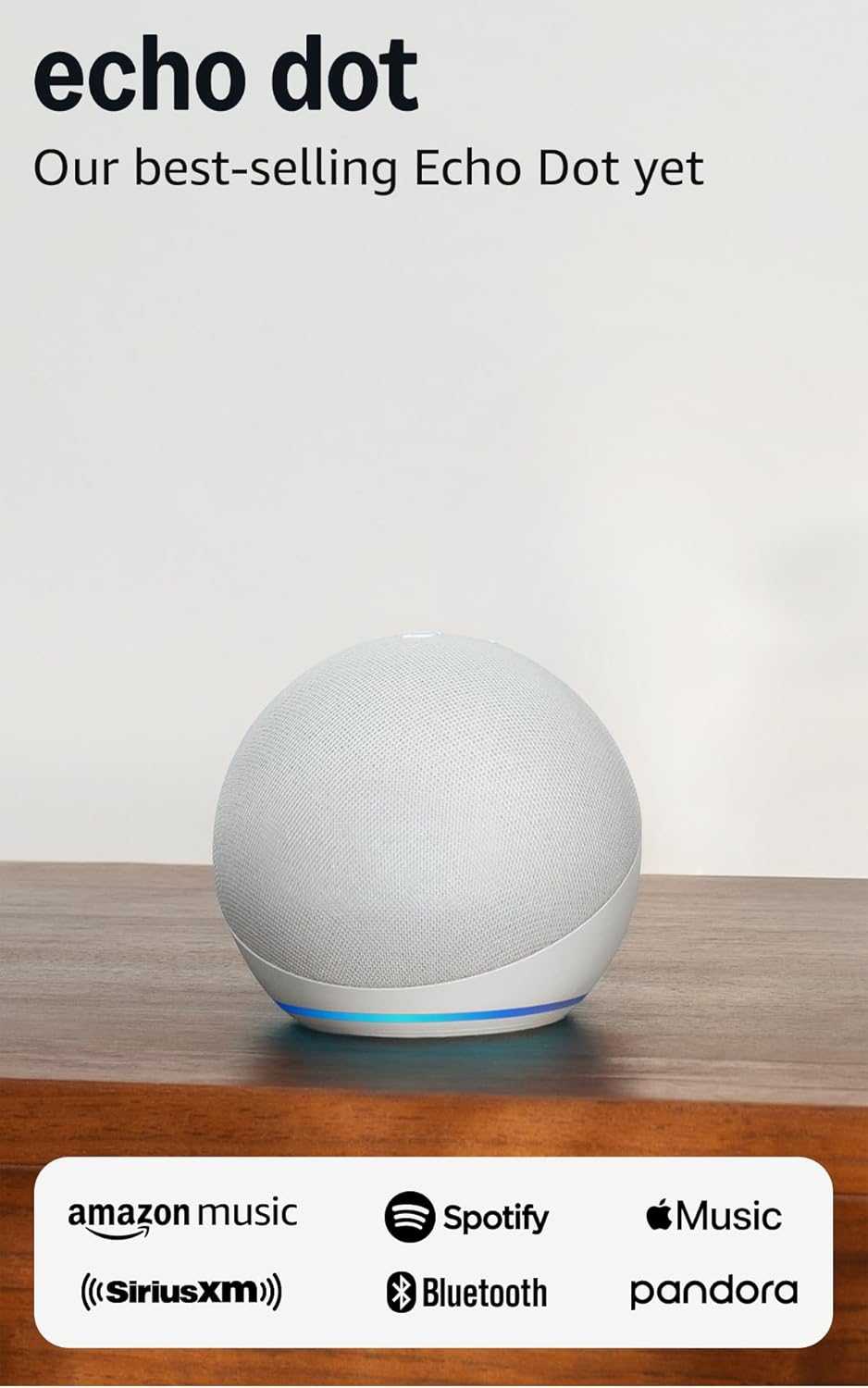
Amazon Echo Dot (newest model) - Vibrant sounding speaker...
As an Amazon Associate we earn from qualifying purchases.
Official Manufacturer Manual
Amazon provides official product documentation through their online manual rather than downloadable PDF. Access setup guides, troubleshooting steps, and product specifications for your Amazon Echo Studio.
Source: amazon.com
Need More Help? Amazon Support
Note: The contact information below connects you directly to Amazon's official customer support team, not Trunetto. They can help with warranty claims, device replacements, and advanced technical issues.
How Does Amazon Compare?
Before replacing your Amazon device, see how it stacks up against alternatives in our full comparison guides.
Accessories owners commonly pair with Amazon Echo Studio.

Amazon Basics 65 Piece Home Repair Tool Kit Set With Carr...

Amazon Basics Smart Plug, Matter Compatible, Compatible w...

Amazon Basics Dual Smart Plug with Motion Sensor and Nigh...
As an Amazon Associate we earn from qualifying purchases.



