

Why Is My Echo Making a Popping or Crackling Sound
- WiFi interference causing audio dropouts
- Bluetooth interference from nearby devices
- Power supply issue causing electrical noise
Problem Description
Your Amazon Echo produces popping, crackling, or distorted audio during music playback, especially noticeable during quiet passages or at higher volumes. These sounds are almost always caused by WiFi audio buffering, a failing power adapter supplying unstable voltage, or a Bluetooth source device that has a lossy connection — not a speaker defect in most cases.
Why This Happens in Real Homes
Popping or crackling from an Echo is usually audio dropouts from WiFi/Bluetooth interference or a streaming hiccup, rather than a blown speaker — the audio stream stutters and you hear it as pops. Occasionally it's a loose Bluetooth pairing.
Start by moving the Echo away from routers, microwaves, and other 2.4GHz sources and improving its WiFi, then disconnect any Bluetooth device to test. A reboot clears transient glitches; if crackling persists at all volumes on local audio (not streamed), the speaker itself may be failing.
Symptoms
- Popping sounds during music
- Crackling when Alexa speaks
- Static noise when idle
- Sound quality degraded over time
- Pops happen at random intervals
- Worse at higher volumes
Recognize these? Here's what usually causes it.
Common Causes
- WiFi interference causing audio dropouts
- Bluetooth interference from nearby devices
- Power supply issue causing electrical noise
- Speaker driver damaged
- Audio source streaming at low quality
- Echo overheating
Most fixes happen in the first 3 steps.
Do not open the Echo to inspect the speaker. This voids warranty and the speaker is not user-replaceable.
Tools & Requirements
These tools will help you complete this fix.

Power adapter
JcBlaon Outlet Extender Surge Protector - 6 Outlet S...
As an Amazon Associate we earn from qualifying purchases.
Step-by-Step Solution
Restart the Echo Device
Unplug the Echo from power for 60 full seconds then plug back in. Audio processing firmware can enter a degraded state after extended uptime where the digital signal processor produces crackle and pop artifacts continuously. A cold restart clears the audio pipeline entirely. If the sound is clean immediately after restart but degrades again over hours, the issue is firmware rather than a hardware defect.
Needed for this step
JcBlaon Outlet Extender Surge Protector - 6 Out...
This helps complete the fix you are currently reading.
$9.99Move Away From Wireless Interference Sources
Place the Echo at least 3 feet from your router, microwave, baby monitor, and other 2.4GHz wireless devices. Wireless interference causes audio dropouts in the network stream that manifest as pops and crackles, particularly during the initial buffering of a track or during high-traffic WiFi periods. If the crackling worsens when the microwave runs, interference is the primary cause.
Increase Streaming Audio Quality
In the Alexa app go to Settings then Music then Audio Quality. Set quality to High or Best Available for your music service. Low-quality compressed streams contain encoding artifacts that can sound like static or crackle, especially on louder passages. If crackling only occurs on music but not on Alexa voice responses, stream quality is likely the source.
Use the Original Power Adapter
Third-party power adapters introduce electrical noise into the power rail that appears as audible crackling through the speaker. Use only the original Amazon-supplied adapter. Try plugging the Echo into a different wall outlet away from high-draw appliances like refrigerators, dishwashers, or HVAC equipment, which create electrical noise on shared circuits.
Isolate Whether the Speaker Is Damaged
Pair a Bluetooth phone to the Echo and play audio through it as a Bluetooth speaker. If crackling stops when playing from Bluetooth rather than WiFi streaming, the speaker hardware is intact and the issue is in the network stream. If crackling continues with Bluetooth audio, the physical speaker cone or voice coil is damaged and the unit needs to be replaced or claimed on warranty.
Quick Solutions
Still having issues? This is usually the deeper cause below.
If this comes back after following these steps, check whether a recent app or firmware update reset a default setting — the fix works, but the setting gets reverted silently.
If crackling only happens at high volume the speaker is being overdriven. Keep volume below 80 percent for clean audio.
Battery-related failures are almost always flagged too late — the device degrades silently for days before the app catches up to what's actually happening.
- WiFi interference causing audio dropouts
- Bluetooth interference from nearby devices
- Power supply issue causing electrical noise
- Speaker driver damaged
- Audio source streaming at low quality
Before you go — try one of these (they fix most cases).
Most popular upgrades chosen by Amazon Echo owners.

Amazon eero Pro 6E mesh wifi router (1-pack) with Amazon ...

Amazon Echo Dot Kids (newest model) - Dragon including Am...
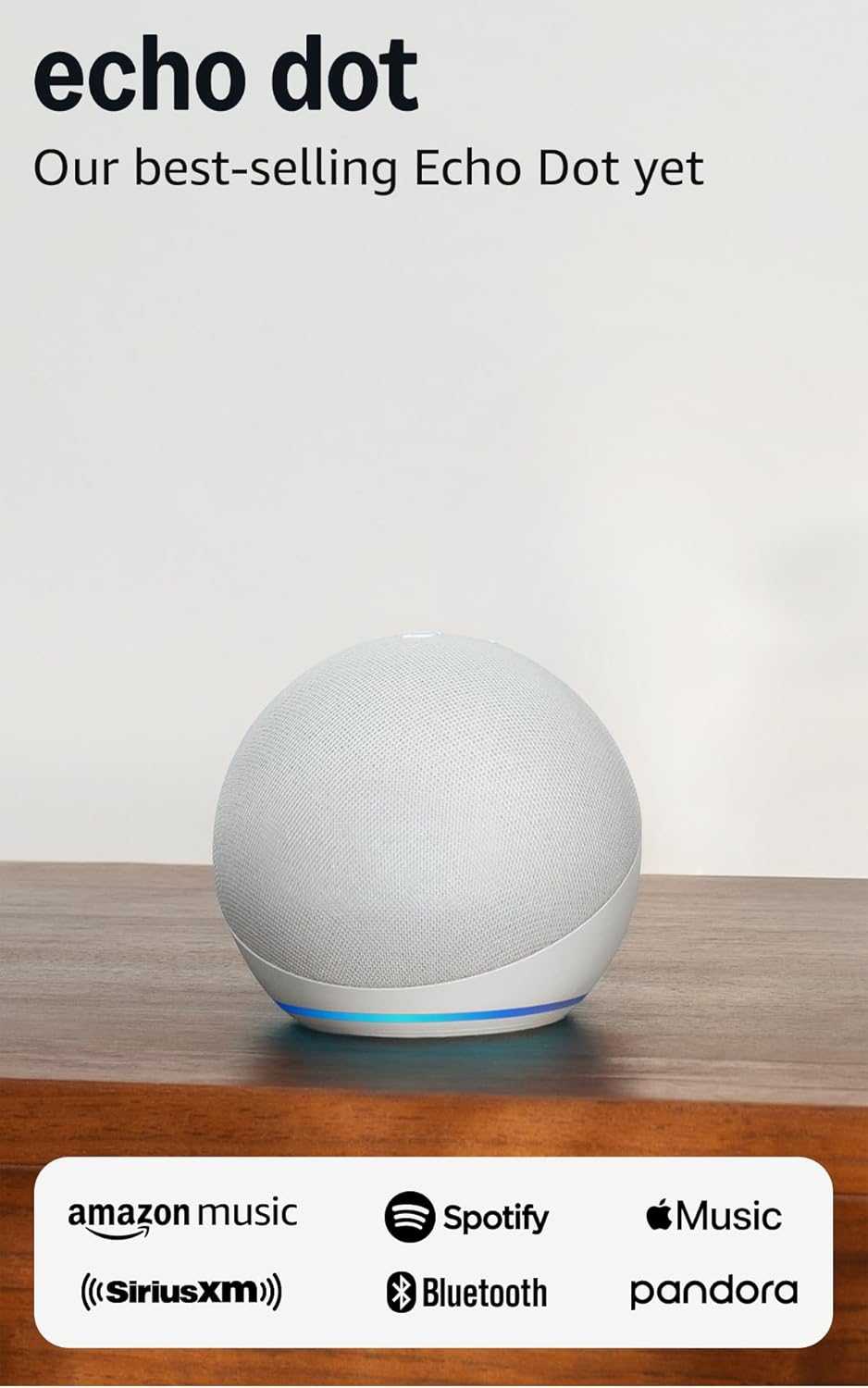
Amazon Echo Dot (newest model) - Vibrant sounding speaker...
As an Amazon Associate we earn from qualifying purchases.
Official Manufacturer Manual
Amazon provides official product documentation through their online manual rather than downloadable PDF. Access setup guides, troubleshooting steps, and product specifications for your Amazon Echo.
Source: amazon.com
Need More Help? Amazon Support
Note: The contact information below connects you directly to Amazon's official customer support team, not Trunetto. They can help with warranty claims, device replacements, and advanced technical issues.
How Does Amazon Compare?
Before replacing your Amazon device, see how it stacks up against alternatives in our full comparison guides.
Accessories owners commonly pair with Amazon Echo.

Amazon Echo Show 5 (newest model), Smart display, Designe...

Amazon Echo Show 5 (newest model), Smart display, Designe...

Amazon Echo Show 10 (newest model)
As an Amazon Associate we earn from qualifying purchases.



