

Why Does My Echo Keep Saying Sorry Something Went Wrong When I Ask It to Control Lights
- Smart home skill needs reauthorization
- Device cloud service having outage
- Too many devices causing Alexa discovery timeout
Problem Description
When you ask Alexa to turn on or off smart lights or other devices she responds with Sorry something went wrong. Individual device apps still control the devices fine. Only Alexa voice commands fail for smart home control.
Why This Happens in Real Homes
The same error on a smart-home command means Alexa can't reach the device — the controlling skill needs reauthorization, the device is offline, or discovery is stale. Alexa tried to act and couldn't complete it.
Start by checking the device works in its own app (confirming it's online), then disable and re-enable its Alexa skill to reauthorize, and rediscover devices. A device that's offline or a skill whose token expired is the usual cause; once Alexa can reach the endpoint, the command works.
Symptoms
- Alexa says sorry something went wrong for light commands
- Smart home devices work from their own apps
- Alexa controlled them yesterday but stopped
- Some devices work others get the error
- Alexa can play music but not control devices
- Error happens on all Echo devices in home
Recognize these? Here's what usually causes it.
Common Causes
- Smart home skill needs reauthorization
- Device cloud service having outage
- Too many devices causing Alexa discovery timeout
- Device name conflicts with Alexa reserved words
- Smart home hub offline
- WiFi connectivity issue to smart devices
Most fixes happen in the first 3 steps.
Do not delete and re-add all devices to fix this. Deleting removes them from all routines groups and automations requiring full reconfiguration.
Step-by-Step Solution
Rediscover Devices
Open Alexa app tap Devices then tap the plus icon and Discover. Alexa will scan for all smart home devices. If devices were renamed or reconfigured in their native app Alexa needs to rediscover them.
Re-enable Skill
In Alexa app go to Skills then Your Skills. Find the skill for your smart device brand. Disable it wait 30 seconds then re-enable and sign in again. This refreshes the authorization.
Check Device Names
Alexa has reserved words that conflict with device names. Do not name devices Echo Computer Alexa or Amazon. Rename any device with generic names to specific names like Living Room Lamp.
Restart Echo
Unplug Echo for 30 seconds then plug back in. A stuck Echo cache can cause smart home command failures even though music and other features work fine.
Check Hub Status
If the speakers use a hub like Hue Bridge SmartThings or Wink check that the hub is powered on connected to WiFi and has a solid status light. Alexa routes commands through the hub.
Quick Solutions
Still having issues? This is usually the deeper cause below.
If flickering only happens on dimming, the issue is almost always the dimmer's minimum-load setting, not the bulb — it's drawing less current than the dimmer expects.
Group devices into rooms in the Alexa app. Then say Alexa turn off the living room instead of naming individual devices. Room commands are more reliable than individual device commands.
This issue almost always looks more complex than it is — the majority of cases trace back to a single setting, a stale credential, or a default that shipped wrong.
- Smart home skill needs reauthorization
- Device cloud service having outage
- Too many devices causing Alexa discovery timeout
- Device name conflicts with Alexa reserved words
- Smart home hub offline
Before you go — try one of these (they fix most cases).
Most popular upgrades chosen by Amazon Echo owners.

Amazon eero Pro 6E mesh wifi router (1-pack) with Amazon ...

Amazon Echo Dot Kids (newest model) - Dragon including Am...
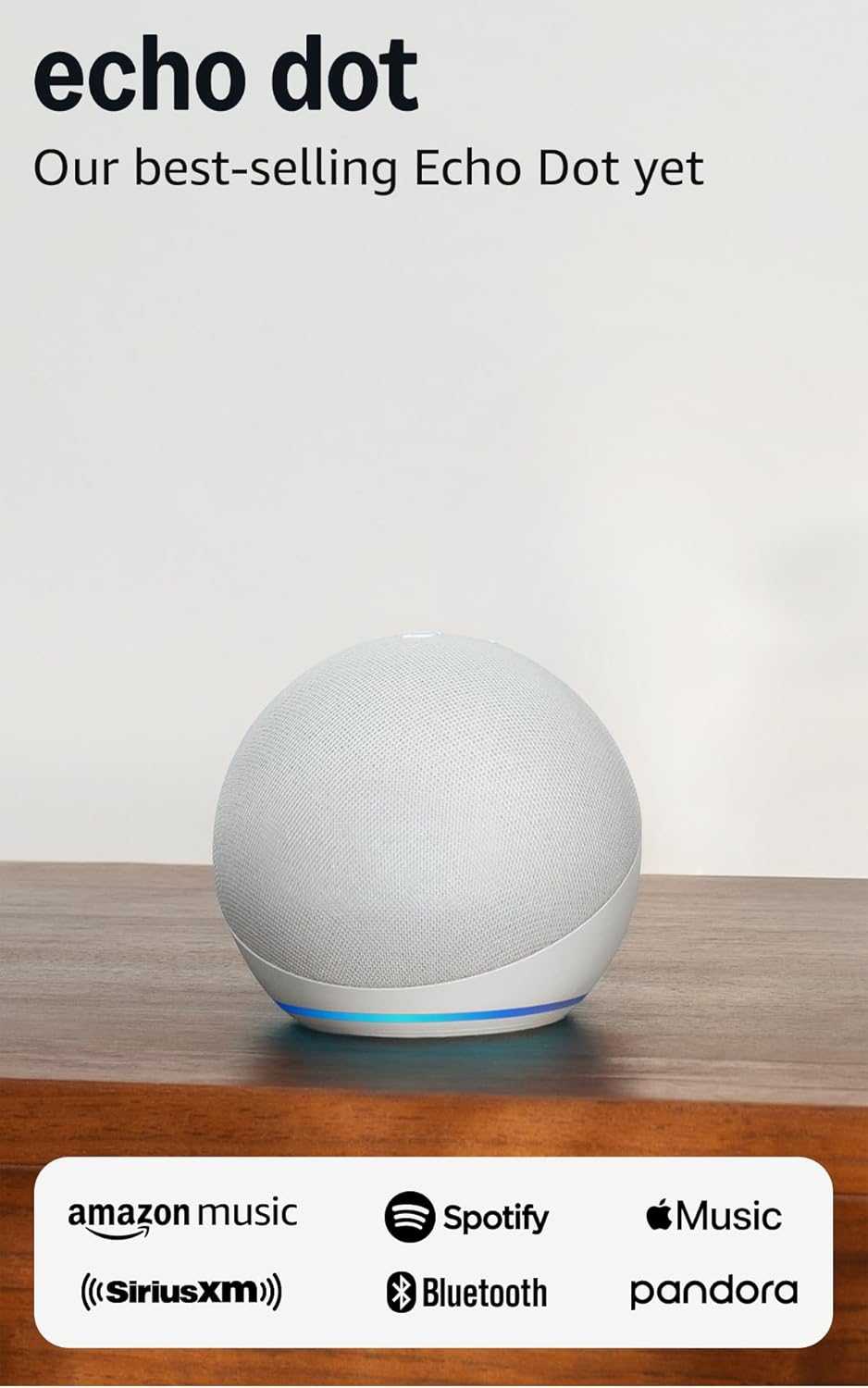
Amazon Echo Dot (newest model) - Vibrant sounding speaker...
As an Amazon Associate we earn from qualifying purchases.
Official Manufacturer Manual
Amazon provides official product documentation through their online manual rather than downloadable PDF. Access setup guides, troubleshooting steps, and product specifications for your Amazon Echo.
Source: amazon.com
Need More Help? Amazon Support
Note: The contact information below connects you directly to Amazon's official customer support team, not Trunetto. They can help with warranty claims, device replacements, and advanced technical issues.
How Does Amazon Compare?
Before replacing your Amazon device, see how it stacks up against alternatives in our full comparison guides.
Accessories owners commonly pair with Amazon Echo.

Amazon Echo Show 5 (newest model), Smart display, Designe...

Amazon Echo Show 5 (newest model), Smart display, Designe...

Amazon Echo Show 10 (newest model)
As an Amazon Associate we earn from qualifying purchases.



